Blog
Tutorials
How to Build a Law Firm Website (2026 Guide)
Learn how to build a law firm website with practice area pages, attorney bios, compliant intake forms, and local SEO. A no-code, step-by-step AI guide.

Nafis Amiri
Co-Founder of CatDoes

TL;DR: A law firm website has one job: turn a stressed searcher into a booked consultation. To do that well you need six things: a clear homepage, dedicated practice area pages, credible attorney bios, a simple contact and intake form with the right legal disclaimers, local SEO, and fast mobile performance. The quickest way to ship all of it without a developer is an AI website builder. You describe your firm in plain English, the agent builds the pages and forms, and it publishes to your own domain. This guide walks through the essential pages, the six steps to build it with CatDoes, the advertising and accessibility rules that actually apply, local SEO, and real 2026 costs.
By the time a potential client picks up the phone, they have usually already decided whether they trust you. More than nine in ten people with a legal problem research it online before they ever contact a lawyer, and most read several firms' sites before choosing one to reach out to. If your website is thin, slow, or hard to trust, they quietly move on to the next result and you never even know the lead existed.
This is not a vanity problem. Roughly 76% of people say they would leave a law firm website that did not give them enough information about the firm, and most abandon a site that loads slowly on a phone. The good news: you no longer need an agency or a five-figure budget to compete. This guide shows you how to build a law firm website yourself, without code, with proper practice area pages, real attorney bios, compliant intake forms, and the local SEO that gets you found.
Table of Contents
What Makes a Great Law Firm Website
Essential Pages Every Law Firm Website Needs
What You Need Before You Start
How to Build a Law Firm Website With CatDoes in 6 Steps
Must-Have Features for a Law Firm Website
Legal Compliance: Advertising Rules and Accessibility
Local SEO for Law Firms: How to Get Found
How Much Does a Law Firm Website Cost?
Common Mistakes to Avoid
Frequently Asked Questions
What Makes a Great Law Firm Website
A law firm website has two jobs: build trust and make the next step obvious. Most visitors arrive under some kind of stress, dealing with an accident, a divorce, a legal notice, or a business dispute. They are not browsing. They are looking for a reason to believe you can help, and a fast way to reach you.
The best law firm sites answer three questions in the first screen a visitor sees: does this firm handle my kind of case, do they have experience with situations like mine, and how do I get in touch. If your homepage makes a nervous person work to find those answers, they leave. If it delivers them calmly and clearly, they book.
There is also a trust layer most industries never think about. Legal help is high-stakes, so Google holds these pages to a higher credibility standard, and so do clients. Real credentials, a secure connection, plain-language explanations, and accurate claims all signal to both people and search engines that you are the real thing.
Essential Pages Every Law Firm Website Needs
You do not need a sprawling site. A focused, well-organized site converts better than a twenty-page maze. These are the pages nearly every effective law firm website includes.
Homepage. Your most important page. In one glance it should say who you help, what you practice, and what to do next. Lead with a clear positioning line ("Personal injury attorneys serving Austin"), not a generic welcome.
Practice area pages. Give each service its own page instead of one crowded "Services" list. A visitor searching for a specific issue wants to land on content about that exact issue. Dedicated pages also let you rank for searches like "estate planning attorney in [city]." Aim for real depth here, roughly 1,500 to 2,500 words per major practice area.
Attorney bio pages. These are among the most-visited pages on any law firm site, because people want to know who will actually represent them. Give each attorney a dedicated page with a professional photo, bar admissions and jurisdictions, education, focus areas, and a short human note. Around 400 to 600 words per bio works well, and blending credentials with personality builds more trust than a resume alone.
About page. Establish firm-level credibility: your story, your approach to clients, your locations, and any recognitions. People hire people, so keep it human.
Contact and consultation page. Make reaching out effortless. A short form (three to five fields), your phone number, address, hours, and a map. Use an action-oriented button like "Schedule a Free Consultation," not "Submit."
A results or case studies page (where your jurisdiction permits it) and an FAQ page are optional but powerful. Both answer the exact questions clients ask before they call, and both feed search engines and AI answers.
What You Need Before You Start
You do not need much, but gathering these first will save you an hour of stop-and-start. Have them ready before you open the builder.
Your positioning. One sentence covering your practice areas, who you serve, and your city or region. This drives every page.
Your credentials. Bar admissions, the states and courts where you are licensed, degrees, certifications, and any board-certified specialties.
Professional headshots. One recent, well-lit photo per attorney. It does more for trust than any stock image.
Your practical details. Consultation policy (free or paid), office address, hours, phone number, and whether you meet in person, remotely, or both.
Your required disclaimers. The exact wording your state bar expects, which we cover below. Get this ready so you can add it as you build, not after a complaint.
A domain idea. Something short and close to your firm's name, so referrals and word of mouth translate directly into visits.
How to Build a Law Firm Website With CatDoes in 6 Steps
Here is the full process using CatDoes, an AI agent that builds and publishes websites from a plain-English description. The general steps apply to most modern AI builders, but CatDoes handles the pages, the forms, and the custom domain in one place, which is why we use it here.
Step 1: Describe your firm
Open CatDoes and describe the site you want in normal language. Be specific about your practice areas, your city, and the pages you need. For example: "Build a professional website for a personal injury and family law firm in Austin. Include a homepage, separate practice area pages for car accidents, personal injury, and divorce, individual bio pages for two attorneys, an about page, and a contact page with a short consultation form. Use a calm, trustworthy tone with navy and gold."

The more detail you give, the closer the first version lands. Mention the feeling you want a visitor to have, whether that is reassured, confident, or simply informed, since that single detail shapes color, imagery, and tone. If you want help wording that first prompt, our guide on how to write a business website prompt walks through exactly what to include.
Step 2: Let the agent build the pages
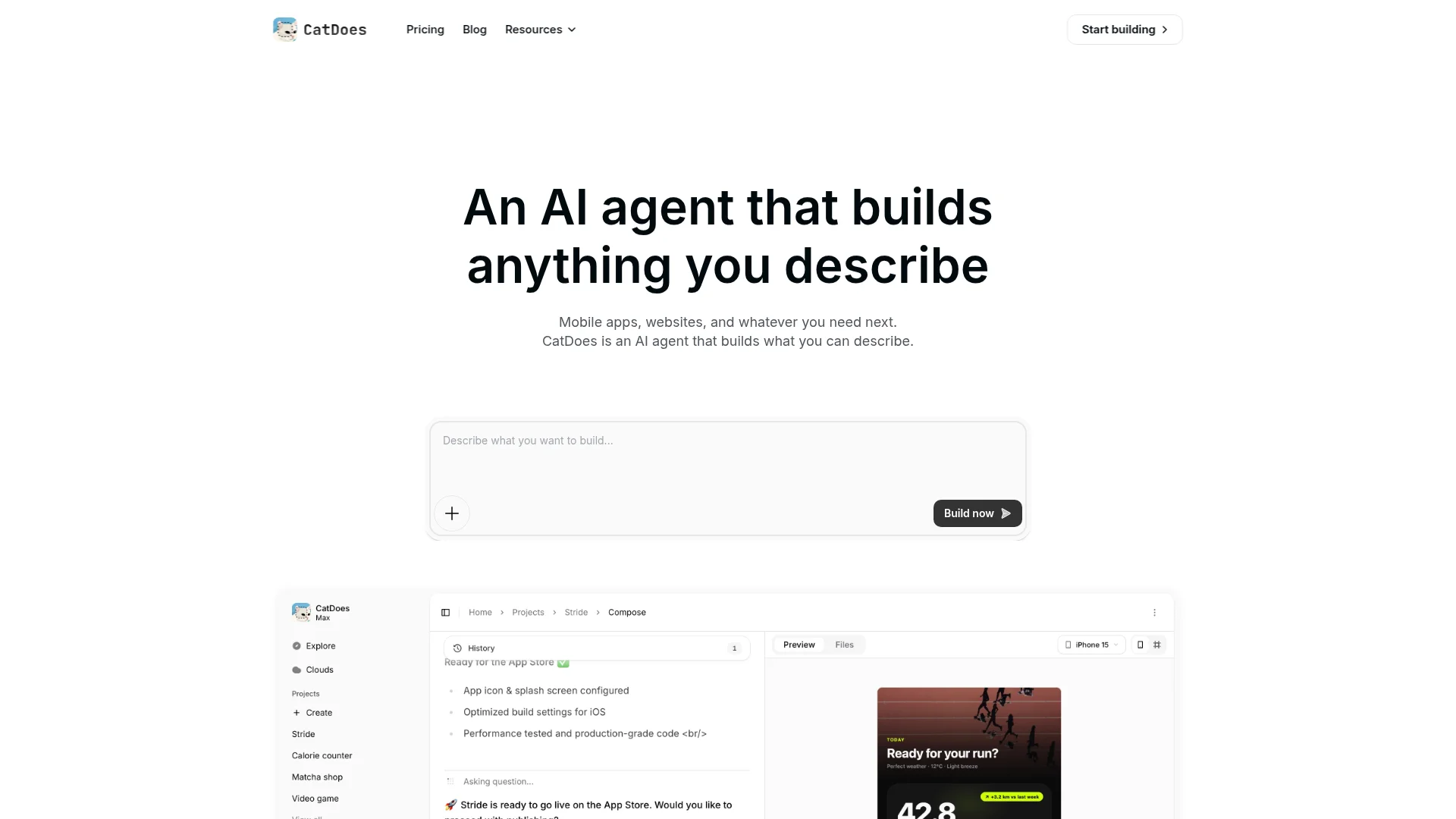
CatDoes gets to work and builds the actual pages, not a mockup. It creates your homepage, practice area pages, attorney bios, about, and contact pages, wires up the navigation, and sets up the contact form. This is the part that would normally take an agency days. You watch it happen in a few minutes.
Step 3: Add your real content
Swap the placeholder copy for your own. Add each attorney's bio and credentials, write plain-language explanations for each practice area, and drop in your headshots. Write practice area pages for the person reading them, who usually is not a lawyer, and describe what the process looks like and what to expect. If you are stuck on wording, describe what you want to say and let the agent draft it, then edit it into your own voice.
Step 4: Refine the design by asking
Do not like the hero image? Want a more formal, authoritative look? Just ask. Type "make the header navy and add a click-to-call phone number" or "move the consultation button into the top bar" and the agent adjusts it. You keep refining in plain English until it looks like a firm people trust, no CSS required.
Step 5: Set up your intake and contact forms
This is the step that turns visitors into clients, so do not rush it. Add a clear "Schedule a free consultation" button to every page and keep the form short: name, phone, email, and a one-line summary of the matter. Add the "no attorney-client relationship" disclaimer near the form (more on that below), then test it by submitting it yourself. A form that never reaches your inbox is a client lost, and a stressed visitor who has contacted several firms will go with whoever answers first.
Step 6: Publish to your domain
When it looks right, hit publish. CatDoes deploys the site and connects your custom domain over a secure HTTPS connection. You can buy a new domain or point one you already own at the site. Within minutes your law firm website is live. For a deeper walkthrough of going live, see our guide on how to publish a website.
Must-Have Features for a Law Firm Website
Whether you build with CatDoes or another tool, these are the features that separate a site that books consultations from one that just sits there. Do not launch without them.
Click-to-call phone number. More than 70% of clients first contact a firm by phone, and about half expect a same-day response. Put a tappable number in the header on every page.
A short, clear consultation form. Three to five fields, one obvious call to action, and the right disclaimer. Every extra field is one more reason a stressed visitor abandons it.
A secure connection (HTTPS). An SSL certificate is table stakes for trust and for ranking. Every law firm site should load over HTTPS.
Mobile-first design. Mobile drives the majority of law firm website traffic, and Google indexes the mobile version first. A slow or awkward phone experience loses clients at the exact moment they are ready to reach out.
Clear, repeated calls to action. Around 58% of law firm websites lack a clear call to action, which is an easy edge. A single, consistent "Schedule a consultation" button on every page guides visitors without pressure.

For a broader checklist that applies to any professional site, our post on what your small business website must have covers the fundamentals of trust, speed, and conversion.
Legal Compliance: Advertising Rules and Accessibility
This is where a law firm website differs from every other small business site, and where most generic guides go quiet. Your site is subject to two compliance layers: attorney advertising ethics and web accessibility. Neither is optional.
Here is the part that surprises people: your website is attorney advertising. Under ABA Model Rule 7.1 and the advertising rules of virtually every state bar, a communication about your services cannot be false or misleading. Your homepage, practice area pages, and any case results all count. A few disclaimers to audit before you launch:
No attorney-client relationship. A note on your contact form and contact page stating that submitting information does not create an attorney-client relationship.
Prior results. Wherever you mention case outcomes, add a prominent disclaimer that prior results do not guarantee a similar outcome. Some states, like New York, require this exact language and expect it to be visible, not buried in a footer.
Specialization claims. If you say you "specialize" in something, many states require you to name the board certification and certifying organization behind it.
Testimonials. Rules on client testimonials and reviews vary widely by state, so check what your bar requires before you publish them.
State rules layer on top of the ABA baseline, and Florida, New York, Texas, and California are among the strictest, with their own disclaimer and record-keeping requirements. If your marketing reaches residents of multiple states, comply with the most restrictive rule that applies.

The second layer is accessibility. Law firm sites are frequent targets for ADA demand letters, often surfaced by automated scanners that flag missing alt text, poor contrast, or forms that a screen reader cannot use. The practical standard to aim for is WCAG 2.1 Level AA (many experts now recommend targeting 2.2 AA). Add descriptive alt text to images, make sure your forms work with a keyboard, keep color contrast strong, and publish a short accessibility statement with a way to report issues. Accessibility work doubles as SEO work, since clean headings and alt text also help you rank.
One important caveat: whether and how these rules apply depends on your jurisdiction and practice. Treat this section as a starting checklist, not legal advice, and confirm the specifics against your own state bar's rules and, for accessibility, a qualified professional.
Local SEO for Law Firms: How to Get Found
Most legal searches are local. When someone types "car accident lawyer near me" or "divorce attorney in Chicago," Google shows a map pack of three local listings above the regular results. Getting into that map pack is often the single highest-leverage thing you can do to fill your caseload.

Here is where to focus, in order of impact.
Claim and complete your Google Business Profile. This is the biggest lever for local visibility. Verify it, pick the right primary category, and fill in every field. Google only ranks verified profiles.
Keep your name, address, and phone identical everywhere. Your website, Google profile, and legal directories (Avvo, Justia, FindLaw) should match exactly. Inconsistency erodes the trust Google places in your firm.
Create a page per practice area and city. A dedicated "workers compensation lawyer in Austin" page will rank far better than one page that lists everything.
Earn reviews. Around 74% of legal clients research a firm even after a personal referral, and many trust online reviews nearly as much as word of mouth. Consistent, genuine reviews move both rankings and decisions.
Consider Google Screened. Google's Local Services Ads place a green "Google Screened" badge above the regular ads and charge per lead rather than per click. To qualify, you verify your law license and professional liability insurance and keep a solid Google Business Profile rating.
How Much Does a Law Firm Website Cost?
Cost depends entirely on how you build it. Here is a realistic range for each path in 2026.
DIY template builders (Wix, Squarespace, WordPress): roughly $100 to $2,500 per year. Cheapest option, but it costs your time and tends to hit a ceiling on design and SEO.
Freelance designer: $2,000 to $8,000 for a custom look, with personal attention but a single point of failure.
Basic agency: $5,000 to $15,000, the common sweet spot for growing firms that want proven processes.
Full-service or custom agency: $10,000 to $40,000 and up for competitive markets and larger firms.
Legal subscription platforms (FindLaw, Justia): around $80 to $100+ per month, but you usually do not own the site.
AI website builders like CatDoes: start building for free and move to a paid plan when you publish to a custom domain. You get a custom design without the agency price tag.
Two costs are constant across every path: your domain (usually $10 to $20 per year) and ongoing upkeep. Agencies and WordPress sites also carry recurring hosting, maintenance, and SEO fees that can run anywhere from $150 to $2,500 per month. For most solo and small firms, an AI builder hits the sweet spot of a professional look at a low starting cost.
Common Mistakes to Avoid
These are the errors that quietly cost firms clients. Avoiding them puts you ahead of most competitor sites.
No clear call to action. If a visitor cannot instantly see how to book or call, they leave. Repeat one clear CTA on every page.
A slow or clunky mobile experience. Most of your visitors are on a phone. A slow load is one of the top reasons people abandon law firm sites.
Thin or generic practice area pages. One vague "Services" page that mentions everything ranks for nothing. Give each area a real, dedicated page.
Missing legal disclaimers. Skipping the no attorney-client relationship notice or a results disclaimer is a compliance risk, not a detail.
Letting the site go stale. An old bio, a wrong address, or a broken form signals a firm that is not paying attention. Update the site whenever the firm changes.
Frequently Asked Questions
Do I need coding skills to build a law firm website?
No. With an AI website builder like CatDoes you describe your firm in plain English and the agent builds the pages, the navigation, and the forms for you. You refine the design by asking, not by writing code.
How long does it take to build a law firm website?
A first working version can be ready in under an hour with an AI builder. Adding your bios, practice area content, and disclaimers, then pointing your domain, typically takes an afternoon. An agency, by contrast, usually takes several weeks.
What disclaimers does my law firm website need?
At minimum, a "no attorney-client relationship" notice on your contact form, a "prior results do not guarantee a similar outcome" disclaimer wherever you show case results, and proper disclosure behind any specialization claim. Requirements vary by state, so confirm the exact wording with your state bar.
Does my law firm website need to be ADA compliant?
Practically, yes. Law firm sites are common targets for accessibility demand letters, so aim for WCAG 2.1 AA (or 2.2 AA) conformance: descriptive alt text, keyboard-friendly forms, strong contrast, and a published accessibility statement. Confirm your obligations with a qualified professional.
Can I use my own domain name?
Yes. You can buy a new domain during setup or connect one you already own. A custom domain close to your firm's name looks far more professional than a free subdomain and builds trust with prospective clients.
Build Your Law Firm Website Today
A great law firm website is not about flashy design. It is about helping a stressed visitor trust you quickly, showing them clearly how you can help, and making it effortless to book. You now have the full playbook: the essential pages, the six steps to build it, the advertising and accessibility rules that actually apply, the local SEO that gets you found, and what it all costs.
The fastest way to get there is to describe your firm and let an AI agent build it. Start building your law firm website with CatDoes. Describe it in plain English, add your bios and disclaimers, and publish to your own domain today.
Nafis Amiri
Co-Founder of CatDoes