Blog
Insights
Top 18 Free Mobile App Makers in 2026
We tested 18 free mobile app makers and ranked them by what you can actually build and publish without paying. Compare free tiers, features, and limits.

Nafis Amiri
Co-Founder of CatDoes
TL;DR: We tested 18 free mobile app makers and ranked them by what you actually get without paying. CatDoes and MIT App Inventor offer the most capable free tiers. FlutterFlow and Draftbit are best for exportable code. Jotform Apps and AppsGeyser are the easiest to start with. Most "free" plans won't let you publish, so check the comparison table below before committing.
Table of Contents
What to expect from a free app maker
1. CatDoes
2. Adalo
3. Glide
4. Thunkable
5. FlutterFlow
6. Bubble
7. Jotform Apps
8. Draftbit
9. MIT App Inventor
10. Figma Make
11. Kodular
12. Google AppSheet
13. Softr
14. Bravo Studio
15. Flipabit
16. AppsGeyser
17. Mobincube
18. Appy Pie
Free mobile app makers compared
How to pick the right free app maker
FAQ
What to expect from a free app maker
Most free mobile app makers let you build and preview an app, but lock publishing behind a paid plan. A few — MIT App Inventor, Mobincube, AppsGeyser, and CatDoes — let you ship without paying. The rest are closer to free trials than free tools.
We looked at each platform's free tier and asked: can you actually launch something? Below, you'll find what each tool does well, where it falls short, and who it's built for. According to Statista, the Google Play Store hosts over 2.3 million apps and Apple's App Store has nearly 1.8 million. If you're new to the no-code space, our guide to no-code mobile app development covers the fundamentals.
1. CatDoes
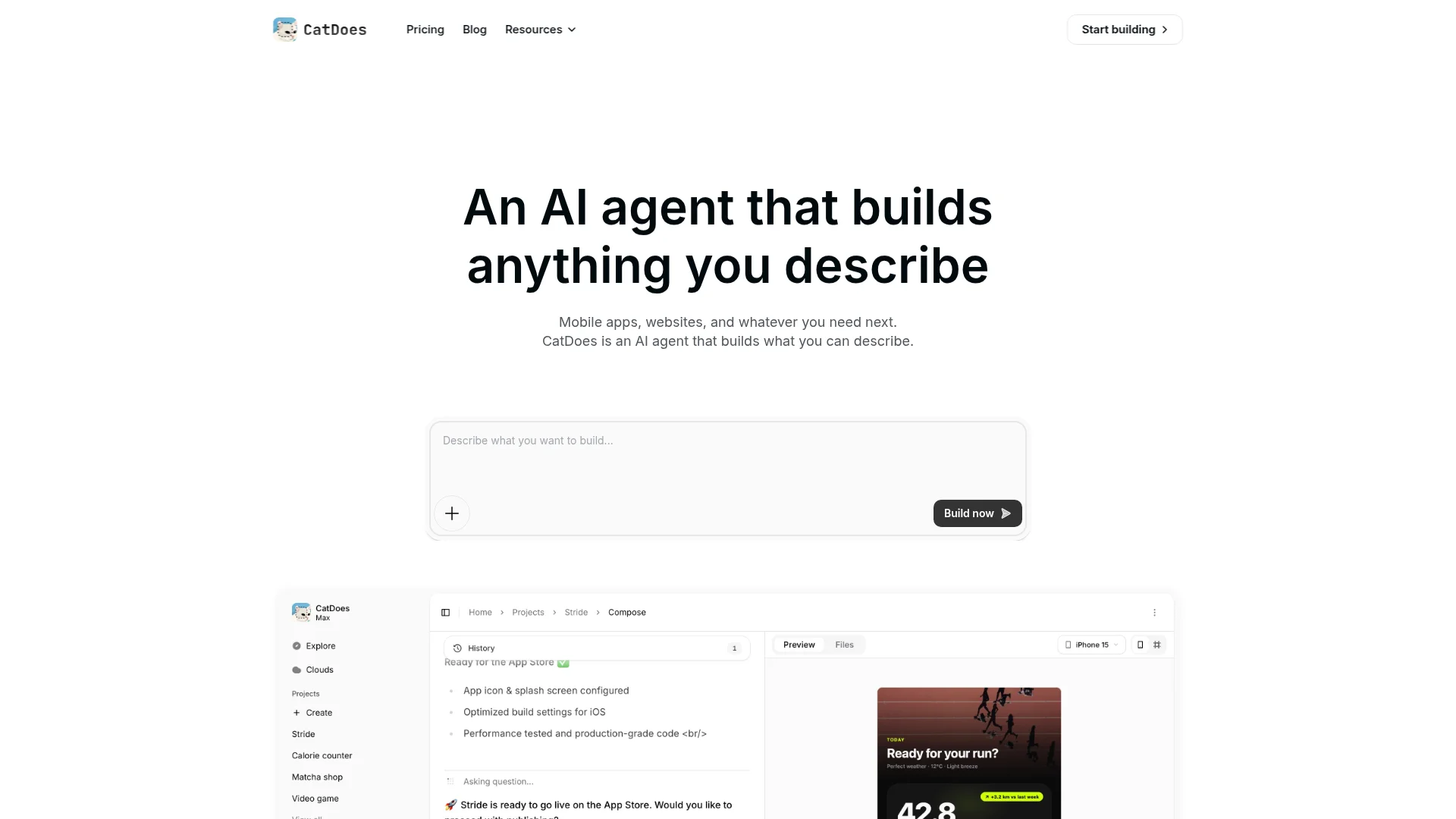
CatDoes is an AI agent that builds mobile apps and websites from plain-language prompts. Describe what you want, and the Compose agent orchestrates specialized sub-agents to handle UI, business logic, backend, and deployment. It shipped website support in April 2026, so you're no longer limited to mobile.
The free plan includes one project with 15 credits, CatDoes Cloud (database, auth, storage, edge functions, realtime), and web deployment. Apps run on React Native with native performance — not a web wrapper. You can preview in a browser or scan a QR code to test on your phone. Paid plans start at $20/month (Core) and go up to $399/month (Max) with more credits, projects, and app store deployment.
Best for: Non-technical founders and creators who want a working iOS, Android app or website fast. Website: catdoes.com
2. Adalo
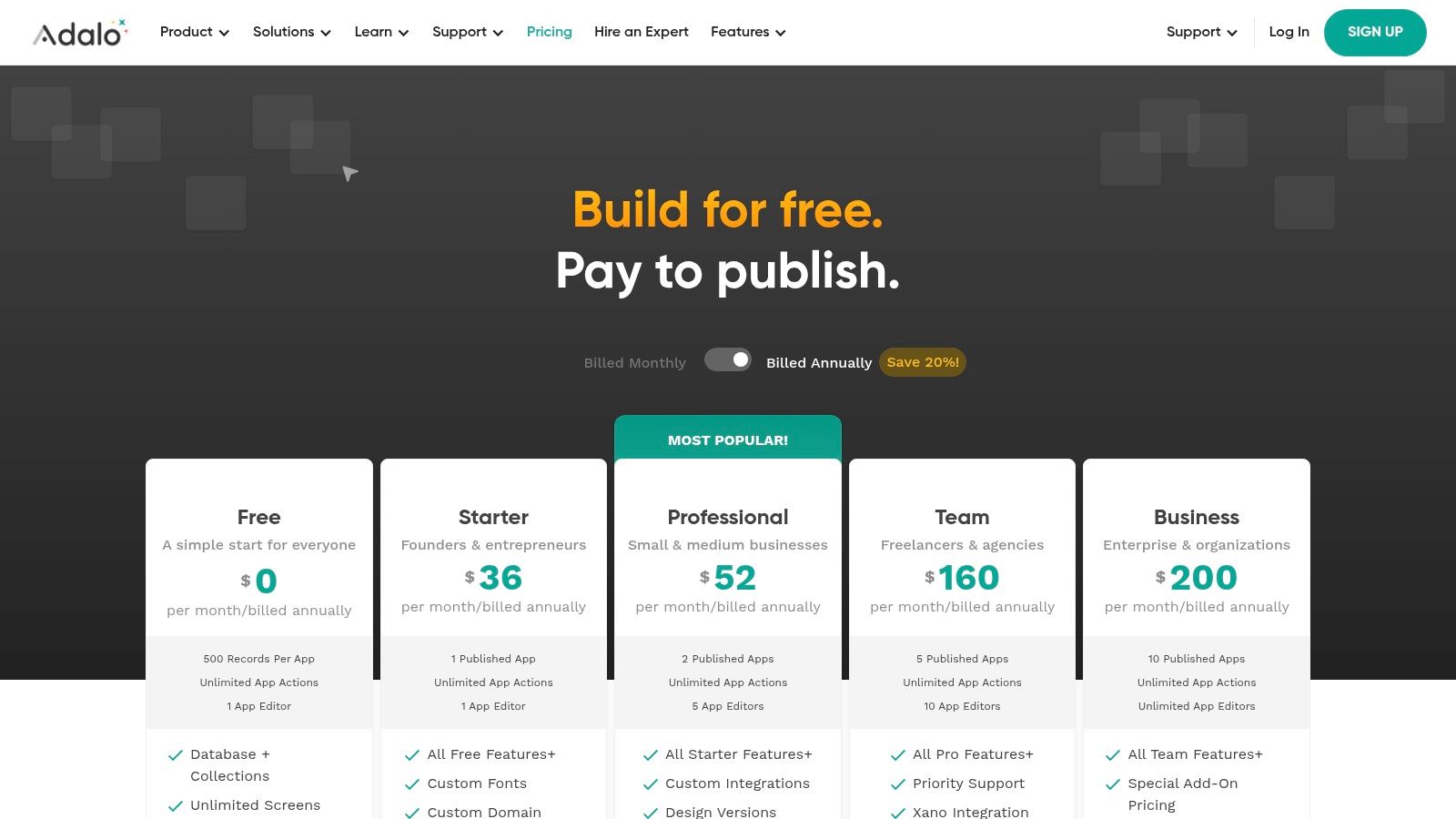
Adalo gives you a drag-and-drop builder with a built-in database. The free plan allows unlimited screens and web publishing on an Adalo subdomain, which is enough to validate an idea with real users. Adalo 3.0 shipped in 2026 with apps that are 3-4x faster and modular scaling.
The catch: native app store publishing requires a paid plan. The free database is capped at 500 records, which works for early MVPs but gets tight fast. Adalo's component marketplace lets you add features like maps, charts, and payment forms without code.
3. Glide
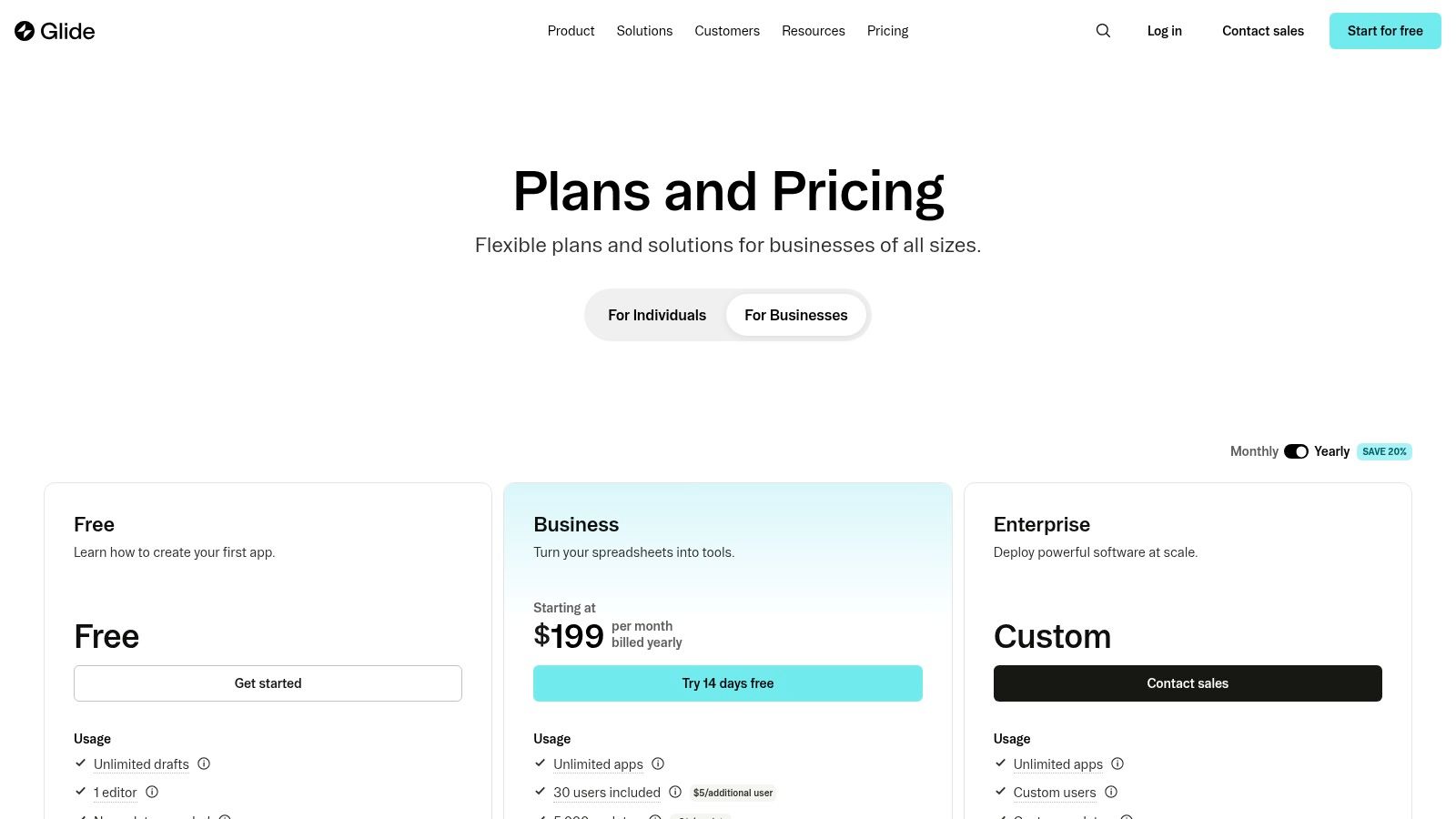
Glide turns spreadsheets into Progressive Web Apps (PWAs). Connect a Google Sheet or Glide Table, and you'll have a working app in minutes. It's the fastest option on this list if your app is data-driven. Glide Tables now support up to 10 million rows, and AI-powered columns automate data classification.
The free tier includes unlimited drafts, up to 25,000 data rows, and two editors. It only generates PWAs (not native apps), but you can install them to a phone's home screen. Upgrading unlocks custom domains, more users, and integrations.
4. Thunkable
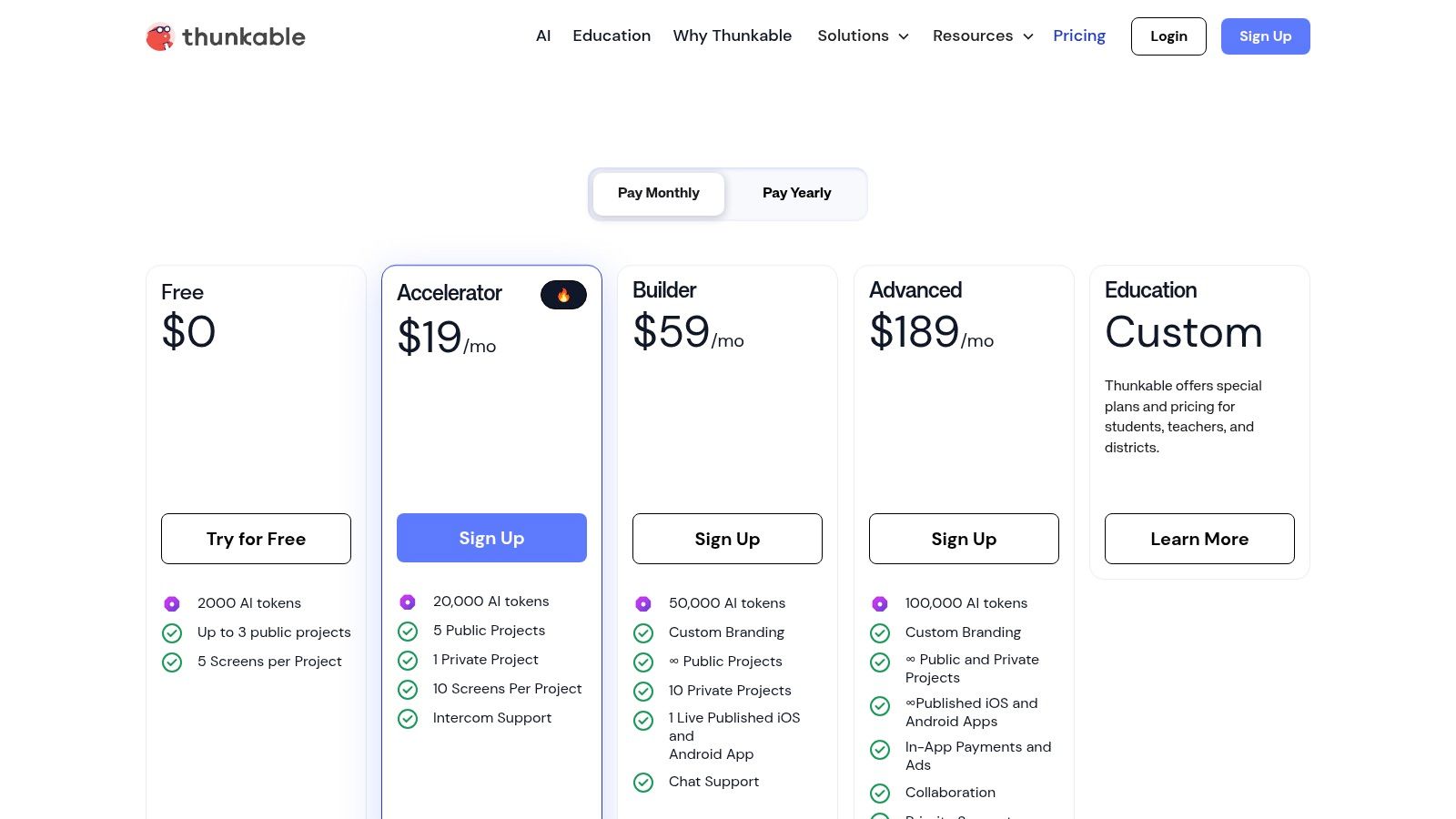
Thunkable uses block-based logic (similar to Scratch) to build native iOS and Android apps. It compiles native builds using React Native and supports device integrations like camera, location, and push notifications. The free plan supports up to 3 public projects with live device testing.
Projects on the free tier must be public and include Thunkable branding. Publishing to the App Store or Google Play is a paid feature starting at $19/month. Still, the free plan doesn't limit core building tools — it's a real development environment, not a demo.
5. FlutterFlow
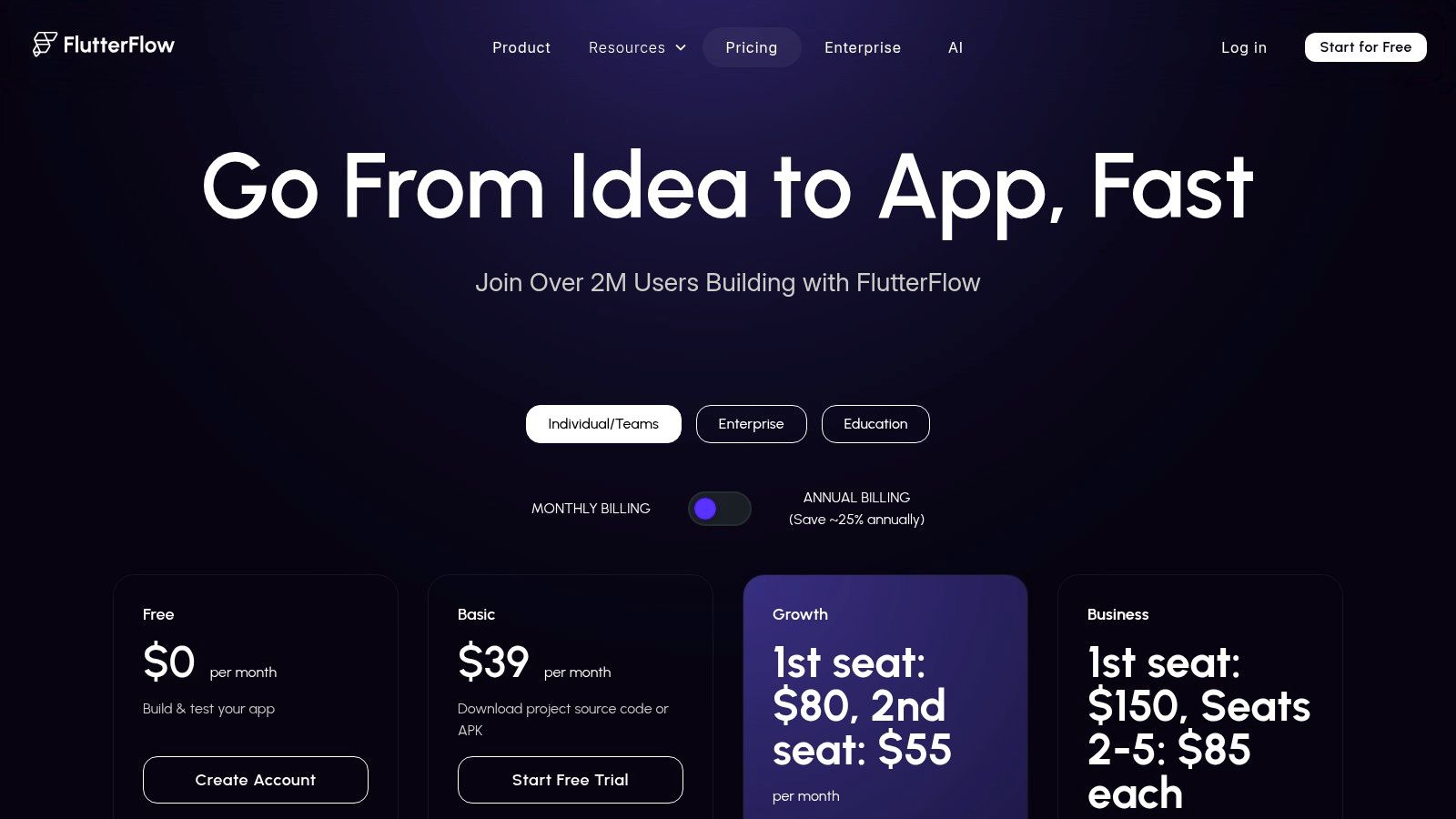
FlutterFlow is a visual builder that generates clean, exportable Flutter code. It bridges no-code speed with real developer workflows, including Firebase and Supabase integration out of the box. The 2026 addition of DreamFlow AI lets you generate UI layouts from text descriptions directly inside the builder.
The free tier lets you build and test two full projects with access to the template library and component marketplace. Code download, APK export, and app store deployment are locked behind paid plans starting at $30/month.
6. Bubble
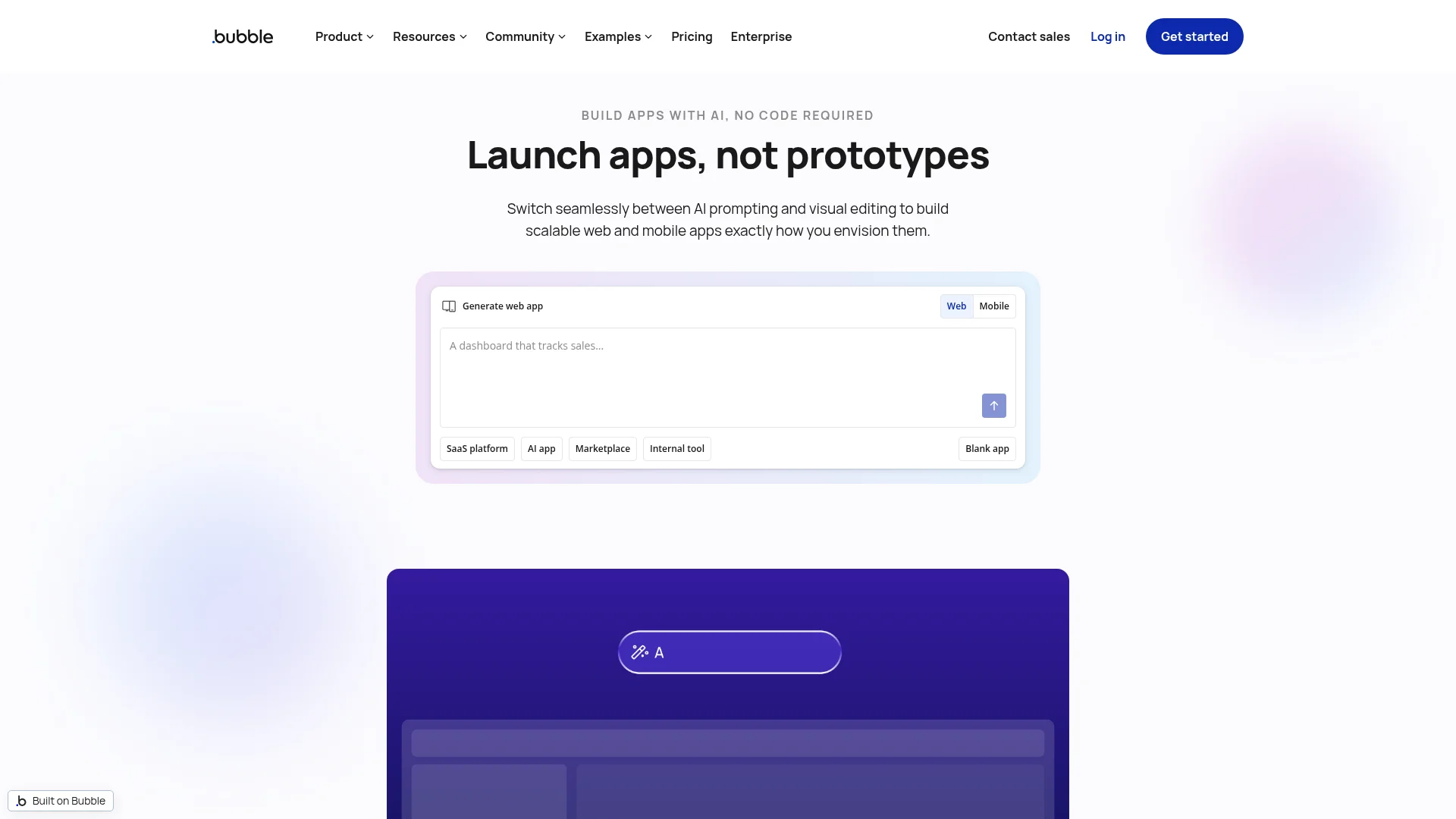
Bubble is one of the most flexible no-code platforms, supporting everything from SaaS products to marketplaces. It uses its own visual programming language that mirrors traditional coding but without writing code. Bubble added a mobile editor in 2025, making it a viable option for mobile-friendly web apps.
The free plan gives you development access with up to 200 database rows and 50,000 workload units per month. Paid plans start at $32/month. Bubble handles complex cases well, but there's a learning curve — expect a few days to get comfortable with the editor.
7. Jotform Apps
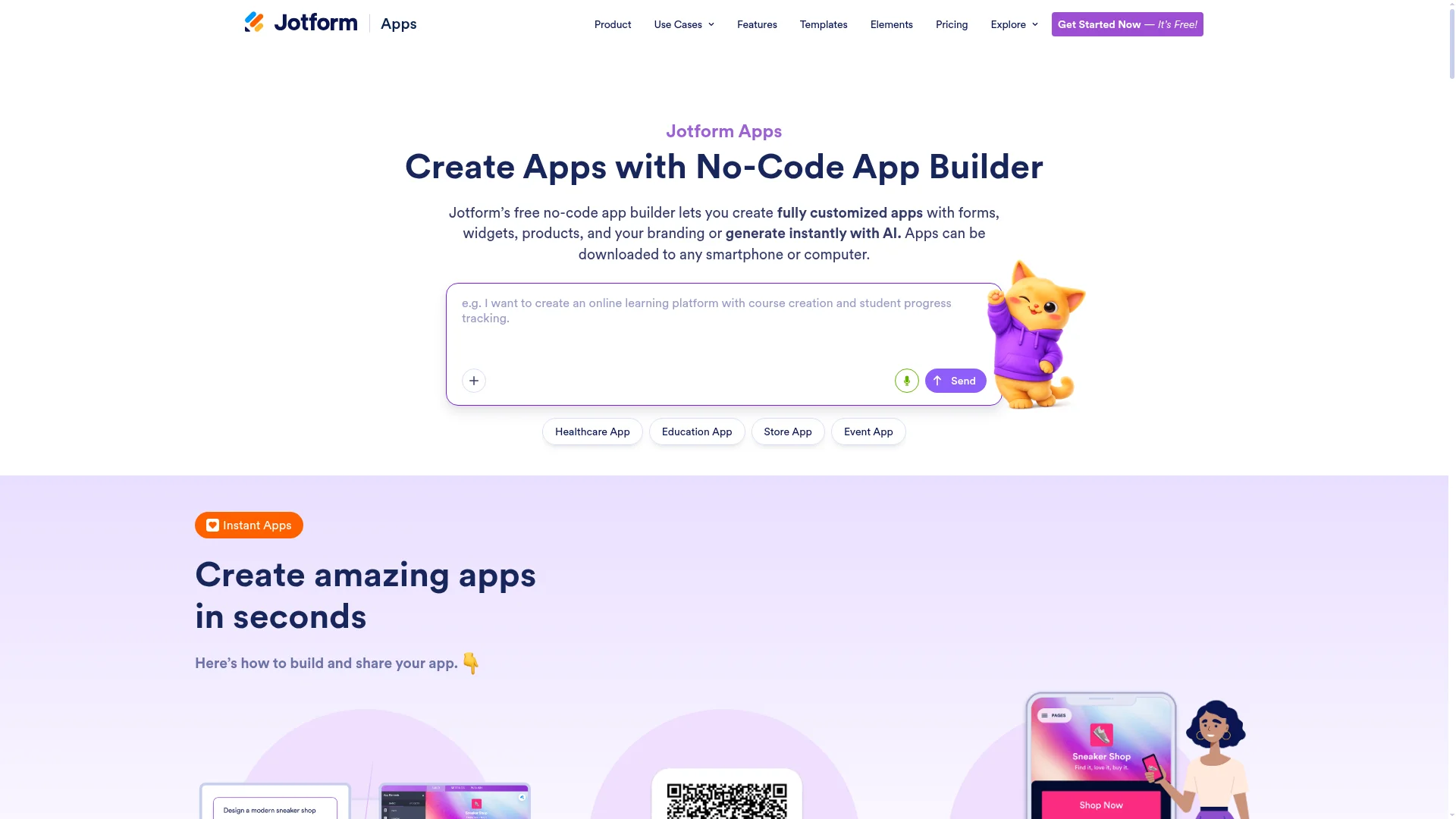
Jotform Apps lets you create fully customized apps with forms, widgets, products, and your branding — or generate them instantly with AI. Apps can be downloaded to any smartphone or computer. The app builder is included with every Jotform plan, including the free Starter plan.
It's strongest for form-heavy use cases: event registration, order forms, surveys, appointment booking. The free plan includes 5 forms, 100 monthly submissions, and 100 MB of storage. Not ideal for complex app logic, but hard to beat for getting a functional form-based app live quickly.
8. Draftbit
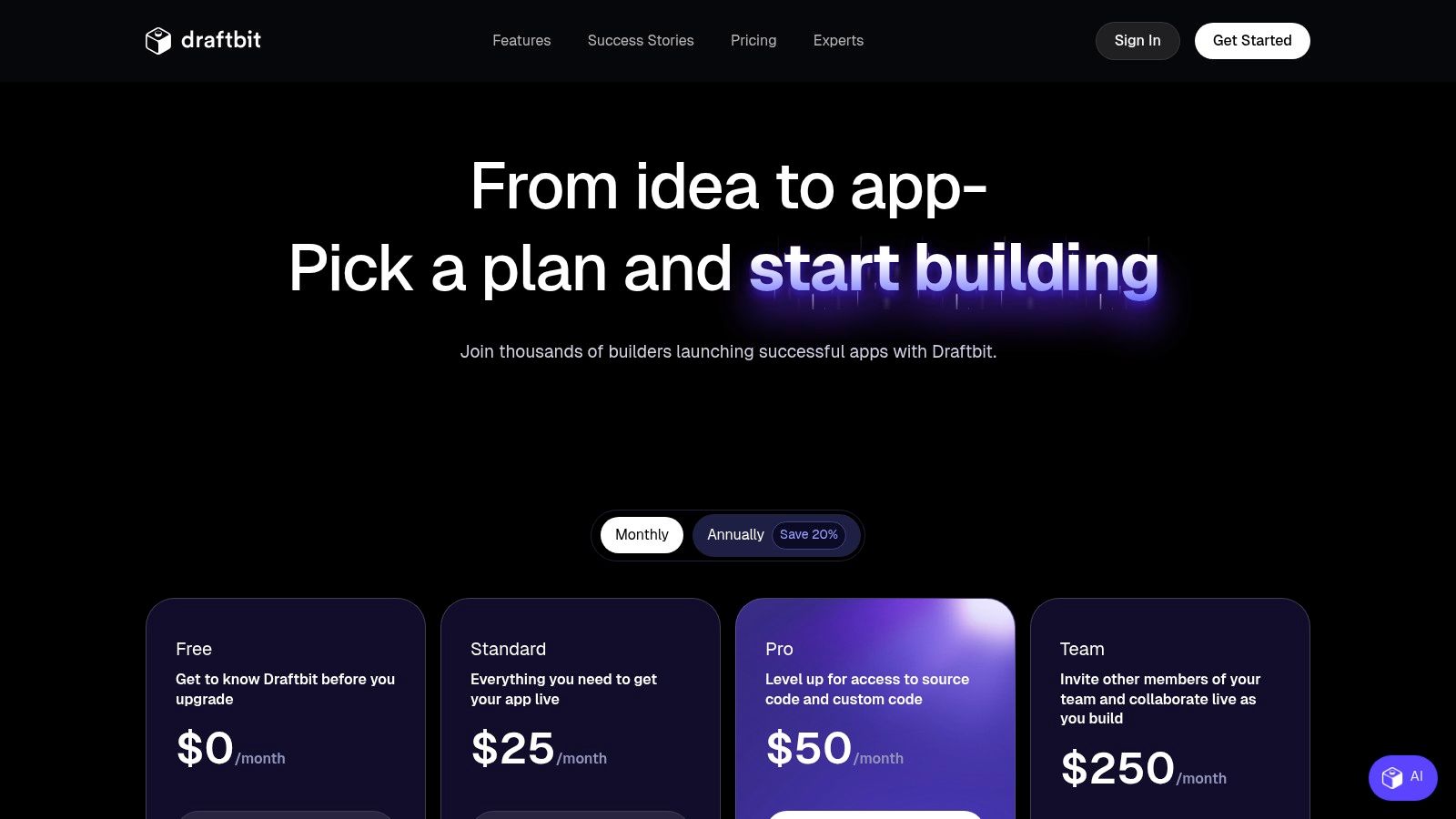
Draftbit works like FlutterFlow but outputs React Native code instead of Flutter. The visual builder handles UI and data connections, and paid plans let you export the full source code. If you want visual-builder speed but need to customize source code later, Draftbit offers that path.
The free plan is limited to one project with a few screens — enough to prototype a core user flow, but not much more. Publishing and code export both require a subscription.
9. MIT App Inventor
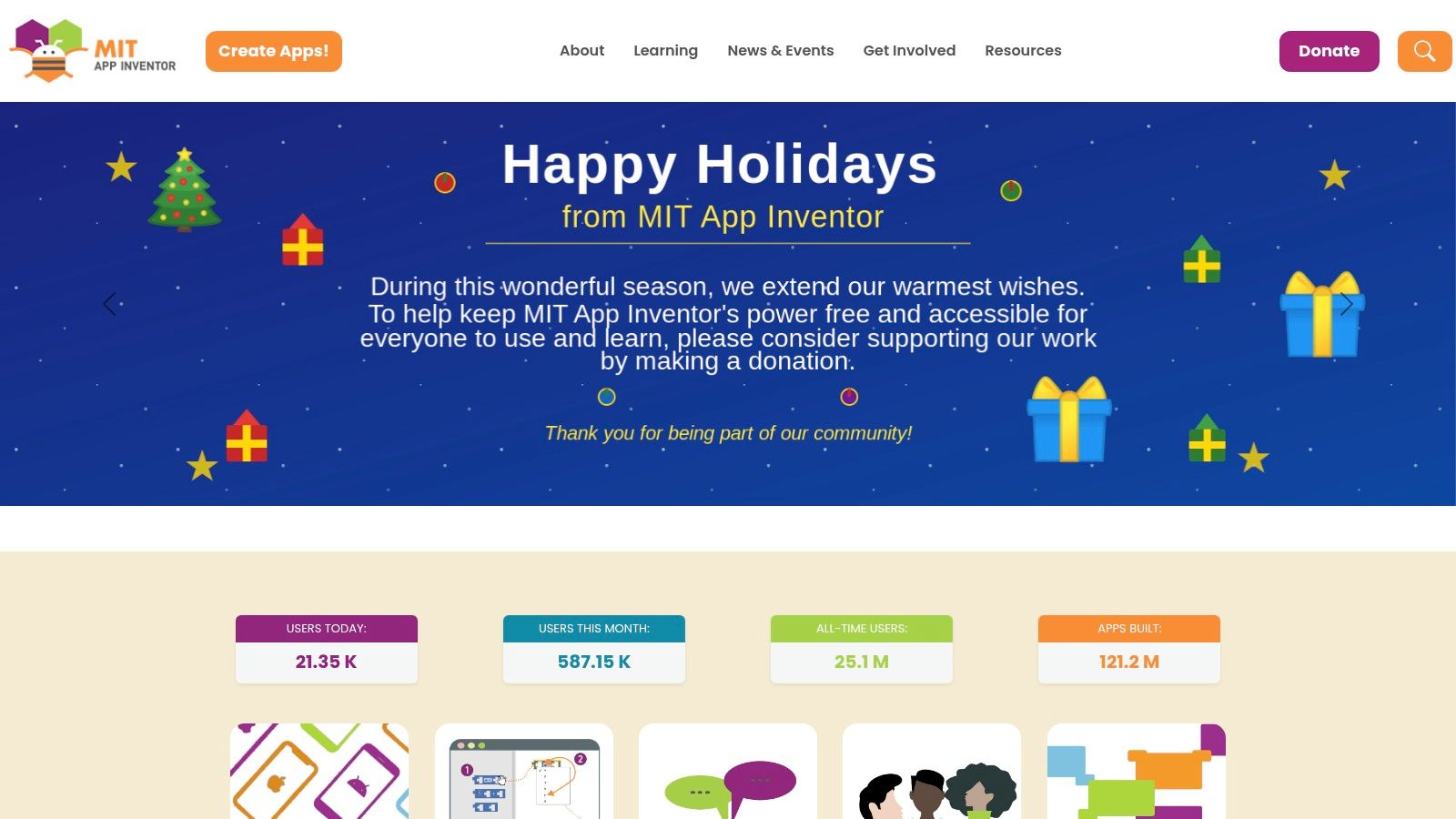
MIT App Inventor is 100% free and open-source. There are no tiers, no subscriptions, and no hidden limits. You can build unlimited apps, test them on Android devices, and generate downloadable APK files.
The tradeoff is capability. The interface feels dated compared to commercial tools, and it's geared toward simpler apps. iOS support exists but is less mature. For education and hobby projects, though, nothing beats the price.
10. Figma Make
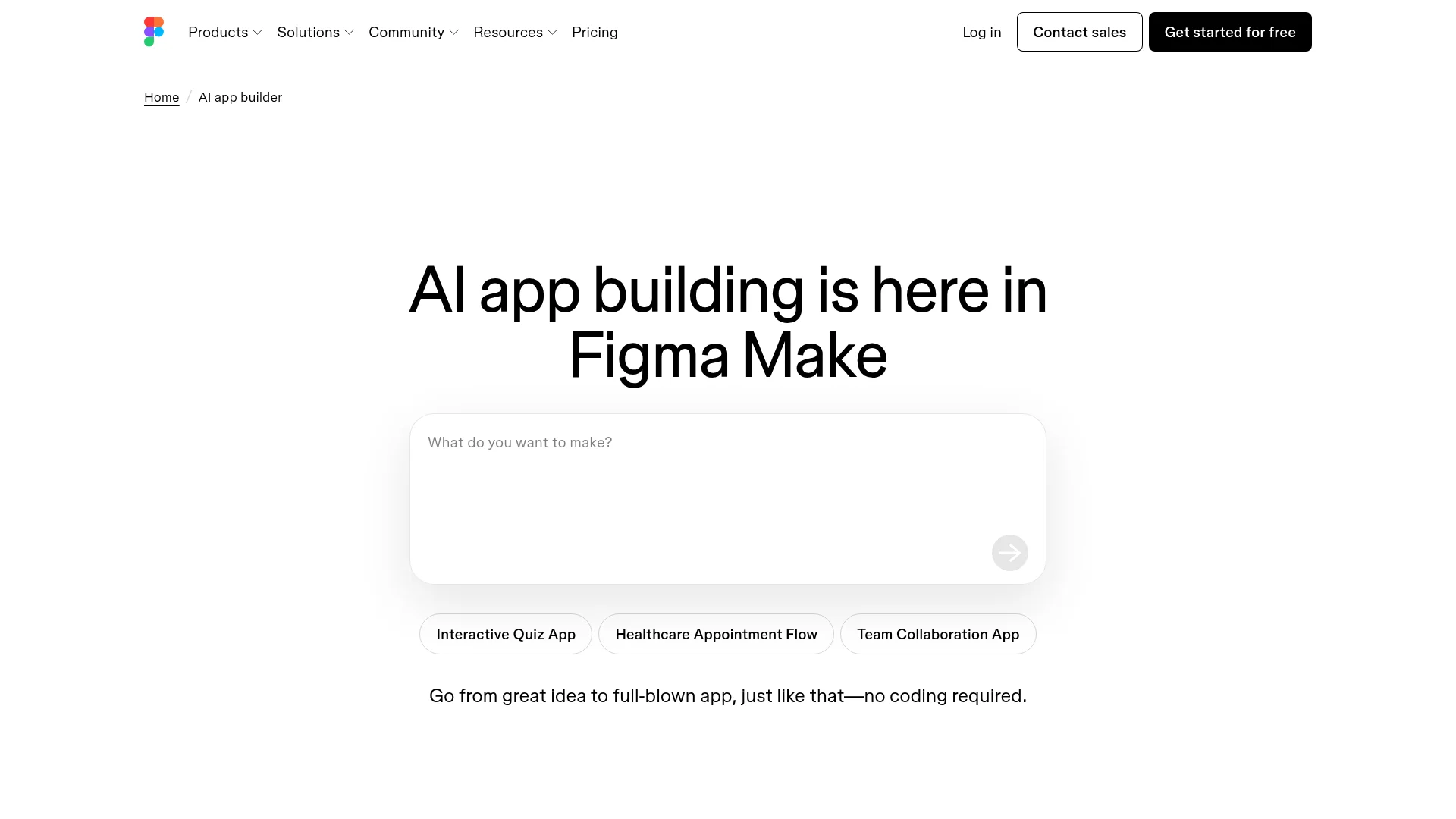
Figma Make is Figma's AI app builder that turns ideas into interactive, data-connected apps and prototypes. You start with a text prompt, refine in the visual editor, adjust the code for more control, or prompt again to explore new directions. It launched in early 2026 and is already ranking for AI app builder queries.
The free plan is included with Figma's free tier. It's best for prototypes and internal tools rather than production mobile apps. If you already use Figma for design, Make keeps everything in one workspace.
11. Kodular
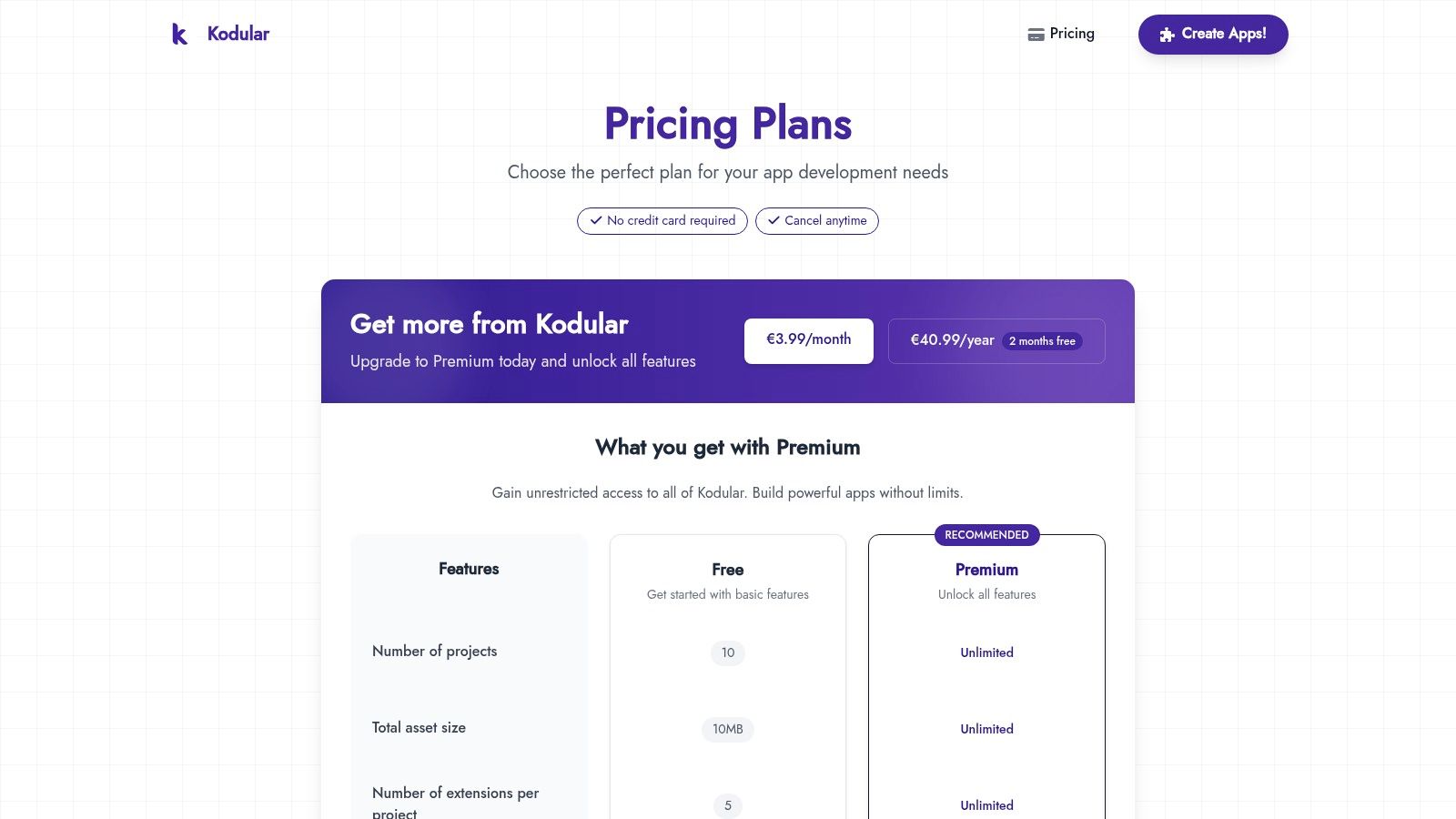
Kodular builds on MIT App Inventor's block-based model but adds monetization components, so you can integrate ad networks directly into your app. The free plan allows up to 10 projects.
The development environment shows ads on the free tier. Upgrading removes those ads and increases project limits. If you're comfortable with App Inventor's style and want to earn revenue from your app, Kodular is worth a look.
12. Google AppSheet
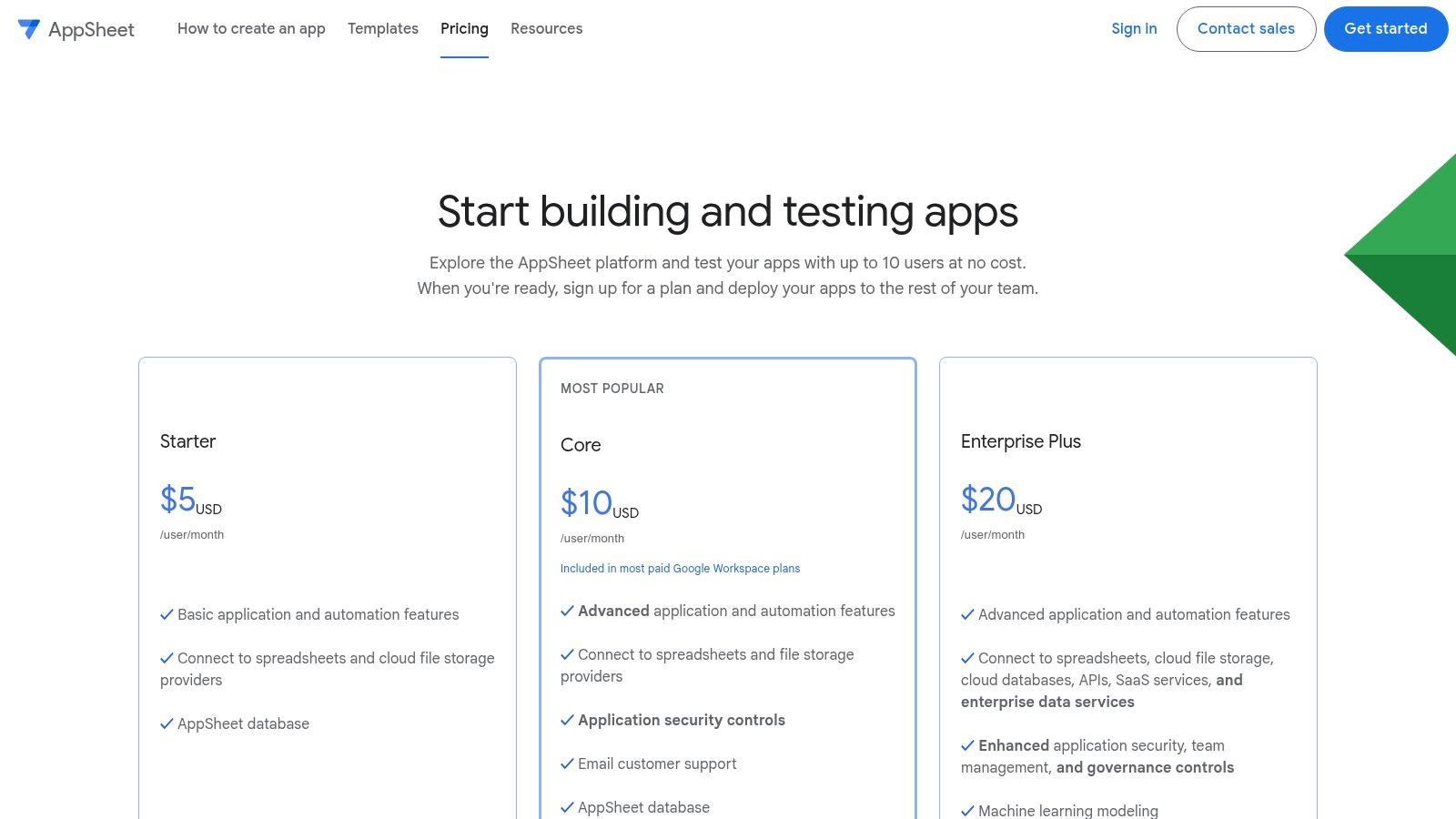
AppSheet generates apps directly from data sources like Google Sheets, Excel, or SQL databases. It reads your data structure and builds a working app automatically. The free plan supports up to 10 prototype users.
It's excellent for internal business tools like inventory trackers, field service apps, and data collection forms. Consumer-facing apps with custom UIs are not its strength. Publishing to a wider audience requires per-user paid plans.
13. Softr
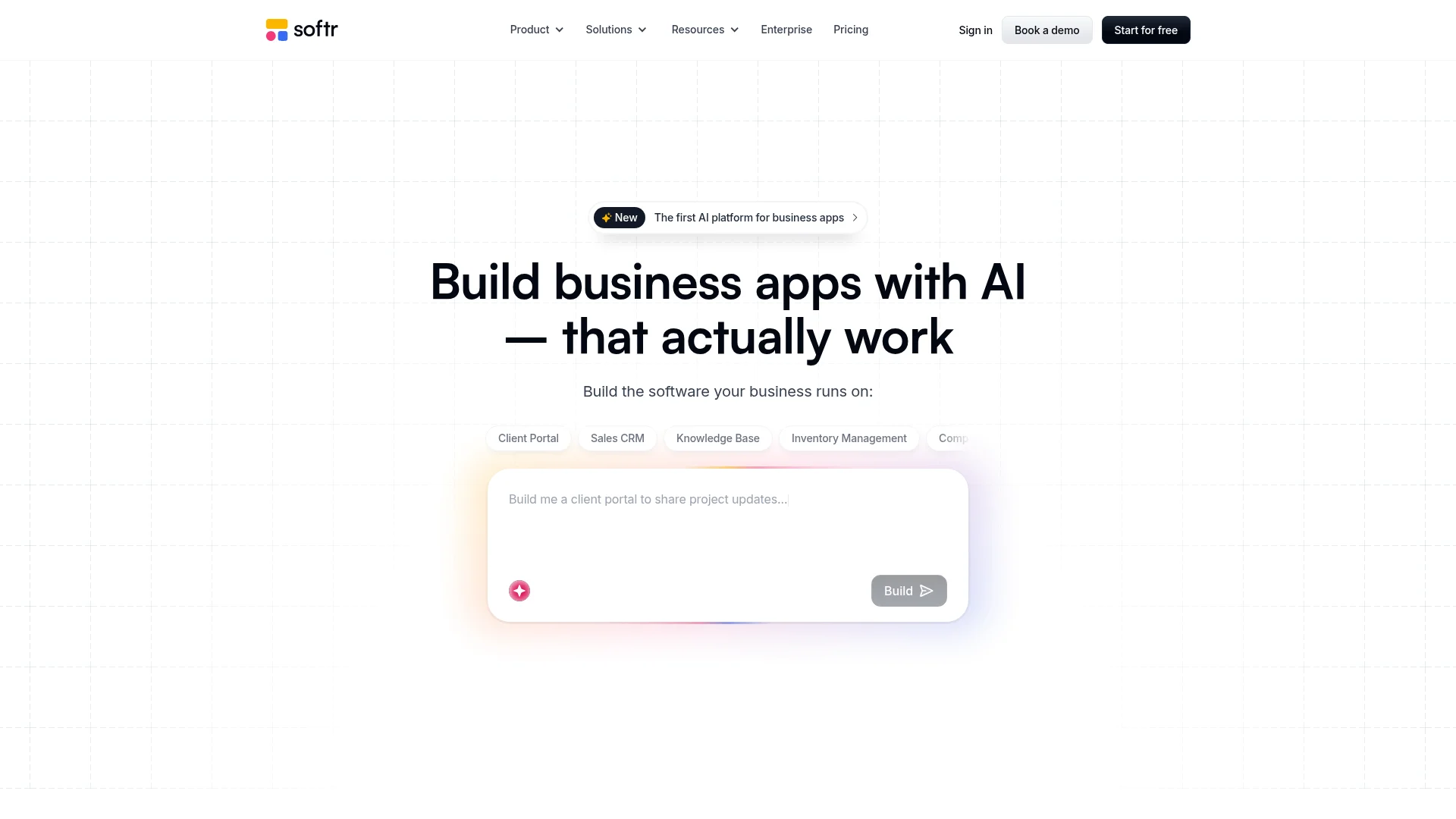
Softr is an AI platform for building business apps — client portals, CRMs, knowledge bases, and internal tools. The AI Co-Builder lets you describe what you need in plain language and get a working app in minutes. It connects to Airtable, HubSpot, Notion, Google Sheets, and Supabase as data sources.
The free plan includes one app with basic features. Softr generates responsive web apps (not native mobile apps), but they work well on mobile browsers. Paid plans start at $49/month. It's strong for B2B use cases where you need a professional-looking portal fast.
14. Bravo Studio
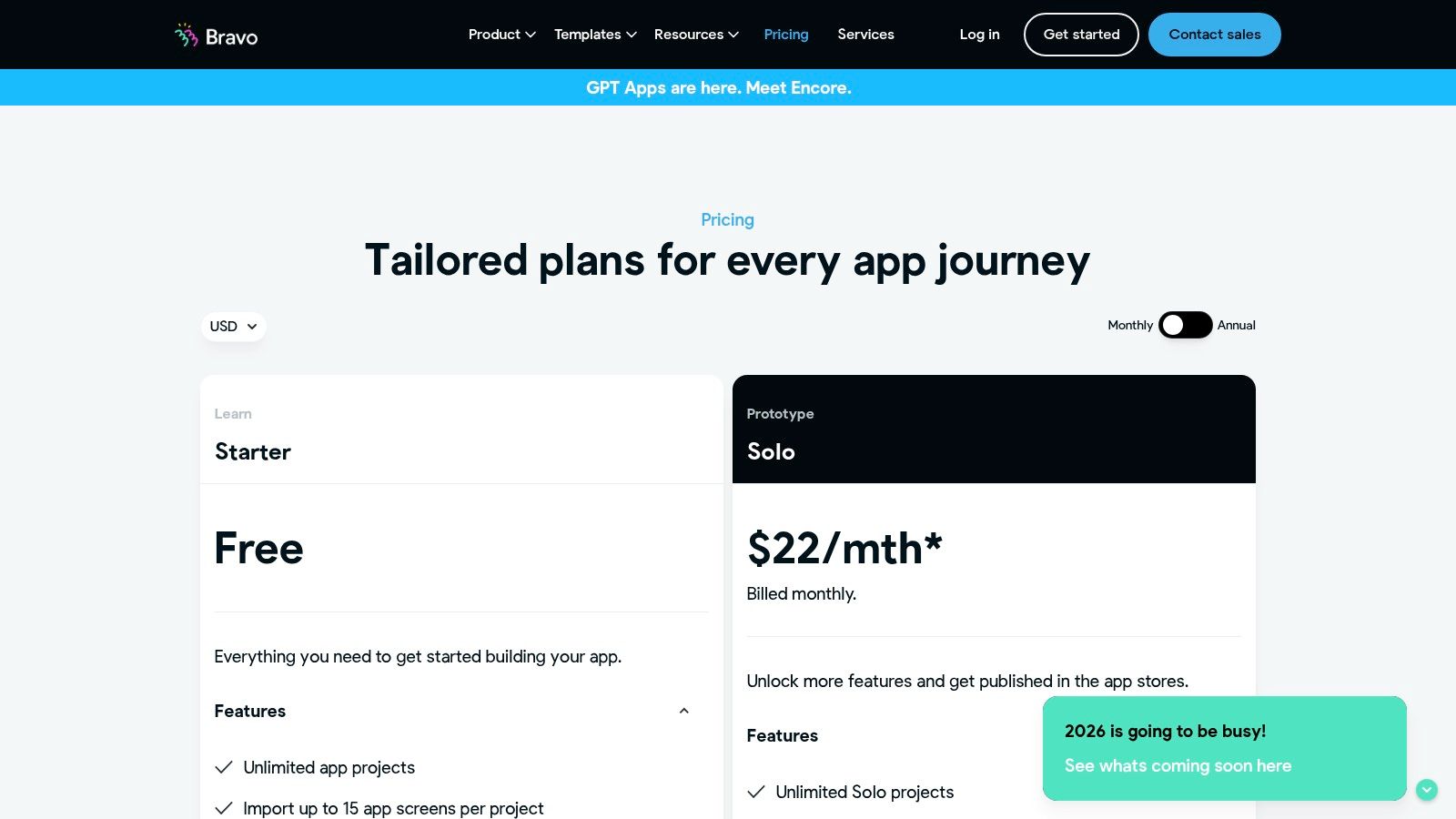
Bravo Studio converts Figma designs into native iOS and Android apps. You tag Figma layers with "Bravo Tags" to define app elements and connect them to REST APIs. The free plan includes 3 projects with up to 15 screens each.
Publishing to app stores is a paid add-on, but you can build and test unlimited times on your own device using the Bravo Vision previewer. If you design in Figma and want pixel-perfect control over native apps, this is the tool.
15. Flipabit
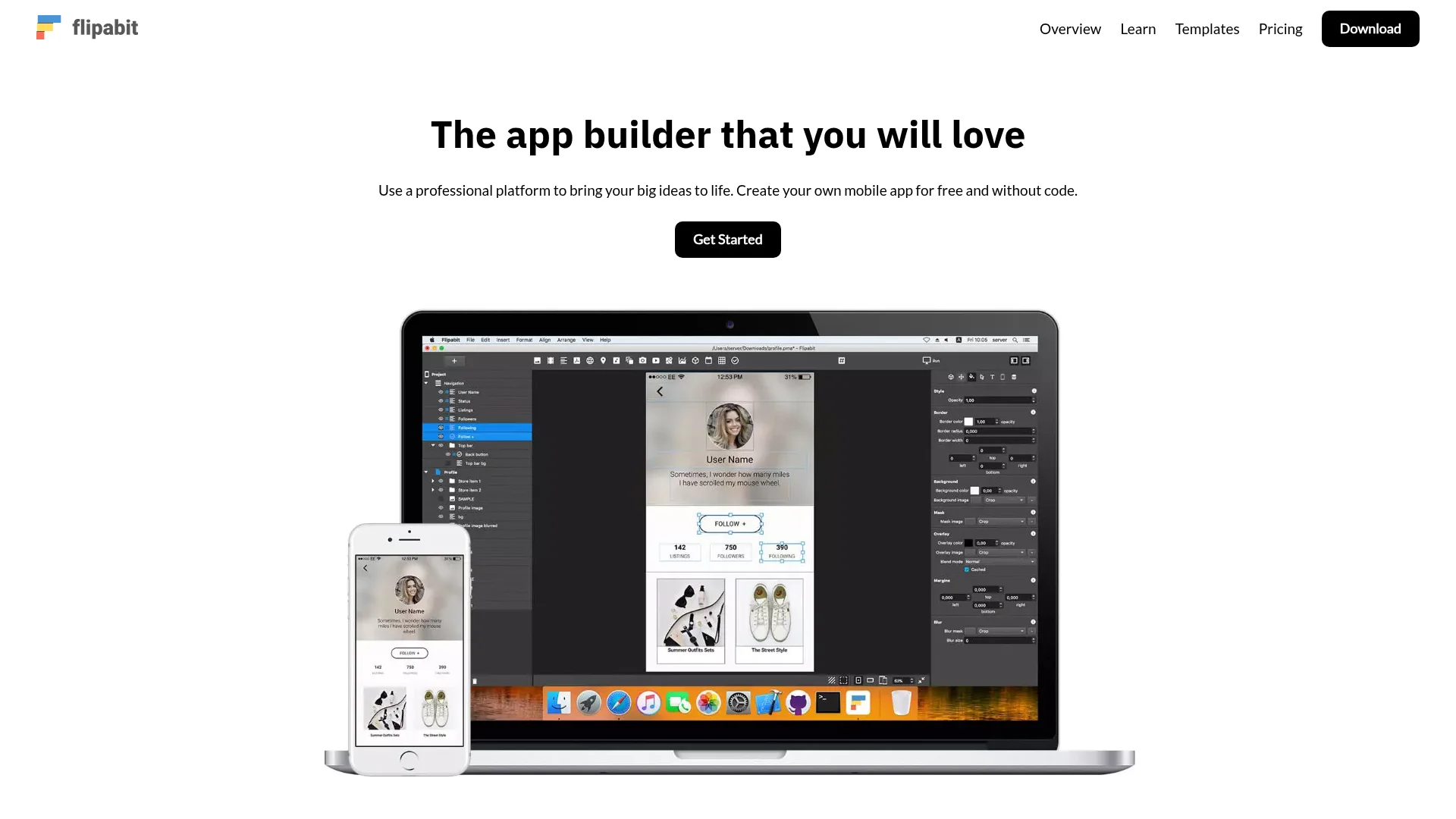
Flipabit is a desktop app builder that creates native apps for both iOS and Android from a single project. You design once and publish to all stores — the cloud build delivers a publishing-ready app in about 3 minutes. It has access to all device functions, even offline.
The free plan lets you build and preview apps. Publishing and removing branding require a paid plan. The builder runs as a desktop application (not in the browser), which some users prefer for performance.
16. AppsGeyser
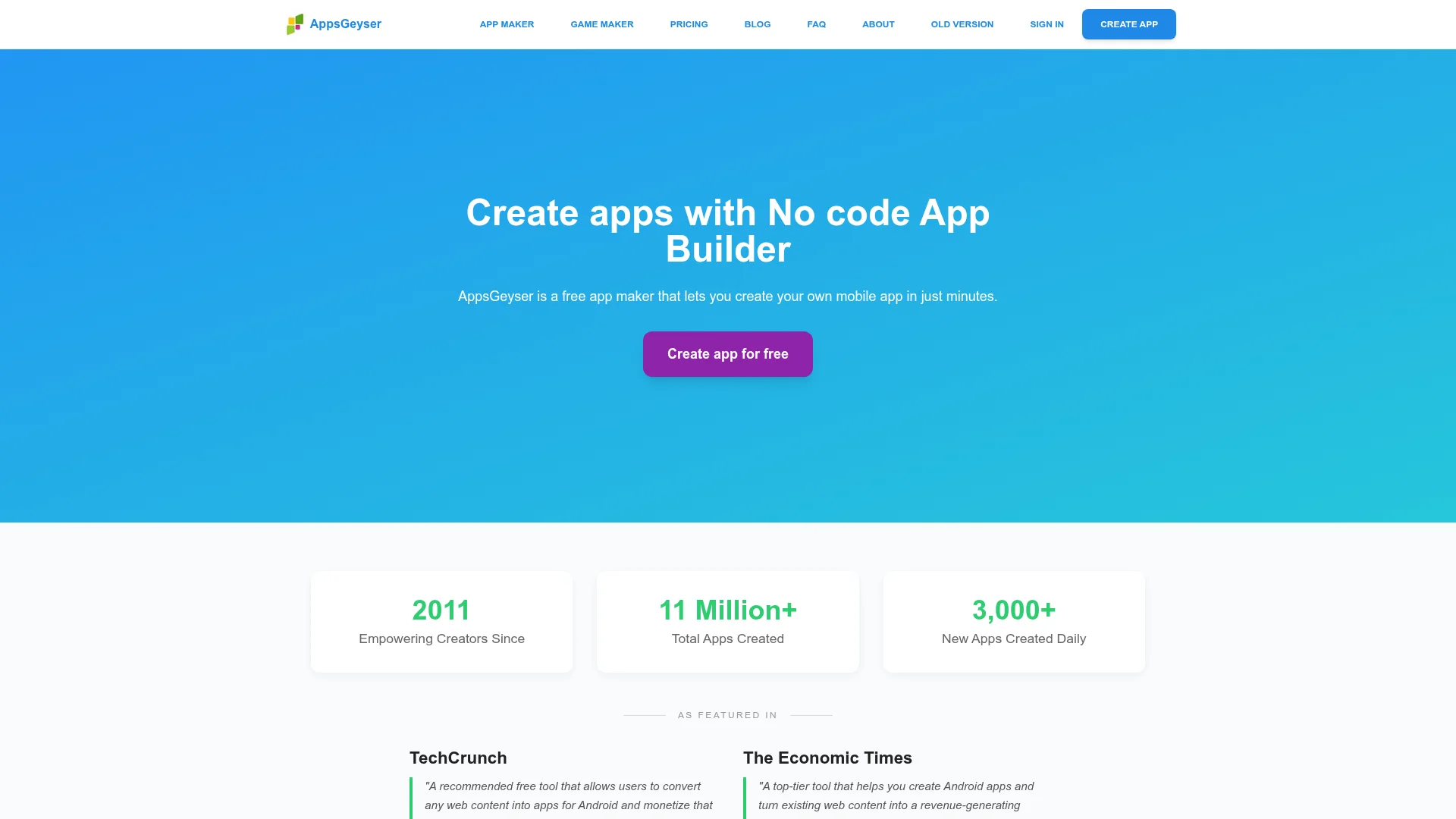
AppsGeyser is 100% free. You can build, customize, and download your Android APK without paying anything. Over 11 million apps have been created on the platform since 2011, with 3,000+ new apps daily. Most users create their first app in under 5 minutes.
The tradeoff: it's Android-only, and free apps include ads. The builder is template-driven rather than fully custom, so it works best for content apps, game wrappers, and simple utility apps. Paid plans remove ads and unlock more features.
17. Mobincube
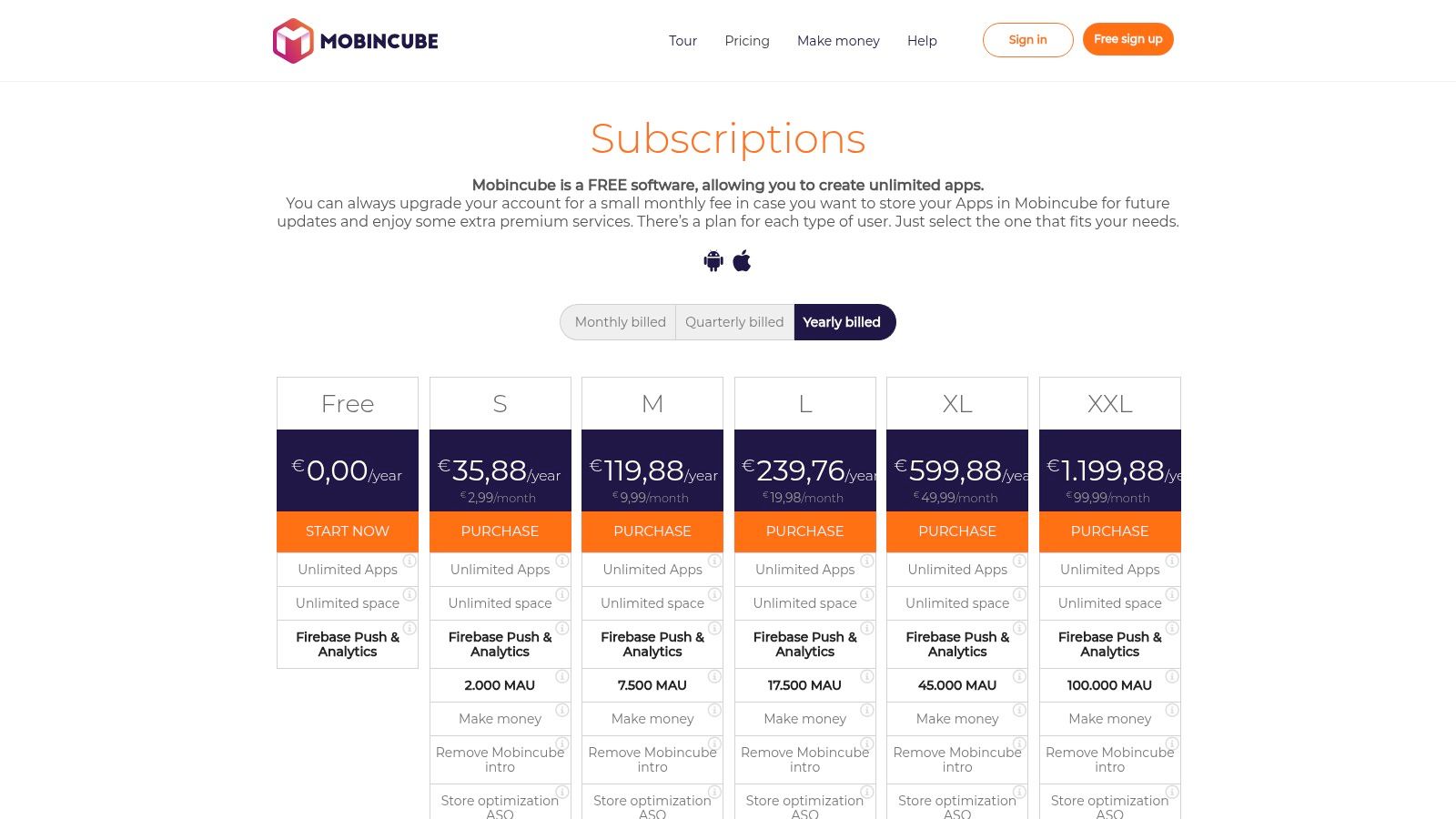
Mobincube lets you publish unlimited apps for free, with ads. It's one of the few platforms where the free plan actually gets you into the app stores. Paid tiers remove ads and scale by monthly active users (MAU).
The builder includes push notifications and basic analytics. The interface feels older than competitors like Adalo or FlutterFlow, but if your goal is "live app in the store for $0," Mobincube delivers.
18. Appy Pie
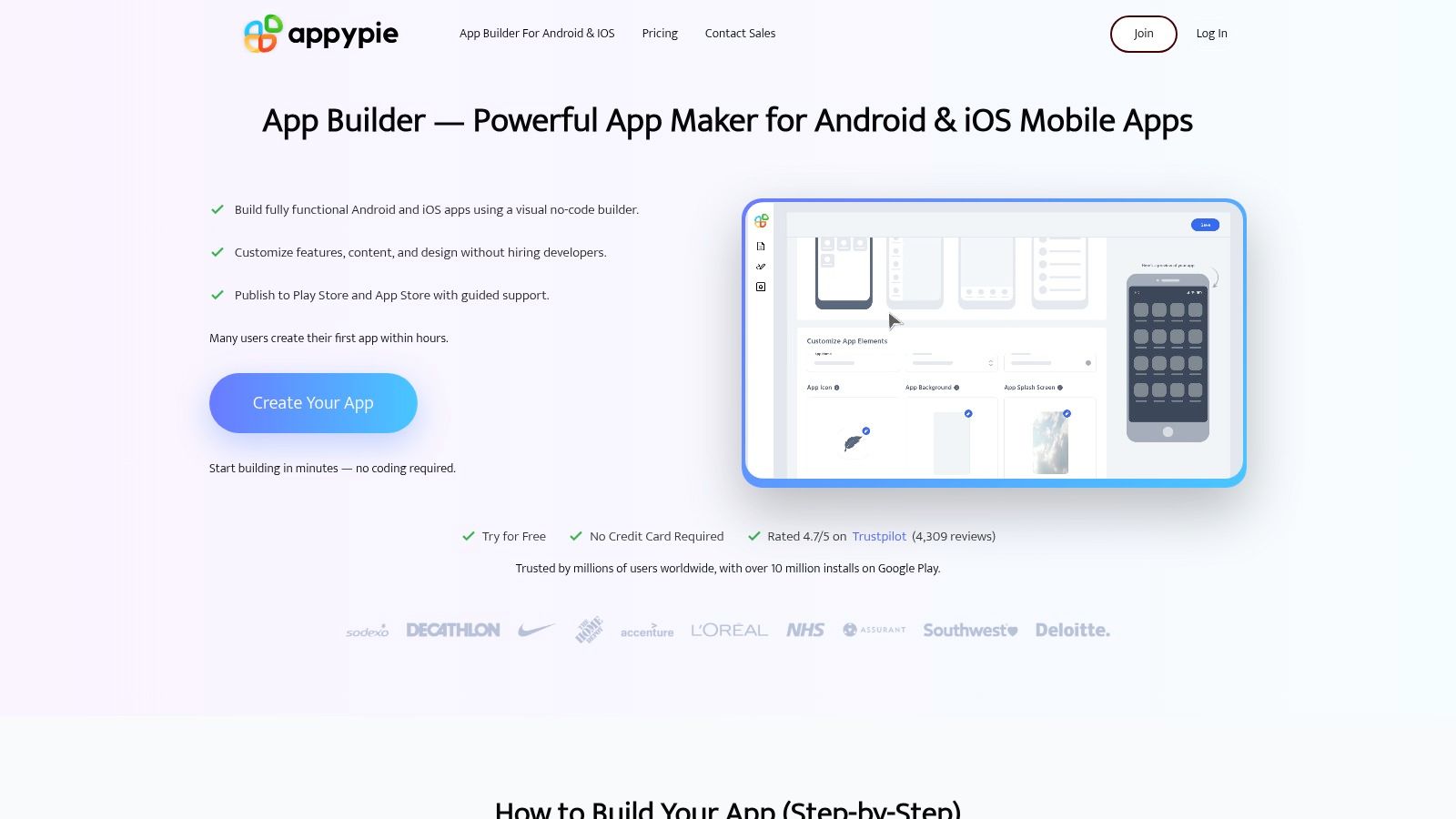
Appy Pie walks you through app creation step by step using templates. You can build and preview for free, but publishing, branding removal, and most useful features require a paid plan. Over 10 million users have built apps on the platform, and more than 100,000 apps have been published to the App Store and Google Play.
It's a mature platform with good support and a large template library. For small businesses like restaurants or salons that need a simple mobile presence, the guided workflow gets the job done. Google Play publishing starts at the basic tier; full iOS support needs a higher plan.
Free mobile app makers compared
Platform | Free tier highlights | Can publish free? | Output type | Best for |
|---|---|---|---|---|
CatDoes | 1 project, 15 credits, CatDoes Cloud, live preview | Yes (web) | Native + Websites | Non-technical creators, developers, startups |
Adalo | Unlimited screens, 500 DB records | Web only | Native + Web | MVP prototyping |
Glide | Unlimited drafts, 25K rows, 2 editors | PWA only | PWA | Data-driven apps |
Thunkable | 3 public projects, live testing | No | Native (iOS + Android) | Education, beginners |
FlutterFlow | 2 projects, Firebase/Supabase, DreamFlow AI | No | Native (Flutter) | Developers, startups |
Bubble | 200 DB rows, 50K workload units | Dev only | Web + Mobile | Complex web apps |
Jotform Apps | 5 forms, AI generation, downloadable | Yes | Web + Mobile | Form-based apps |
Draftbit | 1 project, limited screens | No | Native (React Native) | React Native teams |
MIT App Inventor | Unlimited apps, APK export | Yes (Android APK) | Native (Android) | Students, hobbyists |
Figma Make | Included with Figma free tier, AI prompts | Yes (web) | Web apps | Figma users |
Kodular | 10 projects, monetization tools | Yes (with ads) | Native (Android) | Monetization-focused |
Google AppSheet | 10 prototype users, automation | No (10 users max) | Web + Mobile | Internal business tools |
Softr | 1 app, AI Co-Builder, Airtable/Notion | Yes (web) | Web apps | Business portals, CRMs |
Bravo Studio | 3 projects, 15 screens each | No | Native (iOS + Android) | Figma designers |
Flipabit | Build + preview, cross-platform | No | Native (iOS + Android) | Desktop builder fans |
AppsGeyser | 100% free, APK download, templates | Yes (Android APK) | Native (Android) | Quick Android apps |
Mobincube | Unlimited apps, push notifications | Yes (with ads) | Hybrid | Budget publishing |
Appy Pie | Build + preview, 10M+ users, templates | No | Native (iOS + Android) | Small businesses |
How to pick the right free app maker
The best free mobile app maker depends on what you're building. Here's a quick framework:
If you want AI to build the whole thing: CatDoes handles the entire stack from a text prompt — UI, backend, deployment. Figma Make and Jotform Apps also offer AI-powered generation, but for simpler use cases.
If your app is data-driven (directories, inventory, forms): start with Glide or Google AppSheet. Both turn spreadsheets into apps in minutes. Glide is better for public-facing apps; AppSheet is better for internal tools tied to Google Workspace. Softr is the pick if your data lives in Airtable or Notion.
If you want real native apps (iOS + Android, app store publishing): CatDoes, Thunkable, and Flipabit build actual native apps. CatDoes handles the entire stack through AI; Thunkable gives you hands-on control with visual blocks; Flipabit offers a desktop builder.
If you need exportable code (future-proofing, developer handoff): FlutterFlow exports Flutter code, Draftbit exports React Native. Both require paid plans for the export, but the free tier lets you validate before committing.
If budget is everything (zero dollars, app in the store): MIT App Inventor, AppsGeyser, and Mobincube let you publish without paying. App Inventor is cleanest but Android-only. AppsGeyser is the fastest. Mobincube supports both platforms but includes ads.
If you need complex logic (SaaS, marketplace, custom workflows): Bubble gives you the most flexibility, but expect a learning curve. It's the closest thing to coding without code.
Don't pick based on popularity. Pick based on where you want to end up. A tool that's great for internal dashboards won't work for a consumer app. Test your top two or three picks with a small project before going all-in.
For a broader look at tools that cover both web and mobile, see our comparison of the best free app builders.
FAQ
Can I really build an app for free?
Yes, but "free" usually means you can build and preview, not publish. Only MIT App Inventor, AppsGeyser, Mobincube, and CatDoes let you ship something without paying. Most other platforms require a paid plan for app store publishing.
What's the difference between a native app and a PWA?
Native apps are installed from the App Store or Google Play and can access device features like the camera, GPS, and push notifications. PWAs (Progressive Web Apps) run in a browser and can be saved to your home screen, but have limited access to native features. Tools like Glide create PWAs; tools like CatDoes, Thunkable, and FlutterFlow create native apps.
Do I need coding skills to use these tools?
No. All 18 platforms on this list are designed for non-coders. Some (like FlutterFlow and Draftbit) offer code export for developer teams, but you don't need programming skills to build. Our guide on how to make an app from scratch walks through the full process.
Which free app maker is best for beginners?
MIT App Inventor is the most beginner-friendly for learning. AppsGeyser is the fastest way to get an Android app live — most users finish in under 5 minutes. If you want something modern with AI assistance, CatDoes lets you describe your app in plain English and handles the rest.
Can I publish my app to the App Store with a free plan?
Very few platforms allow this. Mobincube lets you publish with ads. CatDoes supports web deployment on the free tier, with app store publishing starting at $50/month (Starter plan). Most other platforms require a paid subscription for app store deployment.
Regardless of which tool you use, Apple charges $99/year for a developer account and Google charges a one-time $25 fee. Here's our guide on how to publish an app on Google Play.
How long does it take to build an app?
It depends on the platform and complexity. AI-powered builders like CatDoes and Figma Make can generate a working app in minutes. Template-driven tools like AppsGeyser and Jotform Apps take under an hour for simple apps. Full-featured platforms like Bubble or FlutterFlow may take a few days for complex projects.
What's the cost to upgrade from a free plan?
Pricing varies. CatDoes starts at $20/month (Core). Thunkable starts at $19/month. FlutterFlow starts at $30/month. Bubble starts at $32/month. Glide's paid plans start at $25/month. Most platforms offer monthly billing with no long-term commitment.
Ready to build your first app without writing code? Try CatDoes for free — describe your idea in plain English and get a working app or website in minutes.
Nafis Amiri
Co-Founder of CatDoes


