Blog
Tutorials
Netlify Web App to Mobile App 2026
Convert a Netlify-deployed web app into a native iOS and Android app three ways with CatDoes: import the code, paste your URL, or describe it with a screenshot.

Nafis Amiri
Co-Founder of CatDoes
You shipped a web app to Netlify, it works, and now people keep asking for the iOS or Android version. The web build and the mobile build feel like two different projects, and rewriting everything in Swift or Kotlin is not how you want to spend the next two months.
You don't have to. This guide shows three ways to convert a Netlify-deployed web app into a real native mobile app with CatDoes: import the code, paste your deployed URL, or describe what you want and attach a screenshot. None of them require you to learn React Native first.
TL;DR
A Netlify web app (Next.js, React, Vite, or anything else) can be converted into a native iOS and Android app three ways with CatDoes. Import your GitHub repo for full source access, paste your live Netlify URL for the fastest start, or describe the app and attach a screenshot to start from scratch. CatDoes rebuilds the screens in React Native and Expo rather than wrapping the site in a WebView, so the result is a real native binary that passes App Store review. Web deployment is free; mobile submission starts at $20 per month.

Table of Contents
Can you turn a Netlify web app into a mobile app?
Why a WebView wrapper is the wrong answer
Method 1: Import your code from GitHub
Method 2: Paste your Netlify URL
Method 3: Describe it and attach a screenshot
Which method should you choose?
What happens to your backend and data
From Netlify to the App Store, step by step
Frequently asked questions
Can you turn a Netlify web app into a mobile app?
Yes. A Netlify deployment is just a web app, and a web app can be rebuilt as a native mobile app. The key word is rebuilt. Netlify is excellent at hosting the web build of a React, Next.js, or Vite project, but it never produces an iOS or Android binary. There is no App Store submission coming out of a Netlify deploy.
To get on the App Store and Google Play, the screens need to exist as native code. CatDoes takes your Netlify project as the starting point and generates a React Native and Expo app from it, then handles the build and submission. Your design, content, and logic carry over; the implementation underneath becomes native.
Why a WebView wrapper is the wrong answer
The fast, tempting option is to wrap your Netlify site in a WebView using a tool like Capacitor, Cordova, or Median. It loads your existing site inside a thin browser shell and calls it an app. It is quick, and it usually backfires.
Apple rejects many of these under App Store Review Guideline 4.2, which requires apps to do more than repackage a website. Even when a wrapper gets approved, it tends to feel slow, scroll oddly, and break offline. You also inherit every web quirk on a device that expects native gestures.
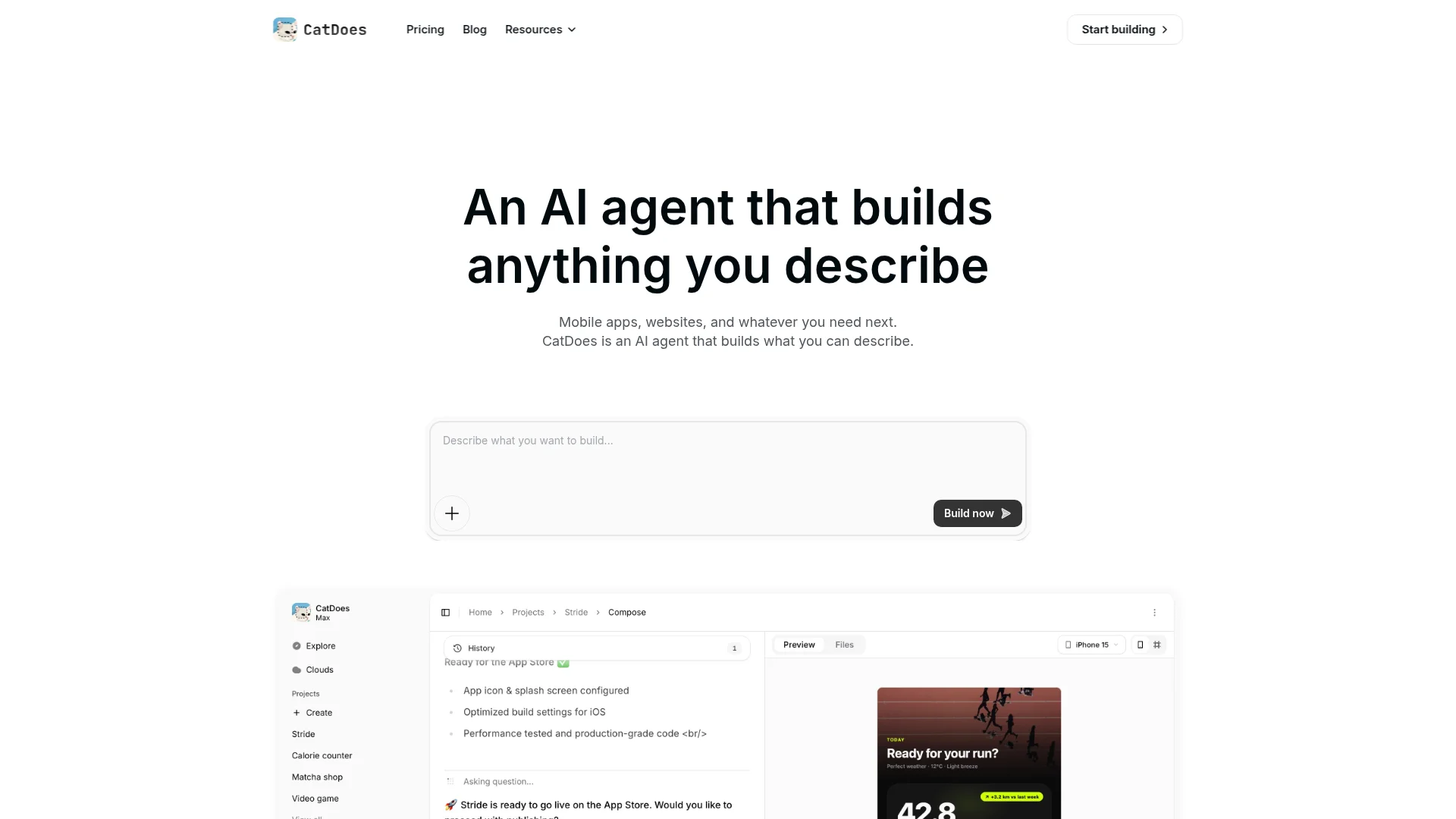
CatDoes does not wrap your site. It rebuilds your UI components as native equivalents, turns your routes into native stack and tab navigation, and runs animations on the device GPU instead of a browser engine. The output is a genuine native app, not a website in a costume.
Method 1: Import your code from GitHub
If your Netlify site deploys from a GitHub repository, this is the most accurate path. Connecting the repo gives the CatDoes agent direct access to your source: your React components, routes, state, and backend calls. It reads the real implementation instead of guessing from the outside.
In CatDoes, create a new app and select Import from GitHub. Authorize access, pick your repository and branch, and click Import. The agent studies the codebase and rebuilds the screens in React Native, preserving your business logic during the rebuild.
Choose this method when your app has login-protected pages, such as dashboards, admin panels, or user settings, that a public scan could never see. Because GitHub import works against your actual code, authenticated flows come across intact. GitHub integration is available on the Plus plan and above, and you can export the full codebase at any time, so you always own the output.
Method 2: Paste your Netlify URL
The fastest start is to paste your live Netlify URL into CatDoes. The agent visits the deployed site, extracts your design, content, colors, fonts, and layout structure, then builds a native app that matches what it sees.
This works beautifully for public-facing sites where every page loads without a login, such as marketing sites, blogs, landing pages, directories, and storefronts. You skip the GitHub connection entirely and get a working mobile app to react to within minutes.
The one limit is reach: a URL scan only sees public pages. If your most important screens sit behind authentication, the scan cannot get to them, and that is exactly where Method 1 earns its keep. Many teams start with the URL to get moving, then connect GitHub later for the protected parts.
Method 3: Describe it and attach a screenshot
Sometimes you do not want a faithful copy of the web app. You want the mobile version to be its own thing, maybe simpler, maybe focused on the two features people actually open their phones for. In that case, describe what you want in plain language and attach a screenshot of your Netlify app for reference.
The CatDoes agent reads the image, picks up your colors, typography, and layout direction, and combines that with your written instructions to build the app you described. You might write something like "build the customer-facing half of this app, drop the admin section, and make the booking flow the home screen," then attach a screenshot of your dashboard.
This is also the right method when you do not have clean code to import, or when the web app was built somewhere that does not give you a tidy repo. You are not limited to what already exists; you are telling the agent what the mobile app should be.
Which method should you choose?
All three lead to the same place: a native React Native app ready for the stores. The right starting point depends on where your app lives and how much of it is public.
Method | Best for | What it reads |
Import GitHub code | Apps with login-protected pages or complex logic | Your full source code |
Paste Netlify URL | Public sites, fastest start, no repo needed | Your live site's design and content |
Describe + screenshot | A fresh take, no clean repo, or a simpler mobile app | Your words plus an image reference |
A practical rule: if the app is mostly public, paste the URL. If it is mostly behind a login, connect GitHub. If you want the mobile app to differ from the web app, describe it and attach a screenshot. You can also combine them, starting from the URL and refining with instructions afterward.
What happens to your backend and data
A native shell is useless without data, so the backend matters. If your Netlify app already talks to Supabase, Firebase, or any other API, CatDoes wires the same backend into the converted app. Your endpoints, auth, and data layer keep working; only the front end is rebuilt natively.
If the app has no backend yet, the agent can provision a CatDoes Cloud instance with database, auth, and storage, so the mobile app has a real data layer from day one. That matters for Netlify projects in particular, since many are static front ends or use serverless functions that need a proper mobile-friendly home.
From Netlify to the App Store, step by step
Here is the full path from a deployed Netlify site to a live mobile app, using whichever of the three methods fits your project.
Open CatDoes and create a new app.
Choose your starting point: import from GitHub, paste your Netlify URL, or describe the app and attach a screenshot.
Let the agent rebuild your screens in React Native and Expo, then preview the result on your phone.
Refine with plain-language instructions: adjust navigation, tweak screens, or connect your existing backend.
Run the build. CatDoes handles the EAS build, signs the binary, and prepares the store listings.
Submit to the App Store and Google Play. No Mac, Xcode, or certificates required on your end.
Web deployment stays free on every plan, so you can keep your Netlify-style web build alongside the mobile app. iOS and Android submission starts at $20 per month for a single project, with more credits and concurrent projects on higher tiers.
Frequently asked questions
Does my app have to be on Netlify specifically? No. The same three methods work for any web app with a public URL or a GitHub repo, whether it is hosted on Netlify, Vercel, Cloudflare, or your own server. Netlify is just the example here.
Will it work with my Next.js or Vite project? Yes. CatDoes converts React, Next.js, and Vite projects, which covers the large majority of Netlify deployments. The agent reads the framework output and rebuilds it in React Native.
Is this just a WebView wrapper? No. CatDoes generates a real React Native and Expo app with native navigation and native components. That is why it passes App Store review where wrappers often get rejected under Guideline 4.2.
Do I keep my code? Yes. On plans with GitHub integration you can export the full codebase at any time and own it outright.
How long does it take? The first working preview usually appears within minutes of importing a URL or repo. Getting it polished and submitted depends on how much you want to customize.
Turn your Netlify app into a real mobile app
Your Netlify web app already proves the idea works. The mobile version does not need a rewrite, a contractor, or a Mac in the closet, just the method that fits your project: import the code, paste the URL, or describe it with a screenshot.
If you have converted apps from other builders, the flow is identical for Lovable, Bolt.new, and v0 projects too. Start building with CatDoes and ship your Netlify app to the App Store and Google Play.
Nafis Amiri
Co-Founder of CatDoes