Blog
Tutorials
Build a Construction Company App in 2026
How to build a mobile app for your construction company in 2026 with no dev team: what to build first, how to ship it to crews, and what it really costs.

Nafis Amiri
Co-Founder of CatDoes
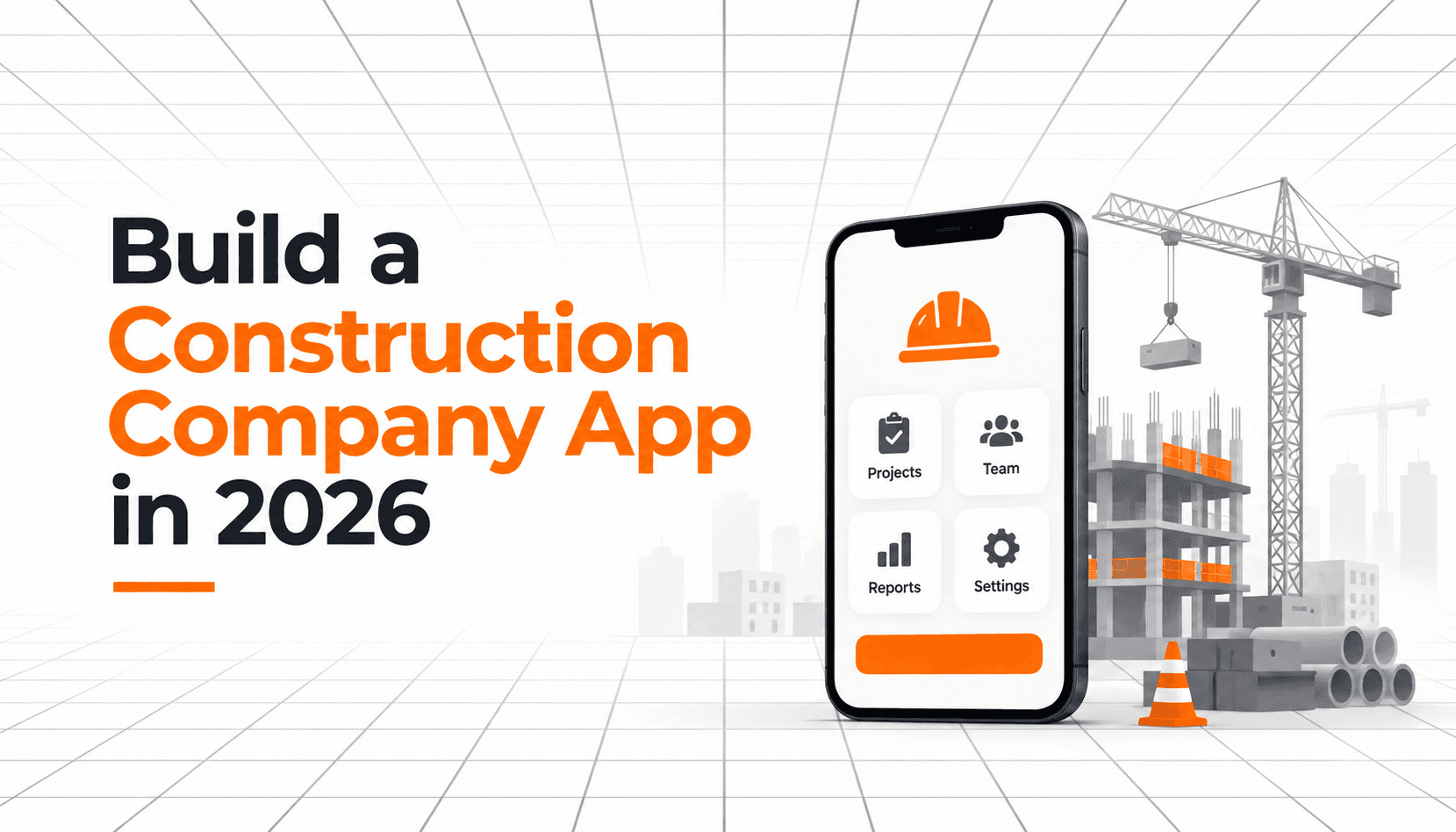
Your office runs on a laptop. Your crews run on a phone, in a basement, with one bar of signal and gloves on.
Every construction company bridges that gap the same way: paper forms, a group chat, and a foreman who retypes everything at 6pm. It holds up fine until there is a dispute about what happened on site in March, and nobody can find the photo.
Building a mobile app for your construction company used to mean a six-figure quote and a nine-month timeline, which is why almost nobody outside the largest contractors did it. That math broke in 2026.
This guide covers what to build first, how to build it with CatDoes instead of hiring a developer, how to get it onto your crews' phones (publicly or privately), and what it actually costs.
TL;DR: You can build a working mobile app for your construction company in 2026 without a dev team. You describe the workflow in plain English, CatDoes generates a native iOS and Android app with the database, logins, and file storage already wired up, and you ship it either publicly to the app stores or privately to your own crews. Start with one paper form, not a full platform. Budget $50 to $300 a month instead of $50,000 up front.
Table of Contents
Why Construction Companies Are Building Their Own Apps
What Off-the-Shelf Construction Software Leaves Out
Why a Mobile App and Not a Mobile Website
What to Build First: One Form, Not a Platform
How to Build the App With CatDoes (No Dev Team)
How to Get the App Onto Your Crews' Phones
What a Construction Company App Costs in 2026
Five Mistakes That Kill Construction App Rollouts
Frequently Asked Questions
Start With One Form
Why Construction Companies Are Building Their Own Apps
Because the cost of building software fell faster than the cost of doing the work by hand. Two things changed at once: AI builders now produce real native apps from a plain description, and the admin load on field supervisors kept climbing.
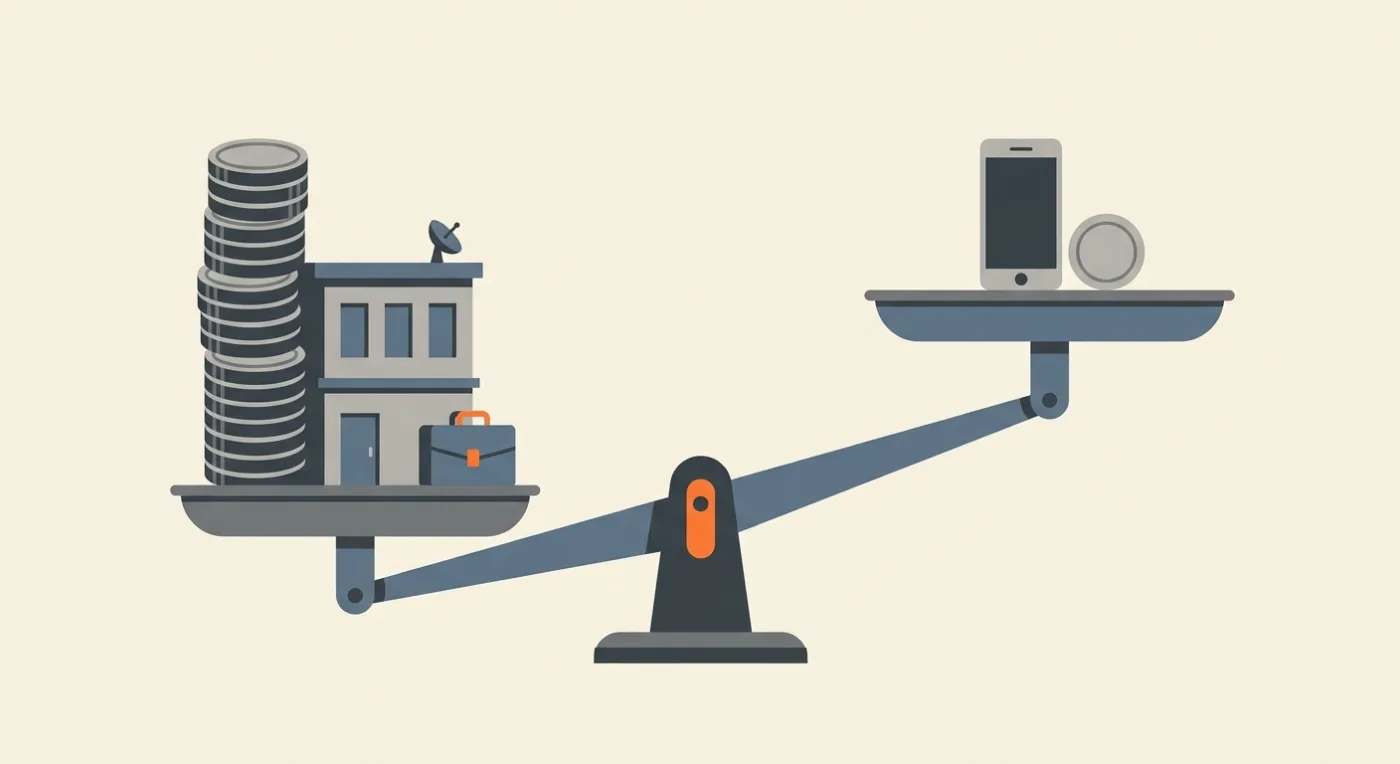
The waste is measurable. In FMI's 2023 Labor Productivity Study of more than 250 senior leaders at self-performing contractors, 60% of respondents said 11% or more of field labor costs are wasted or unproductive, which FMI put at roughly $30 billion to $40 billion a year across the US industry. Three of the top four internal causes were planning, communication, and collaboration. Those are information problems, and information problems are what software fixes.
The second change is who gets to build. A general contractor with 40 people cannot justify a $120,000 app to digitize one inspection form. That same contractor can justify $50 a month, and $50 a month is now enough to ship a real one.
What Off-the-Shelf Construction Software Leaves Out
Off-the-shelf platforms are good at the work every contractor does the same way: scheduling, budgets, change orders, RFIs, client portals. They are weaker on the parts that are specific to your company, and those parts are where your paper still lives.
Think about the forms your crews actually fill out. A concrete pour checklist with your own hold points. A rental return sheet that matches your yard's numbering. A punch walk form worded the way your PMs word it. No platform ships those, and the "custom forms" module usually turns out to be a text field and a photo button.
So the useful question is which workflows to buy and which to build.
Workflow | Best handled by | Why |
|---|---|---|
Accounting, scheduling, budgets, and client billing | Your existing platform | Every contractor does it roughly the same way, and rebuilding it is months of work for no advantage |
Company-specific field forms | An app you build in CatDoes | No vendor models your hold points, your yard numbering, or your PM's wording |
Anything a crew has to do in under 30 seconds | An app you build in CatDoes | You can cut it to four taps; a generic forms module cannot |
Anything that has to work at zero bars | An app you build in CatDoes | Offline capture is a build decision, not a settings toggle you can switch on later |
Workflows where you would buy a seat for every field worker | An app you build in CatDoes | Per-seat pricing scales against you exactly where headcount is highest |
That last row is the one that decides most budgets. JobTread, one of the few construction platforms that publishes a price list, charges $159 per month billed annually plus $20 per month for each internal user. Add 30 field staff and the field becomes the most expensive line item, which is how companies end up buying seats for the office only and leaving crews on WhatsApp.
So keep the platform for the back office and build the field in CatDoes. That last mile is where your paper still lives, and it is the part no vendor is ever going to ship for you.
Why a Mobile App and Not a Mobile Website
Because a browser tab cannot do the four things a jobsite needs. A responsive web page is fine for the office. It falls apart the moment the phone leaves the trailer.
Here is what an installed app gets you that a mobile site does not:
Camera with metadata. Full-resolution photos with GPS coordinates and a timestamp baked in, which is what makes a photo useful in a dispute rather than just decorative.
Real offline capture. Forms, photos, and signatures saved to the device and synced later. Basements, tunnels, and greenfield sites are not edge cases in construction, they are Tuesday.
Background upload. Twelve site photos finish uploading while the foreman drives to the next job and the app is closed.
Push notifications. A delivery lands, the superintendent gets a notification. Email does not get opened on a jobsite.
There is a longer breakdown of the tradeoffs in our guide on web app vs native app, but for field work the answer is rarely close. If the app has to work where the signal does not, it has to be installed. CatDoes builds installed apps by default: real React Native for iOS and Android, with a web build of the same project for the office.

What to Build First: One Form, Not a Platform
Build the single form your crews already fill out most often, and nothing else. A one-screen app that 30 people use every day beats a ten-module app that four people log into on Fridays.
Step 1: Pick the form that already exists on paper
Go find the clipboard. Whatever is on it is your first screen: the daily log, the toolbox talk sign-in, the equipment pre-use check, the dig permit. It is already validated, because people fill it out without being asked twice.
Copy the field order exactly. Do not improve it in version one. The fastest way to lose a crew is to make them hunt for a field that used to be third from the top.
Step 2: Add the three things paper cannot do
Photos attached to the specific line item, not dumped in a camera roll. A GPS and time stamp written automatically so nobody types a location. Instant delivery, so the office sees the form the second it is submitted instead of on Friday.
That is the whole value proposition in version one. Same form, three things it could never do on paper.
Step 3: Make it survive no signal
The form must open, accept input, take photos, and save with the phone in airplane mode. When signal returns it syncs on its own, with no button to press. If a rollout dies, it usually dies here: a spinner at the bottom of an excavation, and two weeks later the binders are back.
Test it properly before you roll out. Put a phone in airplane mode, complete a full form with four photos, close the app, walk back into coverage, and confirm the record arrived intact.
Step 4: Only then build the office side
Once field submissions are flowing, the office view is easy, because it is a web page reading the same database. A filterable list of submissions by job, by crew, by date, with photo thumbnails and a PDF export.
That takes a fraction of the effort the field app took, and it is what turns the app from a data-collection exercise into something your PMs defend in a meeting.
How to Build the App With CatDoes (No Dev Team)
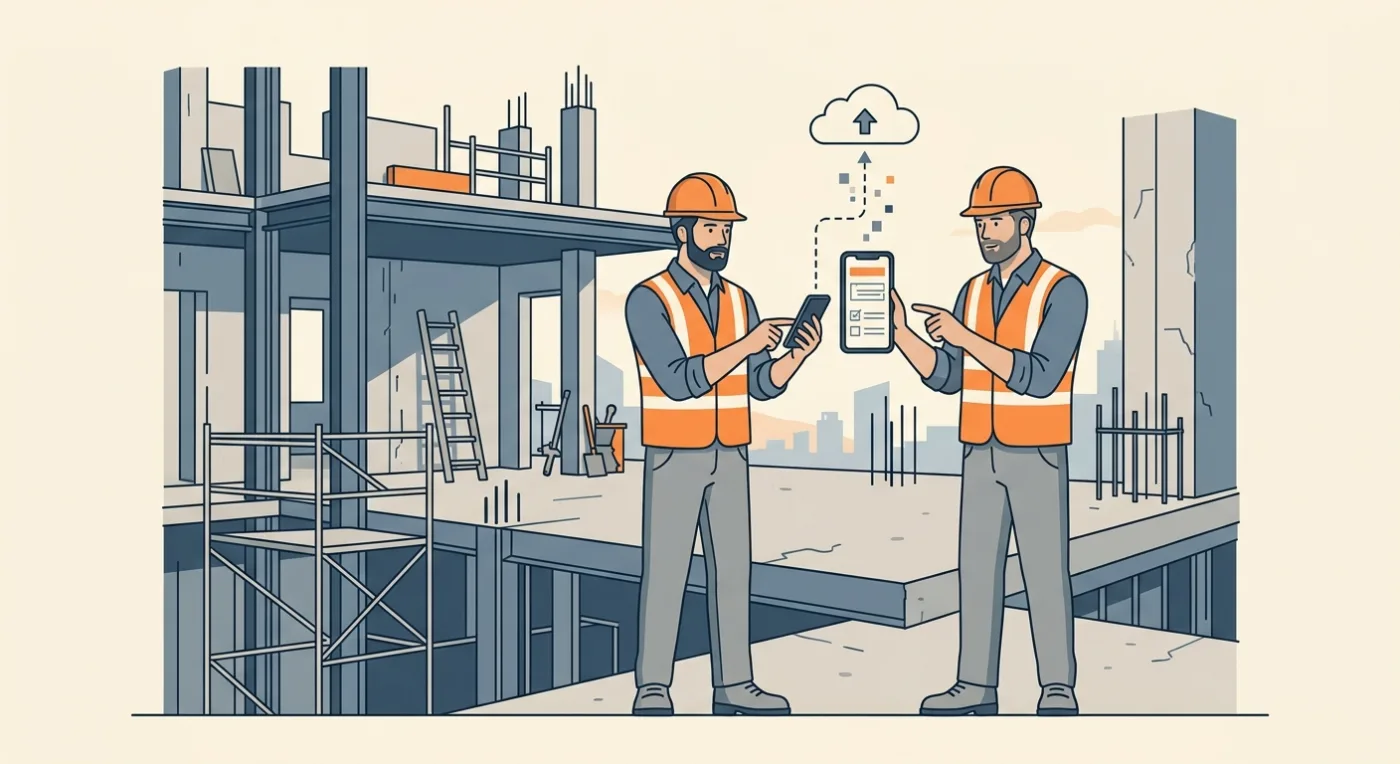
You describe the app in plain English and an AI agent builds it. CatDoes writes real React Native code, connects a backend, and deploys to the App Store, Google Play, or the web, and you steer it with follow-up messages instead of tickets.
The working loop looks like this:
Describe the form. Name the fields in order and say what each one does. "A daily site report with job number, crew size, weather, work completed, delays, and up to 10 photos, each photo tagged with GPS and time."
Review the first build. The agent generates working screens and a connected database, then you preview it on phone and desktop in the browser.
Refine in plain language. "Make the photo button bigger." "Require the job number." "Save drafts offline and sync when online." Every change is saved as a checkpoint, so a bad edit is one rollback away.
Add accounts and permissions. Foremen submit, PMs review, admins export. CatDoes Cloud covers the database, authentication, file storage, and realtime updates on every plan, so there is no separate backend to procure. If you want to understand the moving parts, see our guide on how to choose a mobile app backend.
Test on real phones in real dead zones. Hand it to two foremen, not to the office. Watch them use it with gloves on, in daylight.
Ship it. Publish to the web immediately, or submit builds to the App Store and Google Play.
What comes out the other end is one project with three faces: an iOS app, an Android app, and a web dashboard reading the same records. The foreman submits at 7am from a basement with no signal, the phone syncs when the truck hits the street, and the PM sees the photos before the crew is back on site. Nobody retypes anything at 6pm.
One detail matters for European contractors. CatDoes Cloud runs in a US region and an EU region, so if you are GPS-stamping crew activity anywhere in the EU, you can keep that data in-region. That makes both the GDPR question and the works council conversation considerably shorter.
How to Get the App Onto Your Crews' Phones
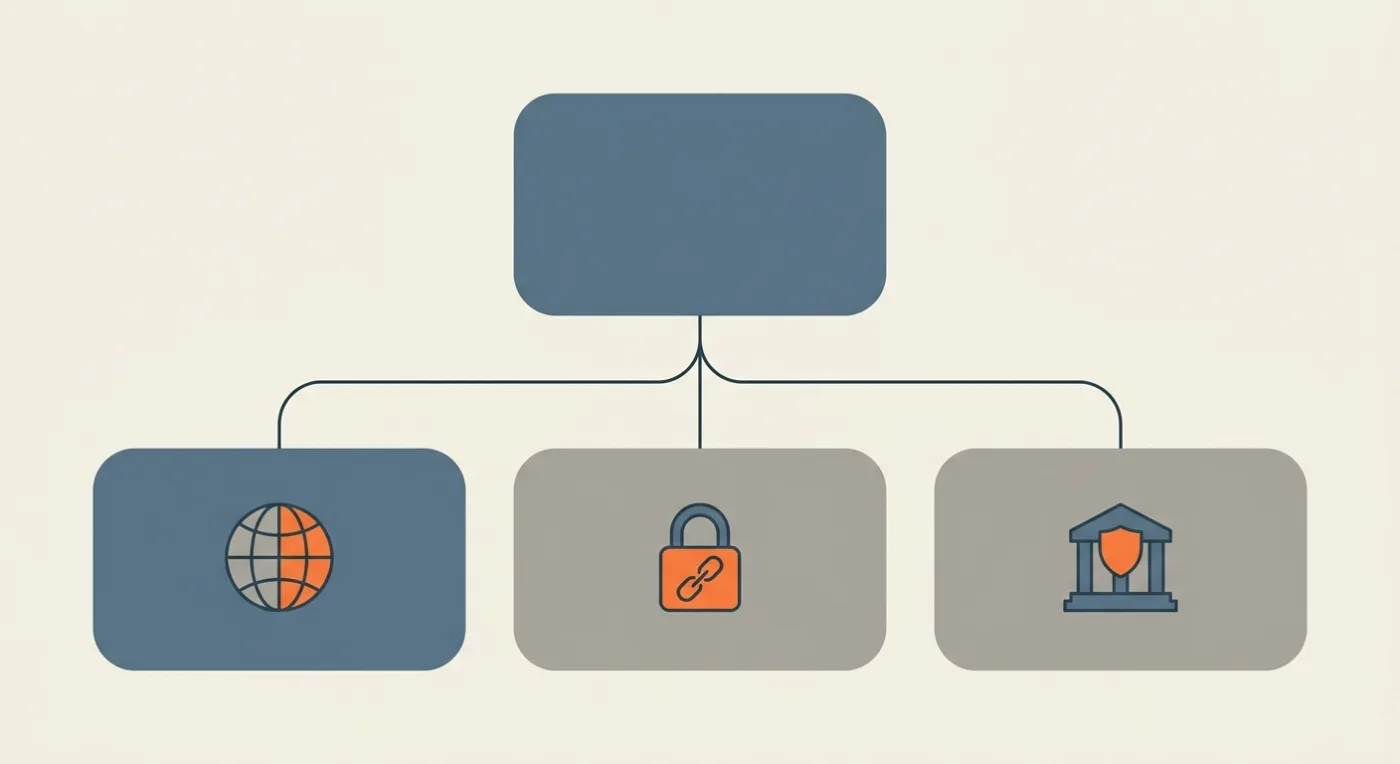
You have three routes, and most construction companies pick the wrong one first. An internal crew tool does not belong in public App Store search, but it usually does not need full device management either.
Route | Who can install it | What it requires | Best for |
|---|---|---|---|
Public App Store and Google Play | Anyone | Standard app review and a public store listing | Apps for clients, subcontractors, or the wider trade |
Unlisted, link-only | Anyone who has your link | App Review plus an unlisted request to Apple | Crew tools installed on personally owned phones |
Private to your organization | Only your managed users | Apple Business Manager or managed Google Play, plus MDM | Company-owned devices and sensitive data |
For most contractors under a few hundred staff, unlisted distribution is the sweet spot. Apple's unlisted app distribution keeps the app out of categories, charts, and search results while letting anyone with the link install it, including on personal phones you do not manage. Apple is explicit that unlisted means hidden rather than private, so put a login in front of your data.
Two rules catch people out. Apple will not grant unlisted status to an app that has not been submitted to App Review, and an app already set to private distribution through Apple Business Manager has to be recreated as a new public record first. On Android, Google requires new personal developer accounts created after 13 November 2023 to run a closed test with at least 12 testers opted in for 14 continuous days before they get production access. Enrolling your Play account as an organization avoids that path entirely, which is the right call for a company anyway.
Our guide to internal app distribution walks through each route step by step, including Apple Business Manager custom apps and private apps in managed Google Play.
What a Construction Company App Costs in 2026
A single field app costs $50 to $300 a month to build and run, plus $99 a year for the Apple Developer Program and a one-time $25 registration for Google Play. Compare that against the alternatives you have probably already been quoted for.
Option | Ships an app that is yours | Up-front | Ongoing | Time to first version |
|---|---|---|---|---|
Development agency | Yes | $50,000 to $150,000 | 15% to 20% of build cost per year | 4 to 9 months |
In-house developer | Yes | Recruiting and onboarding | Full salary and benefits | 2 to 4 months |
Off-the-shelf platform | No, it stays their app with your logo on it | Onboarding fees vary by vendor | Subscription, sometimes per seat | Days to configure, never a perfect fit |
CatDoes | Yes, on the stores under your own developer account | $0 | $50 to $299 a month, plus store fees | Same day |
Agency pricing has not moved much. A medium-complexity app with offline sync, photo handling, and user accounts still runs $50,000 to $150,000, with maintenance at 15% to 20% of the build cost every year after that. We break the quote structure down in our guide to custom mobile app development services.
On CatDoes, the detail that decides your plan is the deployment tier. Free and Core publish to the web only, so shipping to the App Store and Google Play starts on Starter at $50 a month. If more than one person at your company will be editing the app, the Team plan at $299 a month includes five seats.
Crews who install the finished app are users, not seats. Your field headcount does not change the price, which is the structural difference from per-seat construction software.
Five Mistakes That Kill Construction App Rollouts
Building the platform instead of the form. Ten modules on day one means ten things to train and ten things to get wrong. Ship one screen and earn the right to add the second.
Treating offline as a checkbox. Caching a read-only project list is not offline. Capturing a full form with photos at zero bars is.
Designing at a desk. Small tap targets, thin text, and low contrast are unusable in direct sun with gloves on. Big buttons and high contrast are not a style preference here.
Adding taps to a process that had none. If the digital version takes longer than the clipboard, the clipboard wins. Pre-fill the job, the date, and the crew.
Rolling out to everyone at once. Start with one crew and one superintendent who wants it to work. Fix what they hate, then expand.
The common thread is that adoption is the whole game. An app 90% of the field uses imperfectly is worth more than a beautiful one that 20% of them open.
Frequently Asked Questions
Can I really build a construction app with no coding experience?
Yes, for the category of app described here: forms, photos, GPS, accounts, notifications, and an office dashboard. You describe what you want and the AI agent writes the code. What you still have to supply is judgment about the workflow, and only someone who runs jobs can do that.
Should I replace Procore or Buildertrend with a custom app?
Keep them for accounting, scheduling, budgets, and client billing. Those are solved problems and rebuilding them is a bad trade. Build the field side in CatDoes instead: the forms your crews actually fill out, worded the way your company words them, working at zero bars. That is the part no platform models, and it is the part still living on a clipboard.
Will the app work with no cell signal on site?
Only if you build it that way, and you should. Tell CatDoes to save submissions on the device and sync automatically when signal returns, and say it in the first message rather than bolting it on later. Then test it in airplane mode before anyone else sees it.
Can I keep the app private to my own employees?
Yes. Unlisted distribution keeps it out of App Store search while anyone with your link can install it. Apple Business Manager custom apps and private apps in managed Google Play go further and restrict installs to your organization, at the cost of requiring device management.
How long does it take to get the first version into the field?
A single-form field app can be built in CatDoes and previewed on a phone the same day. The gating item is store review rather than the build, so plan for a few days on the Apple side, plus organization verification if your developer accounts are new.
Do I pay per crew member?
No. Crews who install the finished app are users, not seats, so your field headcount does not change the price. That is the structural difference from construction software that bills per field worker. Only people editing the app need a seat, and the CatDoes Team plan at $299 a month includes five.
Do I own the code?
On CatDoes, yes. The agent produces real React Native and web code, and code export and GitHub sync are available on the Plus plan and above. You can hand the project to a developer later if the app outgrows what you want to maintain yourself.
What about GPS stamping and employee privacy?
Recording a location at the moment a form is submitted is a different thing from tracking someone continuously, and it is far easier to justify. In the EU, continuous location tracking of employees triggers GDPR obligations and usually a works council agreement, so keep the app to event-based stamps and store the data in an EU region.
Start With One Form
The reason most construction companies never built a mobile app was never that they did not need one. It was that the quote was six figures and the timeline was most of a year, so the clipboard stayed.
That constraint is gone. You can describe your daily report in a sentence, have a working app the same afternoon, hand it to one crew this week, and decide by the end of the month whether it earned a second screen. The downside is a month of a subscription, not a capital expenditure.
Go find the clipboard on your most active job. Describe that form to CatDoes in one sentence, hand the app to a single crew this week, and let them tell you by Friday whether it earned a second screen. Build your first form with CatDoes. The free plan lets you build and preview on a phone before you pay for anything.
Nafis Amiri
Co-Founder of CatDoes