Blog
Tutorials
Best AI to Build & Deploy a Web App, No Code (2026)
Want to build and deploy a web app without coding? We tested 7 AI tools that turn a prompt into a live web app with a custom domain. Here's the winner.

Nafis Amiri
Co-Founder of CatDoes

TL;DR: The best AI tool to build and deploy a web app without coding is CatDoes. You describe the app in plain English, and it builds the full stack, then ships it live on your own custom domain (and to the App Store and Google Play if you want a native version too). Lovable, Bolt.new, and Base44 are strong runners-up for web-only projects. v0 is best for polished front ends, Replit for developers who want an AI pair, and Bubble for visual builders who don't mind a learning curve. We tested all seven in 2026 and ranked them below.
Here is the frustrating part of building a web app without coding: most AI tools happily generate one, then leave you stranded at the finish line. You get a working app in the preview window, but getting it onto a real URL, wiring up a database, and pointing your own domain at it quietly turns into the "coding" you were trying to avoid.
If you searched for the best AI tool to build and deploy a web app without coding, you want both halves of that sentence solved. Build the thing from a prompt, and put it online where people can actually use it. This guide compares the seven tools that come closest, with real pricing, real deployment details, and where each one trips up non-technical users.
Table of Contents
The best AI web app builders at a glance
The build-and-deploy gap (and why it matters)
The 7 best AI tools to build and deploy a web app
How to build and deploy a web app without coding
How to choose the right AI web app builder
Frequently asked questions
The best AI web app builders at a glance
All seven tools below let you build a web app from a prompt and put it online. They differ on what they build (front end only vs. full stack), whether a database and login come included, and how painful deployment and custom domains are. Here is the quick comparison.
Tool | What it builds | Deploy + custom domain | Backend included | Free tier | Paid from |
|---|---|---|---|---|---|
CatDoes | Full-stack web apps + native iOS/Android | Yes, live URL + custom domain (also app stores) | Yes, CatDoes Cloud (DB, auth, storage) | Yes | $20/mo |
Lovable | Full-stack web apps | Yes, custom domain on paid plans | Yes, Supabase-based | Yes | $25/mo |
Bolt.new | Full-stack web apps | Yes, custom domain on Pro | Yes, via Supabase | Yes | $25/mo |
v0 | Web apps (front-end strength) | Yes, deploys to Vercel | Via integrations (Neon, Supabase) | Yes | $30/mo |
Replit | Full-stack web apps | Yes, custom domain (needs Autoscale) | Yes, built-in database | Yes | $20/mo |
Base44 | Full-stack web apps | Yes, custom domain on paid plans | Yes, DB + auth | Yes | $16/mo |
Bubble | Full-stack web apps (visual) | Yes, needs paid plan to go live | Yes, built-in database | Yes (no live deploy) | $32/mo |
Prices are the entry paid tier as of 2026 and can shift, so check the live pricing page before you commit. The rest of this guide explains what these rows actually mean when you sit down to ship something.
The build-and-deploy gap (and why it matters)
"Build and deploy" is two jobs, and most tools are only great at one. Building means turning your idea into a working app. Deploying means putting that app on a live web address, with a database behind it and your own domain in front of it, so real users can sign up and use it. A CRM is a good test of whether a tool does both jobs, and we build one step by step in how to build a CRM app.

In our testing, this is where "without coding" quietly breaks down. A tool generates a beautiful web app, then asks you to connect a database provider, set environment variables, configure a hosting service, and manage DNS records for your domain. None of that is writing code exactly, but it is the kind of technical plumbing that sends non-developers looking for help.
A web app also needs a backend to be useful. If people are logging in, saving data, or uploading files, you need a database, authentication, and file storage. Tools that bundle this (through Supabase or their own cloud) save you a setup step. Tools that only generate the front end leave the hard part for you. When you compare options, judge them on the whole journey from prompt to live URL, not just the first screenshot.
The 7 best AI tools to build and deploy a web app
We ranked these by how completely they handle the full path from a plain-English prompt to a deployed web app on your own domain, then by price and how friendly they are to non-coders.
1. CatDoes: best overall for build and deploy
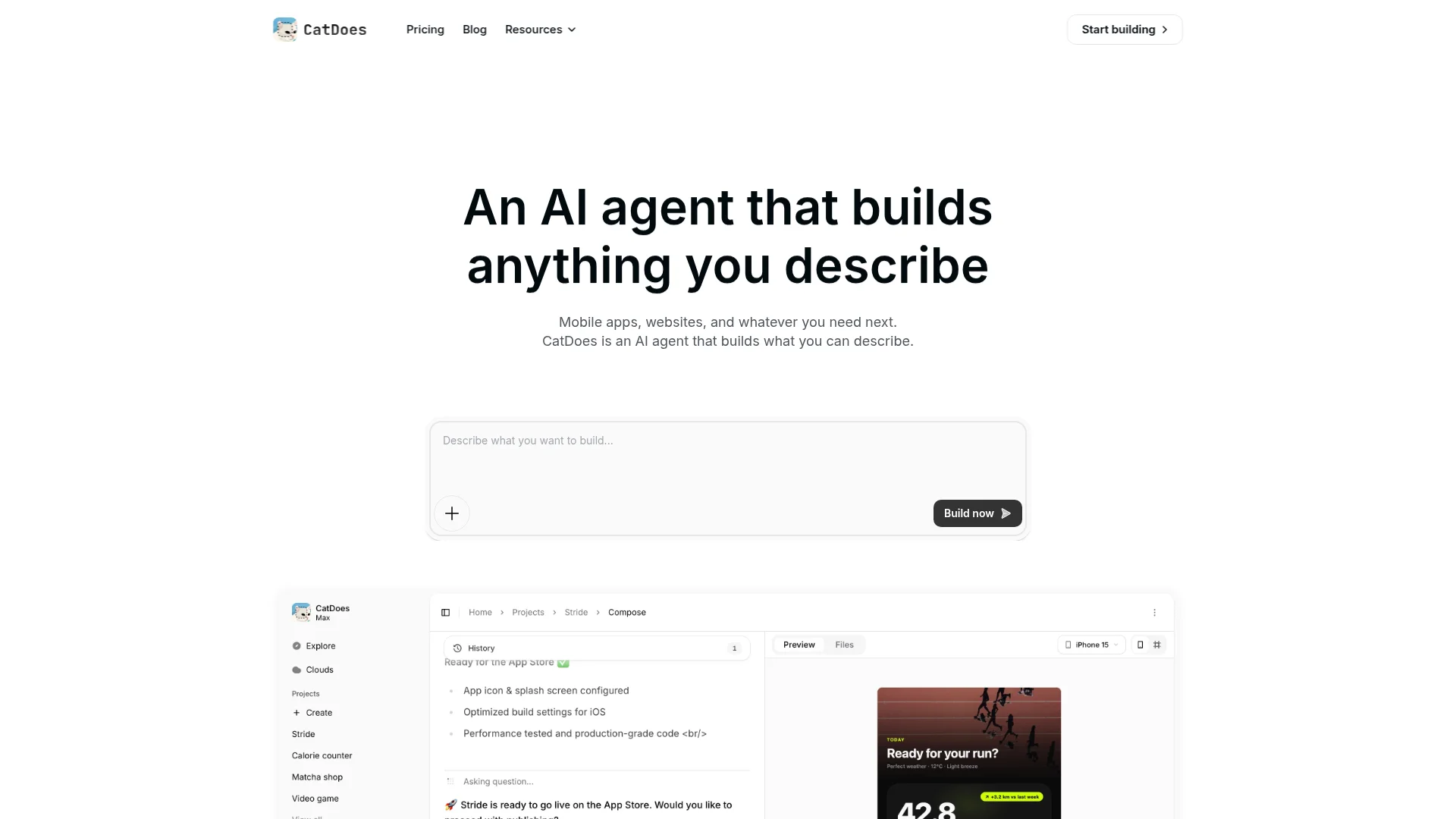
CatDoes is an AI agent that builds, deploys, and maintains web apps and websites from natural language, and it is the most complete answer to this exact search. You describe what you want, the agent builds the full stack, and it ships the result live on a custom domain without asking you to touch hosting or DNS.
The backend comes included. CatDoes Cloud provides a database, authentication, file storage, edge functions, and realtime on every plan, so your app can handle logins and saved data from day one. The differentiator that no other tool on this list matches: the same project can also be published as a native app to the App Store and Google Play, so a web app and a mobile app come from one prompt-driven workflow.
There is a free tier to try it, and paid plans start at $20/month. If you want one tool that takes you from idea to a live web app (and optionally a real mobile app) without wiring anything together yourself, this is the pick.
2. Lovable: strong full-stack web builder
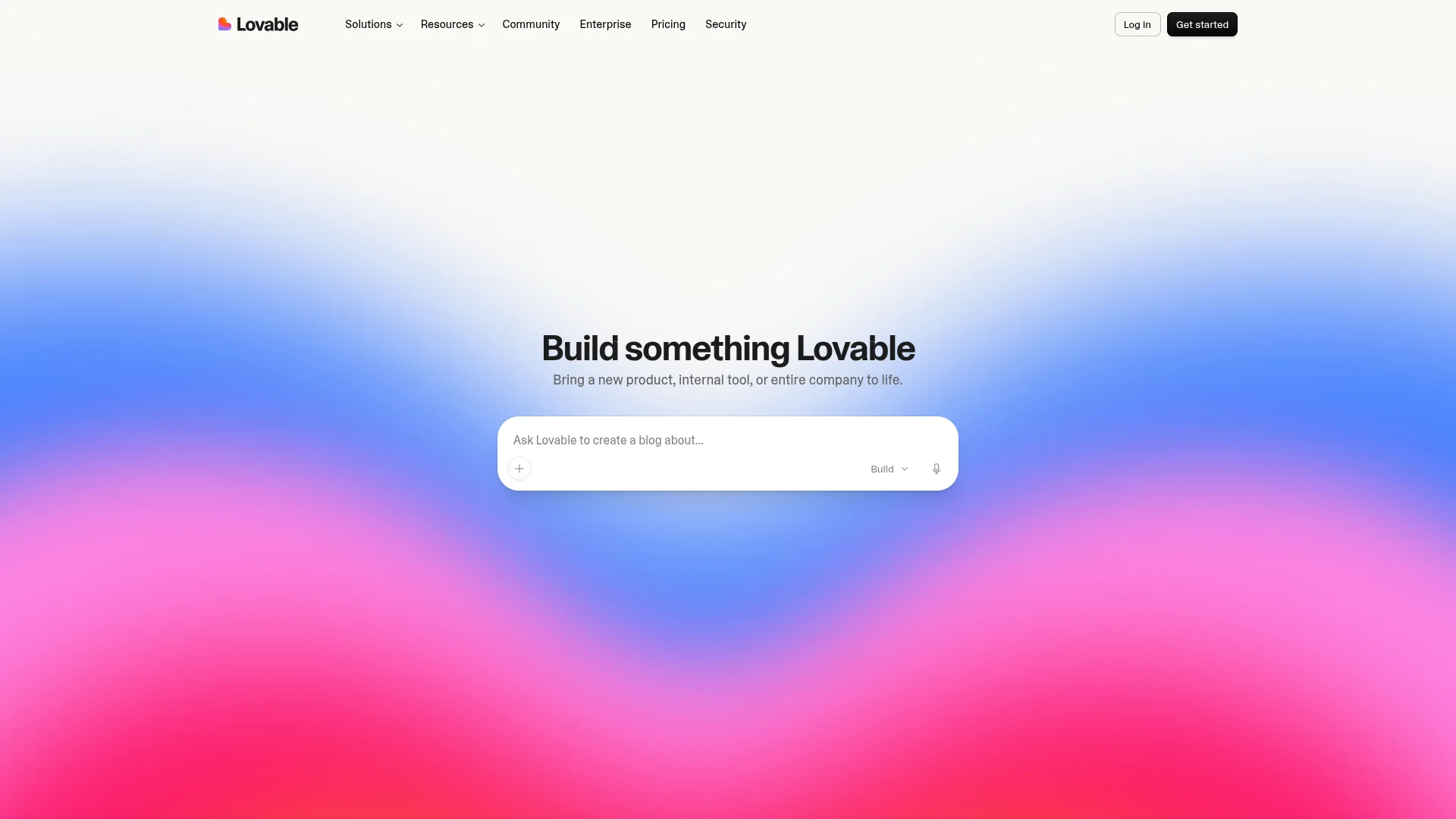
Lovable is a popular prompt-to-app tool that builds full-stack React web apps entirely through chat. It publishes to a free lovable.app subdomain with one click, and paid plans let you connect a custom domain. A native Supabase integration (branded as its Cloud) gives you a Postgres database, auth, and storage.
Pricing starts at $25/month for the Pro plan, with a free tier that gives you a handful of build credits per day. One thing to watch in 2026: Lovable moved to a single credit balance that covers both building and your live app's backend usage. If the balance runs out, both your editing and the deployed app can pause, so budget credits with real traffic in mind.
3. Bolt.new: full-stack in the browser
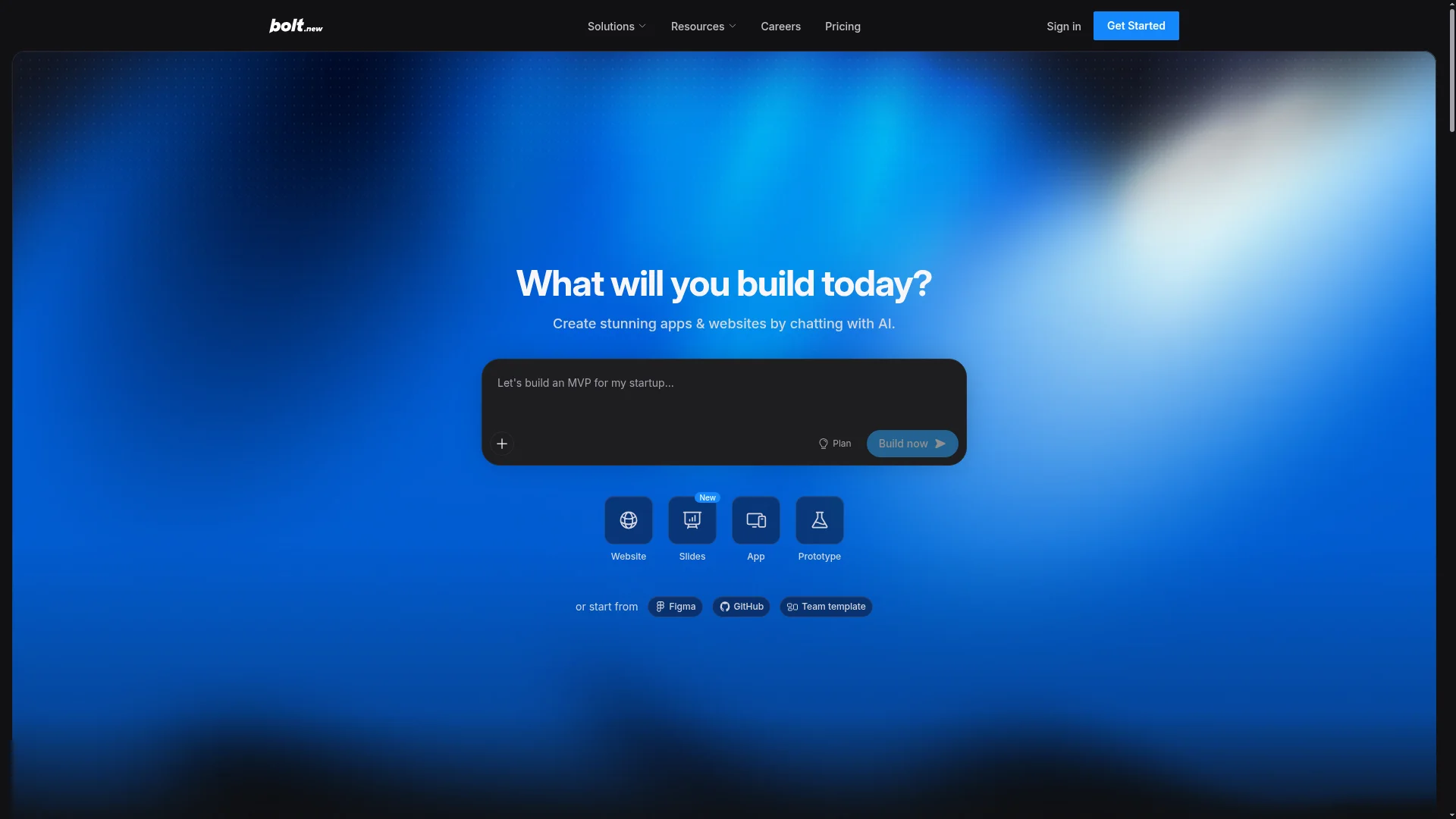
Bolt.new, from StackBlitz, builds full-stack web apps in the browser using natural language. Hosting is built in on every tier, including the free plan (with Bolt branding), and custom domains unlock on Pro. Supabase is the standard path for adding a database and auth.
The Pro plan is $25/month, and there is a free tier with a daily token allowance. Bolt is metered by tokens rather than a flat rate, so a complex app that needs a lot of back-and-forth can burn through your allowance quickly. It is a great fit if you like iterating fast and watching the app come together live.
4. v0: best for polished front ends
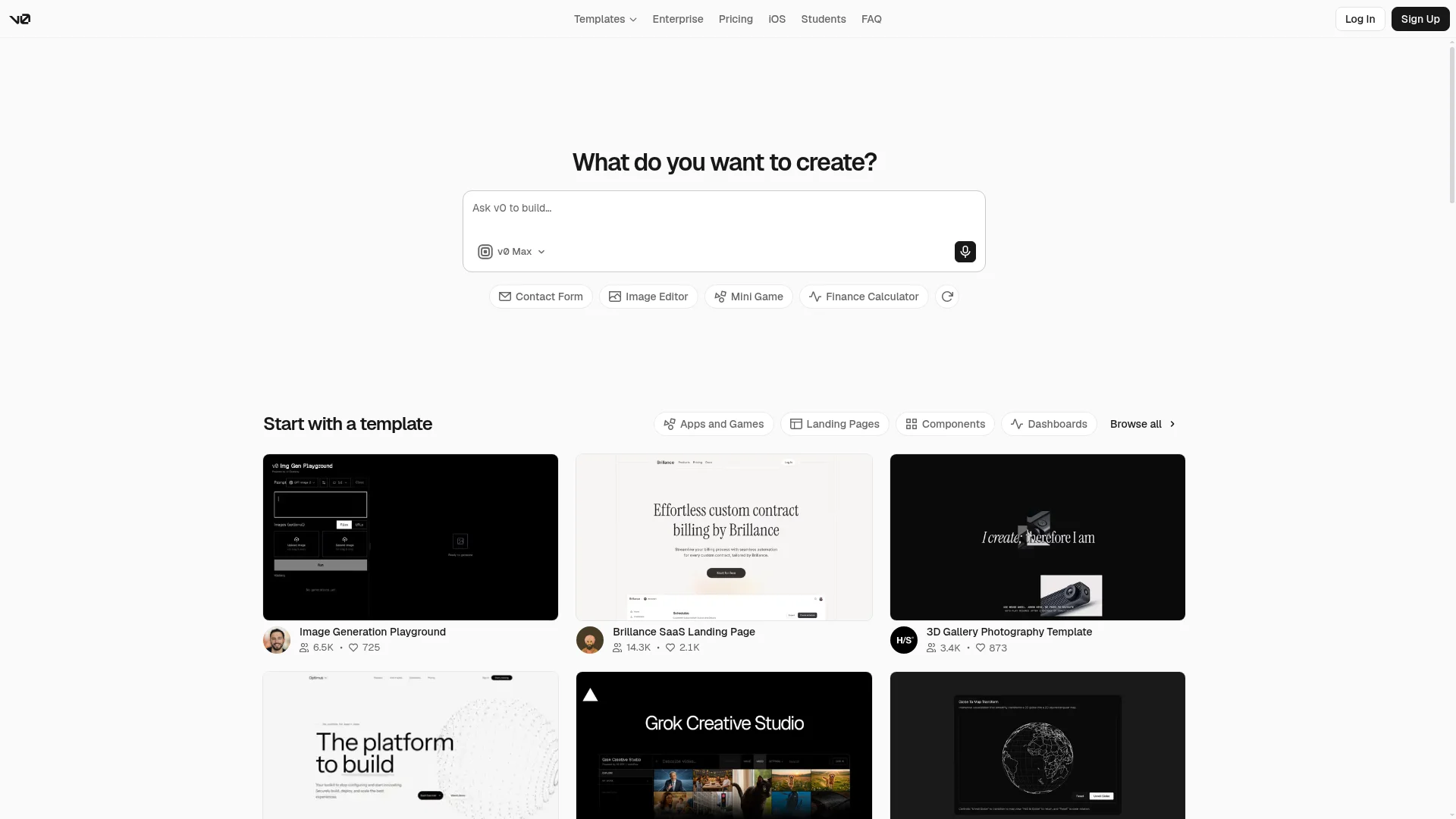
v0, made by Vercel, turns prompts into clean React and Next.js interfaces, and it has grown into a fuller app builder. Deployment is a natural strength: one click ships your app to Vercel with automatic SSL and a global CDN, and custom domains are supported through Vercel's settings.
The catch for non-coders is the backend. v0 does not include a database out of the box. You connect one through an integration such as Neon or Supabase, which is an extra step compared to the all-in-one tools. The free tier gives you $5 in monthly credits with a 7-message daily cap, and the Plus plan is $30/user per month. Choose v0 when the look and feel of the front end is your priority.
5. Replit: AI builder with a real IDE
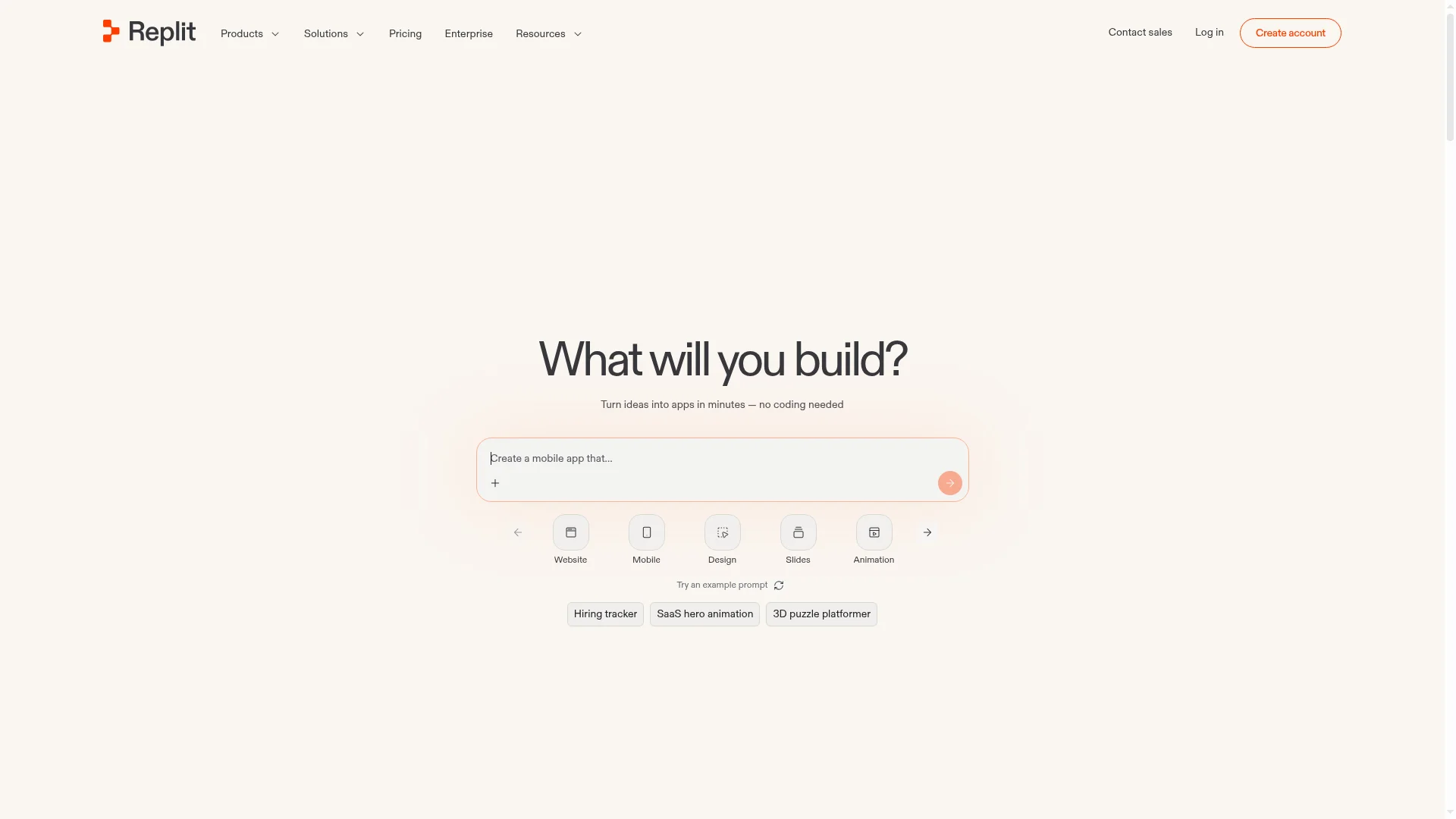
Replit pairs a cloud development environment with Replit Agent, which can build a full-stack app from a description. It is designed to be approachable for non-technical users, and it includes a built-in database plus one-click deployment with custom domains and automatic SSL.
The Core plan is $20/month (about $17/month billed annually), and the free Starter tier lets you publish one live project. The gotcha is cost predictability: Agent-built apps run on Autoscale or a reserved VM, and that compute is billed by usage on top of your subscription, so a traffic spike can produce a surprise bill. Replit suits people who want an AI assistant but also like having the actual code within reach.
6. Base44: all-in-one, now part of Wix
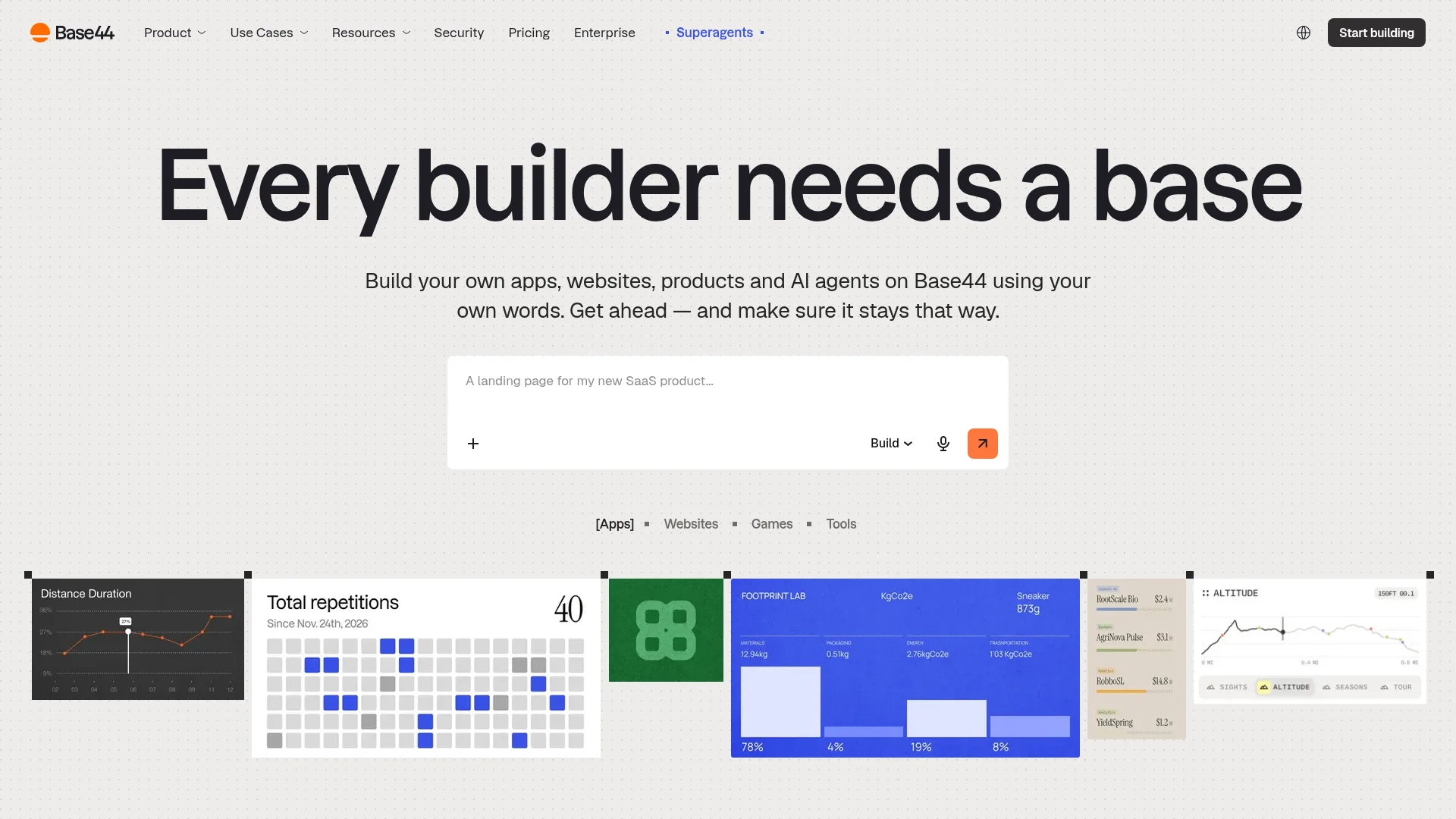
Base44 builds full custom software from plain-English chat, including the frontend, backend, database, and user authentication. It was acquired by Wix in June 2025 and now runs as a unit inside Wix. Apps run on production infrastructure rather than a sandbox, and custom domains are available on paid plans.
It is the cheapest entry point here, starting at $16/month on annual billing, with a free tier that includes a database and auth. Base44 uses a message-credit model, so heavy building and iteration consume credits faster than a flat fee would suggest. It is a solid all-in-one choice if you want the backend handled for you without leaving the chat.
7. Bubble: the visual no-code veteran
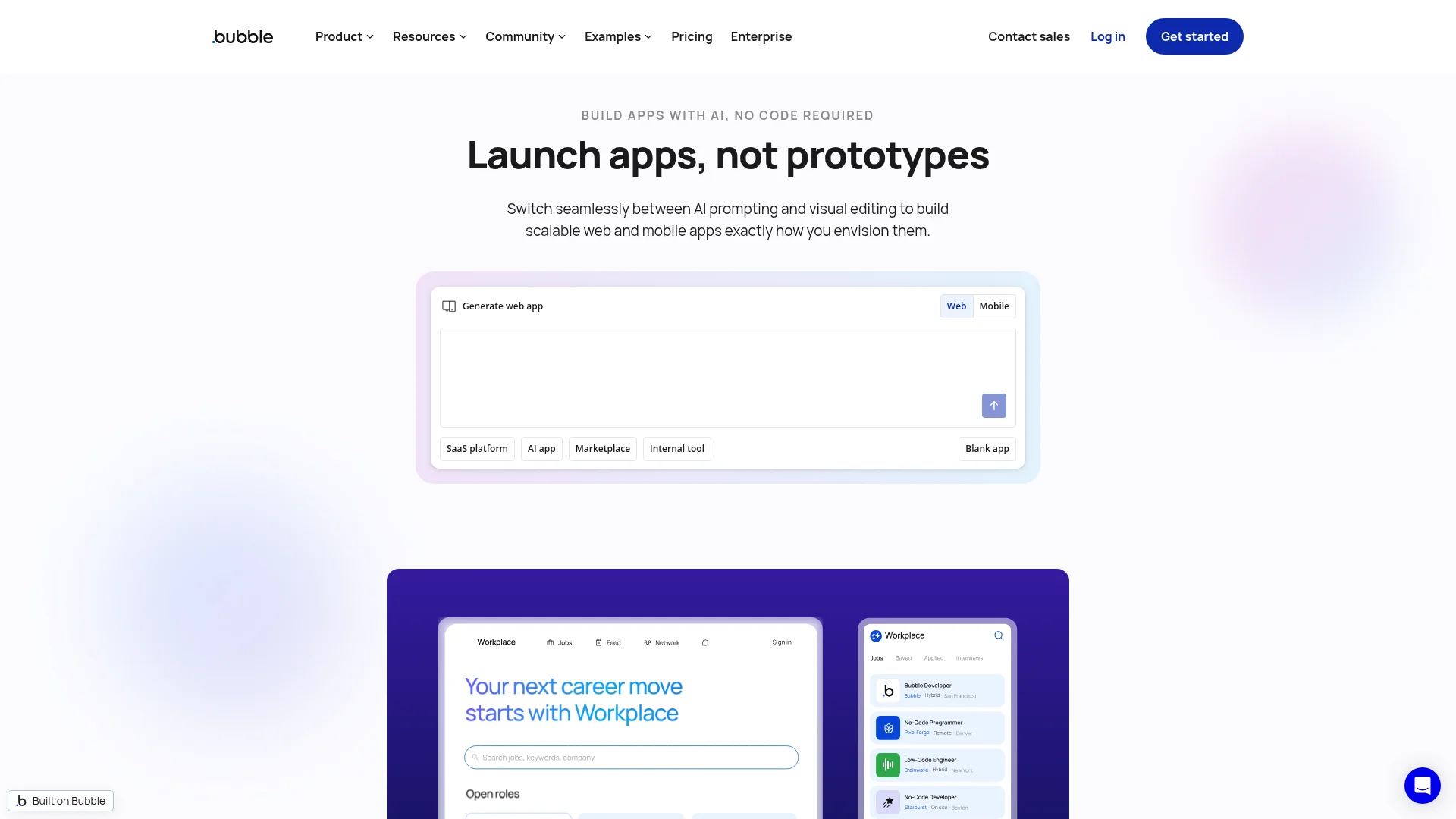
Bubble is the long-established no-code platform for building full web apps, with a built-in database and workflow engine. It now has AI features that can scaffold an app, but the real work happens in a visual drag-and-drop editor rather than pure prompting, so expect a steeper learning curve than the chat-first tools.
The free plan is for prototyping only and cannot deploy a live app or use a custom domain. Paid plans start at $32/month and go live with a domain. Watch the Workload Units, Bubble's usage-based billing metric, which can climb as traffic grows and push you into higher tiers. Bubble is the pick when you want fine-grained visual control and don't mind investing time to learn the editor.
How to build and deploy a web app without coding
The exact steps vary by tool, but the path from idea to live web app is the same everywhere. Here is the process that works with any AI web app builder on this list.
Describe your app clearly. Write one or two sentences on what it does, who uses it, and the main screens. For example: "a booking app where clients pick a time slot, pay a deposit, and get a confirmation email."
Generate the first version. Let the AI build a working draft, then use the live preview to spot what is missing or wrong.
Add the backend. Turn on the database, authentication, and storage so users can sign up and save data. With all-in-one tools this is built in; with front-end-first tools you connect a provider.
Refine with follow-up prompts. Fix layout, add features, and adjust logic by asking in plain English. Test each change in the preview.
Deploy to a live URL. Click publish to push the app online. Most tools give you a free subdomain first.
Connect your custom domain. Point your own domain at the app so it looks professional. The best tools handle SSL and DNS for you.
For a deeper walkthrough of the build stage, see our guide on how to create a web app, and for the going-live stage read how to publish a website.
How to choose the right AI web app builder
Match the tool to your project rather than chasing the longest feature list. Five criteria separate the good fit from the frustrating one.
Full stack or front end only? If your app has logins and saved data, pick a tool with a built-in backend so you skip the database setup.
Deployment and custom domains. Confirm the tool can publish to a live URL and connect your own domain, ideally with automatic SSL, on a plan you can afford.
Pricing model. Flat monthly fees are predictable. Credit, token, and usage-based models can spike as your app gets traffic, so read the fine print.
Non-coder friendliness. Chat-first tools are faster to start than visual editors. If you have never built an app, favor prompting over drag-and-drop.
Do you also need a mobile app? Most tools stop at the web. If you might want native iOS and Android later, choose one that can ship both from the same project.
If you are also weighing mobile-first options, our roundup of the best AI app builders covers native app tools in depth, and the best AI website builders guide is worth a look if your project is closer to a marketing site than a full app.
Frequently asked questions
Can I really build and deploy a web app without any coding?
Yes. Tools like CatDoes, Lovable, and Base44 build the full app from a plain-English description and deploy it to a live URL for you. You focus on describing what you want and refining it, while the tool handles the code, hosting, and database behind the scenes.
What is the best free AI web app builder?
CatDoes, Bolt.new, and Base44 all have usable free tiers that let you build and preview a real app. Free plans usually limit credits, projects, or custom domains, so they are best for testing an idea before you upgrade to publish it on your own domain.
Can these tools deploy the web app to my own domain?
Most can, though usually on a paid plan. CatDoes, Lovable, Bolt.new, v0, Replit, and Base44 all support connecting a custom domain, and the better ones handle SSL and DNS automatically so you don't have to manage certificates yourself.
Do I need a separate database and backend?
It depends on the tool. All-in-one builders like CatDoes, Base44, Replit, and Bubble include a database, authentication, and storage. Front-end-focused tools like v0 need you to connect an external provider such as Supabase or Neon.
Can I turn my web app into a mobile app?
With most tools you would rebuild it separately, but CatDoes can publish the same project to the App Store and Google Play alongside the web version. That makes it the simplest path if you want both a web app and a native mobile app without maintaining two codebases.
The bottom line
Every tool here can build a web app, but "build and deploy without coding" is really about crossing the finish line: a live URL, a working backend, and your own domain, with no plumbing left for you to figure out. On that full journey, CatDoes is the most complete pick, and it is the only one that can ship a native mobile app from the same prompt. Lovable, Bolt.new, and Base44 are excellent for web-only projects, while v0, Replit, and Bubble each shine for specific needs.
The fastest way to know which fits is to build the same small app in one or two of them and try to get it live. Want to start with the option that handles the whole path for you? Try CatDoes for free and take your idea from a prompt to a deployed web app today.
Nafis Amiri
Co-Founder of CatDoes


