Blog
Insights
App vs Website: Is a Website Enough in 2026?
App vs website: which is better for your business? Compare cost, reach, and retention, then build the one you need, or both from one project, with CatDoes.

Nafis Amiri
Co-Founder of CatDoes

Every business owner hits this question eventually. Someone says "you should have an app," and suddenly you are weighing a five-figure quote against a website you already half-own. The app vs website debate usually gets argued with feature lists, when it should be settled by one thing: how often your customers come back.
We make CatDoes, an AI agent that builds both websites and native iOS and Android apps, so we have no reason to push you toward either one. This guide covers the difference between the two, what the 2026 data says about reach and retention, what each costs, and a decision matrix you can run against your own business in about ten minutes.
TL;DR: A website is enough if people find you through search, buy or book occasionally, and never need you on their home screen. You need a native app when customers return weekly, when push notifications are part of the product, or when you need the camera, GPS, offline access, or Face ID. Most businesses should launch the website first and add the app once repeat usage proves it is worth the store fees. CatDoes builds the website and the native app in the same project with one backend, so adding the app later extends what you have instead of starting a second build.
Table of Contents
What Is the Difference Between an App and a Website?
App vs Website Pros and Cons
App vs Website Statistics for 2026
When a Website Is Enough
When You Actually Need a Real App
App vs Website: Which Is Better for Your Business?
How to Build an App and a Website With AI
App vs Website Cost in 2026
Three Things Owners Wish They Had Known
Should You Build an App or a Website First?
How to Decide This Week
Frequently Asked Questions
What Is the Difference Between an App and a Website?
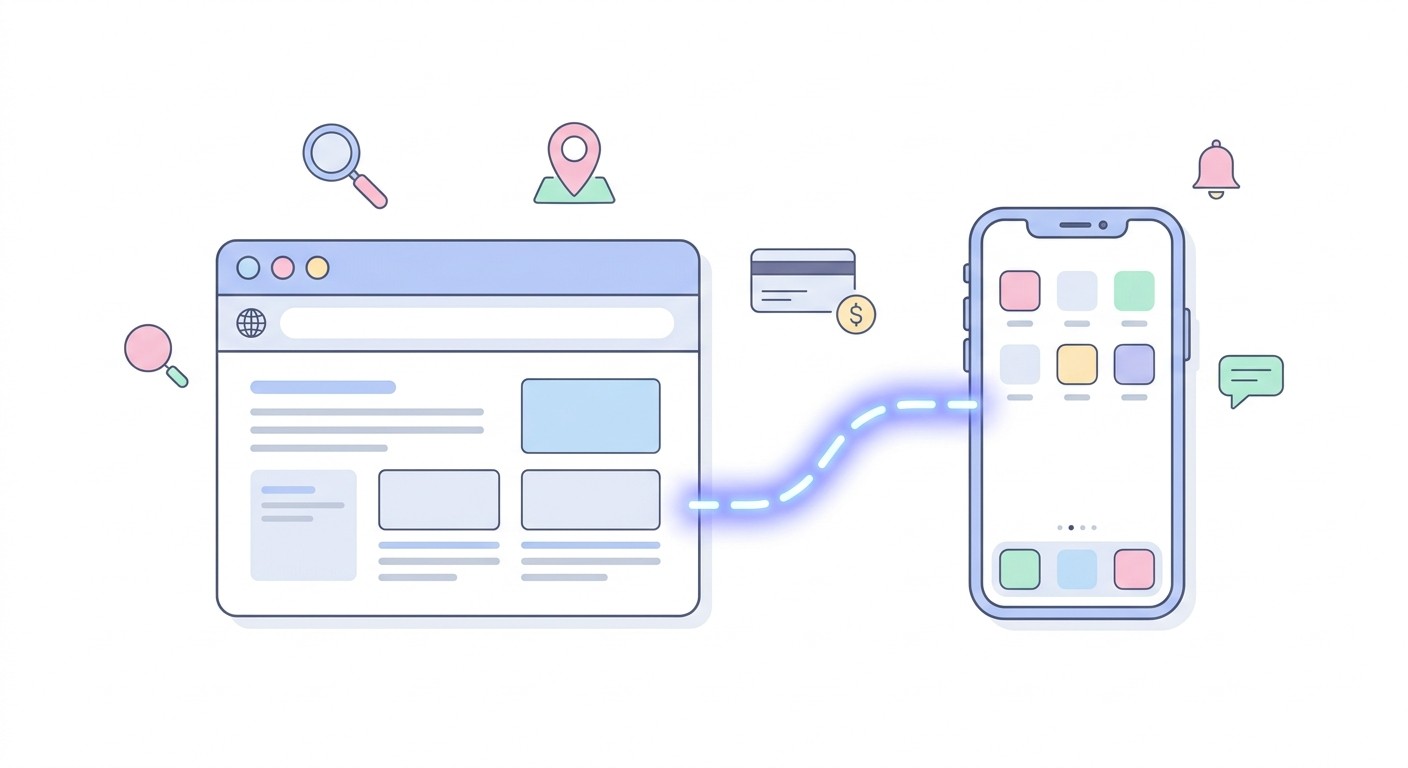
A website runs in a browser at a URL that anyone can open instantly and Google can index. A mobile app is installed from the App Store or Google Play, lives on the home screen, and gets push notifications and full access to the camera, GPS, and biometrics. Most of the confusion comes from three different things sharing the word "app," so it helps to know which one someone is actually recommending.
A native app (the kind you download)
A native app is software installed on the phone itself. Your banking app, Uber, and Duolingo are all examples. It gets an icon on the home screen, it can send push notifications, and it can reach the camera, GPS, Bluetooth, biometrics, and local storage.
The tradeoff is gatekeeping. Apple and Google review every submission, take a cut of digital sales, and your users have to install you before anything else happens. When you ask CatDoes for an app, this is what it builds: real React Native code for iOS and Android that you publish to both stores, not a website wrapped in an app shell.
A website (and the web app inside it)
A website runs in a browser at a URL. A responsive website resizes itself to fit a phone screen, which is what most people mean by a mobile website. Anyone with a link can open it, Google can index it, and you push updates whenever you want with nobody's approval.
A web app is the same thing with logins, saved data, and real functionality behind it: dashboards, booking flows, customer portals. A restaurant's menu site is a website, and Gmail in a browser is a web app. CatDoes builds either one from a plain-English description, with the database and logins already connected. For the deeper technical split, see our guide to native mobile apps vs web apps.
A PWA (a website that installs like an app)
A progressive web app is a website users can add to their home screen. It gets an icon, opens without browser chrome, and since iOS 16.4 it can send push notifications on iPhone too.
The catch is iOS. Push only works after the user manually taps Add to Home Screen, Apple offers no one-tap install prompt like Android does, Background Sync is still unsupported, and iOS can evict cached data from PWAs that sit unused. We compare the two paths in our PWA vs native app guide.
App vs Website Pros and Cons
Ignore the long feature lists. Eight differences decide this for almost everyone.
What you care about | Website | Native app |
|---|---|---|
How people find you | Google, maps, ads, any link | Store search, or you send them there |
Time to first customer | Instant, one tap on a link | Install required before anything |
Getting back in touch | Email, SMS, retargeting | Push notifications to the lock screen |
Phone hardware | Camera and location with permission, limited offline | Full camera, GPS, Bluetooth, biometrics, offline |
Shipping an update | Live in minutes, no approval | Store review before users see it |
Cut of digital sales | Your payment processor's fee only | Store commission on in-app purchases |
Fixed yearly costs | Domain and hosting | Hosting, plus $99 a year for Apple and $25 once for Google |
Works on desktop | Yes, same site everywhere | No, phones and tablets only |
Website pros and cons
Pros: found through Google and maps, opens from any link, works on every device, updates go live instantly, and no store fees or review.
Cons: weaker re-engagement without reliable push, limited offline use, partial hardware access, and no App Store listing.
Mobile app pros and cons
Pros: a home-screen icon, push notifications on the lock screen, full hardware access, dependable offline mode, and higher conversion from loyal customers.
Cons: install friction, store review on every update, a store cut of digital sales, developer account fees, and nearly half of installs are deleted within a month.
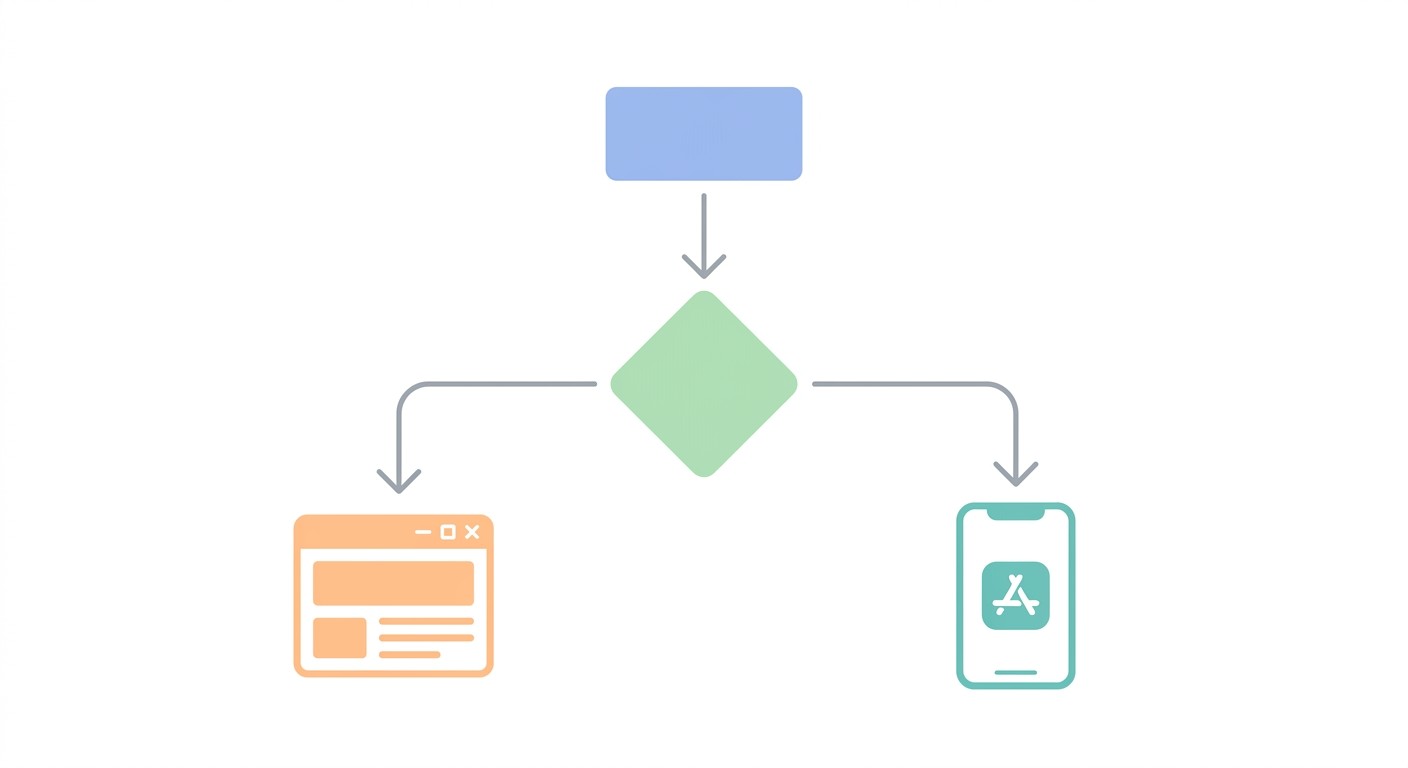
Read all of this as a question about your customer, not your product. If the person you want has never heard of you, a website wins. If they already know you and you need them back next Tuesday, an app wins. If you have both kinds of customer, you do not have to pick a column: CatDoes builds the website and the app from one project, so the real decision is which one to launch first.
App vs Website Statistics for 2026
Both sides of this argument have a favorite statistic, and both are true at once. Apps win attention. Browsers win reach.
On the app side, Sensor Tower's State of Mobile 2026 counted 5.3 trillion hours spent in apps during 2025, roughly 3.6 hours per user per day, with in-app purchases reaching $167 billion.
On the web side, StatCounter puts phones at about half of all global web traffic (50.13% in August 2026), and every one of those visits happens without an install. BrightLocal's 2022 survey found 99% of consumers had used the internet to find information about a local business in the past year, and Google's 2016 research found 76% of people who search on their phone for something nearby visit a business within a day. None of that reaches you through an app store.
The number that should worry anyone about to commission an app is retention. UXCam's 2026 benchmarks put the cross-category median at 25% of users still active on day one, 8% by day seven, and 4% by day thirty. AppsFlyer's uninstall report, covering 1.3 billion Android installs across 2,200 apps, recorded a 46.1% uninstall rate within 30 days of install for 2024.
Apps do tend to convert better than mobile web, but part of that gap is selection: the people who install your app were already your best customers.
Sensor Tower also found downloads grew only 0.8% year over year while in-app spending rose 10.6%. Existing apps are getting more valuable, and new apps are not getting easier to launch. Put together, the numbers argue for a sequence rather than a single bet: win discovery on the web, then give the customers who keep coming back an app.
When a Website Is Enough
A website is the right call, and often the only sensible one, in these situations:
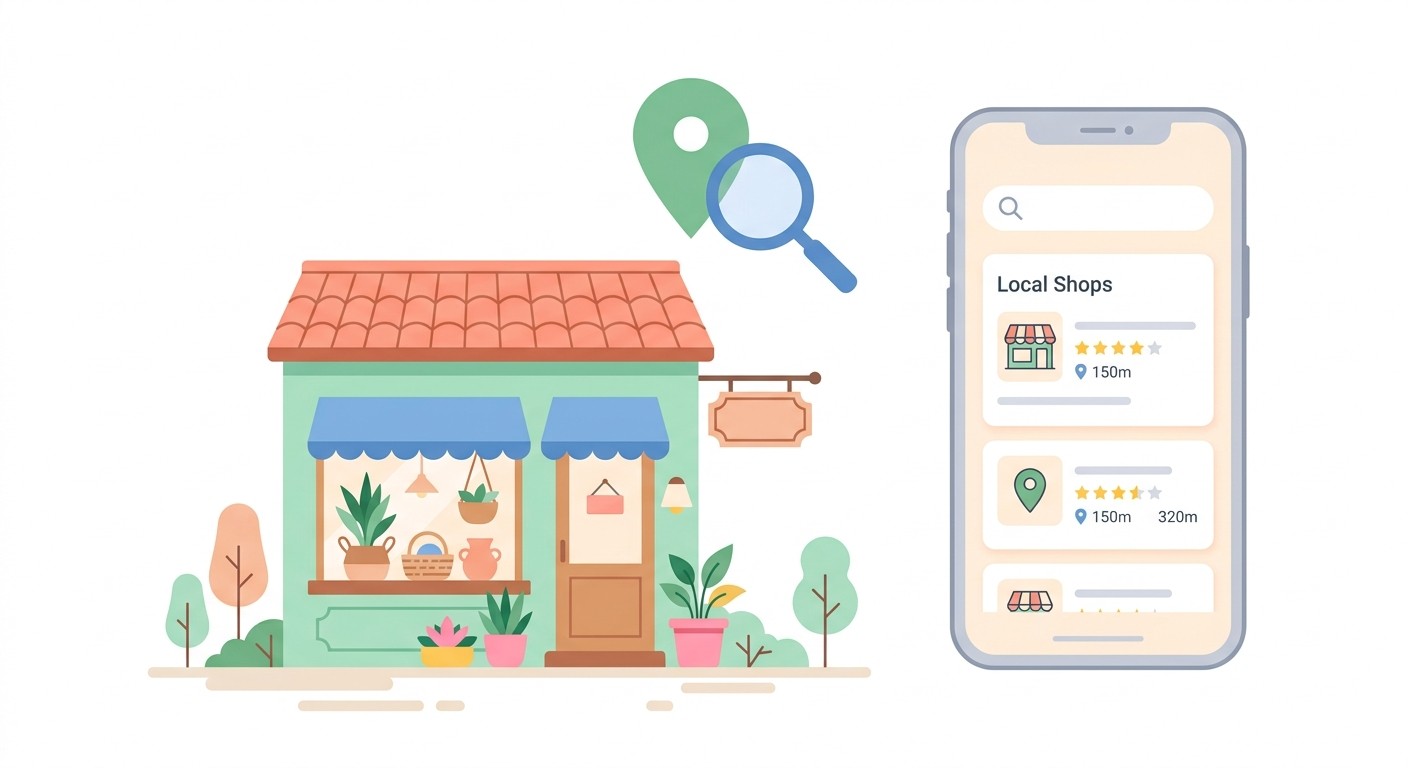
Discovery is your bottleneck. If most customers do not know you exist yet, you need to be findable in search and maps, not sitting behind an install.
People buy or book occasionally. Restaurants, contractors, clinics, law firms, salons. Nobody keeps an app for a business they visit twice a year.
Your content is the product. Menus, prices, portfolios, service areas, opening hours. This information needs to be indexed by Google and readable in one tap.
You sell physical goods. A storefront on the web reaches desktop, mobile, and every link you ever share, with no store commission on top of your payment processor.
You are still testing the idea. A website can change five times this week. An app change waits on store review.
If you land here, put your effort into a good website instead of an app. CatDoes can build it from a description, including booking forms, logins, and a database if you need them, and every plan, including Free, can deploy it to the web. If an app makes sense later, you add it to the same project.
When You Actually Need a Real App
There are cases where a website cannot do the job, and no amount of clever web development changes that:
Your customers come back weekly or daily. Fitness, coaching, loyalty programs, delivery, habit tracking, internal team tools. Repeat usage is the single best predictor that an app will survive.
Push notifications are part of the product. Not marketing blasts. Real alerts: your order is ready, your shift changed, your patient arrived. Push reaches the lock screen in a way email does not.
You need the hardware. Continuous GPS tracking, barcode and document scanning, Bluetooth devices, Face ID or fingerprint login, or heavy camera use.
Your users work offline. Field technicians, warehouses, delivery drivers, rural sites. Native apps handle patchy connectivity far more reliably than browsers.
Being on the home screen is the point. For subscription products and member communities, that icon is a daily reminder a bookmark never matches.
Your buyers expect it. In some categories, enterprise buyers and investors treat an App Store listing as a credibility check regardless of the engineering argument.
None of these requires an agency anymore. CatDoes builds the native iOS and Android app from a plain-English description, connects logins, a database, and file storage, runs an App Store review simulation before you submit, and publishes to both stores on the Starter plan.
App vs Website: Which Is Better for Your Business?
Find the row closest to your business. The answer is usually in it.
Your situation | Best fit | Why |
|---|---|---|
Local service business, bookings and calls | Website | Search and maps drive the customers; nobody installs an app to book a haircut |
Ecommerce with mostly first-time buyers | Website | Not enough repeat purchases yet to justify store fees and app maintenance |
Ecommerce with a strong repeat-purchase base | Both | Website for acquisition, app for the loyal segment that drives most revenue |
Subscription product used weekly | App first, website for signup | Retention lives on the home screen; the site sells and explains |
Internal tool for staff or field teams | App | Offline, camera, GPS, and no discovery problem to solve |
Marketplace or community | Both | Web brings supply and SEO; the app keeps demand engaged with push |
Idea you have not validated yet | Website | Fastest path to real signal before you commit to store review cycles |
Notice how often "both" appears. That used to be the expensive answer, because it meant two builds, two teams, and two codebases drifting apart. It is not anymore, and that is the part that changed.
How to Build an App and a Website With AI
The fastest way to get both in 2026 is to describe your business to an AI agent that produces a website and a native app from the same project. CatDoes works this way: it writes the website and a React Native app for iOS and Android, connects one shared backend through CatDoes Cloud (database, logins, file storage, and realtime updates), and deploys to your own domain, the App Store, and Google Play.
The shared project is what makes "both" affordable. The website and the app read from the same database, so a booking made on the site shows up in the app, and each change is made once instead of quoted twice.
Describe the business. Say what you sell, who your customers are, and what they need to do, or use the starter prompt below.
Launch the website first. Deploy it to the web and collect traffic from search, maps, and every link you share.
Watch repeat usage. If a real share of customers come back weekly, the app has earned its place.
Add the native app to the same project. Ask for the iOS and Android version, run the App Store review simulation, and publish to both stores.
Here is a starter prompt for step one. Replace the brackets:
Build a website for [business name], a [type of business] in [city]. Customers should be able to [book an appointment / place an order / sign up]. Include pages for [services and prices], a contact form, and logins so returning customers can see their [bookings / orders]. Keep all customer data in the database so we can add an iOS and Android app to this project later.
What AI does not change: the app half still needs Apple's $99-a-year developer account, Google's $25 registration, store review, and the store's cut of digital sales. Plans start free, so you can try CatDoes on your own business before paying for anything.
App vs Website Cost in 2026
A website is cheaper to build and to run. An app adds store fees, a store cut of digital sales, and yearly maintenance on top of the build, although AI builders now shrink the build cost for both.
A custom app is still a serious commitment. Clutch's pricing data puts the average mobile app project at $90,780 across an 11-month build, and the common rule of thumb adds 15% to 20% of the build cost per year for maintenance, which never appears in the quote.
Then there are the store costs. Apple charges $99 a year for the Developer Program and takes 30% of digital sales, dropping to 15% under the App Store Small Business Program if you made up to $1 million in proceeds the previous year.
Google Play charges $25 once. Since June 30, 2026, in the US, UK, and EEA, its service fee is 10% on your first $1 million in annual earnings and on all auto-renewing subscriptions, 20% to 25% on one-time purchases above that, plus a 5% billing fee if you use Google Play's billing. None of this applies to physical goods or services, only digital purchases.
Build path | To build | To keep running | What you get |
|---|---|---|---|
Agency | $90,780 average app project, about 11 months | 15% to 20% of the build per year, plus store fees | A custom app; the website is usually a separate quote |
Freelancer | Hourly rates that vary widely by region | Hourly for every change, plus store fees | Web and app often need different people |
CatDoes | Free to start | From $20 a month (Core); Starter at $50 a month adds App Store and Google Play releases and custom domains; store fees still apply to the app | A website and a native iOS and Android app from one project, backend included |
A website on its own avoids the store costs entirely: you pay for a domain, hosting, and your payment processor, and you keep the rest. Current plan details are on the CatDoes pricing page.
Three Things Owners Wish They Had Known
These three patterns come up constantly, and each one costs real money.
The app nobody installed. A business spends months and tens of thousands on an app, launches it, and discovers that getting someone to install software is far harder than getting them to click a link. The app was fine; the distribution plan did not exist. Launching the website first avoids this.
The website that could not grow up. A site gets built on a platform that cannot add logins, saved data, or a mobile app later, so the first real feature request means starting over. CatDoes includes a database and logins on every plan, so that request is a prompt, not a rebuild.
Paying twice for the same product. One team builds the website, another builds the app, and two codebases drift apart while every change gets quoted twice. One CatDoes project holds both, with one backend and one place to make each change.
Should You Build an App or a Website First?
For most businesses, build the website first. The data supports it: about half of all web traffic now comes from phones, with no install needed, nearly every customer looks up local businesses online, and the median app keeps only about 4% of its users a month after install.
Build the app first only if your product is used weekly or depends on push, hardware, or offline access, such as a fitness program, a delivery service, or a tool for a field team. Even then you will want a simple website for signups and search.
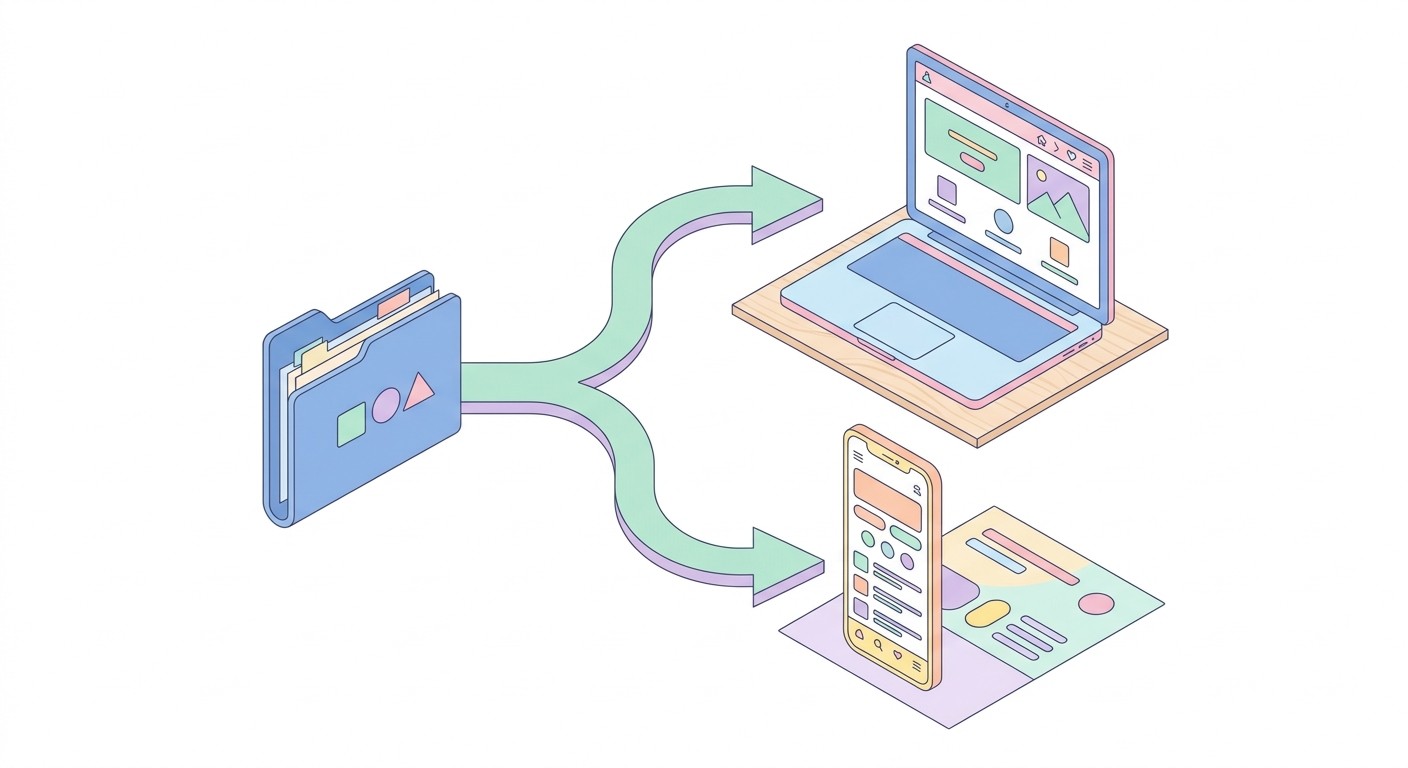
The "app versus website" framing dates from when both were separate custom projects and choosing wrong meant writing off the build. An AI agent like CatDoes now produces both from one description, so the useful question becomes "which one do I need this quarter, and can I add the other without starting over?" If the answer to the second half is yes, the first half stops being risky.
How to Decide This Week
Run this in order. It takes about an hour.
Count return visits. Open your analytics and find how often a customer comes back. Weekly or more points to an app. Monthly or less points to a website.
Write down what you would push. List the notifications you would actually send this month. If you cannot fill five useful ones, you do not need push, and push is most of the app's advantage.
Check the hardware list. Camera, GPS, Bluetooth, biometrics, offline. Any hard yes moves you toward an app.
Build the one you need now. Paste the starter prompt above into CatDoes, launch that version, and add the other to the same project when the numbers say it is time.
Already have a site you like? Paste its URL into CatDoes and it will build a native app from it, which we walk through in our guide to converting a website to a mobile app.
Frequently Asked Questions
Do I need an app if I already have a website?
Only if your customers come back weekly, you need push notifications, or you need phone hardware like GPS, the camera, or biometric login. If people visit you a few times a year, an app will be installed, ignored, and deleted. If you do need one, CatDoes can build it from your existing website's URL instead of starting from scratch.
Is a website cheaper than an app?
Yes, on both build and running costs. A website has no developer program fee, no store review, and no commission on digital sales, while an app adds $99 a year for Apple, $25 once for Google, store commissions on in-app purchases, and 15% to 20% of the build cost each year in maintenance. An AI builder like CatDoes cuts the build cost for both, with a free plan and paid plans from $20 a month, but the store fees stay.
Is it easier to build a website or an app?
A website is easier. There are no developer accounts, no store listing, and no review step, so a website can be live the same day. An app adds Apple and Google accounts, store screenshots, and review, which adds days to the first launch and more if you are rejected.
Is an app more secure than a website?
Neither is more secure by default. Security depends on how the backend, logins, and data storage are built. Apps can keep login tokens in the phone's secure keychain and use Face ID, while websites rely on HTTPS and browser sessions, and app store review checks policy compliance rather than your code's security.
Can a website send push notifications?
On Android, yes, reliably. On iPhone, only after the user manually adds your site to their home screen, which Apple has supported since iOS 16.4. Because iOS gives you no one-tap install prompt, most businesses that depend on push end up needing a real app.
Will a PWA save me from building a real app?
Sometimes, on Android. On iOS the install flow is manual, Background Sync is unsupported, and cached data can be evicted if the app sits unused, so a PWA works best as a fast front door rather than a full replacement. If offline reliability or hardware access matters, build the native app.
Should a small local business build an app?
Usually not. Local businesses are found through search and maps, and Google's research found 76% of people who search on their phone for something nearby visit a business within a day, which is traffic an app store never sends you. Put the budget into a fast, mobile-friendly website and a complete Google Business Profile first.
Can I build both a website and a mobile app at the same time?
Yes. CatDoes builds a website and native iOS and Android apps from the same plain-English description, in one project with a shared backend for the database, logins, file storage, and realtime updates. You can launch the website now and add the app later without hiring a second team or maintaining two codebases.
Nafis Amiri
Co-Founder of CatDoes


