Blog
Insights
App Maintenance Costs: $500-$20K/Month (2026)
App maintenance costs $500-$20K/month, roughly 15-20% of your build per year. See real budgets by app type, the 6 cost drivers, and how to spend less.

Nafis Amiri
Co-Founder of CatDoes
App maintenance costs run 15-20% of your original build cost per year — or roughly $500-$20,000 per month, depending on complexity. If your app cost $100,000 to build, expect $15,000-$20,000 per year keeping it alive. This guide breaks down where that money goes, and how to spend less.
You budgeted for design and development. But what happens after your app goes live? If you're a founder, product manager, or indie developer planning your app budget, this is the part most people underestimate.
The app is built, but the bills are just getting started.
One caveat: the first year often runs higher, up to 40-50% of your build cost, as you stabilize the codebase and fix what early testing missed. The 15-20% figure is the steady-state number for the years after that.
Key takeaways
Annual maintenance typically costs 15-20% of the initial build. A $100K app means $15K-$20K/year in upkeep.
The six main cost drivers are hosting, platform updates, third-party services, bug fixes, security patches, and technical debt.
Simple apps may cost $500-$2,000/month. Complex apps with real-time features can hit $6,000-$20,000+/month.
Cross-platform frameworks, managed backends, and CI/CD automation are effective ways to reduce long-term costs.
No-code platforms can eliminate most maintenance categories entirely: no servers, no build pipelines, no platform-specific updates.
Table of Contents
The real cost of keeping your app alive
What you're actually paying for
How complexity affects your monthly bill
How to calculate your maintenance budget
Strategies to reduce app maintenance costs
Frequently asked questions
The real cost of keeping your app alive
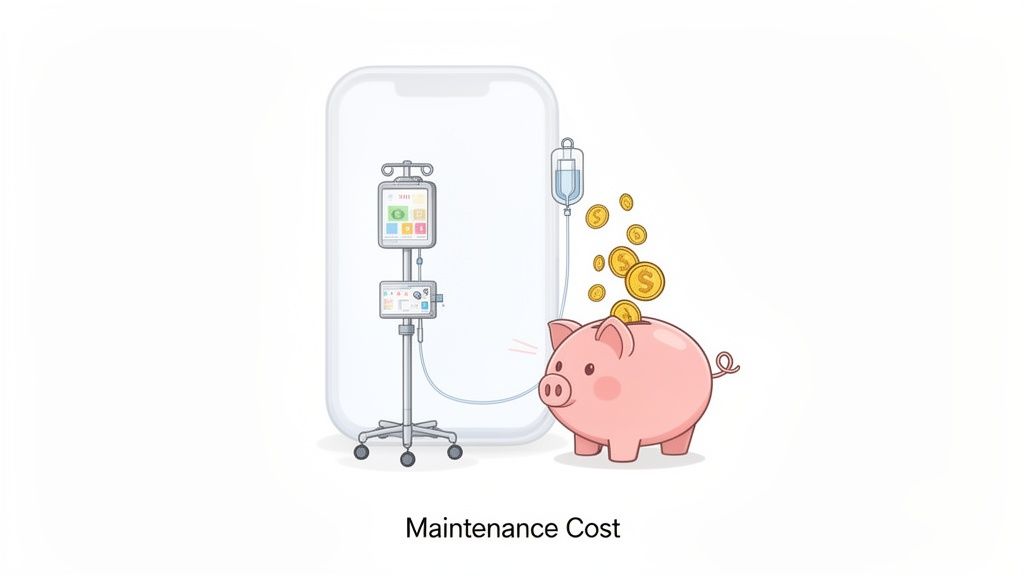
An app left without maintenance gets buggy and eventually incompatible with new OS versions. Users leave. Reviews tank.
What started as a $100K investment turns into a liability. Maintenance is the cost of staying in business.
Here is what the 15-20% rule looks like at different build costs:
Initial development cost | Estimated annual maintenance (15-20%) |
|---|---|
$50,000 | $7,500 - $10,000 |
$100,000 | $15,000 - $20,000 |
$250,000 | $37,500 - $50,000 |
$500,000 | $75,000 - $100,000 |
These numbers cover six areas: hosting, platform updates, third-party services, bug fixes, security, and technical debt.
What you're actually paying for
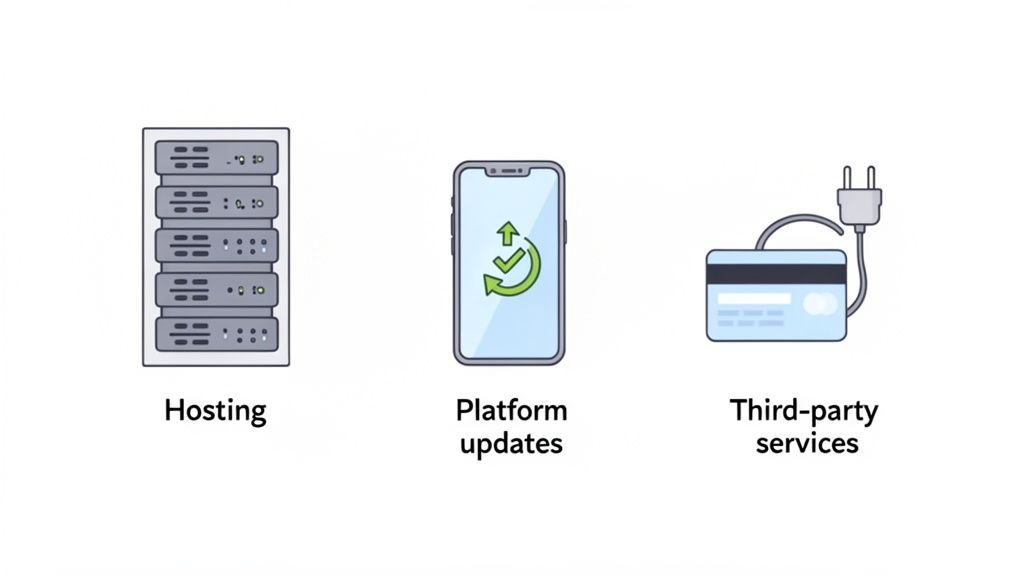
App maintenance is not one vague line item. It is a set of specific, recurring costs. Knowing where the money goes turns a source of anxiety into a budget you can actually plan around.
Hosting and infrastructure
Every user profile, image, and transaction record lives on a server. The hosting you choose affects speed and reliability under load.
A small app with a few hundred users might run on a basic plan at $70-$320/month. Mid-size apps with steady traffic typically land at $500-$2,000/month, while apps that process real-time data or serve thousands of concurrent users can climb to $2,000-$10,000+/month as capacity scales. Research shows that 62% of users uninstall apps after experiencing crashes, freezes, or errors, so cutting corners here has real consequences.
Platform updates
Apple and Google ship major OS updates every year, and each one can introduce breaking changes to your app's codebase. Skip updates long enough and the app stores may pull your listing entirely.
Third-party service fees
Most apps rely on external services, and each one comes with a subscription. Payment processors like Stripe charge per-transaction fees plus monthly minimums.
Push notification providers start at $10/month for higher volumes. Analytics platforms and mapping APIs add up too.
Bug fixes and performance work
Users will find bugs your testing missed. A minor fix might cost $50 and take a couple of hours. A bug that breaks a core feature can run $1,000-$2,000 and take weeks.
Performance tuning on top of that keeps load times acceptable as your user base grows.
Security patches
New vulnerabilities appear constantly. Regular security audits, patching, and compliance work (GDPR, SOC 2) are ongoing costs. Expect roughly $250-$500 for a routine patch, $1,000-$5,000 for a professional security audit, and $5,000-$15,000+ for a full penetration test on a complex app.
A breach is far more expensive than prevention: data loss, regulatory fines, and trust damage that is hard to recover from. The average cost of a data breach was $4.44 million globally in 2025, according to IBM's Cost of a Data Breach Report, and $10.22 million for US companies. Our guide on mobile app security best practices covers what a solid process looks like.
Technical debt
Shortcuts taken during development come back as maintenance costs. Duplicated code, hardcoded values, and outdated dependencies slow down every future update.
The longer you wait to address technical debt, the more expensive each change becomes. What starts as a quick workaround turns into hours of refactoring when you need to build on top of it. Our guide on reducing technical debt covers practical strategies to keep this under control.
How complexity affects your monthly bill
The biggest factor in your maintenance bill is how complex your app is. A simple content app and a real-time marketplace have completely different cost profiles.
Simple apps
A restaurant menu app or a basic informational app needs minimal hosting and infrequent updates. There is no real-time data to process and no user-generated content to moderate.
Monthly maintenance sits in the $500-$1,000 range. Few moving parts means few things that can break.
Moderate complexity
Apps with user accounts, photo uploads, or basic e-commerce start demanding more. You are now handling user-generated content, processing payments, and meeting higher security standards.
Hosting needs to be more reliable, and you will likely need a staging environment for testing. Monthly costs typically land between $1,000-$5,000.
High complexity
Real-time features, AI integrations, multi-platform support, and large user bases multiply costs at every level. More users means heavier server loads and more support tickets. Each third-party integration is another dependency that needs monitoring.
Enterprise and growth-stage apps routinely spend $6,000-$20,000+ per month, or $75,000-$200,000+ annually. These figures dwarf the $8,000-$20,000 annual budgets of simpler apps.
Unplanned events spike costs even further. A payment processor migration might require $38,000 in compliance updates. A sudden user surge could trigger $27,000 in emergency fixes.
How to calculate your maintenance budget
The 15-20% rule gives you a ballpark. A real budget requires going line by line through your actual costs. Here is a three-step process.
Step 1: Inventory every component
Open a spreadsheet with two columns: "Component" and "Monthly Cost." List every service your app depends on: hosting, payment gateway, push notifications, analytics, authentication, CDN, email.
If it has a subscription, it goes on the list.
Step 2: Forecast infrastructure costs
Infrastructure costs scale with usage. Project your user growth over the next 12 months and map it against your hosting provider's pricing tiers.
If you are at 5,000 users today and expect 20,000 in a year, find out what that tier upgrade costs before it surprises you.
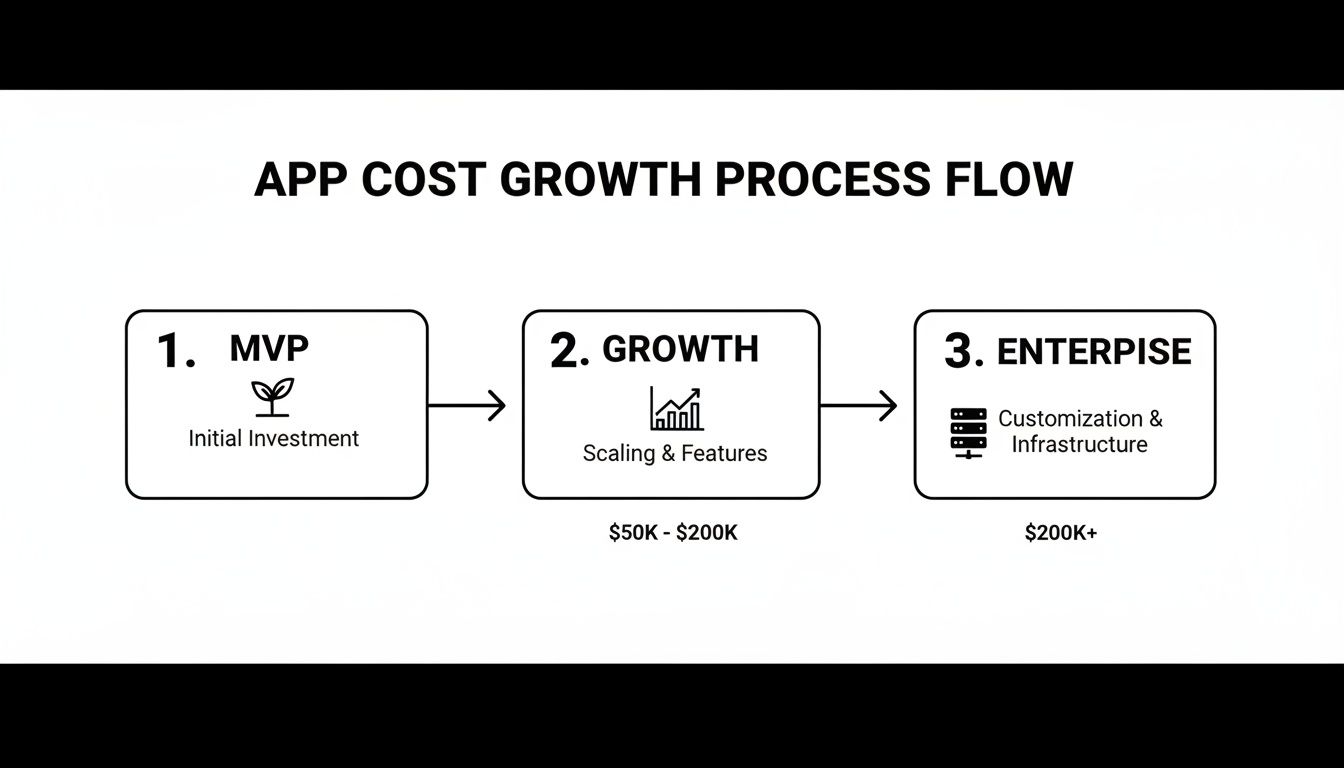
For a more detailed breakdown of costs at each stage, see our mobile app development cost breakdown.
Step 3: Budget for labor
Developer time is often the largest maintenance expense. Estimate hours for recurring tasks and multiply by your team's rate. Here are typical benchmarks at $50/hour:
Maintenance task | Estimated hours | Cost at $50/hour |
|---|---|---|
Minor bug fix | 2 - 4 hours | $100 - $200 |
Performance tuning | 10 - 20 hours | $500 - $1,000 |
Third-party API update | 8 - 16 hours | $400 - $800 |
OS compatibility update | 40 - 80 hours | $2,000 - $4,000 |
Security patch | 5 - 10 hours | $250 - $500 |
Don't underestimate the small tasks. A single bug in a core feature can take several days to diagnose and ship a fix for. Combine your component inventory with infrastructure and labor estimates for a budget that actually reflects your situation.
Strategies to reduce app maintenance costs
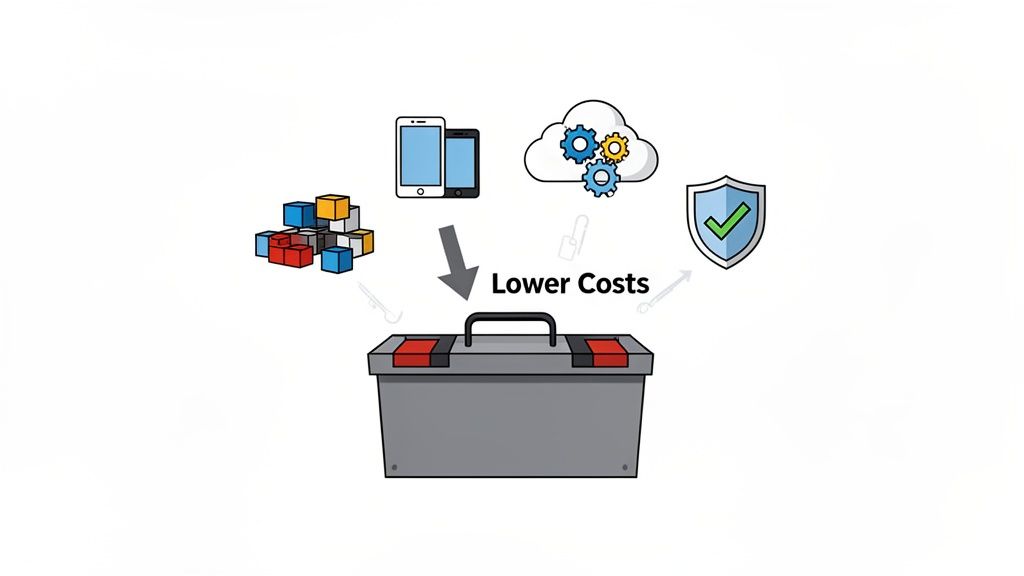
You can't eliminate maintenance, but you can make architectural choices that significantly lower the ongoing bill.
Use modular architecture
When each feature is a self-contained module, you can update or replace one piece without risking the rest. A bug in the payment module stays isolated from user authentication. This makes updates faster and cheaper.
Choose a cross-platform framework
Maintaining separate native codebases for iOS and Android means doing every fix and update twice. Two codebases, two build pipelines, two sets of platform-specific bugs.
A cross-platform framework like React Native lets you ship one codebase to both platforms. That cuts maintenance work roughly in half.
One specific pain point: app store review cycles for updates. Solutions like Code Push for React Native let you push minor fixes directly to users without waiting for store approval.
Use managed backend services
Running your own servers means managing security, scaling, and database tuning yourself. Backend-as-a-Service platforms like Firebase or Supabase handle that infrastructure for a predictable monthly fee. Your team spends time building features instead of maintaining servers.
Automate with CI/CD pipelines
Manual testing and deployment is slow and error-prone. A CI/CD pipeline runs automated tests on every code change and deploys without manual steps. This reduces the developer hours spent on routine work and catches bugs before they reach users.
The payoff is real. iOS app maintenance alone can cost $2,500-$9,000/month, which adds up to $30,000-$100,000+ annually. Automation absorbs a significant share of that labor cost and also reduces the risk of human error in deployments.
Build with a no-code platform
The strategies above reduce maintenance costs. A no-code platform can eliminate most of them entirely.
When the platform handles hosting, OS compatibility, security patches, and deployment pipelines, those line items disappear from your budget. There is no server to manage, no build pipeline to maintain, and no platform-specific code to update when Apple or Google ships a new OS version.
At CatDoes, we built our platform around this principle. CatDoes generates production-ready React Native apps with managed backend infrastructure included: database, auth, storage, and edge functions are all handled by CatDoes Cloud. Updates deploy automatically. The result is that most of the cost categories in this guide simply don't apply.
Frequently asked questions
What's a realistic monthly budget for app maintenance?
It depends on complexity. Simple content apps cost $500-$2,000/month. Apps with real-time features or heavy traffic can exceed $5,000/month.
As a baseline, budget 15-20% of your initial development cost per year.
Can I handle app maintenance myself?
Updating CMS content or images, yes. But server management, database optimization, and security patching require real technical skill.
Getting these wrong can cause outages or data loss. For anything beyond content updates, you need a developer or a managed service.
How do I predict future maintenance costs?
Plan for two major OS updates from Apple and Google each year, since these often require code changes. Budget for server upgrades as you hit user growth milestones.
Stay close to your development team so you can identify technical debt early, before it becomes expensive to fix. The biggest cost surprises come from ignoring small problems until they compound.
How much does it cost to maintain an app per year?
Annual app maintenance typically runs 15-20% of your original build cost. A $50,000 app costs roughly $7,500-$10,000 per year to maintain, and a $100,000 app runs $15,000-$20,000. Plan for the first year to be higher, often 40-50% of the build cost, while you stabilize the codebase.
How much does app hosting cost?
Hosting for a small app with a few hundred users starts around $70-$320/month. Mid-size apps generally pay $500-$2,000/month, and high-traffic apps with real-time features can reach $2,000-$10,000+/month. Managed backend services bundle hosting into a single predictable monthly fee.
What does app security cost?
Routine security patching runs $250-$500 per update. A professional security audit costs $1,000-$5,000, and a full penetration test on a complex app can run $5,000-$15,000 or more. It is cheap insurance next to the average data breach, which cost $4.44 million globally in 2025.
Ready to skip the $15K-$20K/year maintenance bill? CatDoes is an AI-native platform that handles hosting, updates, and deployments, so you can focus on building, not maintaining. Start building for free at catdoes.com.
Nafis Amiri
Co-Founder of CatDoes


