Blog
Tutorials
App Development for Kids (2026 Parent & Teacher Guide)
App development for kids in 2026: the best tools by age, a 5-step weekend project to build an app together, safety tips, and how to publish their first app.

Nafis Amiri
Co-Founder of CatDoes

TL;DR: App development for kids is about putting big ideas into small hands: giving children the tools to build real apps, not just play them. In 2026, a kid can go from a rough idea to a working app without writing a line of code, using block-based platforms like Scratch and AI app builders like CatDoes. This guide covers the right age to start, the best tools by skill level, a five-step project you can do together this weekend, real kid-developer success stories, and how to keep young builders safe online.
Table of Contents
What Is App Development for Kids?
Why App Development Belongs in Every Kid's Toolkit
What Age Can Kids Start Building Apps?
The Best Tools for Kids, From Blocks to Real Apps
How to Build an App With Your Kid in 5 Steps
Kid App Developers Who Actually Shipped
Keeping Young Builders Safe: Privacy, Screen Time, and COPPA
App Ideas Kids Actually Want to Build
Common Questions About App Development for Kids
What Is App Development for Kids?
App development for kids is the process of teaching children to design and build their own mobile or web apps, usually through visual tools instead of traditional code. Instead of memorizing syntax, kids drag colorful blocks, answer prompts, or describe an idea in plain English while software handles the technical parts.
The goal is not to turn every child into a professional engineer. It is to move them into the driver's seat. A kid who builds a working quiz game or a chore tracker learns how the apps on their phone actually come to life, and starts to see them as things they could make too.
The barrier that used to stop them is gone. A decade ago, building an app meant learning Swift or Java first. Today a curious nine-year-old can sketch a game on paper in the morning and test a playable version on a tablet by lunch.
Why App Development Belongs in Every Kid's Toolkit
Building apps teaches the kind of thinking that transfers to almost everything else: breaking a big problem into small steps, testing an idea, spotting what broke, and trying again. Researchers call this computational thinking, and it shows up in math, science, and writing long after the app is finished.
There is also a confidence effect. A child who ships something real, a game their friends can play or a tool their family actually uses, builds a different relationship with technology. They stop asking "how do I use this app?" and start asking "how would I build this?"
The demand behind this is huge and growing. The online coding-for-kids market grew from roughly $5.4 billion in 2025 to an estimated $6.5 billion in 2026 and is expanding around 20% a year, according to industry estimates. Two nonprofits show the scale of interest: Scratch, built by MIT's Lifelong Kindergarten group, passed 100 million registered users in early 2025, and Code.org, now CodeAI, has reached more than 150 million students across 190-plus countries.
AI has not replaced this skill. It has lowered the entry price. The kids who do well over the next decade will be the ones who can point these tools at a problem and get something built.
What Age Can Kids Start Building Apps?
Kids can start as early as age five with play-based logic tools, move into block coding around age eight, and build real, publishable apps from about age thirteen with adult help. There is no single right age; the trick is matching the tool to the stage.
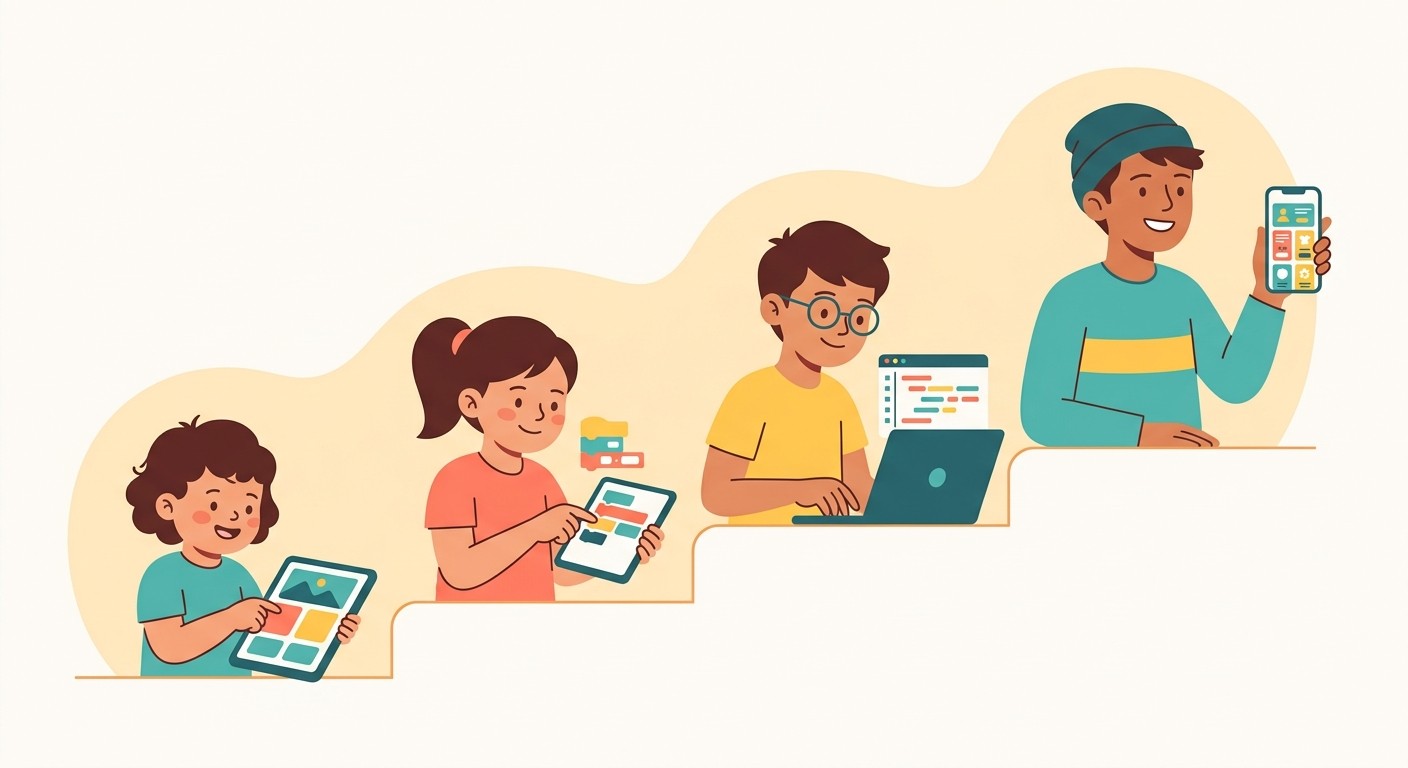
Here is a simple map of what works at each stage.
Age | Stage | Great Starting Tools |
|---|---|---|
5-7 | Play-based logic, sequencing, cause and effect | ScratchJr, Code.org courses |
8-12 | Block coding, first real games and stories | Scratch, Tynker, MakeCode |
11-14 | Bridge from blocks toward real apps | MIT App Inventor, Swift Playgrounds |
13+ | Build and publish real apps | AI app builders like CatDoes, Replit |
Younger kids need play and quick wins. Older kids want their app to feel real, run on an actual phone, and be something they can show off. The best setups let a child move up the ladder as their skills grow, so the tool never becomes the ceiling.
The Best Tools for Kids, From Blocks to Real Apps
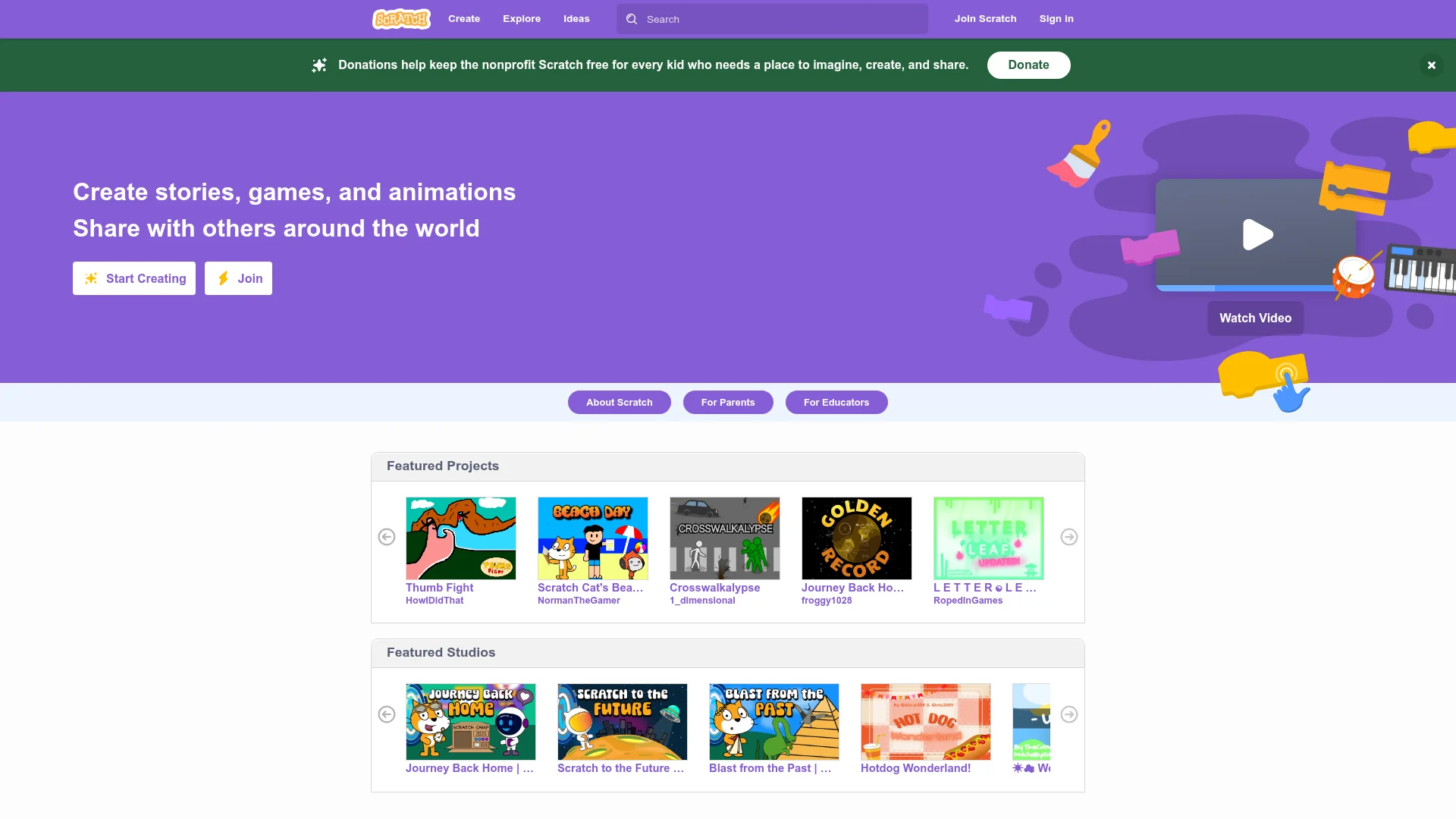
The strongest path for most families is a ladder: start with drag-and-drop blocks to learn logic, then graduate to an AI builder that turns plain-English ideas into a real app. Each tool below covers a different rung.
Tool | What It's For | Ages | Publishes Real Apps? |
|---|---|---|---|
ScratchJr | First taste of logic with picture blocks | 5-7 | No |
Scratch (MIT) | Block coding for games, animations, stories | 8+ | Web and community share |
Tynker | Guided courses from blocks toward text code | 7-13 | No |
MIT App Inventor | Block-built Android apps | 11+ | Android (sideload) |
Swift Playgrounds | Learn real Swift code on an iPad | 10+ | iOS (with an adult's account) |
CatDoes | Describe an app in plain English, AI builds and publishes it | 13+ with an adult | iOS, Android, and web |
Scratch and ScratchJr are the classic on-ramp for logic and creativity. When a kid outgrows blocks and wants their app on a real phone, an AI builder removes the last wall: they type what they want, and the agent writes production code, sets up the backend, and packages it for the stores. If you want to compare options side by side, see our roundup of the best free app builders.
How to Build an App With Your Kid in 5 Steps
You can build a simple app with your child in a single afternoon. The plan below works with an AI builder like CatDoes, but the thinking applies to any tool. Keep the first project tiny and finishable, because a shipped small app beats an unfinished big one every time.
Pick a problem your kid actually has. A chore chart, a water-drinking reminder, a flashcard app for a spelling test, or a simple pet-care tracker. Real problems keep kids motivated.
Sketch it on paper, one screen at a time. Draw the home screen, then what happens when you tap a button. This is design, and it costs nothing but a pencil.
Describe it in plain English to the AI. For example: "Build a chore app where I add chores, check them off, and earn stars." The builder generates a working first version in minutes.
Test it on a real phone. Let your kid tap through it. What is confusing? What is missing? Feed those notes back as new prompts and watch the app update.
Share it. Send it to grandparents, a teacher, or friends. Seeing someone else use their app is the moment most kids get hooked.
The magic is the feedback loop. Your child says "make the stars gold and bigger," the app changes on the spot, and they learn that software is something you shape, not something fixed. You can start building for free on CatDoes, no coding required.
Kid App Developers Who Actually Shipped
Kids have been building hit apps for over a decade, long before AI made it easy. These stories are worth sharing with a young builder because they prove the barrier was never age.
Thomas Suarez built an iPhone whack-a-mole game called Bustin Jieber and, at age 12, explained how he did it in a widely watched TED talk on being a 12-year-old app developer.
Robert Nay was a 14-year-old eighth grader when his puzzle game Bubble Ball hit more than 2 million downloads in about two weeks and briefly outranked Angry Birds as the number one free app.
Nick D'Aloisio taught himself to code at 12 and, at 17, sold his news-summarizing app Summly to Yahoo for a reported $30 million.
None of them were prodigies waiting until they felt ready. Each started with a small idea, shipped a rough first version, and improved from there. With today's tools, the gap between "I have an idea" and "here is my app" is shorter than it has ever been.
Keeping Young Builders Safe: Privacy, Screen Time, and COPPA
The most important safety rule is simple: an adult stays in the loop, especially for accounts, payments, and anything that collects personal data. Building apps is creative screen time, but it still needs guardrails.
A few practical guidelines keep things safe and healthy:
Use a parent-owned account. Developer accounts, app-store logins, and any billing should sit with an adult. The Apple Developer Program costs $99 per year and a Google Play developer account is a one-time $25 fee.
Know the rules for kids' apps. In the US, the Children's Online Privacy Protection Act (COPPA) governs how apps can collect data from children under 13. If your kid's app has other kids as users, keep it simple and avoid collecting personal information.
Balance building with breaks. Creating is more active than scrolling, but the same screen-time limits apply. Short, focused sessions with a clear goal work better than marathons.
Framed well, app development turns screen time into a workshop instead of a couch. The child is directing the device, not the other way around.
App Ideas Kids Actually Want to Build
The best first app solves a small, personal problem. Ideas tied to a kid's own life get finished; abstract ones stall. Here are starting points that map neatly to a first project.
Chore and allowance tracker with stars or points for finished tasks.
Flashcard or quiz app for an upcoming spelling test or times tables.
Pet-care reminder for feeding, walking, or water changes.
Simple tap game where you score points before a timer runs out.
Reading log that tracks books finished and pages read.
Habit tracker for practicing an instrument or drinking water.
Pick one, keep it to two or three screens, and ship it. For more inspiration, browse our list of mobile app ideas worth building, and if an older kid wants the full end-to-end process, our app development for beginners guide walks through every step.
Common Questions About App Development for Kids
Here are straight answers to the questions parents and teachers ask most.
What age should a kid start app development?
Around age five, kids can start with play-based tools like ScratchJr. Block coding on Scratch fits ages eight and up, and building real, publishable apps with an AI builder works well from about thirteen with an adult helping on accounts and publishing.
Do kids need to know how to code to build an app?
No. Block-based tools and AI app builders let kids create working apps by dragging blocks or describing what they want in plain English. Understanding logic matters more than memorizing syntax, and that understanding grows naturally as they build.
Can a kid publish an app to the App Store or Google Play?
Yes, with an adult's help. The developer account needs to belong to a parent or teacher (the Apple Developer Program is $99 per year and Google Play is a one-time $25 fee). An AI builder like CatDoes packages the app for both stores, so the technical submission is handled for you.
What is the best tool for kids to learn app development?
It depends on age. Scratch is the best foundation for logic and creativity, MIT App Inventor and Swift Playgrounds bridge toward real code, and an AI builder is the fastest way for a teen to ship an app that runs on an actual phone.
How long does it take a kid to build their first app?
A simple app can be built in a single afternoon with an AI builder. A first version often appears in minutes, and the rest of the time goes to testing and tweaking with your child until it feels right.
App development for kids comes down to handing children a superpower: the ability to turn "I wish there was an app for this" into something they built themselves. Start small, build it together, and let them feel what it is like to be the one who made it. When you are ready, you can build your kid's first app for free on CatDoes.
Nafis Amiri
Co-Founder of CatDoes


