Blog
Insights
AI App Development Platforms: How to Choose One (2026 guide)
Discover how an AI powered app development platform transforms your workflow, automates coding, and helps you launch smarter applications in record time.

Nafis Amiri
Co-Founder of CatDoes
What if you could build a real app just by describing what you want, instead of writing code? That is the promise of an AI-powered app development platform: you supply the idea in plain language, and the software handles the design, the code, and the infrastructure. This guide explains how these platforms work, where they shine, where they still fall short, and how to pick one that fits your project.
TL;DR
An AI-powered app development platform turns plain-language prompts into working apps by coordinating specialized AI agents for design, coding, and testing. It cuts build time from months to days, lowers cost, and lets non-developers ship real products. The trade-offs are generic default designs, harder-to-trace bugs, and security that still needs human review. Choose a platform by matching it to your team's skill level, then run a small pilot before you commit.
Table of Contents
The New Era of App Creation
How AI Actually Builds Your App
Essential Features to Look For
Real-World Wins and Trade-Offs
Real-World Examples and Use Cases
How to Choose the Right Platform
Where CatDoes Fits In
Frequently Asked Questions
The New Era of App Creation
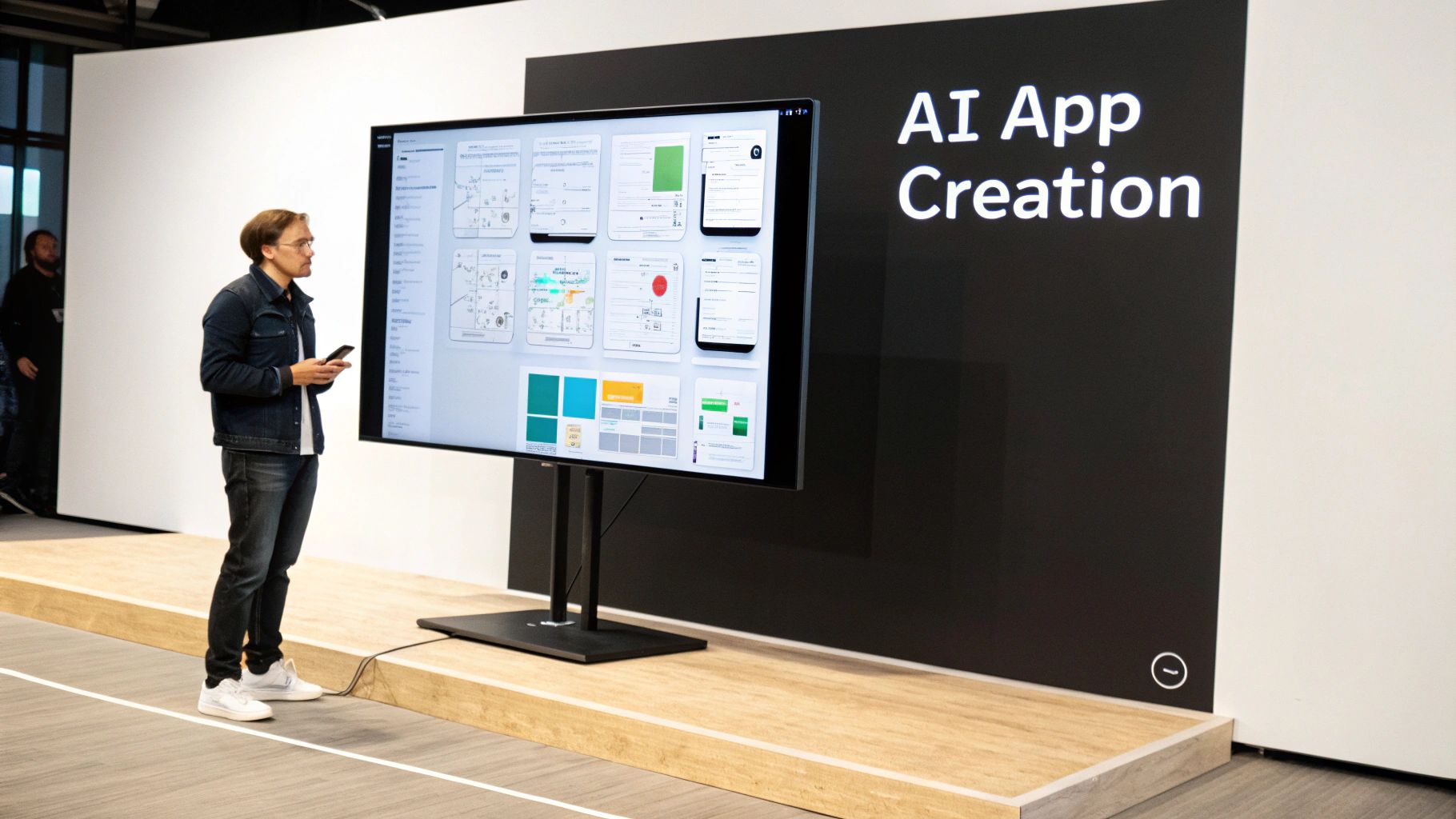
Think of yourself as an architect with a clear vision. Instead of laying every brick, you hand the blueprint to a fast, skilled crew, the AI, that does the heavy lifting. You describe the product in plain English, and the platform turns it into something that runs.
The demand behind this shift is simple: teams need to build and launch faster than traditional development allows. That pressure is pushing both startups and enterprises toward AI-driven tools, and it is tearing down the technical barriers that once required a full team of specialized engineers.
What This Means for You
The payoff is practical, whether you are a solo founder or part of an enterprise team:
Faster timelines: projects that used to take months can be prototyped in days.
Lower cost: relying less on large development teams saves real budget.
More experimentation: when building is cheap, you test more ideas instead of betting everything on one.
The core change is where you spend your attention. You focus on the what, your app's purpose and how it should feel to use, while the AI handles the how of code and infrastructure. You move from writing software to directing it.
How AI Actually Builds Your App
You do not need a computer science degree to grasp how these platforms work. It is not one all-knowing brain. It is closer to a digital assembly line staffed by specialized AI, where each part handles a specific job and passes the work to the next.
A Coordinated Team of AI Agents
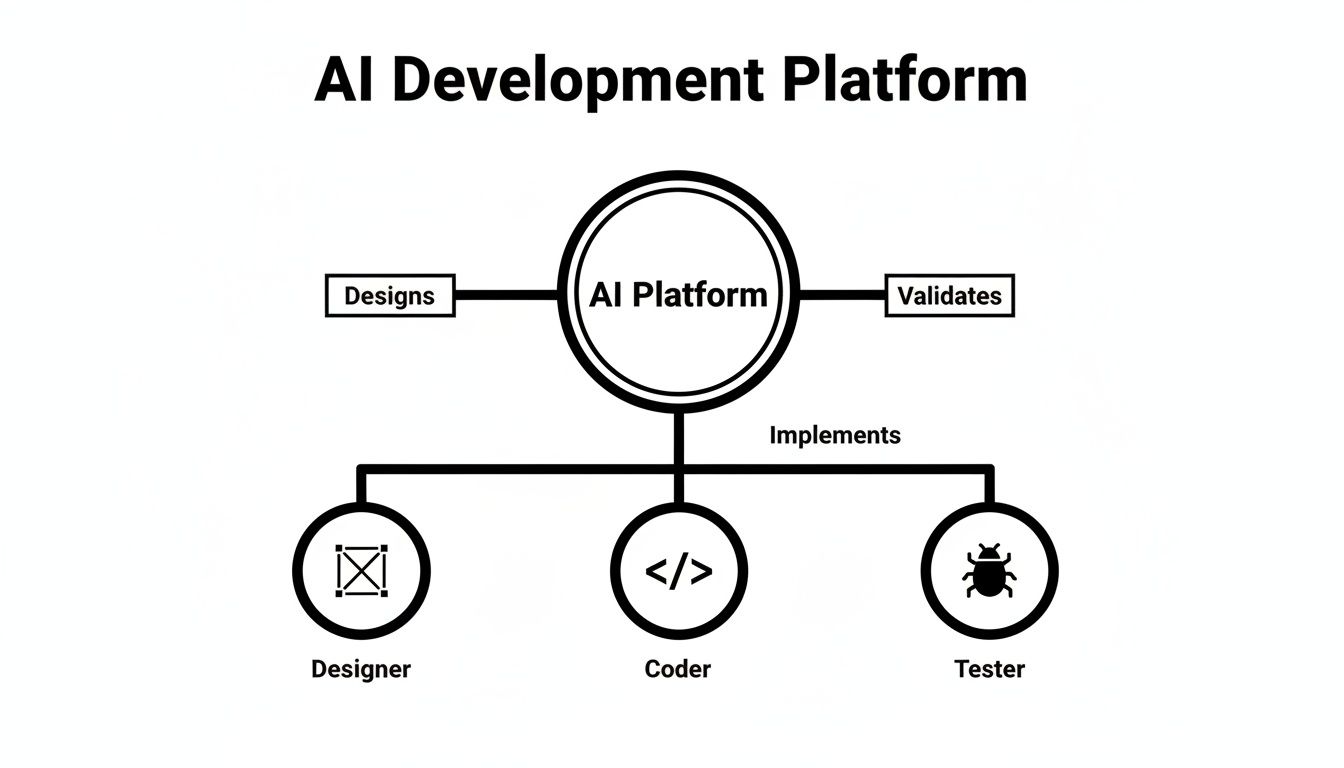
The core idea is a multi-agent system: an automated build team where each agent owns one part of the process.
The designer agent turns your description into wireframes, color schemes, and a sensible user flow.
The coder agent writes the front-end and backend code from those designs and your feature requests.
The tester agent hunts for bugs before launch and suggests fixes for the coder agent to apply.
Because the agents hand tasks back and forth, one system can manage a full project from concept to working app, the way an entire agency would, but in a fraction of the time.
Turning Words Into Working Code
The translation layer is generative code generation. You write an instruction in plain English, and the AI produces clean code for the right language and framework. Type "create a login screen with email and password fields and a Forgot Password link," and it writes exactly that, skipping the repetitive boilerplate so you can spend your time on what makes the app different. For more on the upside, see our guide on why to use AI in app development to unlock faster results.
Automating Design and Backend Setup
These platforms also automate two of development's biggest time sinks. On design, the AI reads your app's purpose and proposes layouts, fonts, and components that follow modern UI/UX principles, rather than dropping in a generic template. On the backend, it can set up databases, configure authentication, and deploy servers for you, so your app has a solid foundation from day one.
Essential Features to Look For
Most platforms sound alike in their marketing. A few core features separate the real contenders from the rest, so start by checking for these.
Multi-Modal Input
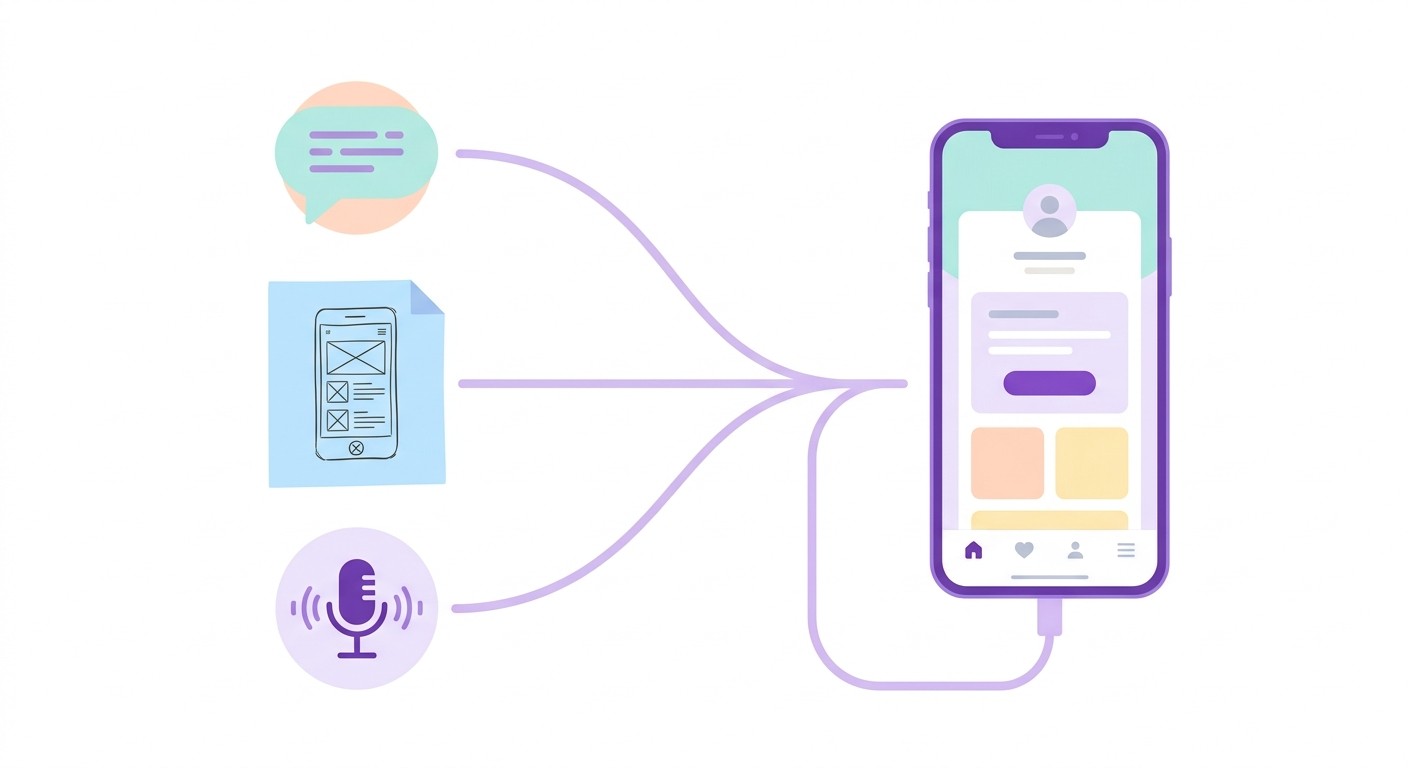
The strongest platforms let you communicate in whatever form is natural: text prompts for features and logic, uploaded sketches or wireframes the AI can read as a UI, and in some cases spoken commands. The more ways a platform can absorb your intent, the more accurately it captures your vision, and the less back-and-forth you need to get the details right.
Automated UI/UX Generation
Good tools generate an interface from your goals, not from a stock template. The AI makes real design decisions about layout, navigation, and color based on what the app is for: a bright, playful look for a kids' learning game, a clean data-heavy view for a finance tool. That puts professional design within reach even if you have never hired a designer.
Intelligent Debugging
Even AI-generated code has bugs. What matters is how the platform handles them. Instead of only flagging an error, strong tools read the context and propose a specific fix, for example: "this function crashes because it does not handle null values, here is the corrected snippet." That turns a slow bug hunt into a quick, guided correction. Error handling is one of several things to check, and we list the rest in our guide to choosing a no-code AI platform.
The table below sums up the capabilities worth checking before you commit to a platform.
Feature | Description | Primary Benefit |
|---|---|---|
Multi-Modal Input | Accepts instructions via text, sketches, wireframes, and voice to read your intent from more than one source. | Captures your vision more accurately and reduces rework. |
Automated UI/UX Generation | Designs interfaces around the app's purpose, audience, and modern design principles. | A professional, usable app without a dedicated designer. |
Intelligent Debugging | Identifies code errors and reads their context to suggest specific, actionable fixes. | Less time lost to troubleshooting. |
Real-Time Previews | Shows a live, interactive preview of the app as you make changes. | Immediate feedback and faster iteration. |
Automated Backend Setup | Configures databases, APIs, and server logic automatically, often integrating with services like Supabase. | Removes a major technical hurdle for non-developers. |
Full Code Export | Lets you export the complete, human-readable source code for the whole app. | Full ownership and no vendor lock-in. |
Together, these features do more than generate code. They shorten the whole path from idea to launch, which is the real reason to weigh them carefully.
Real-World Wins and Trade-Offs
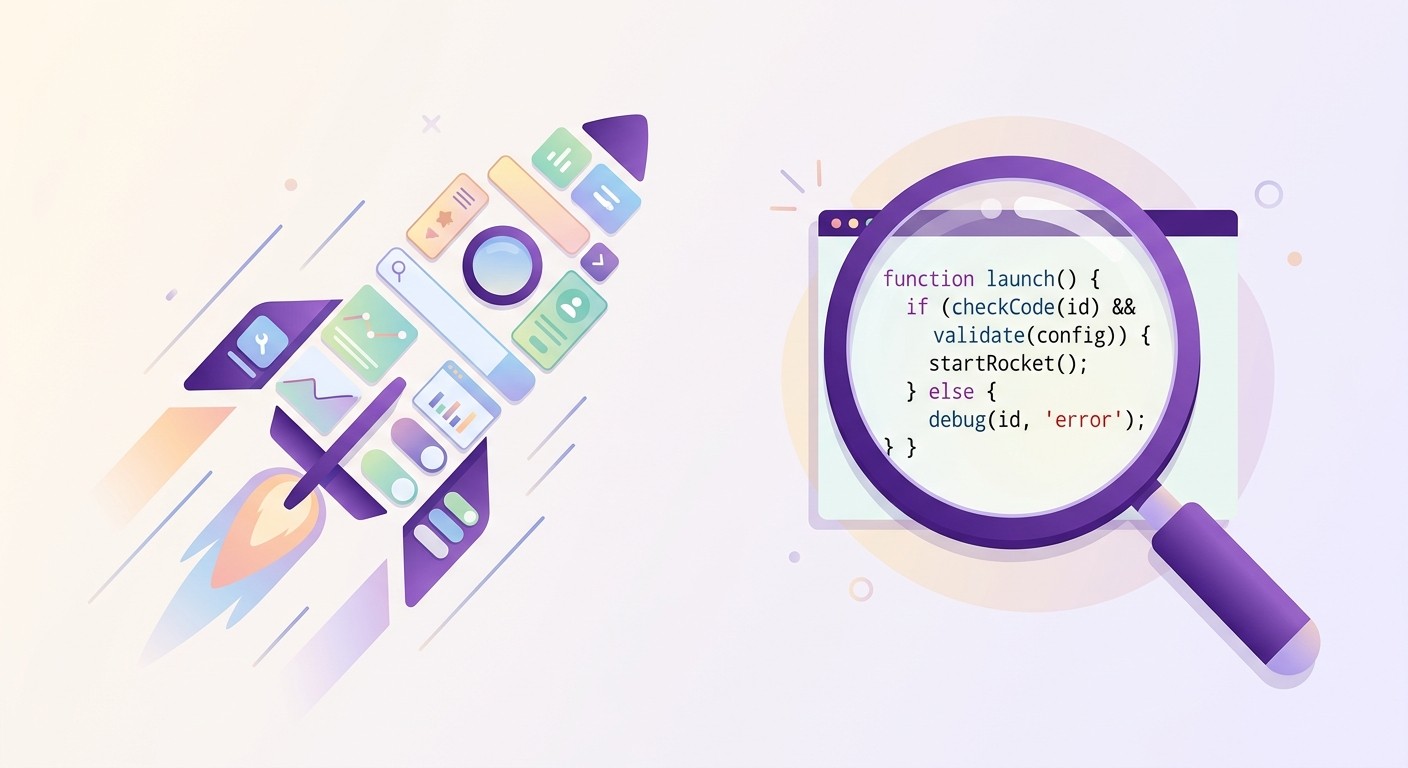
The point of an AI platform is not only speed. It changes the economics of building. The clearest win is time-to-market: ideas that once sat in months-long planning cycles become working MVPs in days, so you get real user feedback before a big investment rather than after. Fewer developer hours also means lower cost, which frees budget for marketing and customer work.
Who Gets to Build
The bigger change is who can build at all. A marketing manager can spin up a custom analytics dashboard without waiting on engineering. A product manager can prototype a feature alone. When more people can create, ideas surface from every corner of the company, and your technical team is freed from boilerplate to focus on user experience, security, and the core logic that makes the app work.
Where It Still Falls Short
Lean too hard on automation with no human in the loop and you hit predictable problems:
Generic designs: left alone, AI tends toward bland, cookie-cutter interfaces. A human designer still creates a brand that stands out.
The black-box problem: the AI's reasoning is not always visible, which can make niche bugs harder to trace than human-written code.
Security risk: AI can write secure code, but it can also repeat insecure patterns from its training data. Anything touching user data needs a human security review. Our guide on the role of backend services in AI no-code apps goes deeper.
Treat these platforms as a force multiplier, not a magic wand. The strongest teams let the AI do the heavy lifting and spend their own time on strategy and the small details that separate a good app from a great one.
Real-World Examples and Use Cases

The theory clicks once you see these tools solve a real problem. Across very different users, the goal is the same: turn a specific need into a working app, fast, without a large engineering team.
The Startup Founder
A founder with a strong idea and a small budget needs an MVP to show investors and early users. The old path meant hiring developers and burning months and tens of thousands of dollars before knowing if the idea had legs. With an AI platform, that founder can describe the core features and have a working MVP in a weekend, then iterate on real feedback right away.
The Marketing Team
A marketing team wants a dashboard that pulls social, email, and website data into one view, but IT is swamped and the request is stuck in a quarter-long queue. A manager with no coding experience can build it instead: name the data sources, define the metrics, describe the charts. The result is a custom tool built in-house, without the wait.
The Enterprise
Large companies use these tools on legacy systems, the old and costly platforms that are hard to update. An AI platform can analyze the existing logic and help generate clean code for a modern framework, cutting the manual work and the risk that a migration usually carries.
A Quick Walkthrough: The "Paws & Whiskers" Adoption App
Here is how a build looks in practice, using CatDoes as the platform. The goal is a mobile app for a local pet shelter, starting from a single prompt.
The prompt: "Create a mobile app for a pet shelter called Paws & Whiskers. I need a main screen of available pets, a detail page for each pet with photos and a bio, and a simple adoption form."
The interface: the design agent generates a gallery view of the animals, a warm color palette, and a simple navigation flow.
The database: the backend agent creates a Pets table (name, breed, age, photos, bio) and an AdoptionApplications table (applicant name, contact, home details), with no data modeling on your part.
The features: the coding agents wire the UI to the database so the gallery loads, detail pages populate, and the form saves new entries.
Within minutes you get a live preview you can click through. Ask for a change, "make the Adopt Me button bigger and orange," and the AI applies it on the spot. That is the whole loop, idea to working app, in one sitting.
How to Choose the Right Platform
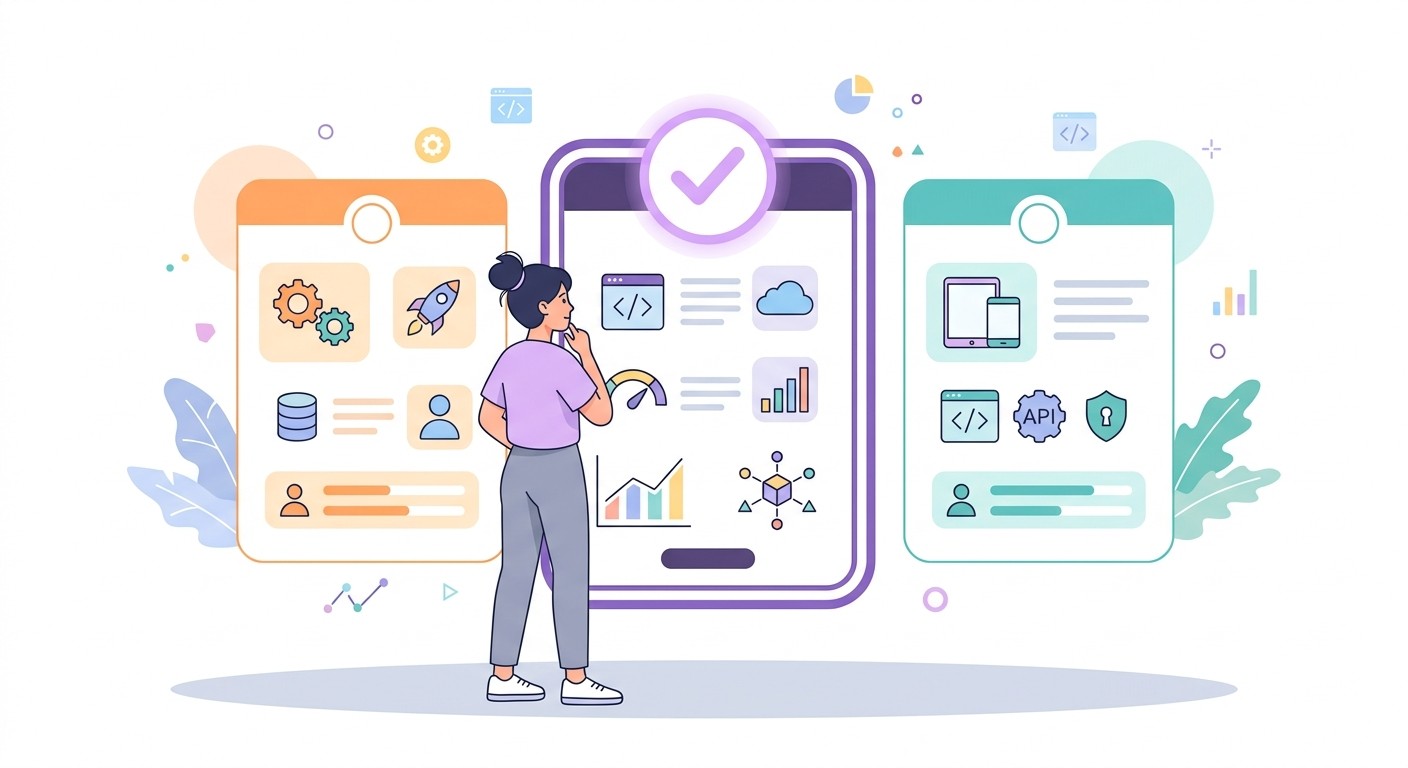
There is no single "best" tool, only the one that fits your project, your team, and your ambitions. Start with an honest question: are you a non-technical founder who wants a first prototype, or a developer shipping a complex product faster? Your answer points to the right category.
Match the Platform to Your Team
Pure no-code builders: best for business users, marketers, and founders who do not code. Visual interfaces and plain-English prompts make them great for internal tools, simple customer apps, and MVPs.
AI-assisted low-code platforms: for people with some technical skill. You get custom logic, API hooks, and richer data models, a middle ground between simplicity and power.
AI-powered developer environments: for professional developers. They plug into coding workflows with smart code generation, automated testing, and advanced debugging.
Pick from the wrong category and you will fight the tool: a developer feels boxed in by no-code, a business user gets lost in a coding environment. For a side-by-side look, see our guide to the best AI app builders.
How to Vet Your Shortlist
Run a pilot. Never commit on a demo. Build a small, real slice of your project on your top two or three choices. Nothing else reveals a platform's true strengths and limits.
Check docs and support. Look for thorough documentation, an active community, and responsive support. You will hit a snag, and that is when good support earns its keep.
Ask about the roadmap. A serious company has a clear plan for new features, better models, and more integrations. You are investing in a direction, not just today's feature set.
Where CatDoes Fits In
That checklist is easier to picture with a real example. CatDoes is an AI agent that builds mobile apps and websites from plain-language prompts and carries them through to launch. It is the multi-agent approach from earlier in this guide, running end to end rather than stopping at a preview.
How It Matches the Features That Matter
A coordinated team of agents: CatDoes runs specialized agents in the cloud that design, write, and test your app in a single loop, the digital assembly line described above put to work.
Backend without the setup: every project comes with CatDoes Cloud built in, so your database, authentication, storage, and edge functions are ready on day one.
Your code, exportable: you can export the full source code, which means no lock-in if you decide to take the project elsewhere.
Launch, not just a prototype: CatDoes deploys to the App Store, Google Play, and the web with custom domains, and it can simulate App Store review so you fix rejection issues before you submit.
Scratch or your own repo: start from a blank prompt or import an existing GitHub repository and build on top of it.
It suits the same profiles covered in the last section. A non-technical founder can ship an MVP in a weekend, a small team can prototype without waiting on engineering, and a developer can hand off the boilerplate while keeping the exported code. You can build your first project free and click through a live version in your first session.
Frequently Asked Questions
Will AI Platforms Replace Human Developers?
No. The goal is partnership, not replacement. The platform takes the repetitive work, boilerplate code, routine debugging, and initial setup, and frees developers to architect systems, design experiences, and solve the business problems that actually matter. The AI is the fast assistant; the developer is the strategist.
How Secure Is AI-Generated Code?
It depends on the platform's training data and safety checks. Reputable tools train on high-quality, secure codebases and run automated vulnerability scans. Even so, human oversight is the final word: always have an expert review anything touching authentication or user data. The safest approach pairs AI speed with human security judgment.
What Is the Learning Curve?
It tracks the audience. No-code platforms are built to feel intuitive, so non-technical users can pick up the basics in a few hours. Developer-focused tools plug into existing workflows, so the curve is less about learning a new system and more about mastering the commands that make you faster. Either way, most platforms ship solid tutorials and docs.
Can I Integrate With My Existing Tools?
Yes. Modern platforms are built to connect with the stack you already use: GitHub for version control, CI/CD pipelines for deployment, and third-party APIs. The aim is to fit into your workflow rather than force you to change it.
Ready to turn your idea into a production-ready mobile app? CatDoes uses a multi-agent AI system to handle everything from design to deployment, and you can start building for free today.
Nafis Amiri
Co-Founder of CatDoes