Blog
Tutorials
Supabase Self Hosted: Complete Setup Guide
Self-host Supabase with Docker in 2026. Real cost comparison, server sizing, current setup commands, secrets, backups, and Kubernetes. Complete guide.

Nafis Amiri
Co-Founder of CatDoes

TL;DR: Supabase self hosted means running the full Supabase stack — Postgres, Auth, Storage, Realtime, and the API gateway — on your own server with Docker Compose. It removes plan-based limits and cuts hosting costs dramatically: a 32 GB Hetzner box runs about €41 per month against $410 per month for a comparable Supabase Cloud compute instance. The trade is real operational work — you own backups, upgrades, HTTPS, and uptime. Self-host when you need data residency, custom extensions, or predictable cost at scale. Stay on the cloud for prototypes and small teams.
Table of Contents
What Does Self-Hosting Supabase Mean?
Should You Self-Host Supabase?
What Self-Hosted Supabase Actually Costs
Server Requirements and Prerequisites
How to Install Supabase with Docker
How to Secure a Self-Hosted Supabase Instance
Running Supabase on Kubernetes
Frequently Asked Questions
Final Thoughts
What Does Self-Hosting Supabase Mean?
Self-hosting Supabase means running the open-source Supabase stack on infrastructure you control instead of on Supabase's managed platform. You deploy the same core services the hosted product runs on, configure them yourself, and take responsibility for keeping them alive.
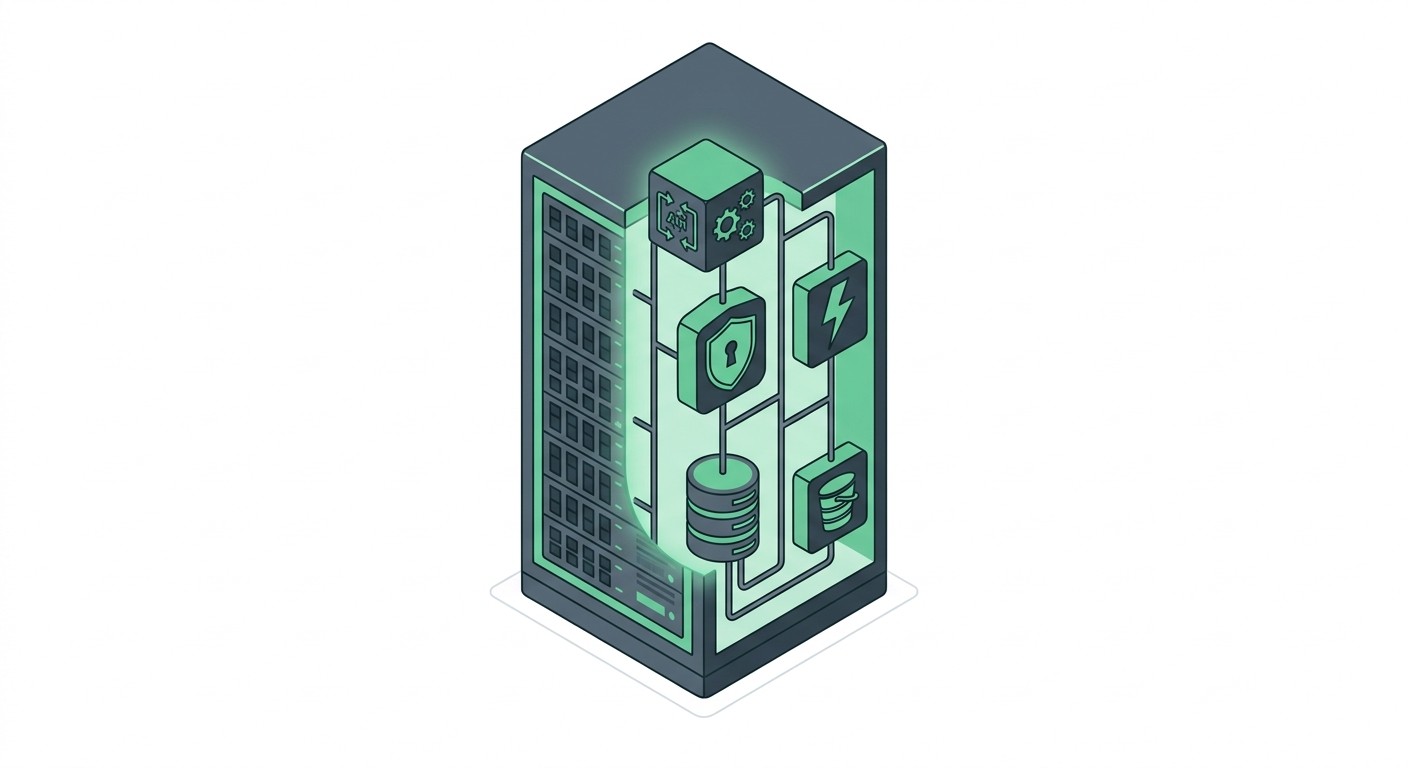
A standard Docker deployment starts these services:
PostgreSQL — the database everything else is built around, with direct superuser access.
PostgREST — turns your database schema into a REST API automatically.
GoTrue — handles signups, logins, JWTs, and third-party OAuth providers.
Storage API — S3-compatible file storage with row-level security rules.
Realtime — streams database changes to clients over WebSockets.
Kong — the API gateway that routes and authenticates every request.
Supabase Studio — the dashboard for browsing tables, writing SQL, and managing auth.
The important detail is that these are the same components Supabase runs in production. Self-hosting is not a stripped-down community edition of the platform.
Should You Self-Host Supabase?
Self-host when control, cost predictability, or data residency matter more than convenience. Stay on Supabase Cloud when your time is worth more than your hosting bill.
When Self-Hosting Makes Sense
Regulatory or data residency requirements. Healthcare, finance, and public sector work often mandates that data never leaves a specific jurisdiction or physical network.
Predictable costs at scale. Usage-based pricing punishes success. A fixed monthly server bill does not.
Custom Postgres extensions. Managed platforms allow an approved list. Your own server allows anything that compiles.
Air-gapped or on-premise deployment. Some customers will only buy software that runs inside their own network.
Deep database tuning. Full access to configuration, connection pooling, and replication settings.
When You Should Stay on Supabase Cloud
Self-hosting is not free — you pay in engineering hours instead of dollars. If nobody on the team wants to own a database at 3 a.m., that is a legitimate reason to stay managed.
You are validating an idea and need a backend today, not a deployment project.
Your team has no dedicated DevOps or on-call capacity.
You need point-in-time recovery and automated failover without building them yourself.
Your traffic is low enough that the free or entry tier already covers it.
Supabase Cloud vs Self-Hosted: Feature Comparison
Factor | Supabase Cloud | Self-Hosted |
|---|---|---|
Setup time | Minutes | Hours to days |
Cost model | Usage-based, scales with growth | Fixed infrastructure cost |
Backups | Automated, point-in-time recovery on paid plans | You build and test them |
Upgrades | Handled for you | Your responsibility, with downtime risk |
Postgres extensions | Approved list only | Anything you can install |
Data residency | Supported regions | Anywhere you can rent a server |
Support | Paid support tiers | Community and GitHub issues |
Scaling | Change a dropdown | Provision and migrate yourself |
What Self-Hosted Supabase Actually Costs
The cost gap is the single biggest reason teams migrate. It is also the number most often quoted without a source, so here is the arithmetic with both sides priced from their own public pricing pages in September 2026.
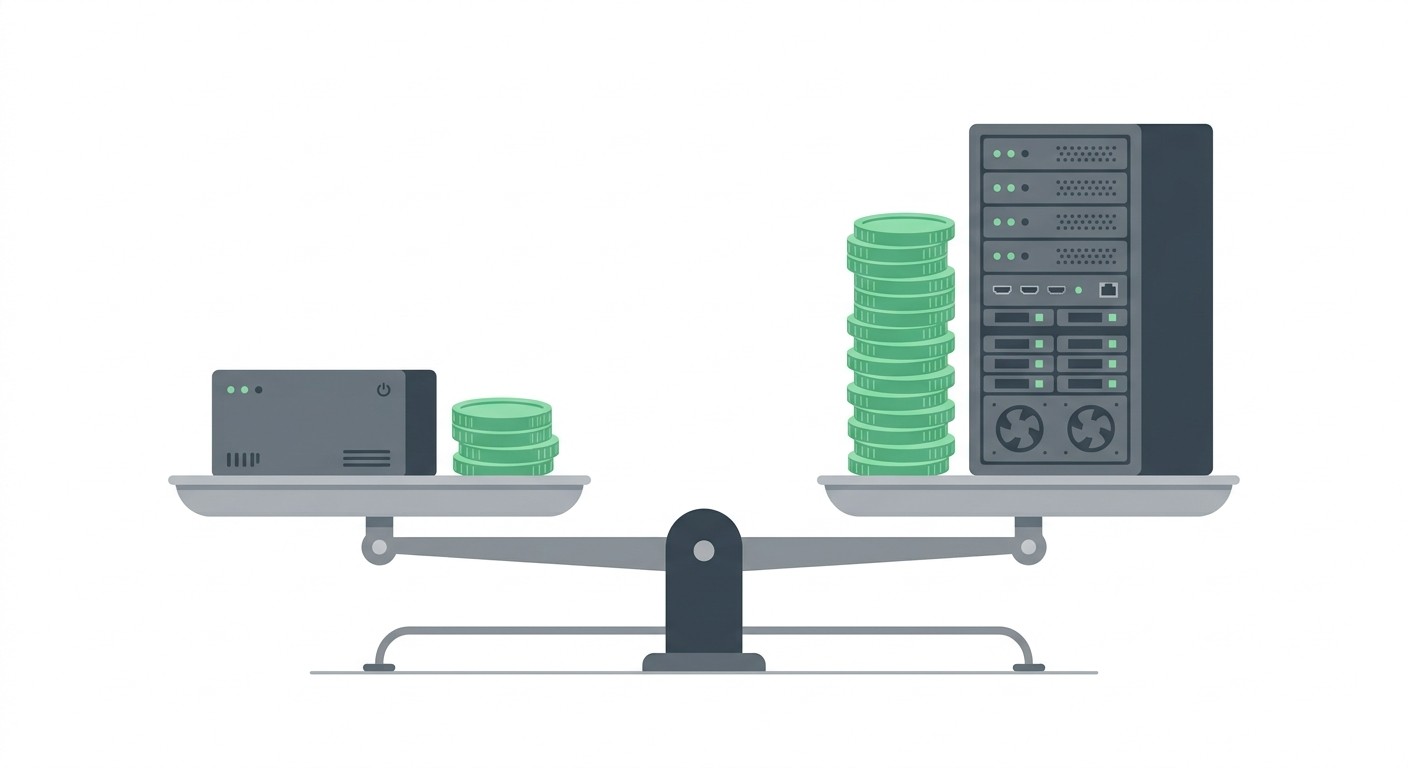
A Real Price Comparison
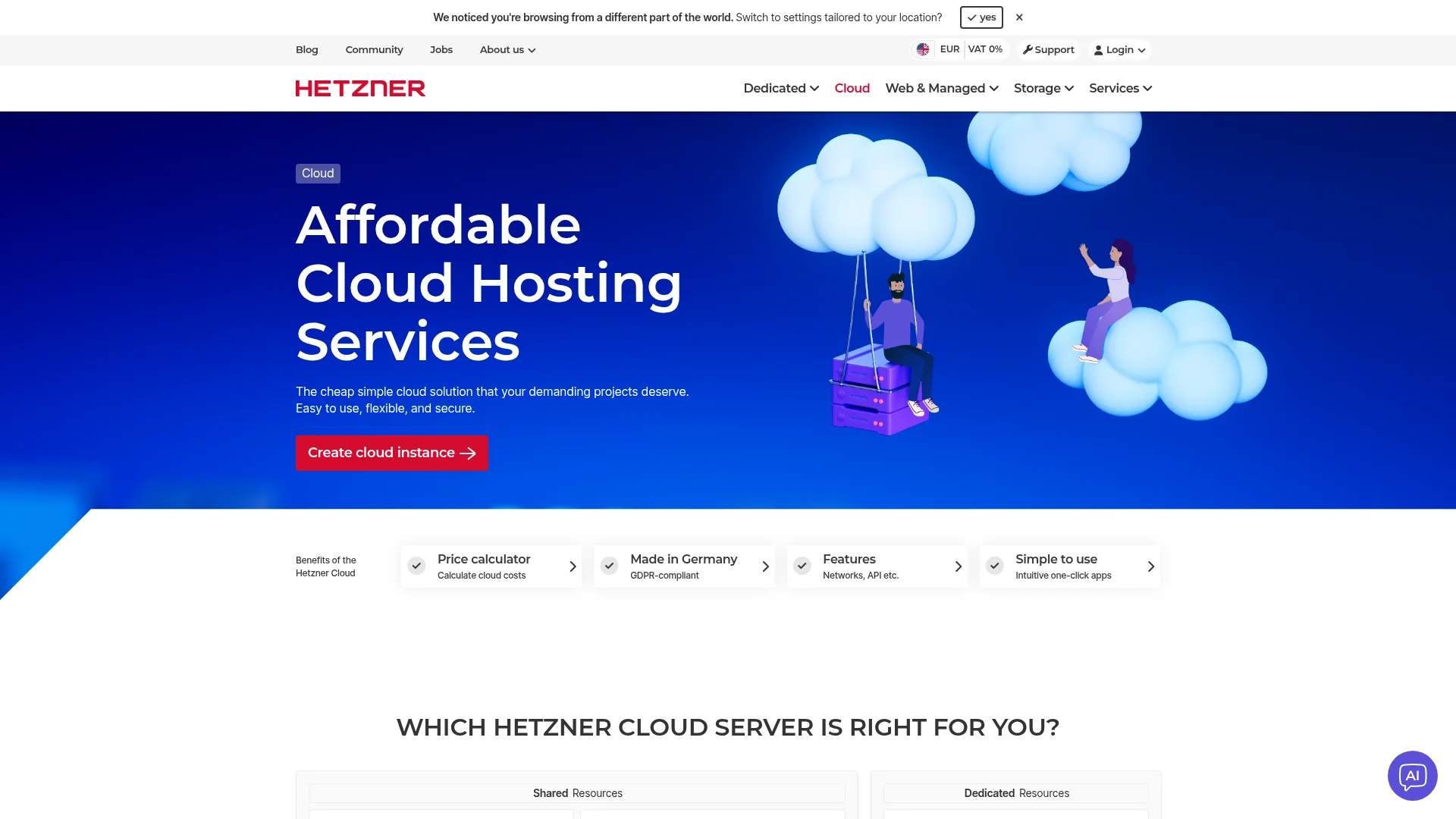
A Supabase Cloud compute instance with 8 ARM cores and 32 GB of RAM — the 2XL add-on — costs $410 per month on top of your plan fee, according to Supabase's pricing page. A Hetzner CAX41 instance with 16 ARM cores, the same 32 GB of RAM, and 320 GB of NVMe storage lists at €40.99 per month on Hetzner Cloud — roughly $47 at current exchange rates.
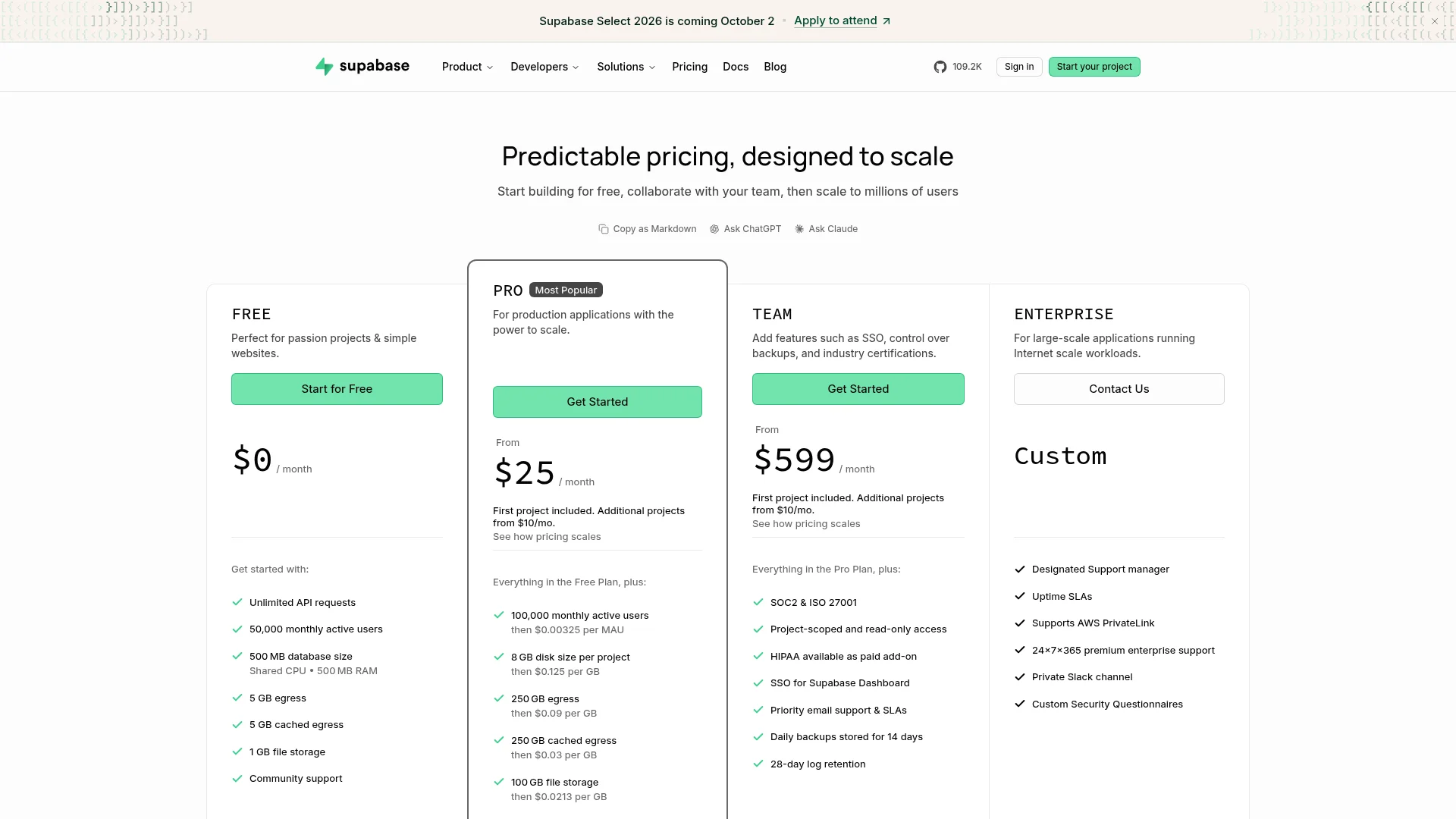
That is close to a 90% reduction in raw compute cost for equal memory and double the cores. The caveat matters though: those cores are shared vCPU rather than dedicated, and the price excludes VAT. A dedicated-CPU CCX33 with 8 vCPU and 32 GB runs €138.49 per month, which is still roughly 60% below the managed equivalent.
The Costs Nobody Advertises
Compute is the visible line item. The rest of the bill shows up as engineering time and services you now have to replace yourself.
Backup storage. Offsite object storage for nightly dumps, plus the bandwidth to move them.
Monitoring. Uptime checks, disk alerts, and log aggregation that the managed platform included.
Email delivery. Auth needs a real SMTP provider for confirmations and password resets.
Engineering hours. Budget a few hours a month for upgrades, certificate renewals, and incident response.
Staging. A second instance to test upgrades before they touch production.
Add those up and self-hosting still wins on cost at scale — but the margin is narrower than a bare compute comparison suggests. Below roughly $100 per month of managed spend, the savings rarely justify the operational load. The same trade-off shows up when picking any backend: we walked through it in more depth in our guide to choosing a database for a small business.
Server Requirements and Prerequisites
You need a Linux server, Docker, and about 4 GB of RAM to start. Everything else is tuning.
Sizing Your Server
Workload | vCPU | RAM | Storage |
|---|---|---|---|
Development / testing | 2 | 4 GB | 40 GB SSD |
Small production app | 4 | 8 GB | 80 GB SSD |
Growing product | 8 | 16 GB | 160 GB NVMe |
High traffic | 16 | 32 GB+ | 320 GB+ NVMe |
Supabase runs a dozen containers, so memory is the constraint that bites first. Postgres wants headroom for its shared buffers, and Realtime holds open connections. Favour RAM over cores if you have to choose.
Use SSD or NVMe storage, never spinning disks — Postgres performance is dominated by disk latency. Ubuntu LTS and Debian are the paths of least resistance for Docker.
Installing Docker
Install Docker Engine and the Compose plugin from Docker's official repository rather than your distribution's package manager, which usually ships an outdated build.
How to Install Supabase with Docker
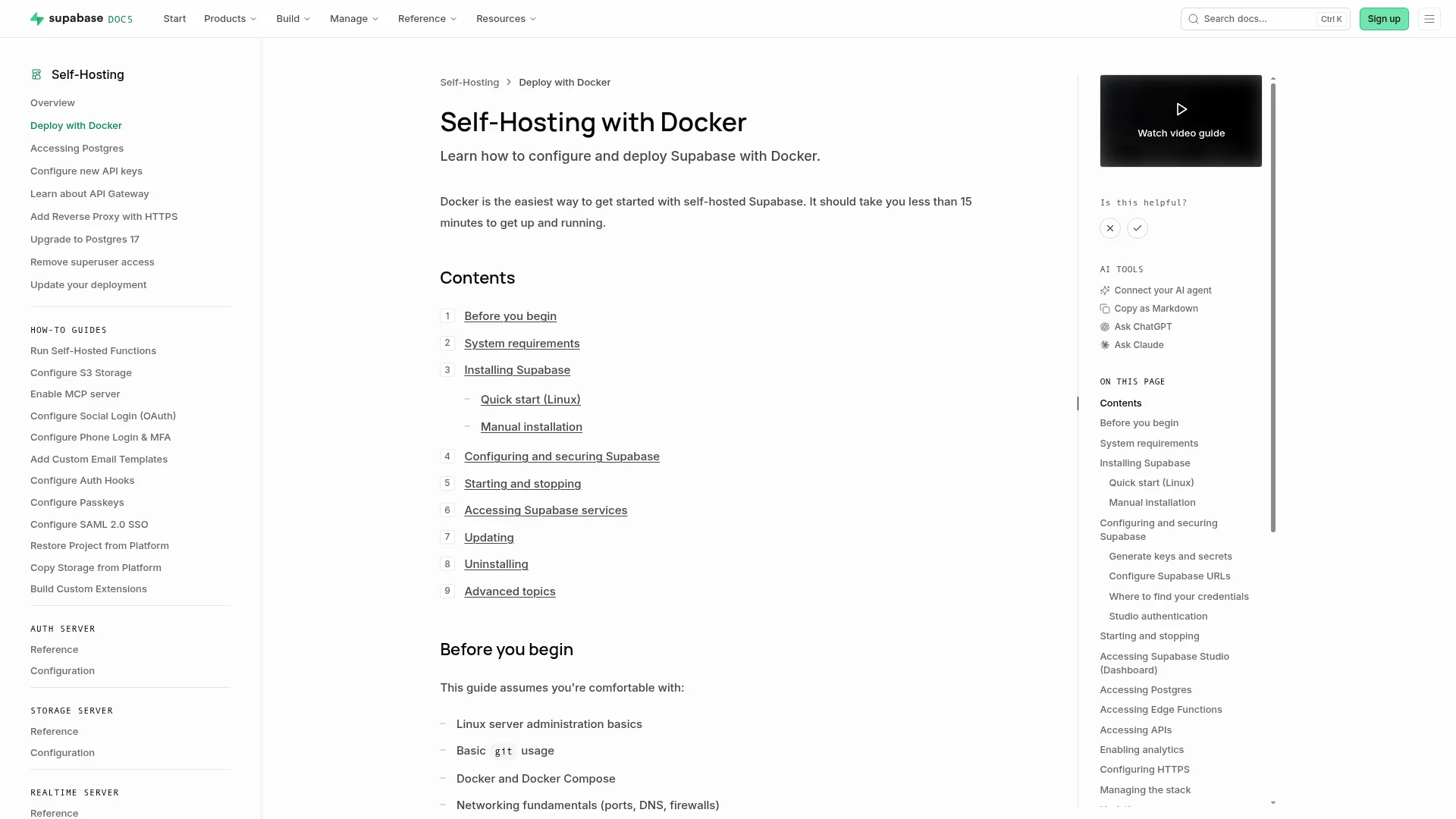
Supabase ships an official Docker Compose setup. There are two routes documented in the official self-hosting guide: a one-line setup script on Linux, or a manual clone that works on any operating system.
Step 1: Run the Quick Start Script
On Linux, the fastest path is Supabase's setup script, which pulls the repository, copies the Docker directory, and generates a starting configuration for you.
Piping a remote script into a shell is convenient but worth reading first. Download it, skim it, then run it if you are deploying onto anything you care about.
Step 2: Install Manually on Any OS
The manual route gives you a pinned version and works on macOS and Windows too. Clone a single tagged release rather than the default branch so your deployment is reproducible.
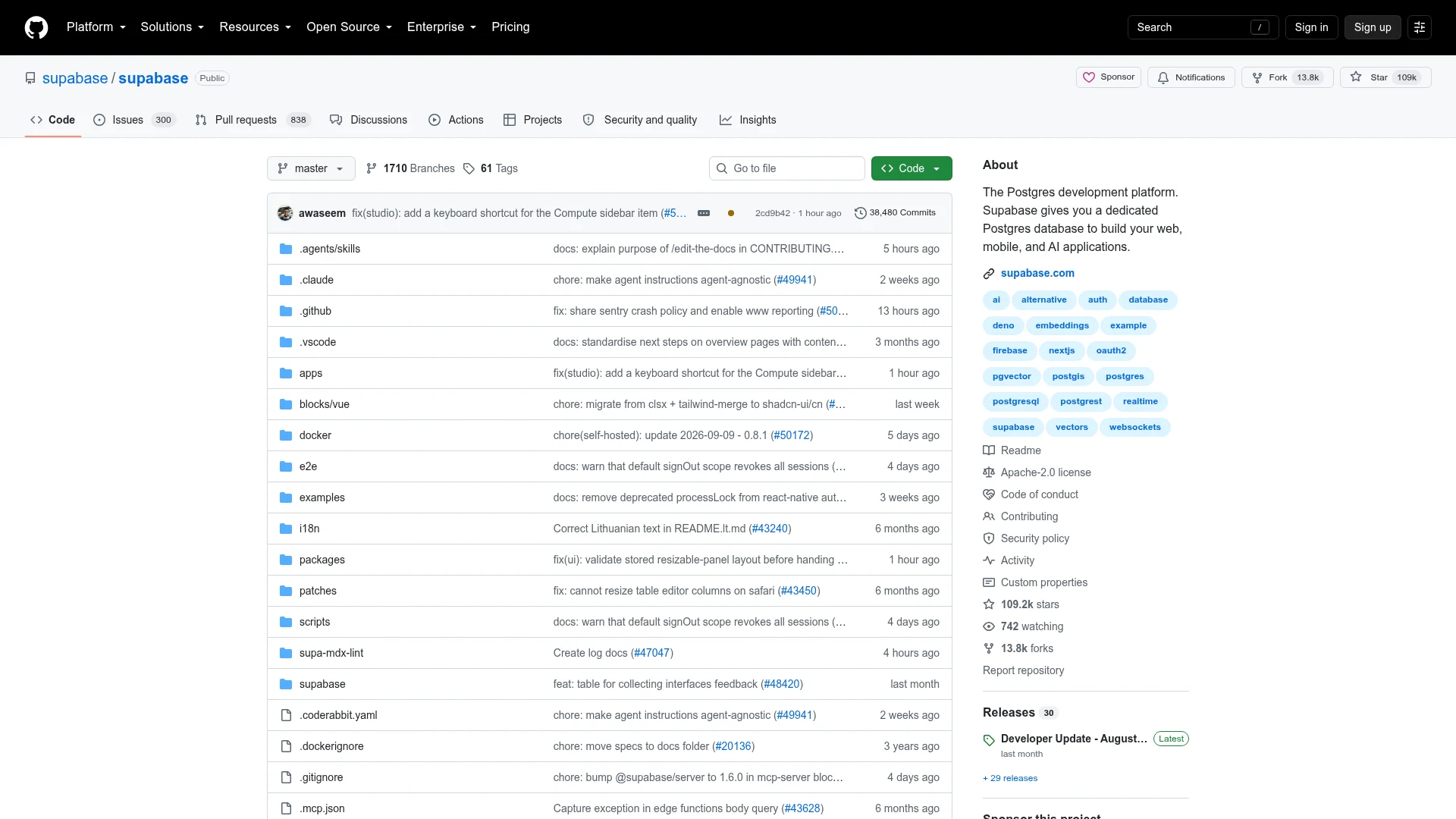
Check the repository's releases page for the current self-hosted/* tag before you copy that version number — it moves. Pinning matters because an unpinned clone can pull a breaking schema change on your next rebuild.
Step 3: Generate Your Secrets
This is the step that most outdated tutorials get wrong. Supabase now ships helper scripts that generate every required secret, and the API key names have changed.
These populate the values your stack refuses to start safely without:
POSTGRES_PASSWORD— the superuser password for your database.SUPABASE_PUBLISHABLE_KEY— the client-side key, safe to ship in a browser or app bundle.SUPABASE_SECRET_KEY— the server-side key that bypasses row-level security. Never expose it publicly.DASHBOARD_USERNAMEandDASHBOARD_PASSWORD— credentials for Supabase Studio.SECRET_KEY_BASE,REALTIME_DB_ENC_KEY, andVAULT_ENC_KEY— encryption keys for Realtime and Vault.
If you are following a tutorial that tells you to set
ANON_KEYandSERVICE_ROLE_KEYby hand, it predates the current release. Those have been superseded by the publishable and secret key pair generated above.
The Supabase documentation is blunt about the defaults in .env.example: you should never start a self-hosted instance using them. They are placeholders, they are public, and automated scanners look for them.
Step 4: Configure Your Public URLs
Auth callbacks and Studio both break if these do not match the domain you actually serve from. Set them in .env before the first start.
Step 5: Start the Stack and Verify
Supabase wraps Compose in a run.sh helper that starts services in the right order. The first launch pulls several gigabytes of images, so expect a wait.
Open Studio at http://your-server-ip:8000 and sign in with the dashboard credentials. If a container is restarting in a loop, docker compose logs -f <service> almost always points at a missing or malformed environment variable.
To stop everything without destroying your data volumes:
How to Secure a Self-Hosted Supabase Instance
A default Supabase deployment exposed to the internet is a liability. Four things turn it into something you can responsibly run in production: real secrets, HTTPS, tested backups, and a patching routine.
Never Ship the Default Secrets
Rotate every generated key before the instance is publicly reachable, and keep them out of version control. Committing .env is the most common way self-hosted instances leak.
For anything beyond a single server, move secrets into a dedicated manager such as HashiCorp Vault, AWS Secrets Manager, or Doppler. These inject values at runtime, support audit logging, and make rotation a routine operation rather than a redeployment.
Put a Reverse Proxy and HTTPS in Front
Never expose port 8000 directly. Terminate TLS at a reverse proxy — Caddy, Nginx, or Traefik — and forward traffic to Kong internally. Caddy is the least work because it provisions and renews certificates automatically.
Then close everything else with a firewall. Only 80, 443, and your SSH port should be reachable from the public internet; Postgres on 5432 should never be.
Automate Your Database Backups
Nobody else is backing this up for you. A nightly pg_dump written to compressed storage covers the common failure cases, and takes about five minutes to set up.
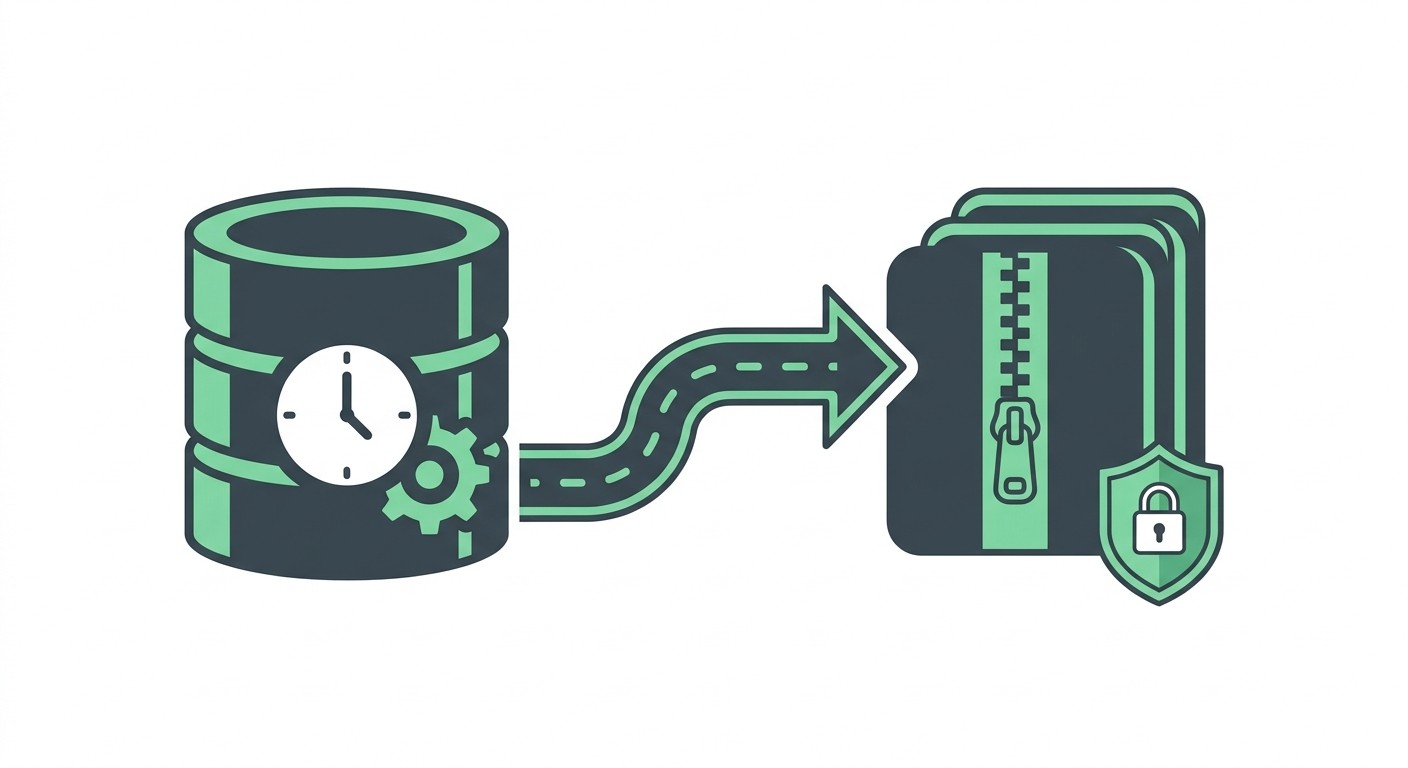
Make it executable and schedule it with cron to run nightly:
A backup you have never restored is a hypothesis, not a backup. Restore one into a throwaway container every month and confirm the row counts match.
Copy the archives somewhere off the server — object storage in a different region or provider. A backup sitting on the same disk as the database does not survive the failure it exists to protect against.
Keep Your Instance Updated
Supabase ships frequently, and self-hosted releases bundle security patches for Postgres, GoTrue, and the gateway. Take a backup first, then pull and restart.
Test every upgrade on a staging instance before production. Self-hosted releases occasionally carry breaking schema migrations, and rolling one back mid-incident is considerably harder than catching it a day earlier.
Running Supabase on Kubernetes
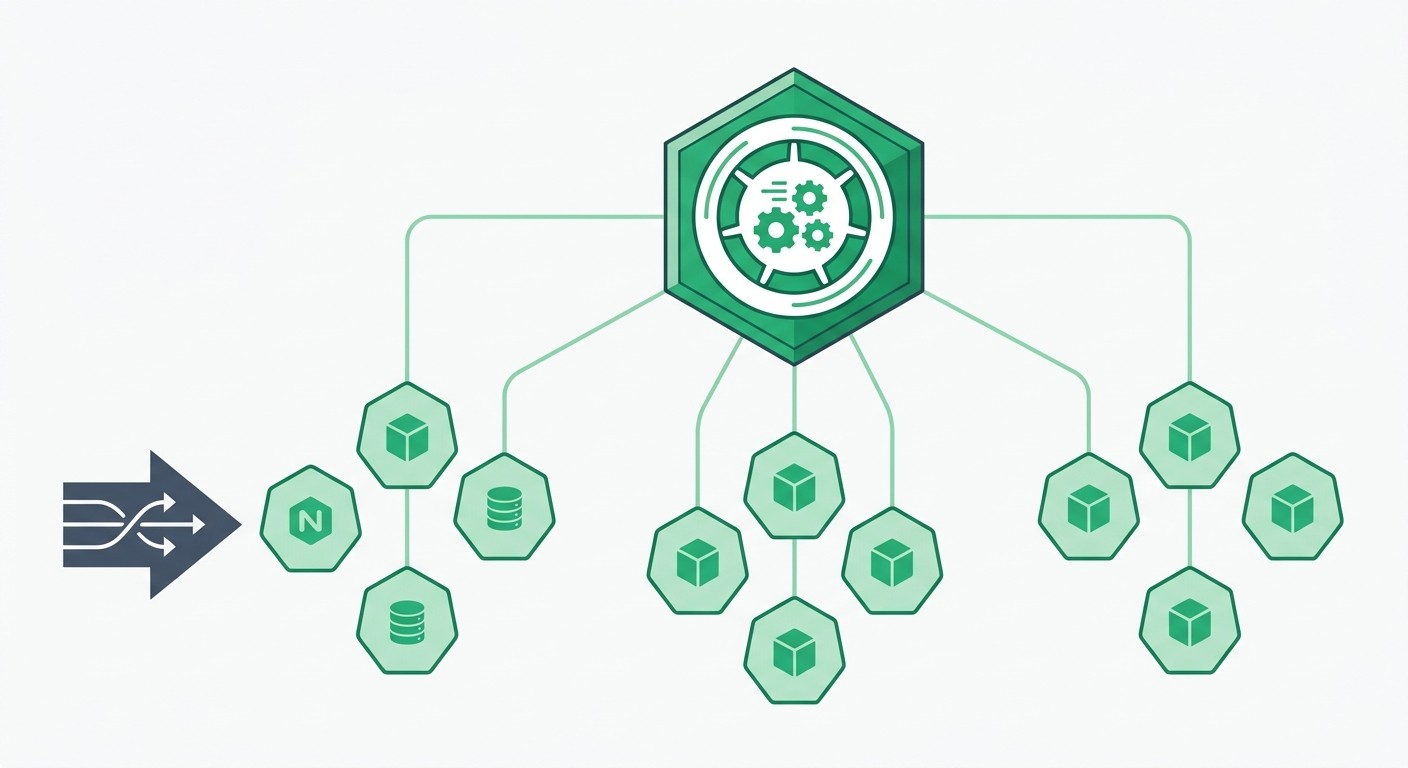
Kubernetes is worth it once you need multi-node redundancy, automated failover, or horizontal scaling of individual services. For a single server, Docker Compose is the better engineering decision — Kubernetes adds a control plane you also have to operate.
Translating Docker Compose to Kubernetes
Each Compose service becomes a Deployment plus a Service. Postgres needs a StatefulSet with a PersistentVolumeClaim instead, because it has durable identity and storage.
Deployment — stateless services like PostgREST, GoTrue, and Realtime.
StatefulSet — Postgres, which needs stable network identity and persistent volumes.
Service — internal DNS so containers can find each other.
Ingress — external routing and TLS termination, replacing your reverse proxy.
ConfigMap and Secret — your
.envvalues, split by sensitivity.
kompose gives you a rough first draft of these manifests:
Treat the output as a starting point, not a deployment. It will not set resource limits, readiness probes, or storage classes, and all three matter in production.
Using Helm Charts
Community Helm charts package the whole stack behind a single values file, which is far more maintainable than hand-written manifests. Audit any third-party chart before trusting it with your database — there is no official Supabase chart, so provenance is on you.
Frequently Asked Questions
Is self-hosting Supabase cheaper than Supabase Cloud?
At scale, yes. A 32 GB Hetzner instance costs about €41 per month against $410 per month for a comparable Supabase Cloud compute add-on. For small projects the answer flips: the free and entry tiers cost less than the engineering hours self-hosting consumes.
Can I use the Supabase CLI with a self-hosted instance?
Yes, and you should. The CLI handles database migrations and environment management against any instance. Link it using your instance URL and generated keys, then develop locally and push schema changes to production the same way you would on the hosted platform.
How do I update a self-hosted Supabase instance?
Back up your database, run git pull to fetch the latest configuration, then docker compose pull and docker compose up -d to restart on the new images. Always rehearse the upgrade on staging first, because releases can include breaking schema migrations.
Does self-hosted Supabase include everything in the cloud version?
The core services match: Postgres, Auth, Storage, Realtime, Edge Functions, and Studio. What you do not get is the managed layer — automatic backups, point-in-time recovery, read replicas, log retention, and support. Those are the features you are agreeing to build or live without.
How much maintenance does self-hosting actually take?
Budget a few hours a month once it is stable: applying upgrades, checking backups restore correctly, renewing certificates, and watching disk usage. The larger cost is being on call when something breaks at an inconvenient hour.
Can I migrate from Supabase Cloud to a self-hosted instance?
Yes. Dump your hosted database with pg_dump, restore it into your self-hosted Postgres, then move storage objects and update your client configuration to the new URL and keys. Auth users migrate with the database, but users must reset passwords if your JWT secret changes.
Final Thoughts
Self-hosting Supabase is a straightforward deployment and an ongoing commitment. The install takes an afternoon; the backups, upgrades, and monitoring are permanent. Make the decision on whether you need the control, not on the cost comparison alone.
If you are still weighing it up, the short version:
Self-host when you need data residency, custom extensions, or predictable cost above roughly $100 per month of managed spend.
Stay managed when you are validating a product, running lean, or have no on-call capacity.
Either way, pin your version, rotate the default secrets, and restore a backup before you need to.
Choosing a backend is the same category of decision as choosing where your data lives in the first place — we covered that trade-off in spreadsheets versus databases, and the budgeting side in our breakdown of mobile app development costs.
If you would rather ship the application than operate the database, that is a reasonable answer too. CatDoes builds and deploys full-stack apps from a description, with a managed Postgres backend — database, auth, storage, and edge functions — included on every plan. Start building for free.
Nafis Amiri
Co-Founder of CatDoes


