
Blog
Tutorials
React Native App Builder: A Practical Guide
Learn how to pick the right React Native app builder for your project. This guide covers core features, cost savings, evaluation criteria, and next steps.

Nafis Amiri
Co-Founder of CatDoes
TL;DR: A React Native app builder lets you design, build, and deploy iOS and Android apps from a single visual interface, without writing code. This guide covers what to look for in a builder, how to evaluate your options, and how to go from idea to app store.
Building a mobile app used to mean hiring two separate development teams: one for iOS, one for Android. That doubled the cost, doubled the timeline, and put app creation out of reach for most founders and small businesses.
A React Native app builder removes that barrier. It combines the cross-platform power of React Native with a visual drag-and-drop interface, so you can design and launch on both platforms from a single project. No separate codebases, no specialized engineering team required.
In this guide, we will walk through how these tools work, what features matter, and how to pick one that fits your project.
Table of Contents
What Is a React Native App Builder?
Core Features to Look For
Benefits of Using a React Native App Builder
How to Choose the Right Builder
Common Use Cases
How to Get Started
Frequently Asked Questions
What Is a React Native App Builder?
React Native is an open-source framework created by Meta that lets developers write one codebase and deploy it to both iOS and Android. It holds about 35% of the cross-platform mobile development market, making it the most widely adopted framework in its category.
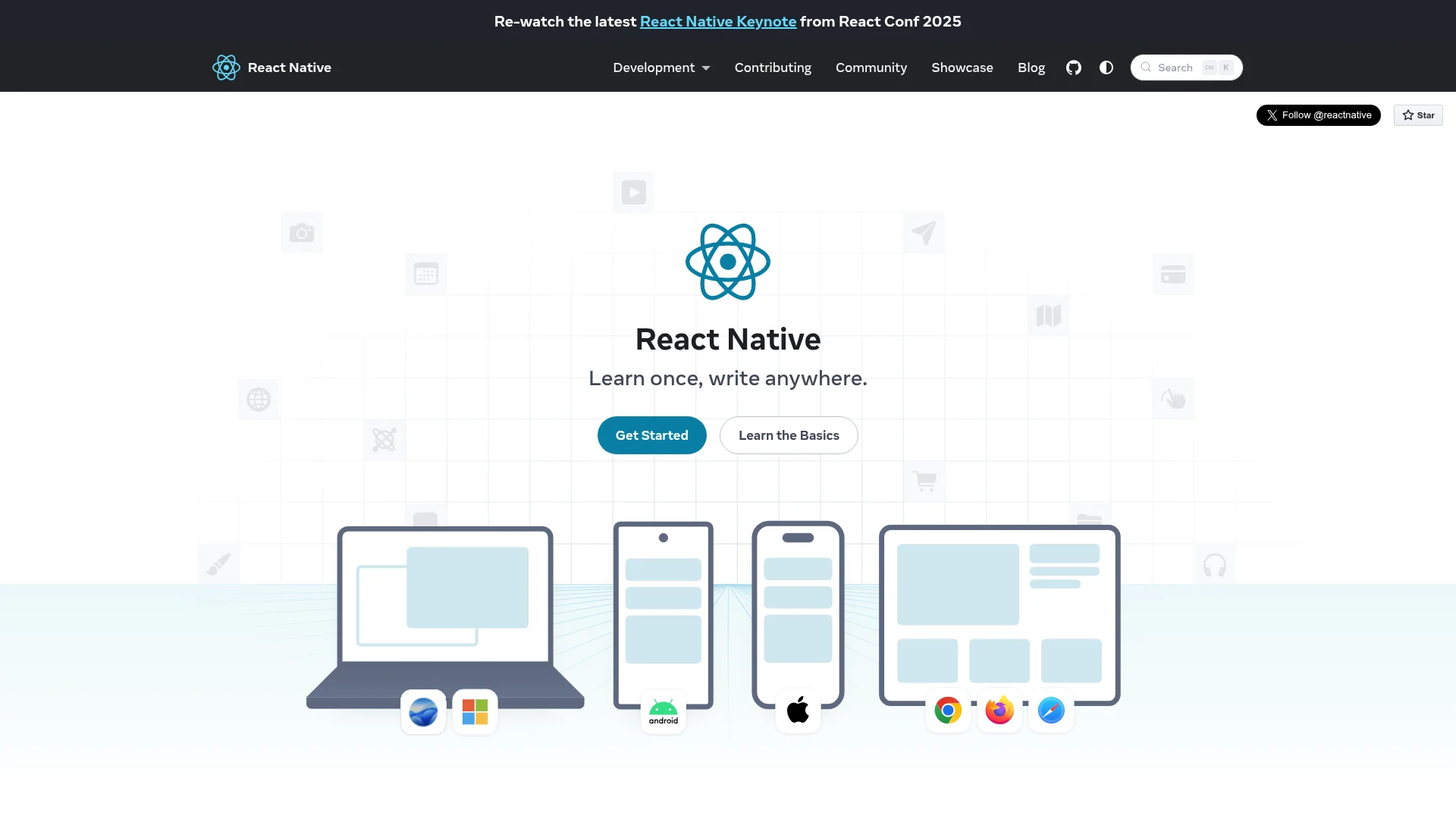
A React Native app builder takes that framework and wraps it in a visual interface. Instead of writing JSX components and managing state by hand, you drag and drop pre-built elements onto a canvas, configure their behavior, and the builder generates production-ready React Native code underneath.
Think of it like what Squarespace did for websites. Website builders replaced manual HTML and CSS with visual editors, and millions of people who had never coded a website suddenly could. React Native app builders do the same thing for mobile apps.
Why This Matters Now
Cross-platform adoption is accelerating. About 32% of mobile developers are expected to use React Native by 2026, and building with a component-based architecture can be up to 60% faster than traditional monolithic development. For startups racing to validate an idea, that speed difference can determine whether you launch before or after your competitors.
The practical result: founders, designers, and product managers can build functional mobile apps themselves, test them with real users, and iterate based on feedback, all without waiting on a developer backlog.
Core Features to Look For
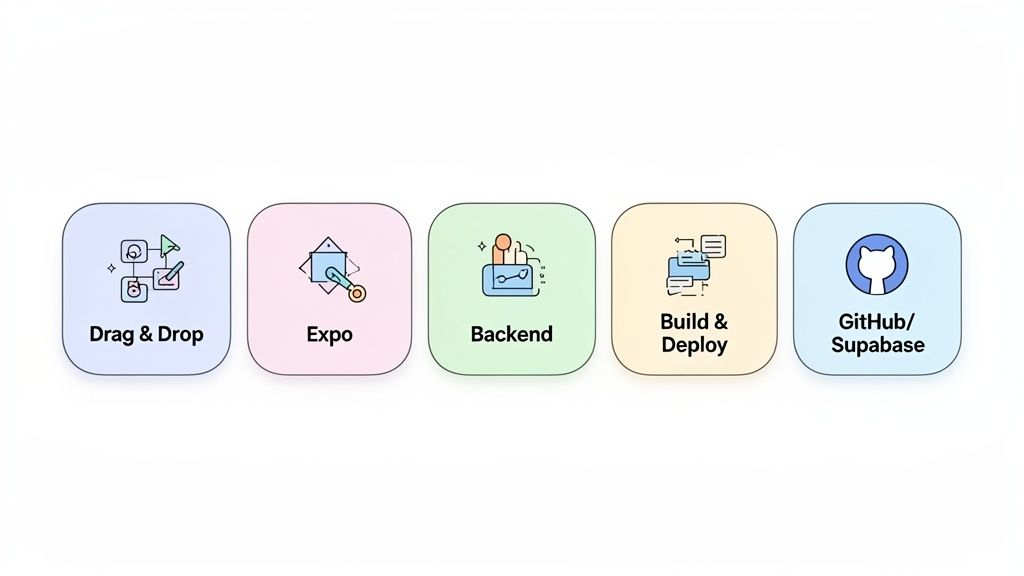
Not every app builder delivers the same capabilities. The tools worth considering handle the full development lifecycle, from design to deployment, in one platform. Design is the step most builders handle worst, which we cover in how to design a web app.
Visual Editor and Component Library
The core of any app builder is its visual editor. A good one lets you arrange pre-built components on a canvas and see changes in real time. Look for:
Pre-built UI elements: Navigation bars, forms, image carousels, and other standard components you can drop in and customize.
Templates: Pre-designed screens and layouts that give you a working starting point in minutes.
Logic and actions: The ability to connect components to behaviors (navigate to a screen, submit a form, trigger an API call) without writing code.
Backend and Data Management
A polished interface is only half of an app. You also need a backend to manage user accounts, store data, and handle file uploads. The best builders integrate these services directly:
User authentication: Sign-up, login, and profile management with a few clicks.
Database: A managed database for user-generated content, product catalogs, or any structured data your app needs.
File storage: Image uploads, video hosting, and document management.
API integrations: Connections to third-party services like payment processors, analytics tools, or CRMs.
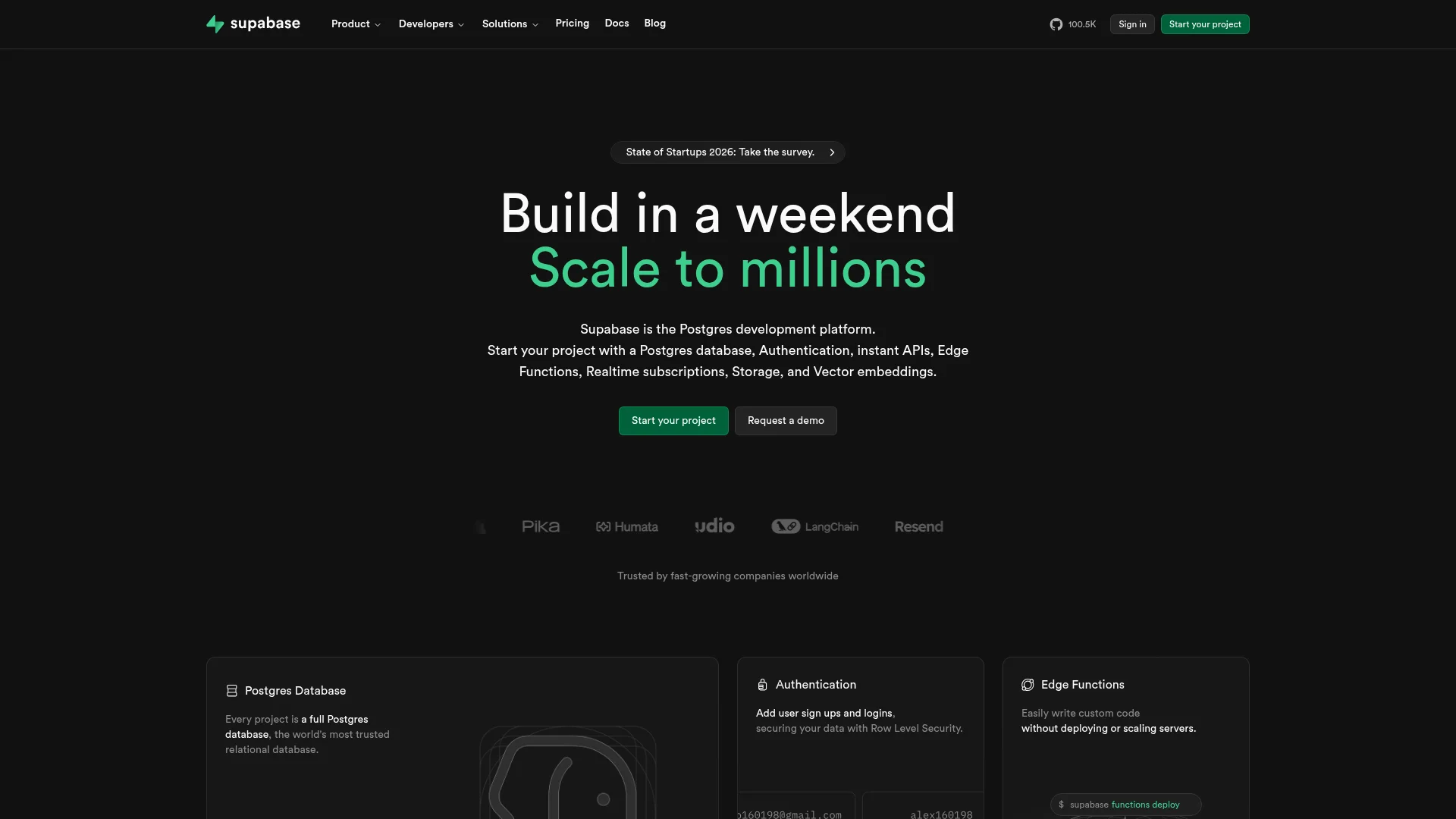
Platforms that integrate with Supabase for backend services give you a production-grade database, auth system, and storage layer without hiring a backend engineer.
Deployment and Developer Tools
Getting an app into the Apple App Store and Google Play Store is notoriously complex. A good builder automates the build, packaging, and submission process so you can publish with a single click.
For projects that grow beyond what the visual editor can handle, look for GitHub integration and code export. This gives you an exit path: you can hand the full codebase to a development team and continue building without starting over.
Feature Comparison
Feature | What It Does | Why It Matters |
|---|---|---|
Visual Editor | Drag-and-drop interface for designing app screens | Makes design accessible to non-developers and speeds up prototyping |
Component Library | Pre-built UI elements (buttons, forms, nav bars) | Eliminates the need to build standard elements from scratch |
Backend Automation | Manages database, user auth, and file storage | Removes the need for a separate backend team |
API Integration | Connects to third-party services and data sources | Extends app functionality with existing tools |
One-Click Deployment | Automates App Store and Play Store submission | Removes the most complex technical step for non-developers |
Code Export and GitHub | Export source code and sync with version control | Provides an exit path so developers can take over later |
If you want to speed things up even more, pre-made React Native templates can give you a working starting point for common app types.
Benefits of Using a React Native App Builder
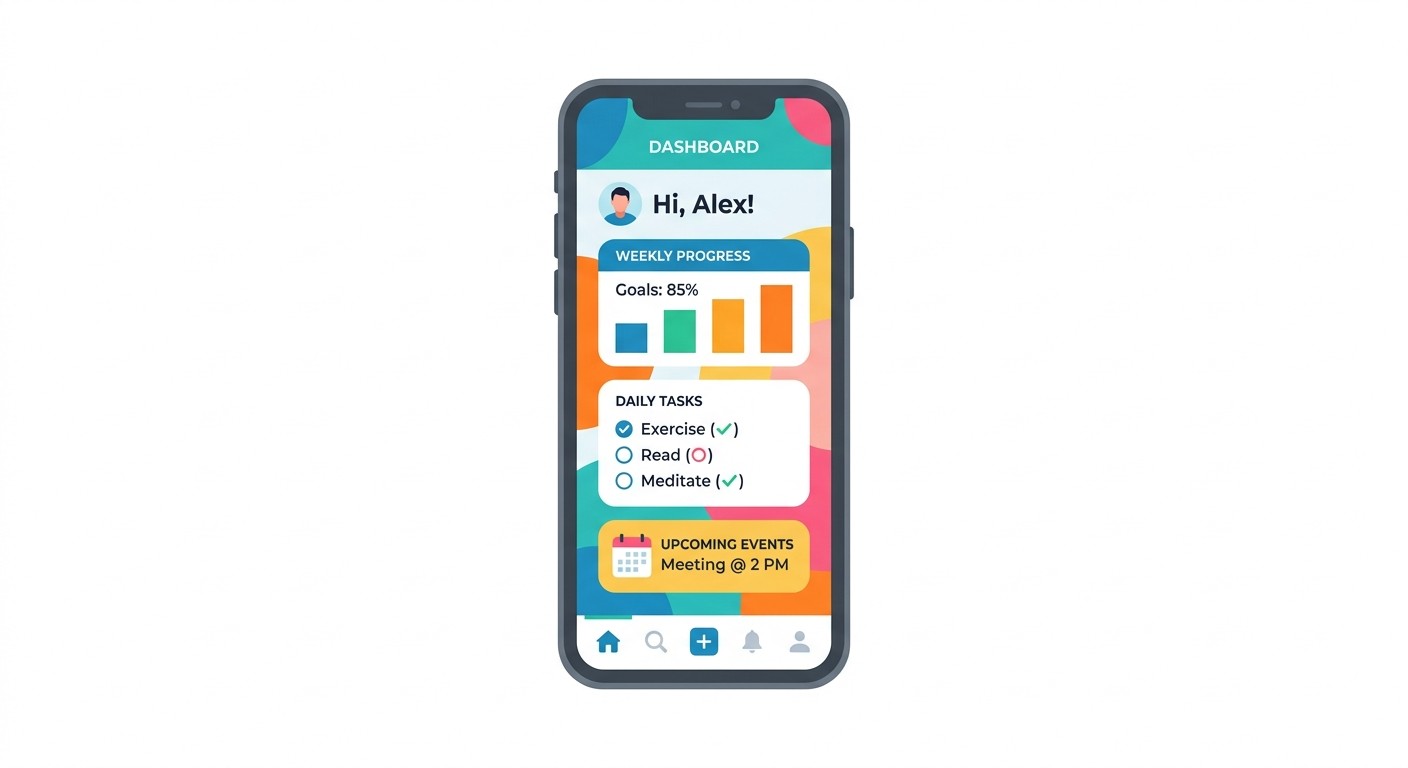
The practical advantages come down to three things: cost, speed, and who gets to participate in the building process.
Cut Development Costs by 50-70%
Traditional native development requires separate iOS and Android teams. For a startup, that often means $50,000-$150,000 just to reach an MVP. A React Native app builder collapses that into a single codebase, a single visual workflow, and often a single person doing the work.
The builder also handles backend infrastructure and deployment, two areas that normally require specialized engineers. The money you save goes toward marketing, customer acquisition, or extending your runway.
Build Without Coding Experience
For years, app development was limited to people who could write Swift, Kotlin, or JavaScript. App builders open that up. A founder can build and test their own MVP. A designer can create functional prototypes instead of static mockups. A product manager can ship an internal tool without filing an engineering ticket.
The visual interface handles the technical complexity. You focus on what the app should do, not how to implement it at the code level.
Reduce Ongoing Maintenance
Launching an app is just the beginning. OS updates, device compatibility changes, and framework upgrades create ongoing maintenance work. With a managed React Native app builder, the platform handles dependency updates and compatibility fixes in the background. Your team stays focused on features instead of firefighting infrastructure issues after every iOS release.
How to Choose the Right Builder
Video summary: This walkthrough covers what to look for when picking an app builder, including visual editing capabilities, backend integrations, deployment options, and how platforms like CatDoes handle the full workflow from design to app store submission.
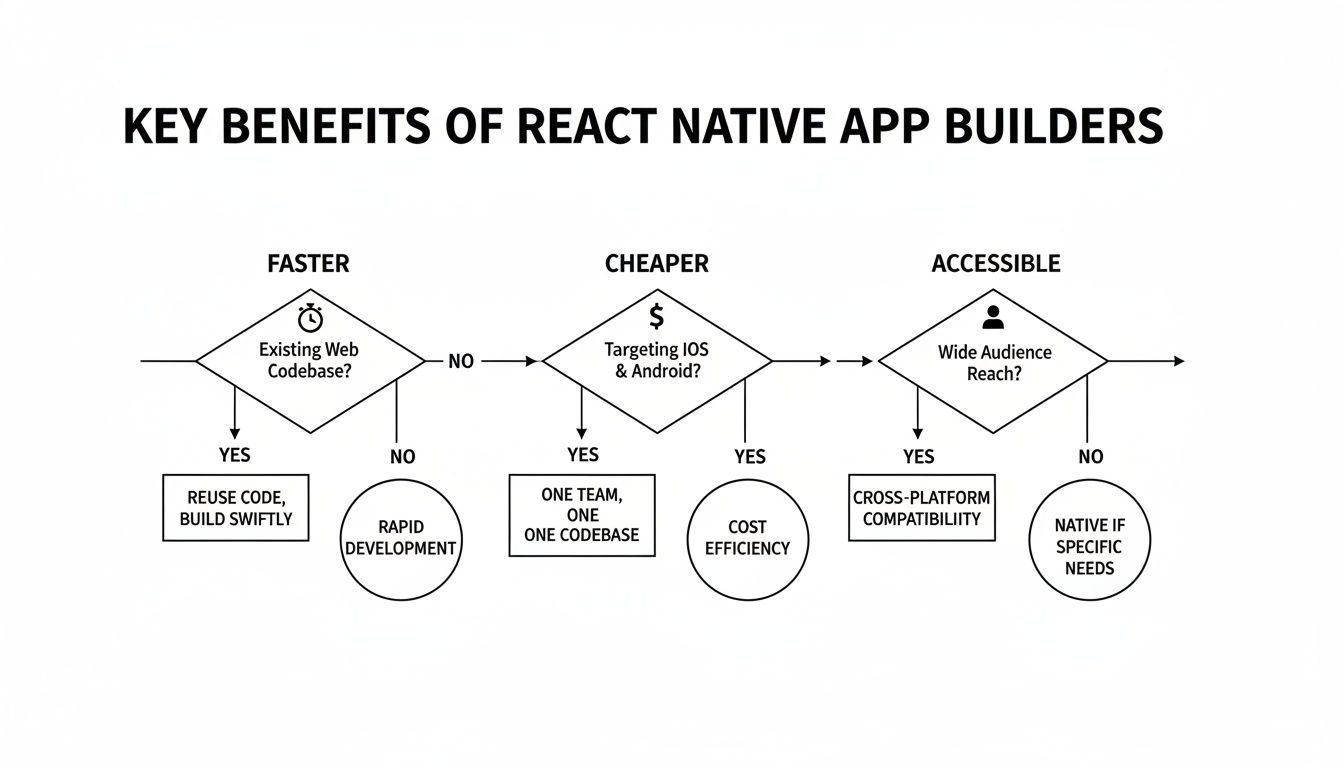
With dozens of options on the market, the right choice depends on your project goals, your technical background, and where you see the app in 12 months.
Define Your Requirements First
Before comparing feature lists, answer three questions:
What is the goal? A quick prototype to validate an idea? An internal tool for your team? A public app with thousands of users?
What is your technical skill level? Do you need a fully visual experience, or do you want the option to write custom code and manage it through GitHub?
Does this need to scale? Will you eventually need custom code, more complex backend logic, or a hand-off to a development team?
Your answers create a filter that eliminates most options and narrows the field to 2-3 real contenders.
Evaluation Criteria
Once you know what you need, evaluate each platform on four dimensions:
Customization: How much control do you have over design? Can you implement your own brand identity, or are you limited to generic templates?
Scalability: What backend resources are available? Look for managed databases, authentication, serverless functions, and clear upgrade paths.
Documentation and support: Good docs, tutorials, and an active community make the difference between a small setback and a project-killing roadblock.
Pricing: Look beyond the sticker price. What are the limits on the free plan? Do paid tiers match the value your app will generate?
Prioritize builders with a code export option. Even if you never use it, that exit path means you are never locked into a single platform.
Feature Priorities by Role
User Type | Must-Have Features | Nice-to-Have Features |
|---|---|---|
Non-Technical Founder | Visual editor, pre-built templates, automated backend, one-click deploy | AI-assisted building, analytics, marketing integrations |
Designer | Granular UI control, custom fonts/themes, Figma import, pixel-perfect preview | Animation tools, collaboration features |
Developer | Clean code export, GitHub integration, custom components, API access | CLI tools, local dev environment, debugging |
Product Manager | Rapid prototyping, version control, user feedback integration | A/B testing, feature flags, PM tool integrations |
Common Use Cases
React Native app builders work across a wide range of project types. Here are three of the most common.
Startup MVPs
A founder with a social commerce idea needs to test whether the concept works before investing six months and $100K+ in custom development. With an app builder, they can design the core screens, connect a simple backend for user profiles, and deploy to both app stores in under a month. Real users generate real feedback, and the product evolves based on data rather than assumptions.
Internal Business Tools
A retail operations manager needs a custom inventory app. Staff need to scan barcodes with phone cameras, update stock levels, and receive low-stock alerts. Off-the-shelf software does not fit their workflow, and a custom build would cost more than the IT budget allows. An app builder lets them create exactly what they need by connecting device hardware (the camera), a shared database, and push notifications.
Design Prototypes
A UI/UX designer pitching a new app concept needs more than static Figma mockups. Clients and stakeholders respond better when they can install something on their phone and tap through the actual experience. An app builder lets the designer import Figma files, connect screens with real navigation and animations, and share a working prototype via QR code.
For more inspiration, check out these React Native app examples that show what is possible with the framework.
How to Get Started
Most modern app builders offer a free plan, which is the best way to test whether a platform fits your workflow before you commit. Here is how to approach your first project based on your background:
Non-technical founders: Write down three to five features your app must have to solve your customer's core problem. Use that list as your roadmap and build those screens first in the visual editor.
Designers: Take your existing Figma mockups and rebuild them as a functional app inside the builder. Focus on interactive user flows and real navigation between screens.
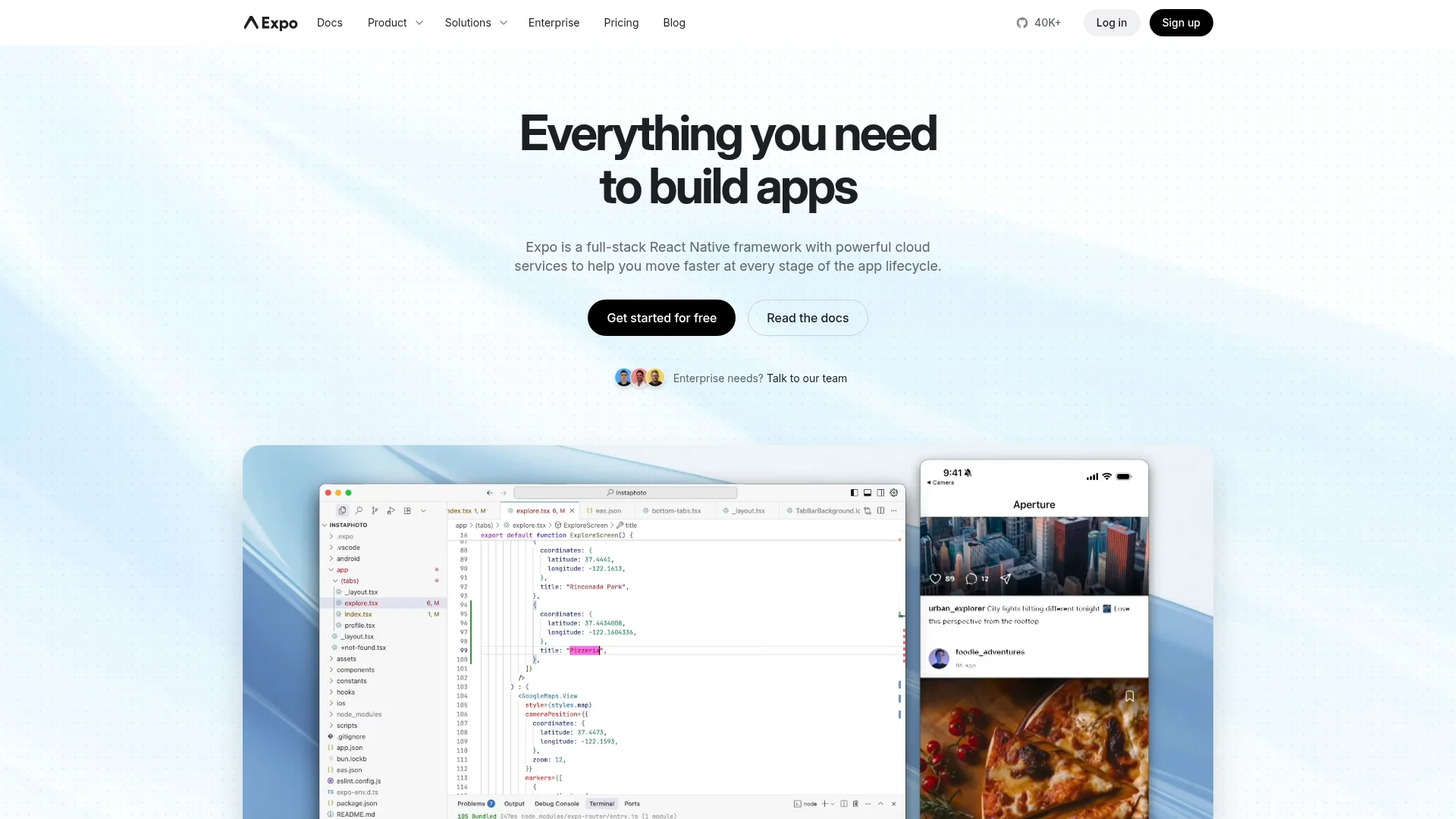
Developers: Treat it as a technical evaluation. Build a small internal tool or proof-of-concept and test the builder's limits: state management, API connections, and the quality of exported code. For context on the underlying stack, this React Native Expo tutorial is a good starting point.
In each case, the goal is the same: build something small and working. A finished prototype will teach you more about a platform than any amount of documentation.
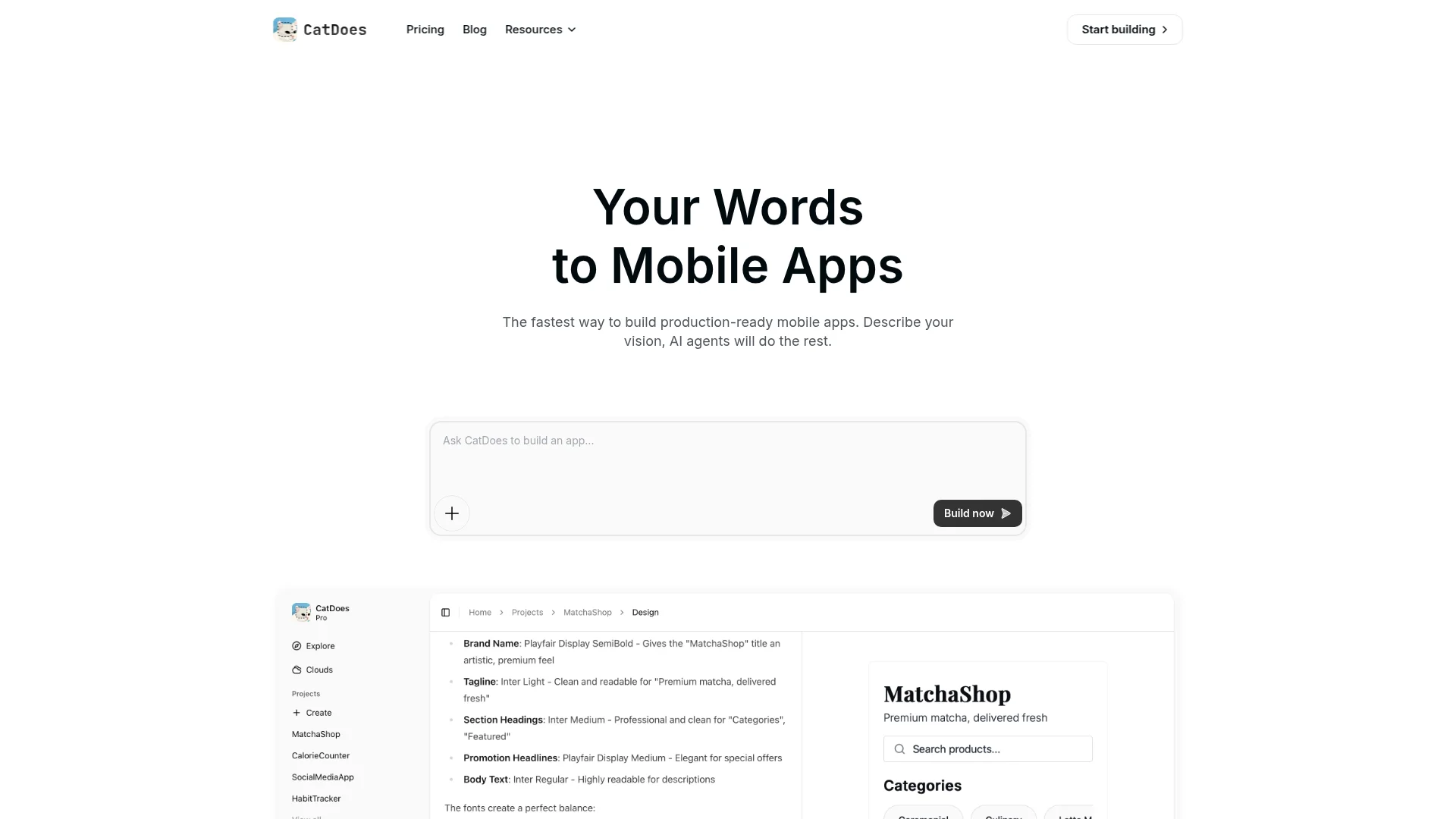
Platforms like CatDoes are built for this exact workflow. The AI-native builder handles design, backend, and deployment in one place, so you can go from idea to app store without switching between tools.
Frequently Asked Questions
Can I Build a Custom App With a Builder?
Yes. Modern app builders produce clean, production-ready React Native code. You can customize the app visually and, when you need more control, export the full codebase to GitHub and hand it to a developer. You are not locked into the platform.
Do I Need to Know How to Code?
No. The visual editor and drag-and-drop components handle the technical side. You can design, configure, and launch a fully functional app without writing any code. Technical skills help for advanced customizations later, but they are not a requirement to get started.
How Is Backend and User Data Handled?
Leading app builders provide integrated backend services. Platforms like Supabase are often built in, handling user authentication, databases, and file storage automatically. You do not need to set up servers, manage infrastructure, or hire a backend team. The data layer is configured through the same visual interface as the rest of the app.
Nafis Amiri
Co-Founder of CatDoes


