Blog
Insights
Best App Development Software in 2026 (12 Tested)
Compare the 12 best app development software and app builders for 2026 by features, pricing, skill level, and platform. Find the right tool to build your app.

Nafis Amiri
Co-Founder of CatDoes
TL;DR: The best app development software depends on your skills and goals. For non-technical founders, CatDoes builds apps from plain English. For developers, Flutter and React Native deliver cross-platform performance from a single codebase. For native Android or iOS work, Android Studio and Xcode are the free standards.
Choosing the right app development software is one of the most important decisions you will make as a founder or developer. The wrong pick can waste months of effort and thousands of dollars. The right one can get your app to market in weeks.
This guide compares 12 of the best app development software and app makers available in 2026, from AI-powered no-code builders to professional-grade IDEs. Whether you need mobile app making software for Android, iOS, or both, each entry covers the ideal user, core features, limitations, and pricing so you can make a confident choice. If your budget is zero, our companion list of free mobile app makers narrows it down further.
Table of Contents
App Development Software vs. App Builders
1. CatDoes
2. Android Studio
3. Xcode + Apple Developer Program
4. Flutter
5. React Native
6. .NET MAUI + Visual Studio
7. Glide
8. Adalo
9. FlutterFlow
10. Thunkable
11. Google AppSheet
12. Expo Application Services (EAS)
Mobile App Making Software Comparison
How to Choose the Right App Development Software
Frequently Asked Questions
App Development Software vs. App Builders
"App development software" is a broad category that covers two very different kinds of tools. Knowing which one you need is the first step to choosing well.
Traditional app development software, like IDEs and frameworks such as Android Studio, Xcode, Flutter, and React Native, gives you full control over your code. It is free and flexible, but it requires programming skills and more time.
App builders, such as AI and no-code platforms like CatDoes, FlutterFlow, and Thunkable, let you ship apps with little or no code. They trade some low-level control for speed, which is ideal for founders validating an idea or shipping an MVP.
The 12 tools below span both groups, so you can compare app development platforms and no-code app makers side by side.
1. CatDoes
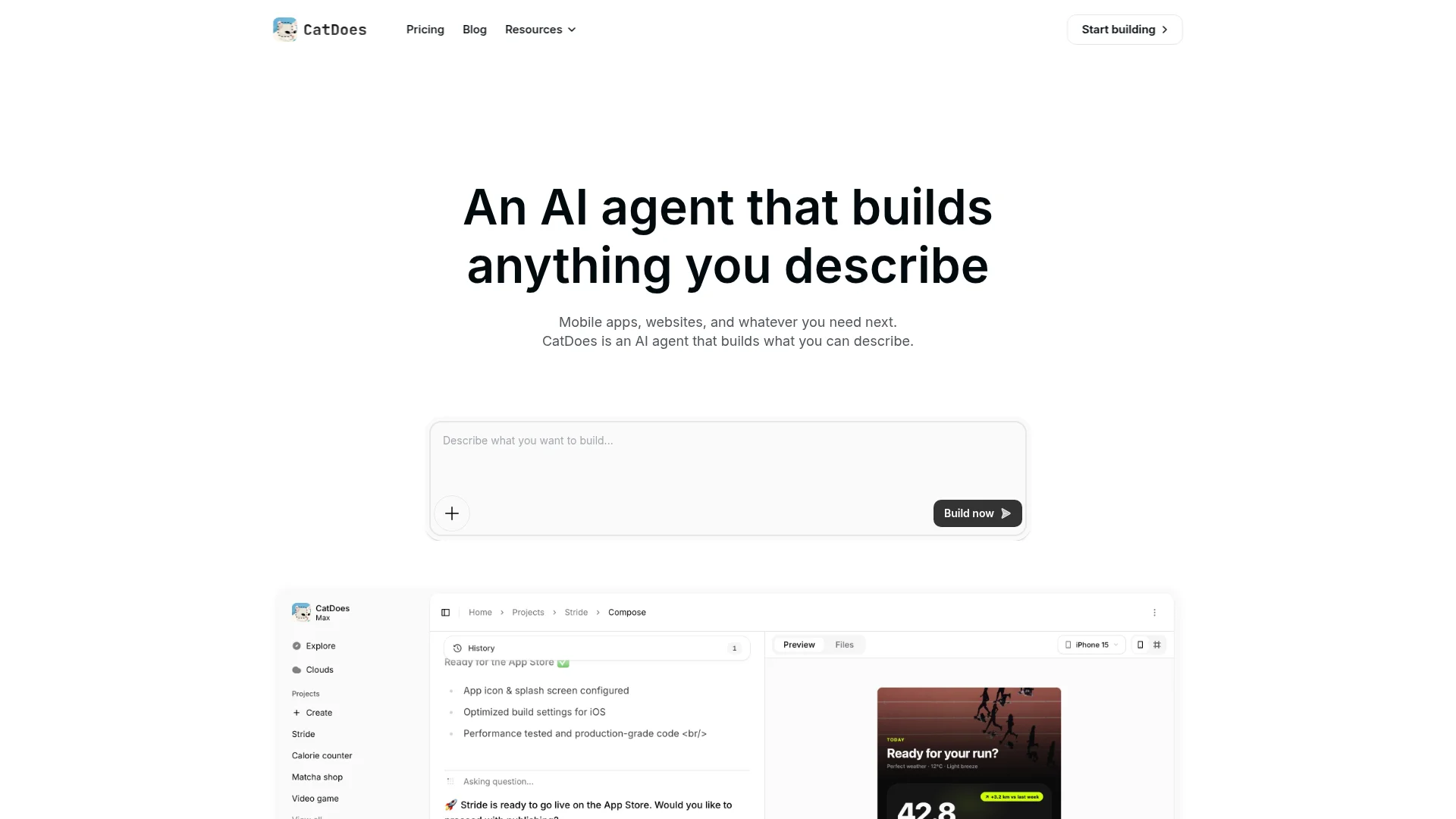
CatDoes is an AI app builder that turns plain-English descriptions into production-ready mobile apps and websites. You describe what you want, and CatDoes designs, codes, and deploys a complete native app for you, with no coding required.
It runs in the cloud with a Compose agent that spins up subagents to build, test, and ship to the App Store, Google Play, or the web with custom domains. Every plan includes CatDoes Cloud, a built-in backend with database, authentication, storage, edge functions, and realtime. You also get checkpoints to version your work, plus GitHub import and code export on higher plans.
Because it handles the whole pipeline from idea to app store, CatDoes is the fastest way for non-technical founders to go live. For practical tips on getting a polished result, see our guide to app design best practices.
Feature | Details |
|---|---|
Primary Use Case | AI-built native apps and websites from natural language |
Target User | Non-technical founders, startups, designers, and agencies |
Core Strength | End-to-end build and deploy with a built-in backend (CatDoes Cloud) |
Limitation | Newer platform; very complex custom logic may still need a developer |
Pricing | Free plan available; paid plans from $20/month |
2. Android Studio
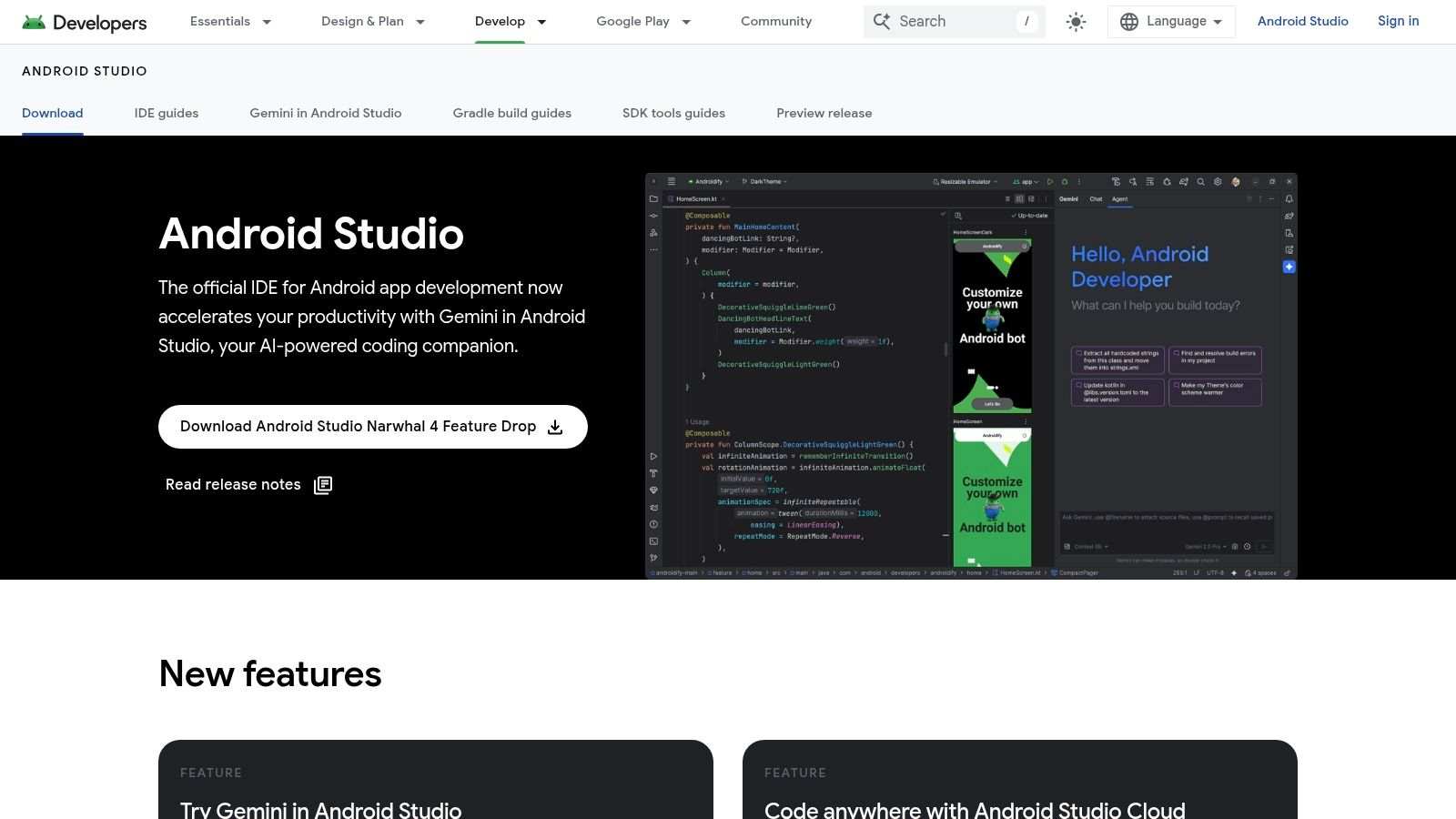
Android Studio is Google's official IDE and the definitive tool for building native Android applications. It is completely free and provides a full suite including a Layout Editor, performance profilers, and a highly capable Android Emulator.
This is a code-first environment requiring Kotlin or Java knowledge. Deep integration with Firebase and the Google Play Console streamlines backend setup and publishing.
Feature | Details |
|---|---|
Primary Use Case | High-performance native Android apps |
Target User | Professional developers, students learning Android |
Core Strength | Direct access to the latest Android APIs from Google |
Limitation | Android-only. Cannot build iOS apps. |
Pricing | Free |
3. Xcode + Apple Developer Program
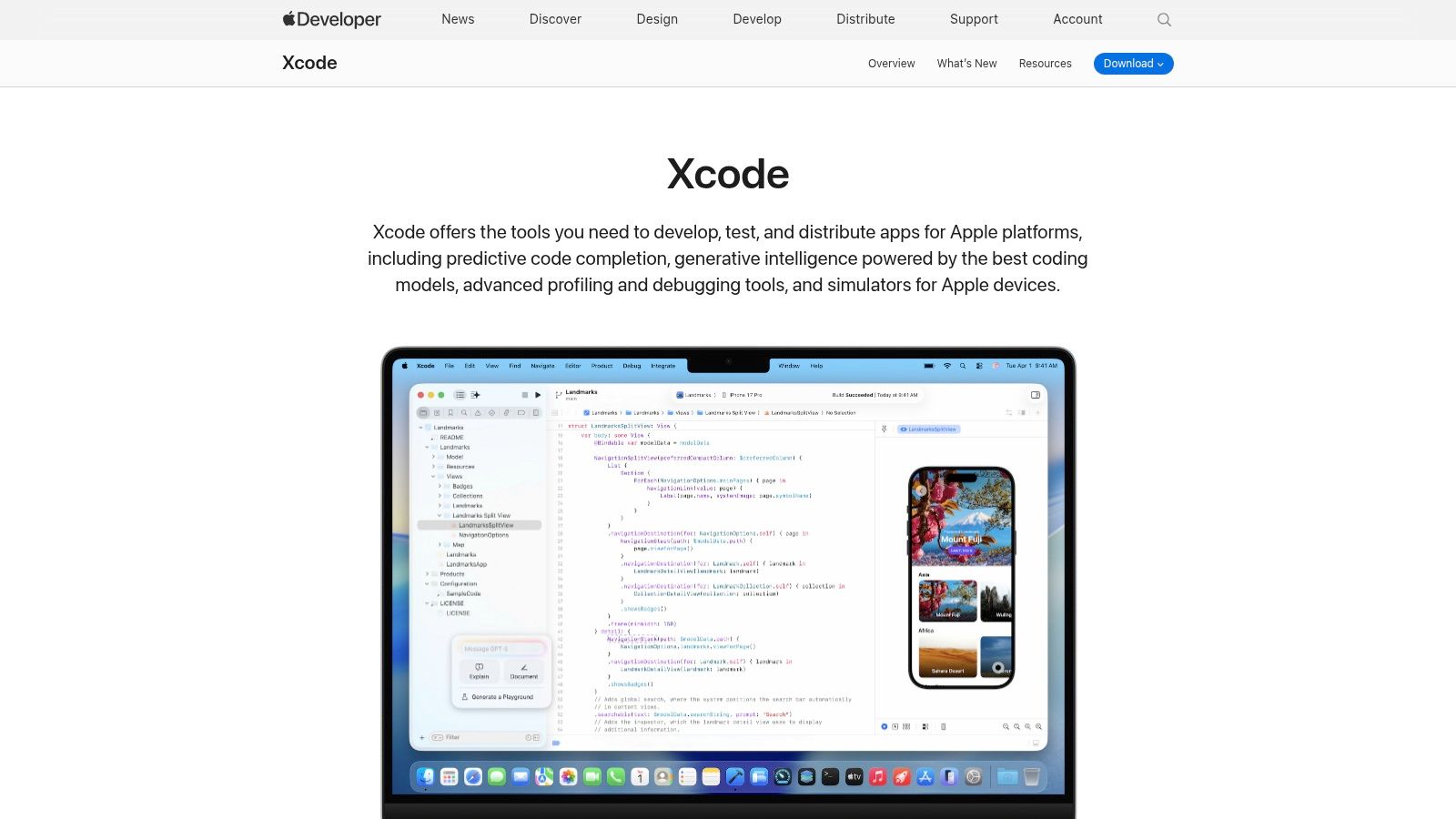
Xcode is Apple's official IDE and the only first-party tool for building native iOS, iPadOS, and macOS apps. The IDE itself is a free download, but publishing to the App Store requires a $99/year Apple Developer Program membership.
It features the modern SwiftUI framework for declarative UI, Interface Builder for visual design, and full-featured simulators. Instruments provides deep performance analysis and debugging.
Feature | Details |
|---|---|
Primary Use Case | Native applications for all Apple platforms |
Target User | Professional iOS developers and teams |
Core Strength | Unmatched integration with Apple hardware and services |
Limitation | Requires a Mac. Cannot build Android apps. |
Pricing | Free (IDE). App Store: $99/year |
4. Flutter
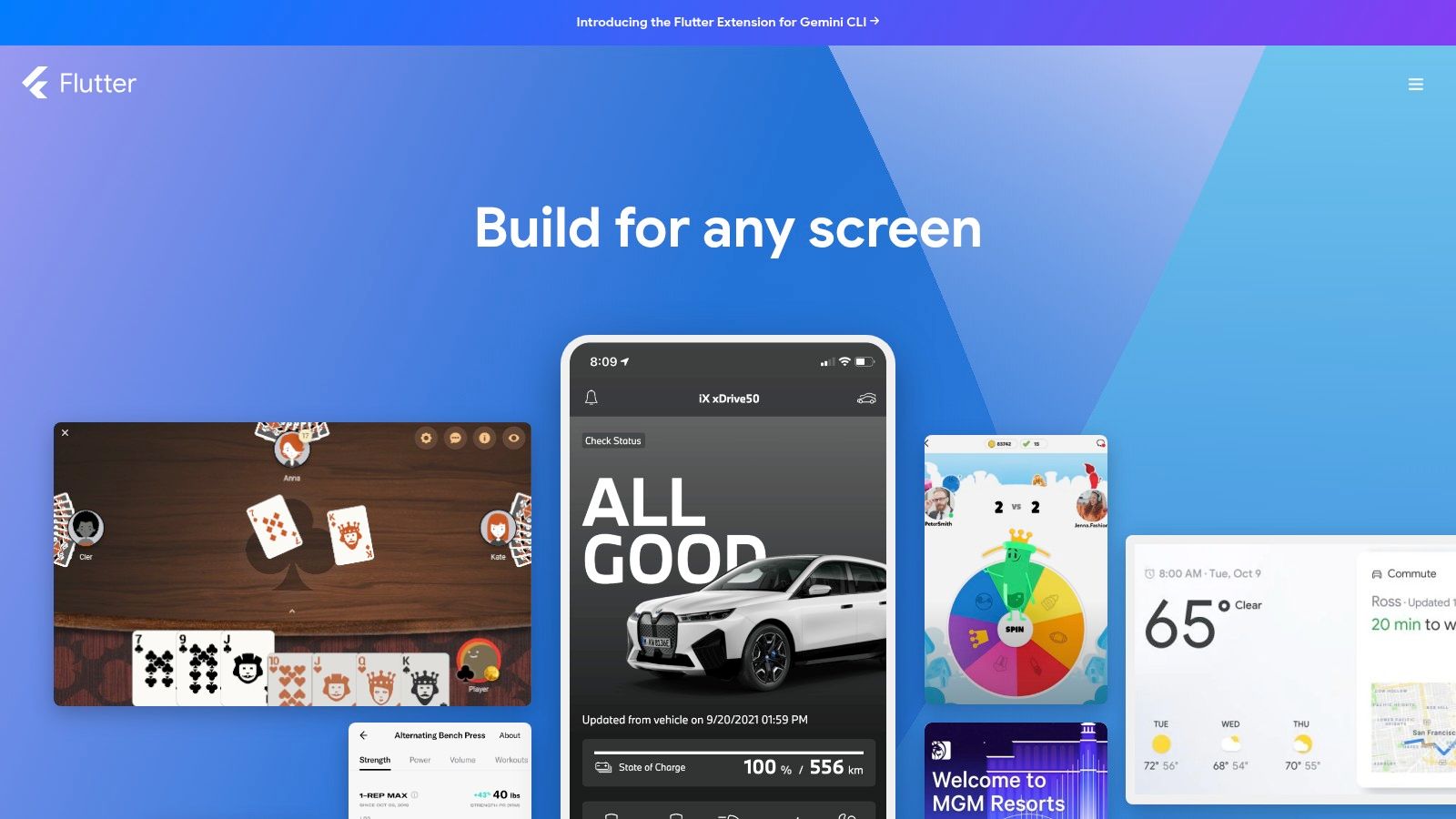
Flutter is Google's open-source framework for building natively compiled apps for mobile, web, and desktop from a single codebase. It uses the Dart programming language and provides a rich set of customizable widgets for expressive, consistent UIs across platforms.
Its "hot reload" feature lets developers see changes instantly without restarting the app. This makes it ideal for startups and agencies shipping high-quality MVPs quickly. If you are weighing cross-platform options, read our Flutter vs React Native 2026 comparison.
Feature | Details |
|---|---|
Primary Use Case | Cross-platform apps for iOS, Android, web, and desktop |
Target User | Developers building high-performance, visually rich apps |
Core Strength | Hot reload and extensive widget library for custom UIs |
Limitation | App file sizes can be larger than fully native counterparts |
Pricing | Free |
5. React Native
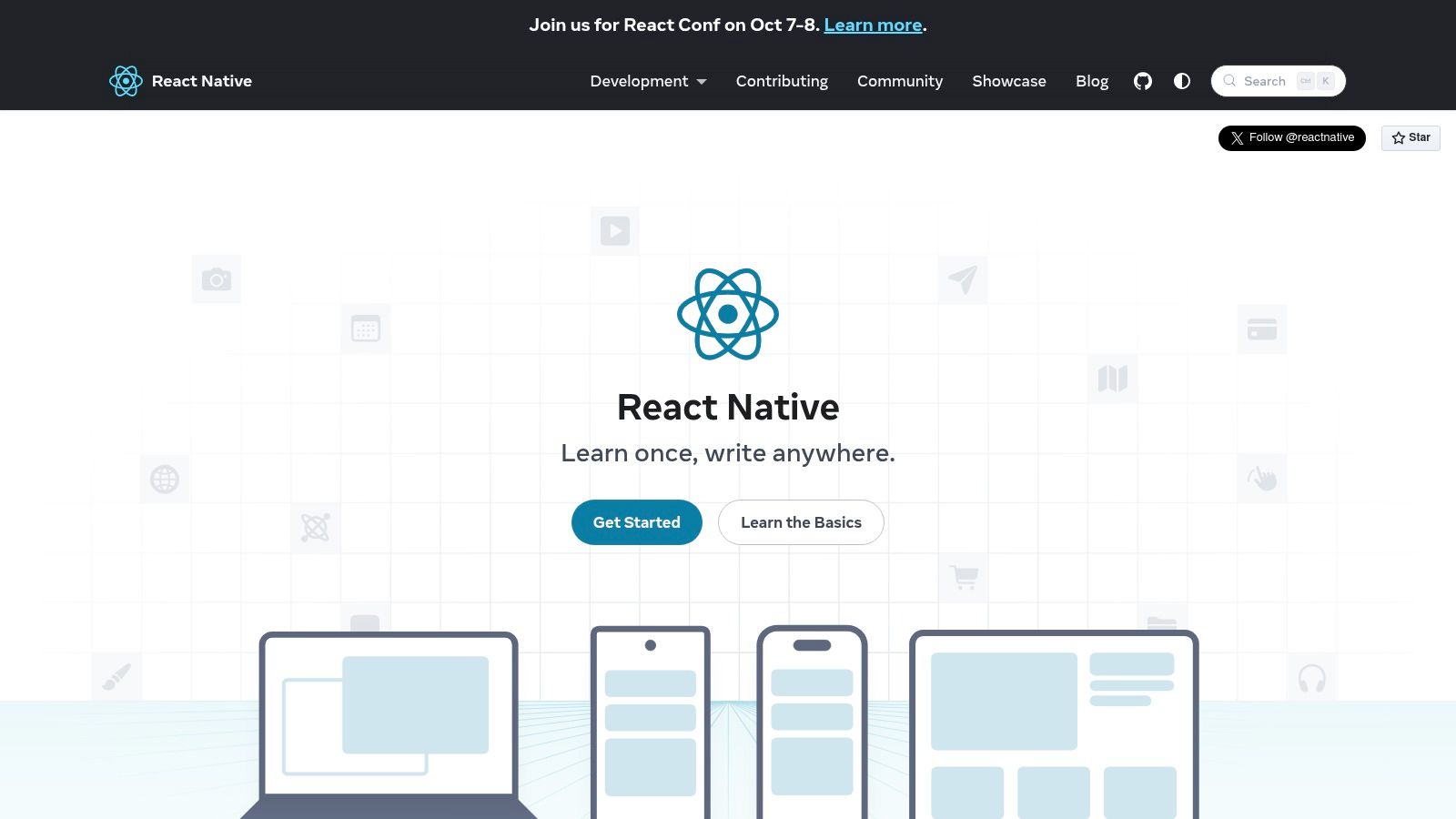
React Native is Meta's open-source framework that lets developers build native iOS and Android apps from a single JavaScript/React codebase. It uses native UI components, so apps have the look, feel, and performance of native applications.
Fast Refresh provides near-instant feedback during development. A vast ecosystem of community libraries for navigation, state management, and animations means you rarely need to build from scratch.
Feature | Details |
|---|---|
Primary Use Case | Cross-platform native iOS and Android apps with JavaScript |
Target User | Web developers and teams wanting to unify mobile and web |
Core Strength | Code reuse between platforms and with React web apps |
Limitation | May require custom native modules for hardware-specific features |
Pricing | Free |
6. .NET MAUI + Visual Studio
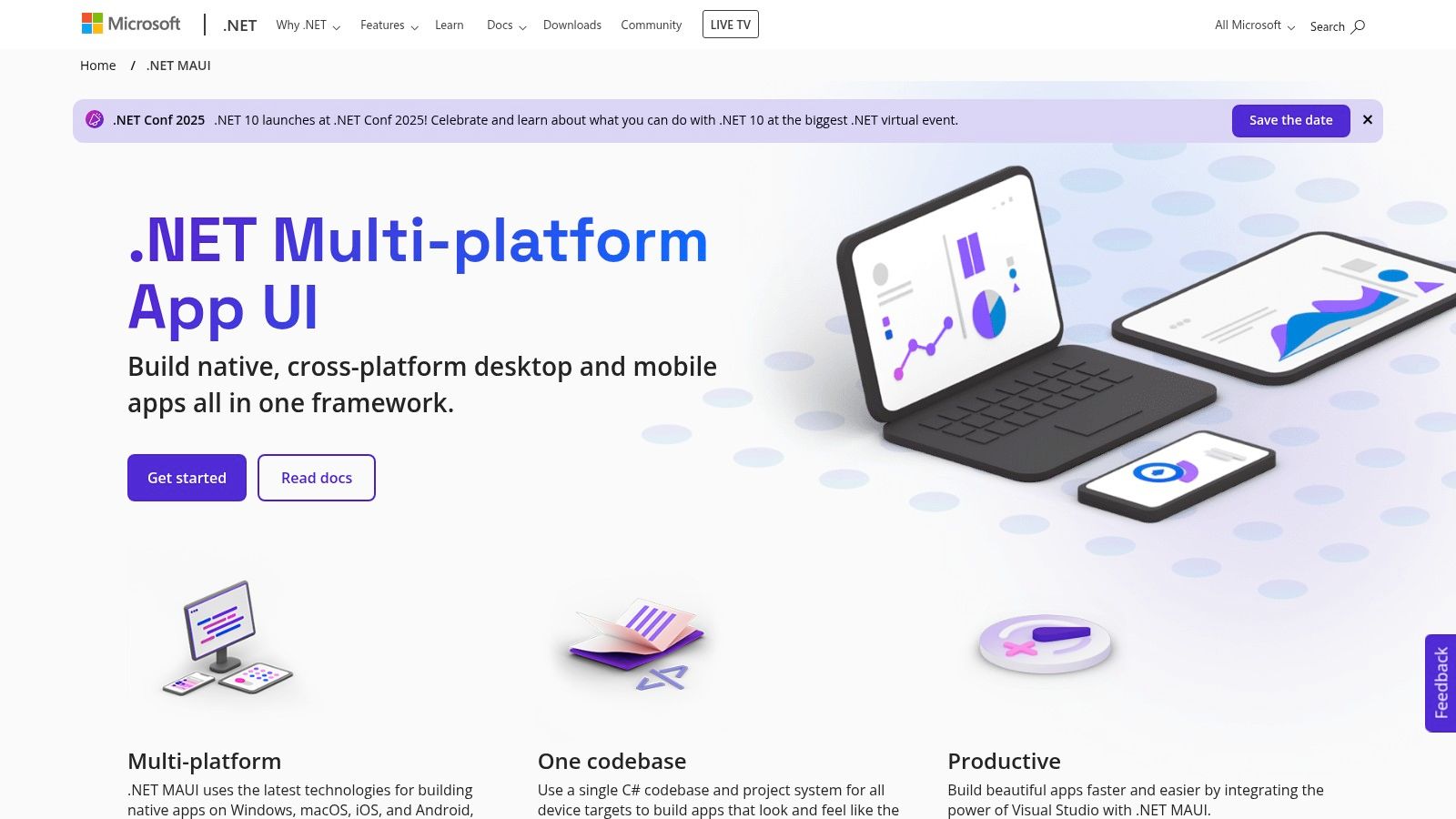
.NET MAUI (Multi-platform App UI) lets C# developers write a single codebase that compiles into native apps for Android, iOS, Windows, and macOS. It is the evolution of Xamarin.Forms, built into Microsoft's Visual Studio IDE.
XAML Hot Reload provides instant UI updates, and a rich library of prebuilt components speeds up development. The single-project structure simplifies managing platform-specific code.
Feature | Details |
|---|---|
Primary Use Case | Cross-platform apps from a single C# codebase |
Target User | C#/.NET developers and enterprise teams |
Core Strength | High productivity for .NET developers with native API access |
Limitation | Still requires a Mac for final iOS/macOS builds |
Pricing | Free (Community). Paid Pro/Enterprise tiers. |
7. Glide
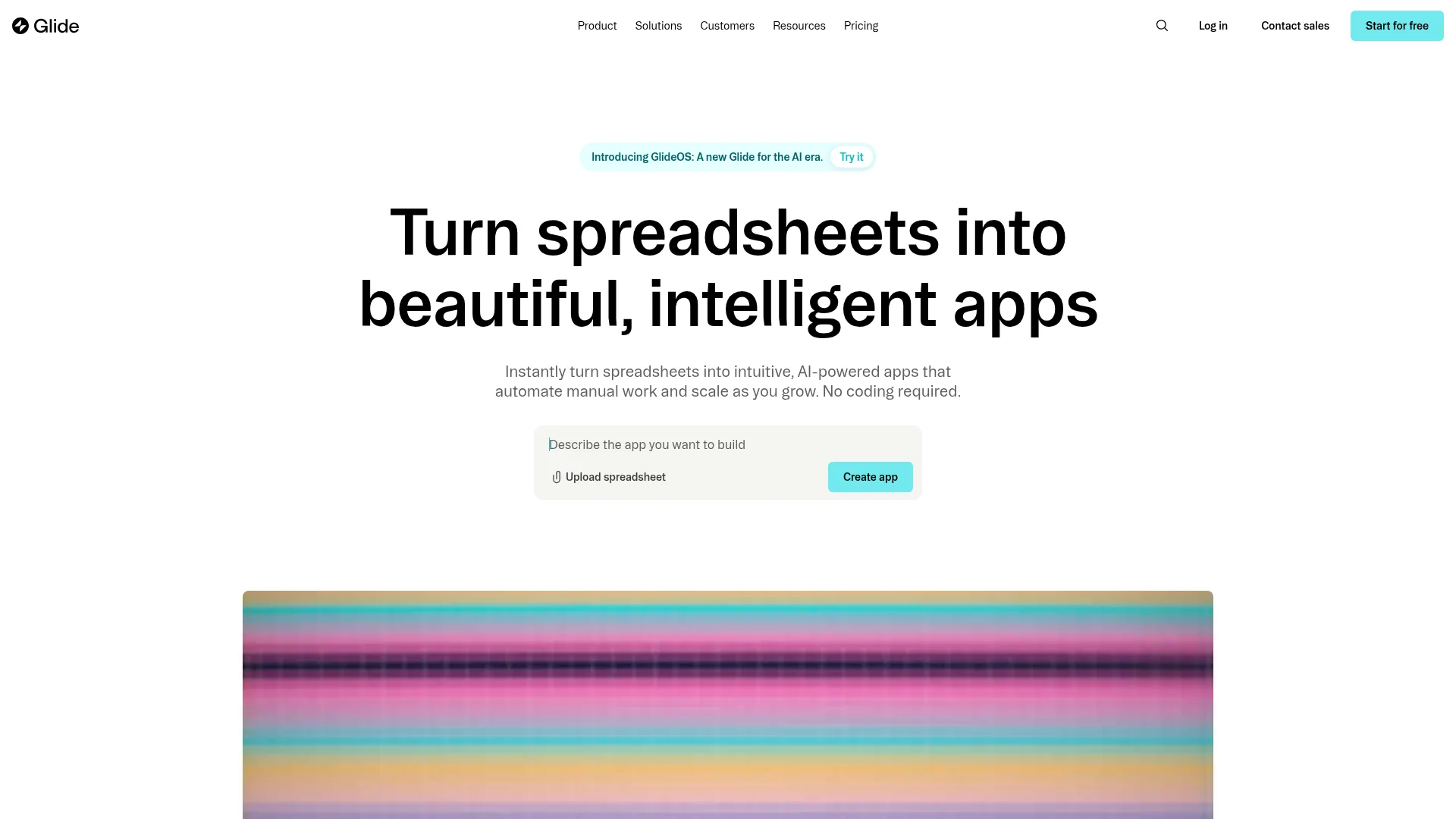
Glide is a no-code platform that turns spreadsheets and databases into polished mobile and web apps. It connects to Google Sheets, Excel, Airtable, or its own Glide Tables and generates a working app from your data in minutes.
It is best for data-driven internal tools, directories, and lightweight customer apps rather than complex consumer products. A drag-and-drop editor, prebuilt components, and built-in AI features make it one of the fastest ways to ship a functional app without code.
Feature | Details |
|---|---|
Primary Use Case | Data-driven mobile and web apps built from spreadsheets |
Target User | Non-technical founders and teams building internal tools |
Core Strength | Turns existing data into a working app in minutes |
Limitation | Less suited to complex, highly custom consumer apps |
Pricing | Free plan; paid plans from $25/month |
8. Adalo
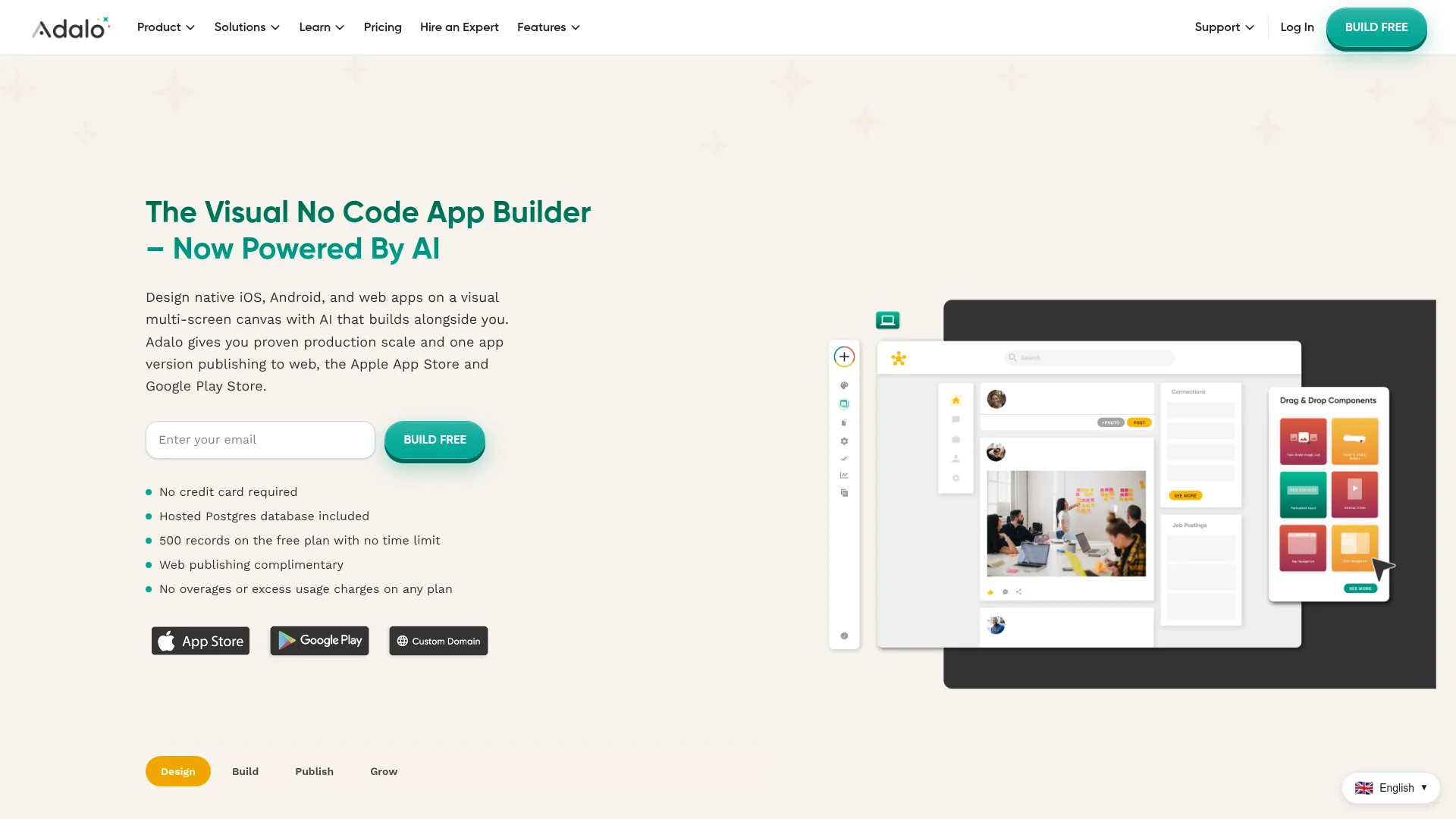
Adalo is a no-code builder for native iOS and Android apps, with a visual drag-and-drop canvas and a built-in database. You design screens, define data collections, and wire up actions without writing a line of code.
It supports custom branding, in-app payments, push notifications, and publishing straight to the App Store and Google Play. A marketplace of components and integrations extends what you can build, making it a solid choice for consumer-facing MVPs.
Feature | Details |
|---|---|
Primary Use Case | Native no-code mobile apps for iOS and Android |
Target User | Entrepreneurs and small teams building consumer apps |
Core Strength | Visual builder with a built-in database and app store publishing |
Limitation | Per-app pricing and record limits can add up as you scale |
Pricing | Free plan; paid plans from $45/month |
9. FlutterFlow
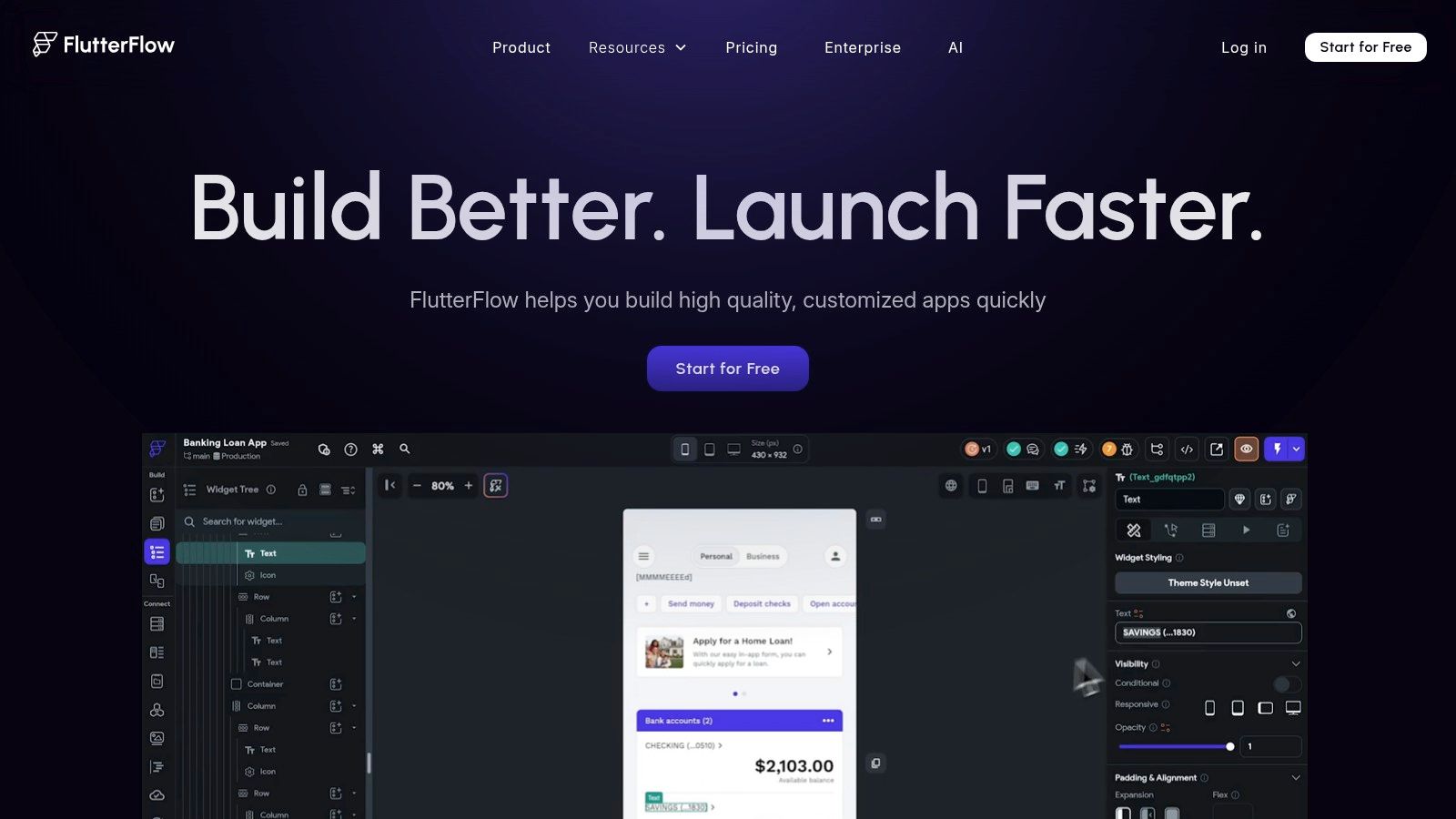
FlutterFlow is a low-code visual builder that generates clean, exportable Flutter code. It bridges the gap between no-code simplicity and the flexibility of traditional development, with one-click deployment to both app stores.
Unlike many no-code tools, FlutterFlow lets you download the full source code and APK files, integrate with GitHub, and hand off a real codebase to developers for further customization.
Feature | Details |
|---|---|
Primary Use Case | Rapid cross-platform apps with exportable Flutter code |
Target User | Startups, agencies, and low-code teams |
Core Strength | Generates readable Flutter code for developer handoff |
Limitation | Advanced features and code export require paid plans |
Pricing | Free tier; paid plans from $30/month |
10. Thunkable
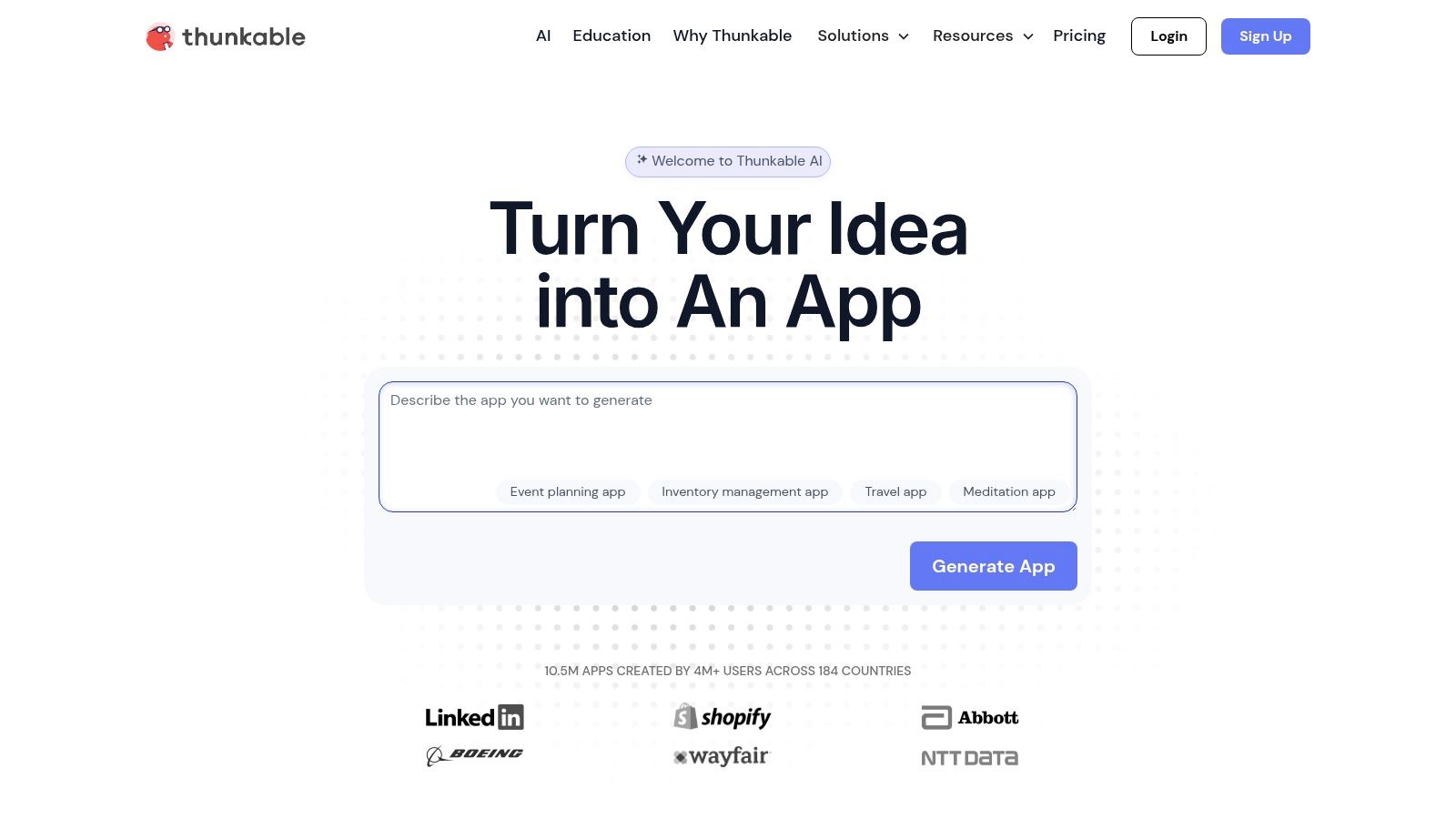
Thunkable is a no-code platform that uses a blocks-based interface inspired by MIT's Scratch. It lets creators build and publish native iOS and Android apps from a single project without writing code.
It integrates push notifications, monetization through in-app purchases and ads, and connections to popular APIs. For a deeper look at building without code, see our guide on how to build an app without coding.
Feature | Details |
|---|---|
Primary Use Case | No-code native cross-platform mobile apps |
Target User | Entrepreneurs, students, and non-technical founders |
Core Strength | Intuitive blocks-based logic for functional native apps |
Limitation | Project and screen limits on lower-tier plans |
Pricing | Free tier; paid plans from $45/month |
11. Google AppSheet

Google AppSheet creates mobile and web apps directly from data sources like Google Sheets, Excel, and databases. It is designed for internal business tools and operational apps, not consumer-facing app store products.
Its deep integration with Google Workspace makes it a natural choice for organizations already using Google Drive and Sheets. Features include offline data sync, workflow automation, and strong security controls.
Feature | Details |
|---|---|
Primary Use Case | Data-driven internal business apps and workflows |
Target User | Business users and citizen developers within organizations |
Core Strength | Build apps from spreadsheets with Google Workspace integration |
Limitation | Not designed for public, consumer-facing app store apps |
Pricing | Free plan; paid from $5/user/month |
12. Expo Application Services (EAS)
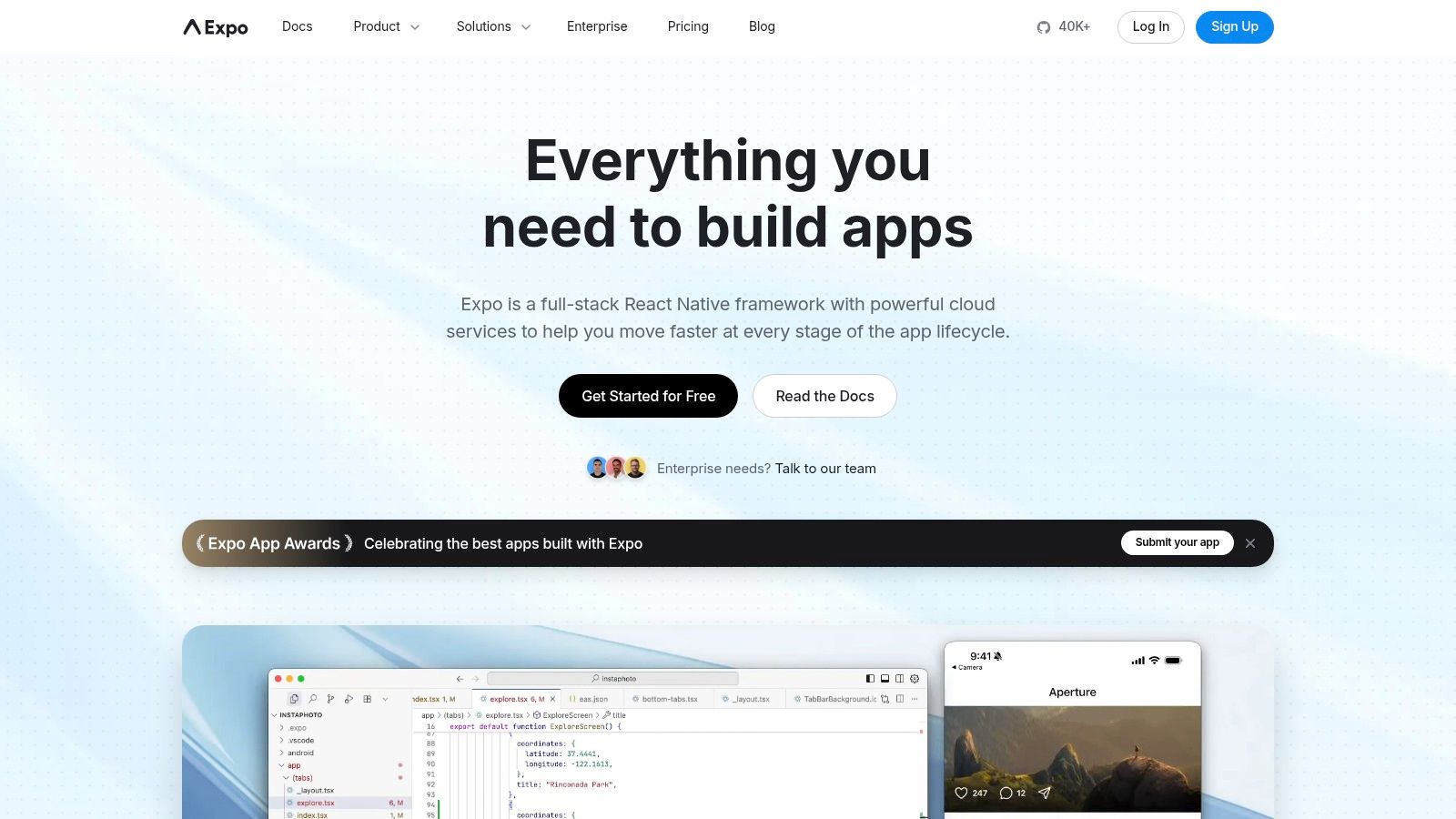
EAS is not a standalone app builder. It is a suite of cloud services for React Native developers that handles building, submitting, and updating apps without managing local build environments.
The standout feature is EAS Build, which lets developers compile iOS app binaries without owning a Mac. EAS also enables over-the-air updates, pushing bug fixes directly to users without a full app store review.
Feature | Details |
|---|---|
Primary Use Case | Cloud build, submission, and OTA updates for React Native |
Target User | React Native/Expo developers, especially without Mac hardware |
Core Strength | Build and ship iOS apps without a physical Mac |
Limitation | Tied to the React Native/Expo ecosystem only |
Pricing | Free tier; paid plans from $29/month |
Mobile App Making Software Comparison
Platform | Type | Best For | Platforms | Pricing |
|---|---|---|---|---|
CatDoes | AI No-Code | Non-technical founders, MVPs | iOS, Android, Web | Free + from $20/mo |
Android Studio | Native IDE | Android developers | Android only | Free |
Xcode | Native IDE | iOS/macOS developers | Apple only | Free + $99/yr |
Flutter | Cross-Platform | Developers wanting one codebase | iOS, Android, Web, Desktop | Free |
React Native | Cross-Platform | JavaScript/React teams | iOS, Android | Free |
.NET MAUI | Cross-Platform | C#/.NET enterprise teams | iOS, Android, Windows, macOS | Free + paid tiers |
Glide | No-Code | Data-driven apps, internal tools | iOS, Android, Web | Free + $25/mo |
Adalo | No-Code | Consumer-facing MVPs | iOS, Android, Web | Free + $45/mo |
FlutterFlow | Low-Code | Startups, agencies | iOS, Android, Web | Free + $30/mo |
Thunkable | No-Code | Beginners, educators | iOS, Android | Free + $45/mo |
Google AppSheet | No-Code | Internal business apps | iOS, Android, Web | Free + $5/user/mo |
Expo EAS | Cloud Services | React Native developers | iOS, Android | Free + $29/mo |
How to Choose the Right App Development Software
There is no single "best" choice. The right app development software depends entirely on your technical skills, budget, and project complexity. Here is how to narrow it down.
If you want maximum performance and platform-specific features, go native with Xcode (iOS) or Android Studio (Android). This path requires strong programming skills but offers unmatched control.
If you want one codebase for both platforms, choose Flutter or React Native, two of the most-used cross-platform frameworks in the Stack Overflow Developer Survey. Both deliver near-native performance while cutting development time roughly in half. .NET MAUI serves the same purpose for C# teams.
If you have no coding experience, AI-native and no-code platforms like CatDoes, Thunkable, and Google AppSheet let you build and launch apps without writing code. These tools are purpose-built for speed and iteration, making them ideal for MVP development.
Before committing, consider these factors:
Scalability: Can the platform handle growing users, data, and feature complexity?
Community: Strong community means better documentation, more libraries, and faster troubleshooting.
Total cost: Factor in development time and maintenance, not just the subscription price. A faster tool at $50/month can be cheaper than a "free" option that takes 3x longer.
Team skills: Pick a tool that matches your team's existing language proficiency. Learning a new framework adds weeks to your timeline.
The best next step is to pick 2-3 candidates and build a small proof-of-concept in each. Hands-on experience reveals more than any comparison article.
Frequently Asked Questions
What is the easiest mobile app making software for beginners?
CatDoes is the easiest option for complete beginners. You describe your app in plain English and AI agents handle the design, coding, and deployment. Thunkable is another strong choice with its visual, blocks-based interface inspired by MIT's Scratch.
Can I build a mobile app without coding?
Yes. Platforms like CatDoes, Thunkable, FlutterFlow, and Google AppSheet all let you build functional mobile apps without writing code. CatDoes and Thunkable are best for app store products, while AppSheet is designed for internal business tools.
What is the best free mobile app making software?
Android Studio, Xcode, Flutter, and React Native are all completely free and open-source. For no-code options, CatDoes, Thunkable, and Google AppSheet offer free tiers with enough features to build and test a basic app.
How much does mobile app making software cost?
Costs range from $0 (Android Studio, Flutter, React Native) to $5-50/month for no-code and low-code platforms. The main cost variable is not the tool itself but development time: a no-code platform may cost $30/month but save you $50,000+ in developer salaries.
Which mobile app making software is best for startups?
For non-technical startup founders, CatDoes offers the fastest path from idea to app store. For technical teams, Flutter or React Native provides the best balance of speed and code quality. FlutterFlow works well for teams that want visual building with the option to export real code later.
Ready to turn your idea into a real app without writing code? Start building for free with CatDoes and go from idea to app store in days, not months.
Nafis Amiri
Co-Founder of CatDoes


