Blog
Business
Employee Portal Application: Benefits & Guide
An employee portal application unifies HR, communication, and self-service in one hub. See the benefits, key features, and how to choose or build one.

Nafis Amiri
Co-Founder of CatDoes
An employee portal application is one secure place where your team handles work admin. Instead of hopping between payroll, HR tools, and old email threads to find a policy or check a PTO balance, people log in once and get everything in a single hub: pay stubs, company news, time-off requests, and documents.
This guide covers what an employee portal does, the benefits you can expect, the features that set a great portal apart from a glorified filing cabinet, and how to choose or build the right one for your team.
Key Takeaways
An employee portal application brings HR self-service, company communication, and document access together behind one login.
The main wins are fewer repetitive HR requests, higher engagement, and consistent communication for remote and in-office teams.
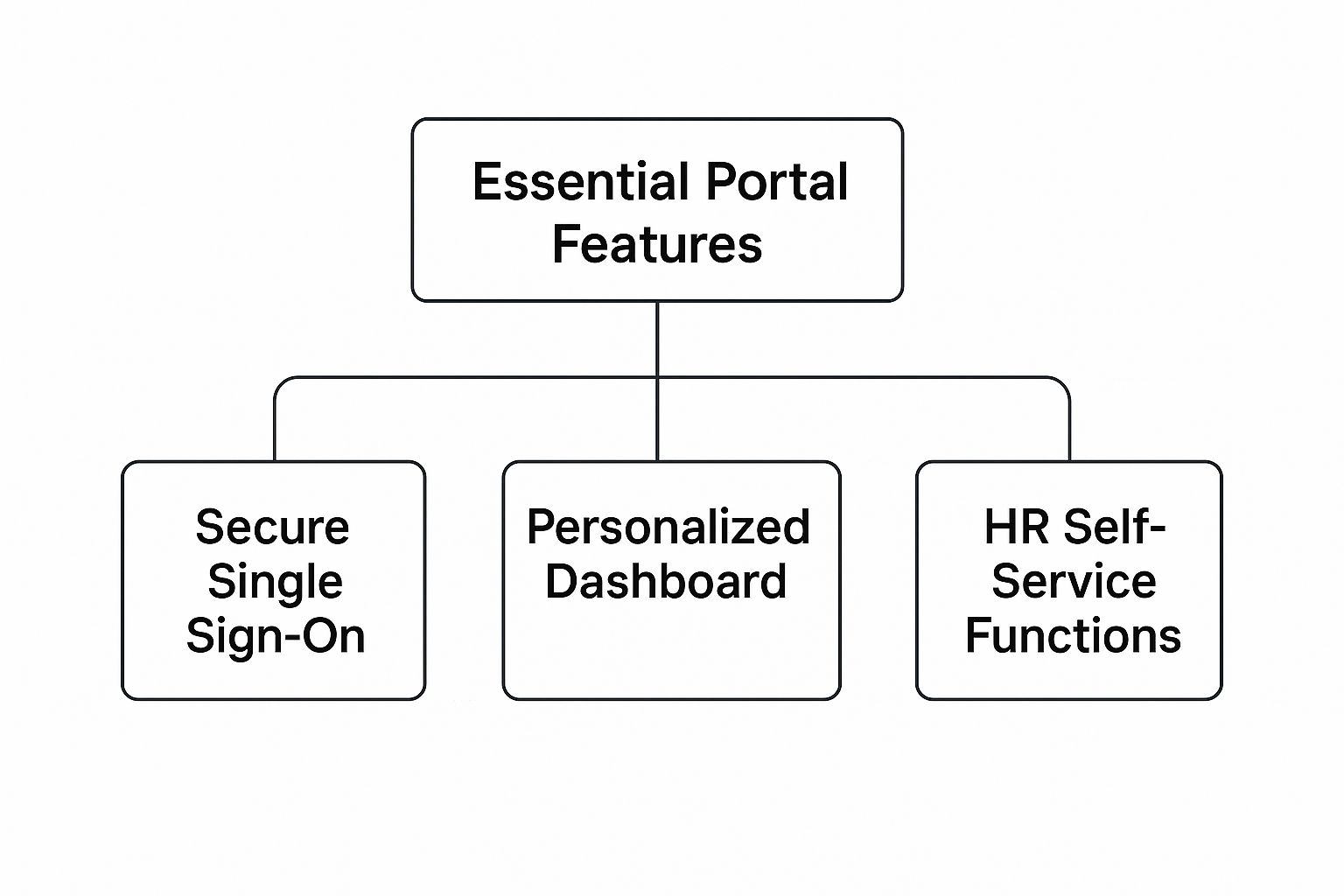
Must-have features include single sign-on, a personalized dashboard, and self-service for time off, payroll, and personal details.
The global employee portal software market was worth about $14.4 billion in 2022 and is growing roughly 10% a year, according to Archive Market Research.
You can buy a ready-made portal or build a custom one. Tools like CatDoes let you build a portal from a plain-English description.
Table of Contents
What Is an Employee Portal Application?
The Benefits of an Employee Portal
What Makes a Great Employee Portal?
How Portals Strengthen Company Culture
How to Choose an Employee Portal Application
How to Roll Out Your Portal Successfully
Frequently Asked Questions
What Is an Employee Portal Application?
At its core, an employee portal application is your company's online front desk. It pulls scattered tools, documents, and updates into one hub your team can reach from any device.
Picture the usual scramble. One login for payroll, another for PTO, then a search through old emails to find the current remote-work policy. It is slow, and it wastes time. A portal solves that by giving everyone one reliable place to look, whether they are at a desk, at home, or out in the field.

From scattered tools to one hub
The real value is self-service. Instead of emailing HR for routine questions or waiting on a manager for a simple approval, people find answers and finish tasks on their own.
A new parent can pull up the parental leave policy on their own time. An employee can check their vacation balance and submit a time-off request in a few clicks. That kind of easy access is what today's workforce expects.
Core functions at a glance
Here is how the main pieces fit together and what each one does day to day.
Function | What it does | Example task |
|---|---|---|
Communication hub | The central channel for company-wide announcements, news, and updates. | Reading the latest company newsletter. |
HR self-service | Lets employees manage HR tasks and view personal information. | Viewing a pay stub or updating contact details. |
Document library | A secure home for company documents and policies. | Finding the current employee handbook. |
Resource access | A gateway to the other tools and software your company uses. | Opening the performance review system. |
Community and culture | Helps team members feel connected to each other. | Seeing a colleague's work anniversary. |
The Benefits of an Employee Portal
Adding an employee portal is more than one more tool in the stack. It changes how the business runs day to day, for new hires and seasoned admin teams alike.
Less admin, more strategic HR
The first win is a big drop in repetitive work. Think about the hours HR spends answering the same questions. "How many vacation days do I have left?" "Where is the form for expenses?" Put that information in one self-service spot and you give those hours back.

With the routine questions handled, your HR team can shift from reacting to small requests toward the strategic work that moves the business forward.
Higher engagement and autonomy
When people manage their own information, they feel more trusted and more in control of their work. That sense of ownership drives engagement. Instead of asking permission for basic tasks, they have the tools to help themselves.
A good portal turns the employee experience from a series of admin hurdles into a smooth, supportive path. That supports higher satisfaction and better retention across the company.
Unified communication and culture
For any team with remote or distributed staff, one shared communication channel is essential. A portal makes sure everyone gets the same message at the same time, with no confusion from scattered emails or outdated chat threads. It becomes the one place people check for things like:
Leadership updates: keeping the whole team aligned on company goals and direction.
Company news: sharing project wins and upcoming events.
Policy changes: making sure everyone can find the latest procedures.
More productivity, lower costs
These benefits reach the bottom line. Give employees the tools to find answers on their own and you cut the downtime that eats into productivity.
The payroll and benefits section is a good example. It is one of the most-visited parts of a portal, and instant access to pay stubs and holiday schedules reduces support tickets to finance and HR. That efficiency lowers operating costs.
This is also why the category keeps growing. The global employee portal software market was worth about $14.4 billion in 2022 and is expanding roughly 10% a year, according to Archive Market Research, driven by remote work and rising expectations for a good employee experience.
What Makes a Great Employee Portal?
Not all portals are built the same. A basic one is a digital filing cabinet. A great one is a workspace that actively helps your team instead of just holding information.
Single sign-on and a personalized dashboard
The front door is secure single sign-on (SSO). One set of credentials gets employees into every work app, which makes daily life easier and improves security by centralizing access. Once inside, people should not land on a generic homepage. A personalized dashboard shows each person what they need: pending approvals for a manager, team announcements for a designer, an upcoming review for a new hire.
HR self-service tools
Self-service is the engine of a strong portal. These tools let people handle their own admin, which frees HR for bigger projects. The most useful ones include:
Time-off management: check a vacation balance, request a day off, and send it to a manager for approval.
Payroll and benefits access: view and download pay stubs or check benefits without asking anyone.
Personal information updates: change an address or emergency contact in seconds, with no paperwork.
Communication and growth features
The best portals also support communication and professional growth. A company news feed keeps everyone in the loop, and a document library keeps policies easy to find. Many add training and development resources so employees can find learning modules, track course progress, and sign up for new training.
How useful these features are comes down to design. For more on building intuitive tools, see our guide to the user interface design framework.
When you compare portals, it helps to separate what you truly need from what is a nice extra. This table can guide that.
Category | Must-have | Nice-to-have |
|---|---|---|
Access and security | Single sign-on (SSO) | Biometric login |
HR self-service | Time-off, payroll, personal info updates | Benefits enrollment wizard |
Communication | Company news feed and document library | Team chat or forums |
Engagement | Employee directory with profiles | Peer recognition and rewards |
Development | Access to training modules | AI-powered learning recommendations |
Focus on the must-have column first. That gives you a solid foundation, and you can add the enhancements later as your needs grow.
How Portals Strengthen Company Culture
An employee portal is more than an admin tool. It is where your company's values and voice show up every day, and the reliable source for news, policy updates, and messages from leadership.
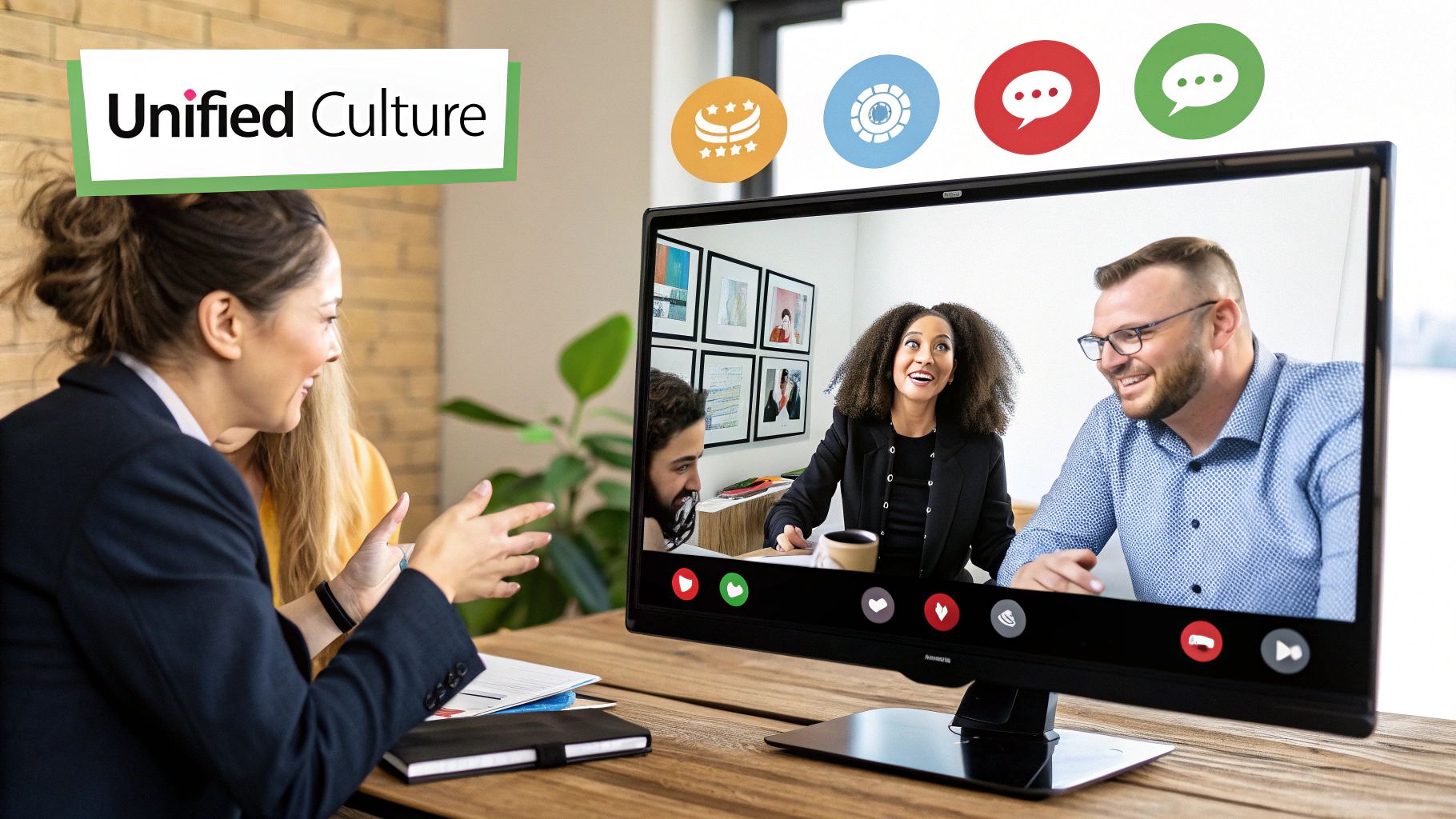
That consistency builds trust, especially in large or remote-first teams where people can feel disconnected. When everyone gets the same information at the same time, you cut the confusion and rumors that hurt morale.
Two-way communication
A strong culture is built on real dialogue, not top-down announcements. Features like internal forums, pulse surveys, and anonymous feedback open a direct line between employees and leadership. When people see their feedback acknowledged or acted on, they feel valued, and that encourages participation.
A trusted information hub
Building trust is where a portal quietly earns its keep, and the data supports it. In Staffbase's 2025 International Employee Communication Impact Study, which surveyed 3,574 employees across six countries, the immediate supervisor was the most trusted source of information at 57%. The company intranet followed close behind at 51%, the highest-ranked digital channel, ahead of email, newsletters, and standalone apps. You can read the full findings in the Staffbase study.
By giving people one dependable source and real channels for dialogue, a portal does more than organize workflows. It builds the trust and engagement that hold a company together, which shows up as better morale and higher retention.
How to Choose an Employee Portal Application
Picking the right portal is a big decision. Get it right and you make life easier for everyone. Get it wrong and you have bought software nobody wants to use.
Start with your own needs, not vendor demos. What wastes the most time for your teams? Are you buried in manual HR requests, or is keeping remote staff in the loop the harder problem?
Maybe you mainly need one reliable home for training docs. Nail down your primary goals first, and let that guide the whole process.
Key vendor criteria
Once you know what you need, size up the options against the fundamentals that decide whether a portal works long term:
Integration: a portal that cannot talk to your other systems just creates more work. Make sure it connects to your HRIS, payroll, and other key tools.
Scalability: your company will grow, and the portal has to keep up with more users and data without slowing down.
Security and compliance: the portal handles sensitive data, so verify strong encryption, access controls, and compliance with standards you are held to.
Mobile access: work does not only happen at a desk. A clean, responsive mobile experience is a must, not a bonus.
Build vs. buy
Sooner or later the "build versus buy" question comes up. Buying a ready-made solution is the practical route for most teams. Building a custom portal gives you full control, but it takes real time, budget, and ongoing maintenance.
Choosing a portal is less about the longest feature list and more about the right fit. Look for a vendor that understands your industry, offers strong support, and has a clear roadmap.
That said, custom builds are far more accessible than they used to be. For specific internal tools, modern platforms let you build an app without coding, which makes a tailored portal realistic even for small teams. Whichever way you lean, run demos and a pilot with your own employees before you sign.
How to Roll Out Your Portal Successfully
Launching a portal is not a switch you flip. The difference between a tool people rely on and one that collects dust usually comes down to the rollout.
Start with a pilot
Skip the big company-wide launch. A phased rollout is usually smarter. Start with a small pilot group who can act as friendly testers. Their early feedback helps you catch glitches and smooth out confusing steps before everyone else logs in.
Treat the pilot like a first version of a product. The idea mirrors a minimum viable product: test the core with real users, then improve based on what they tell you.
Build excitement and train your team
Once the pilot is solid, bring everyone on board with a clear plan. Do not send a bland email announcing a new system. Show people how the portal makes their work easier:
For employees: request time off, view pay stubs, and find docs instantly, without chasing HR.
For managers: simpler approvals and one place to find team information.
Back the launch with training materials in a few formats, since people learn differently. Short video tutorials, quick-start guides, and a live Q&A session all help. Finally, give each section of the portal an owner so information stays current and the platform keeps improving with your company.
Frequently Asked Questions
How is sensitive employee data kept secure?
A good portal treats security as the top priority. Look for end-to-end encryption, which protects data both in storage and in transit. Role-based access controls matter too, so people only see what their job requires and an engineer cannot open HR payroll files. Regular security audits and compliance with standards like SOC 2 and GDPR are strong signs of a trustworthy platform.
How much does an employee portal cost?
Most portals charge per user, per month, so the cost scales with your headcount. Expect tiered plans. Basic tiers cover a document library and a news feed, while higher tiers add analytics, custom branding, and deeper integrations. Watch for one-time setup or implementation fees, and ask for a full cost breakdown up front so there are no surprises.
How do you get employees to actually use it?
Make the portal the single place for the things people need most: pay stubs, announcements, and the holiday schedule. When it is the only source for those, using it becomes a habit. A few things help: leaders posting updates there first, clear communication before launch about what employees gain, and acting on feedback after rollout so people feel invested.
Build your employee portal with CatDoes
Buying a ready-made portal works well for many teams. But if your needs are specific, or you want a tool that fits the way you already work, a custom build is worth a look.
That is the gap we built CatDoes to close. Describe the internal app or portal you need in plain English, and CatDoes's AI agents handle the design, code, and backend, then deploy it to web or mobile. You get a working, maintainable app without managing a dev team. Start building for free at CatDoes.
Nafis Amiri
Co-Founder of CatDoes


