Blog
Tutorials
Convert a React App to a Native App (2026)
A React web app can't run natively as-is. Learn how to convert a React app to a native iOS and Android app, from Capacitor and PWAs to a GitHub import.

Nafis Amiri
Co-Founder of CatDoes

You built a React app for the web, and now you want it on the App Store and Google Play. Here is the catch: a React web app cannot just run as a native app. React renders to the browser, and a native app has no browser to render into. This guide shows you how to convert a React app to a native app for iOS and Android, from a quick Capacitor wrap to importing your GitHub repo into an AI builder that ships the app for you.
TL;DR: There are four ways to convert a React app to a native app: wrap it with Capacitor (fastest, keeps your code), ship it as a PWA (cheapest, but limited on iOS), rebuild the UI in React Native (best performance, most work), or import your GitHub repo into an AI platform like CatDoes that builds and submits a native app for you. The right choice depends on how native you need it to feel and how much you want to rebuild.
Table of Contents
Why Your React App Isn't a Native App Yet
4 Ways to Convert a React App to a Native App
How to Convert Your React App With CatDoes
Converting a Website Instead of a Code Repo
Getting Your Converted App Into the App Stores
Frequently Asked Questions
Why Your React App Isn't a Native App Yet
React and React Native sound like the same thing, but they render to completely different places. React (through react-dom) turns your components into HTML and paints them into the browser's DOM. React Native has no DOM. It renders to real native OS components, so a <div> becomes a <View> and a <p> becomes a <Text>. That is why your web code cannot be dropped onto a phone and called an app.

The good news is that the two share the same core: the same component model, the same hooks, the same state patterns. Your business logic, API calls, and data handling port over cleanly. The part that does not port is the view layer, the HTML and CSS that draws your screens.
This is why "converting" a React app is not one single task. Your options range from keeping 100% of your existing code and running it inside a native shell, to reusing only your logic and rebuilding the interface. Each path trades effort for how native the result feels.
4 Ways to Convert a React App to a Native App
There is no single right answer. Each route offers a different mix of speed, cost, and how close the result gets to a true native experience. The four main paths are a Capacitor wrapper, a Progressive Web App, a React Native rebuild, and an AI-driven platform.

Capacitor: Wrap Your Existing React App
Capacitor, made by the Ionic team, wraps your built React web app in a native container: a webview plus a native bridge. You keep your existing code with no rewrite. It is the modern successor to Cordova, and it reaches native device features through plugins, including the camera, geolocation, push notifications, and biometrics.
The trade-off is that your UI still runs in a webview, so graphics-heavy or heavily animated screens can feel less snappy than truly native ones. You also still need Xcode and Android Studio to build and submit. Capacitor is a strong fit for content apps, dashboards, and CRUD-style tools where the web UI already works well.
PWA: The Browser-Based Route
A Progressive Web App turns your React site into something installable: add a web app manifest and a service worker, and users can save it to the home screen, use it offline, and receive push notifications. It is the cheapest and fastest path to an app-like presence.
The catch is the app stores. Google Play accepts PWAs when you package them as a Trusted Web Activity (tools like PWABuilder do this for you), but Apple will not accept a standalone PWA, treating it as a repackaged website under its review guidelines. Push on iOS works, but only after a user manually installs the app to their home screen. Pick a PWA when you are web-first and do not need a real presence in the Apple App Store.
React Native: The Full Rebuild
If you want top-tier performance and full hardware access, rebuild the interface in React Native. You reuse your logic and state, then rewrite the view layer with native components. Modern tooling makes this far smoother than it used to be: React Native's New Architecture is now the default, and Expo adds file-based routing plus cloud builds and store submission through EAS.
You get one codebase that compiles to genuine native apps for iOS and Android, with direct access to the camera, GPS, and more. The cost is real developer time, because you are rebuilding the UI rather than converting it. For a sense of what teams ship this way, browse these React Native app examples.
CatDoes: Import Your GitHub Repo
The newest path uses an AI-native platform. With CatDoes, you import your GitHub repository (your existing React codebase) and the agent turns it into a native iOS and Android app, or you paste your live URL and it builds a matching app. It handles the design, the native code, and the backend, then ships to the stores.
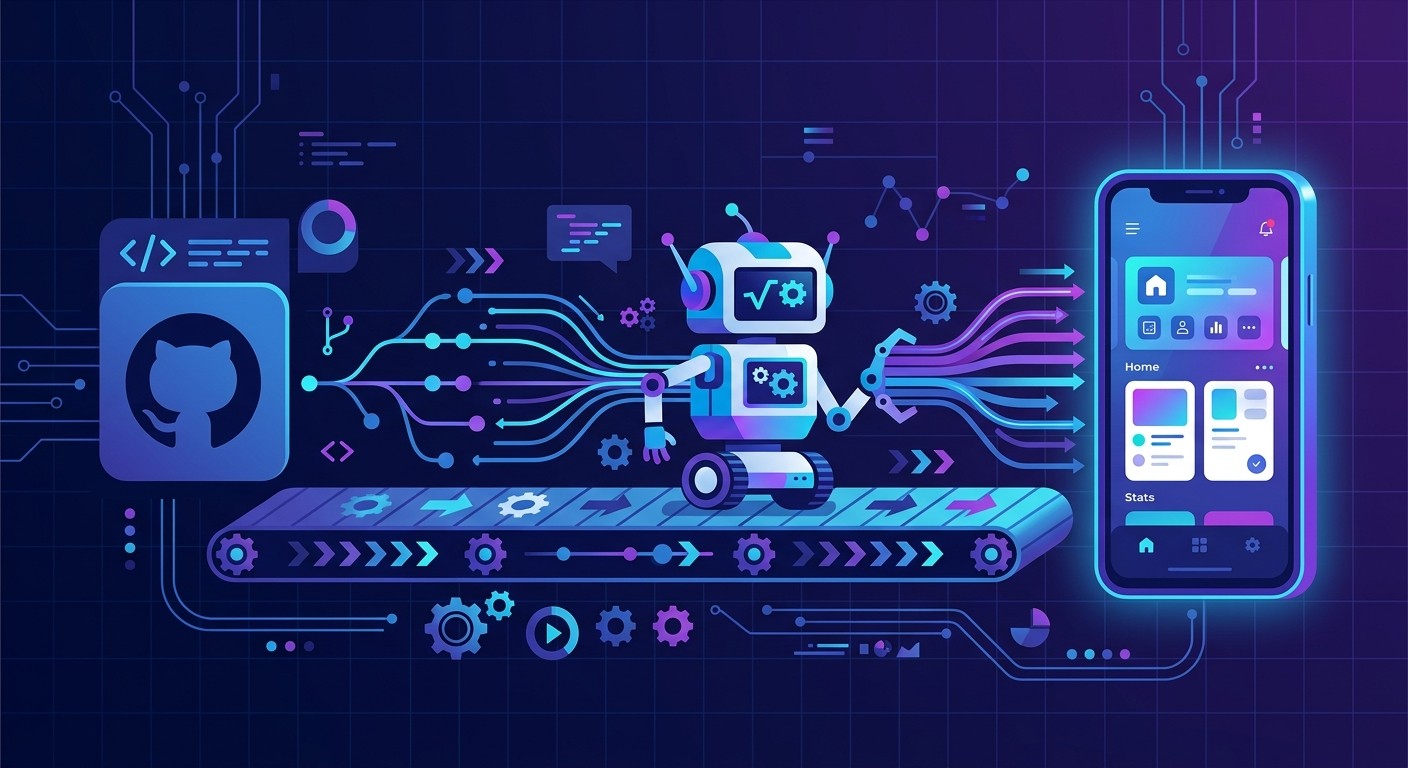
This gets you rebuild-quality output without assembling an engineering team, which is why it has become the practical choice for solo founders and small teams who already have a working React app and just want it in the stores.
Comparing the Four Methods
Here is how the four approaches stack up on the factors that usually drive the decision.
Method | Keeps Your Code | Effort | Feels Native | App Store Ready |
|---|---|---|---|---|
Capacitor wrapper | Yes (web UI) | Low | Partly (webview) | iOS + Android |
PWA | Yes | Lowest | No | Google Play only |
React Native rebuild | Logic only | High | Yes | iOS + Android |
CatDoes (GitHub import) | Yes (as input) | Lowest | Yes | iOS + Android |
The pattern is clear. A PWA gets you moving fast and cheap but stops at Google Play. A React Native rebuild delivers the best experience at the highest cost. Capacitor sits in between. An AI platform aims to give you rebuild-quality results with the least effort.
How to Convert Your React App With CatDoes
If you already have a React app in a GitHub repo, this is the shortest route to a native build. You are not starting from a blank page: your existing code is the input, and the agent does the heavy lifting from there.
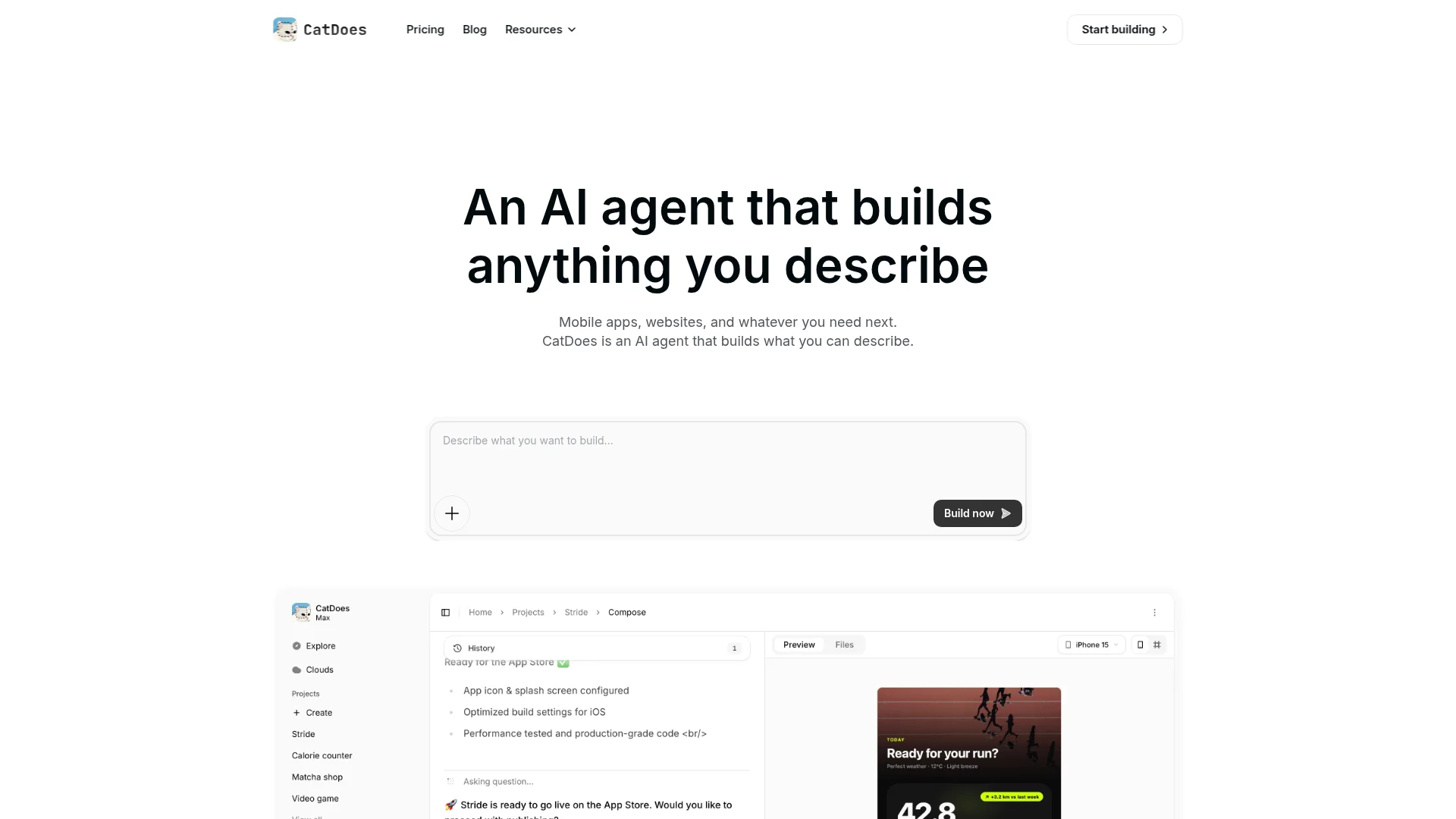
Connect your repo. Import your GitHub repository or paste your live URL. The agent reads your React code as the starting point for the build.
Let the agent build. It designs the native interface, writes the app, and wires up the backend. CatDoes Cloud (auth, database, storage, and edge functions) is included, so you do not have to stitch services together.
Preview and refine. Test a working build quickly, then adjust in plain language. Ask for a new screen, a color change, or a different navigation flow and watch it update.
Keep it in sync with GitHub. Your repo stays the source of truth. Here is how CatDoes handles two-way GitHub sync so your code and your app never drift apart.
Ship to the stores. Automated build-and-release agents package the app and submit it to the Apple App Store and Google Play, and deploy the web version to a custom domain.
At CatDoes we have watched non-technical founders go from a working repo to a submitted app in a single afternoon this way. The point is not to replace your engineering judgment; it is to remove the weeks of setup, native tooling, and store paperwork that usually sit between a finished React app and a live listing.
Converting a Website Instead of a Code Repo
Not everyone has a tidy repo to import. Maybe your React app is a live site, or it was generated by a tool like Lovable, Bolt, or v0 and you just have the URL. That works too. Paste the address and CatDoes builds a matching mobile app from what is already published.
The URL route is the same idea as the repo route, just with a different starting point. If you want the full menu of options for the website case specifically, including PWAs and WebView wrappers, we cover them in this guide on how to turn your website into an app. Either way, you begin with something you have already built rather than a blank canvas.
Getting Your Converted App Into the App Stores
Building the app is only half the job. Getting it accepted is the other half, and the two stores play by different rules. Apple requires a real native binary and rejects apps that are just repackaged websites, which is exactly why a bare PWA fails its review. Capacitor, React Native, and CatDoes all produce a submittable binary, so they clear that bar.
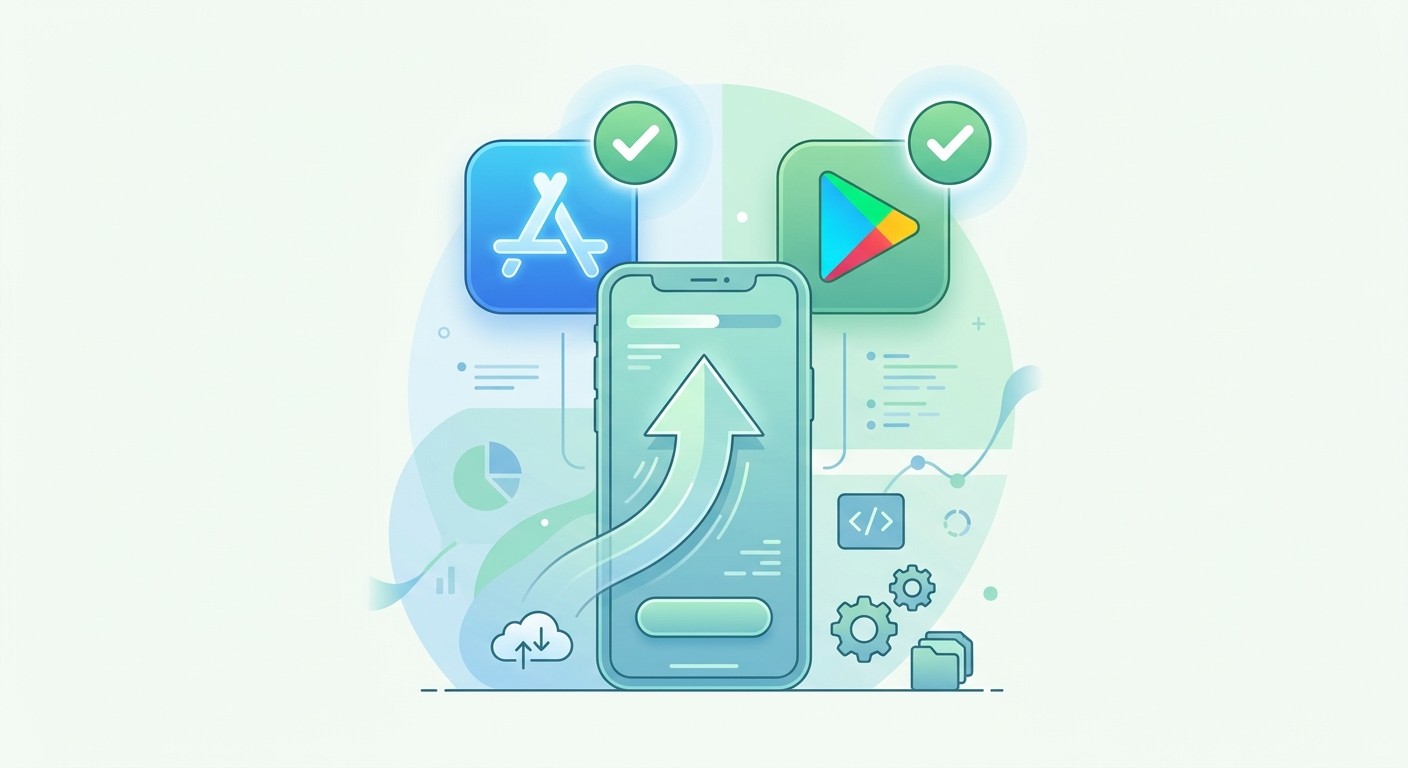
Google Play is more flexible: it accepts native builds and TWA-packaged PWAs alike. Whichever store you target, prepare the same core assets before you submit:
A clean icon and screenshots that show the app doing its actual job.
A clear description where the first two lines carry the pitch, since that is all most people read.
A privacy policy that honestly lists the data you collect.
Real-device testing on old and new phones, because crashes are the fastest way to get rejected.
If store submission is the part you dread, this is where an AI platform earns its keep. The CatDoes release agent handles packaging and submission for both stores, so a rejected build over a missing setting is one less thing to lose an afternoon to.
Frequently Asked Questions
Can you convert a React app to React Native automatically?
Not completely. Your business logic, hooks, and state can move across with little change, but the UI has to be rebuilt because React Native uses native components instead of HTML and CSS. There is no one-click transpiler that turns a React web UI into a polished native one. AI platforms speed this up by generating the native UI for you, but a straight automatic conversion of the full app does not exist.
Is a Capacitor app a real native app?
Yes, in the sense that it is a real, installable app you can ship to both stores. The difference is that its interface runs inside a webview rather than rendering native views directly. For content, dashboards, and most business apps that is perfectly fine. For graphics-heavy apps or games, a React Native rebuild will feel smoother.
Can a PWA go in the Apple App Store?
No, not as a standalone PWA. Apple rejects apps that are essentially repackaged websites. To get a web app onto iOS you need to wrap it (with Capacitor, for example) or rebuild it in React Native. Google Play does allow PWAs when packaged as a Trusted Web Activity.
Do I need to rewrite my React code to use CatDoes?
No. You import your existing GitHub repo or paste your live URL, and the agent uses that as the starting point for the native build. You do not have to port anything by hand before you begin.
How long does converting a React app take?
It depends on the path. Wrapping with Capacitor can take hours to a few days. A React Native rebuild is a real project measured in weeks or months. An AI import often produces a first working build the same day, then you refine from there.
Ready to skip the setup and get your React app into the stores? With CatDoes, you import your GitHub repo or paste your URL and get a production-ready native app for iOS and Android. Start building for free today.
Nafis Amiri
Co-Founder of CatDoes


