Blog
Tutorials
Best Church App Builders in 2026 (Compared)
Compare the 8 best church app builders in 2026, from Subsplash and Tithe.ly to CatDoes, plus how to build a custom church or Bible app with AI, no code.

Nafis Amiri
Co-Founder of CatDoes

TL;DR: The best church app builder depends on what you want to ship. If you need a fully custom church or Bible app that you own, CatDoes is the strongest pick in 2026: describe the app in plain English and its AI agent builds it, wires up a backend, and ships it to the App Store and Google Play. If you want a turnkey app with tithing and church management built in, Subsplash, Tithe.ly, ChurchTrac, Pushpay, Sharefaith, and Ministry Brands each fit a specific church size and budget. Here is how all eight compare on price, features, and who they suit.
Table of Contents
What Makes a Good Church App Builder
The 8 Best Church App Builders in 2026
Church App Builder Comparison Table
How to Build a Bible App in 2026
How to Build a Church App With CatDoes
How to Choose the Right Church App Builder
Frequently Asked Questions
The Bottom Line
More churches are shipping their own apps, and more people are trying to build Bible and Christian apps from scratch. The problem is that most church app builders hand you the same templated app everyone else has, lock you into a monthly subscription, and stop at the features they decided to include. If your idea is a custom devotional, a scripture memory tool, a youth ministry app, or a Bible reader with your own reading plans, a fill-in-the-blanks platform gets you stuck fast.
This guide ranks the eight best church app builders in 2026. Some are dedicated church platforms with giving and check-in baked in. One is an AI agent that builds whatever you describe. You will see what each is best for, what it actually costs, and where it falls short, so you can pick the right tool the first time.
What Makes a Good Church App Builder
A church app builder is a platform that lets you publish a mobile app for your church, ministry, or faith community without hiring a developer. The best ones cover the features congregations actually use and let you ship to real app stores, not just a web link.
Before comparing tools, it helps to know what most churches want in an app:
Online giving and tithing. One-time and recurring gifts, multiple funds, and no redirect to a separate site. This is the number one reason churches launch an app.
Sermons and media. Live streaming plus an on-demand library of audio and video.
Push notifications. Ideally targeted by campus or group, not a single blast to everyone.
Events and calendars. RSVPs, registrations, and reminders.
Groups and prayer. Directories, prayer walls, and small-group signups.
Kids check-in. Secure check-in with matching codes for child safety.
We weighed each builder on those needs, plus deployment to the App Store and Google Play, how much you can customize, pricing, and whether you own what you build. Pricing below reflects publicly listed plans at the time of writing, so confirm current numbers before you commit.
The 8 Best Church App Builders in 2026
Here is how the top eight compare, starting with the most flexible option for anyone who wants a custom app.
1. CatDoes: Best for Custom Church and Bible Apps
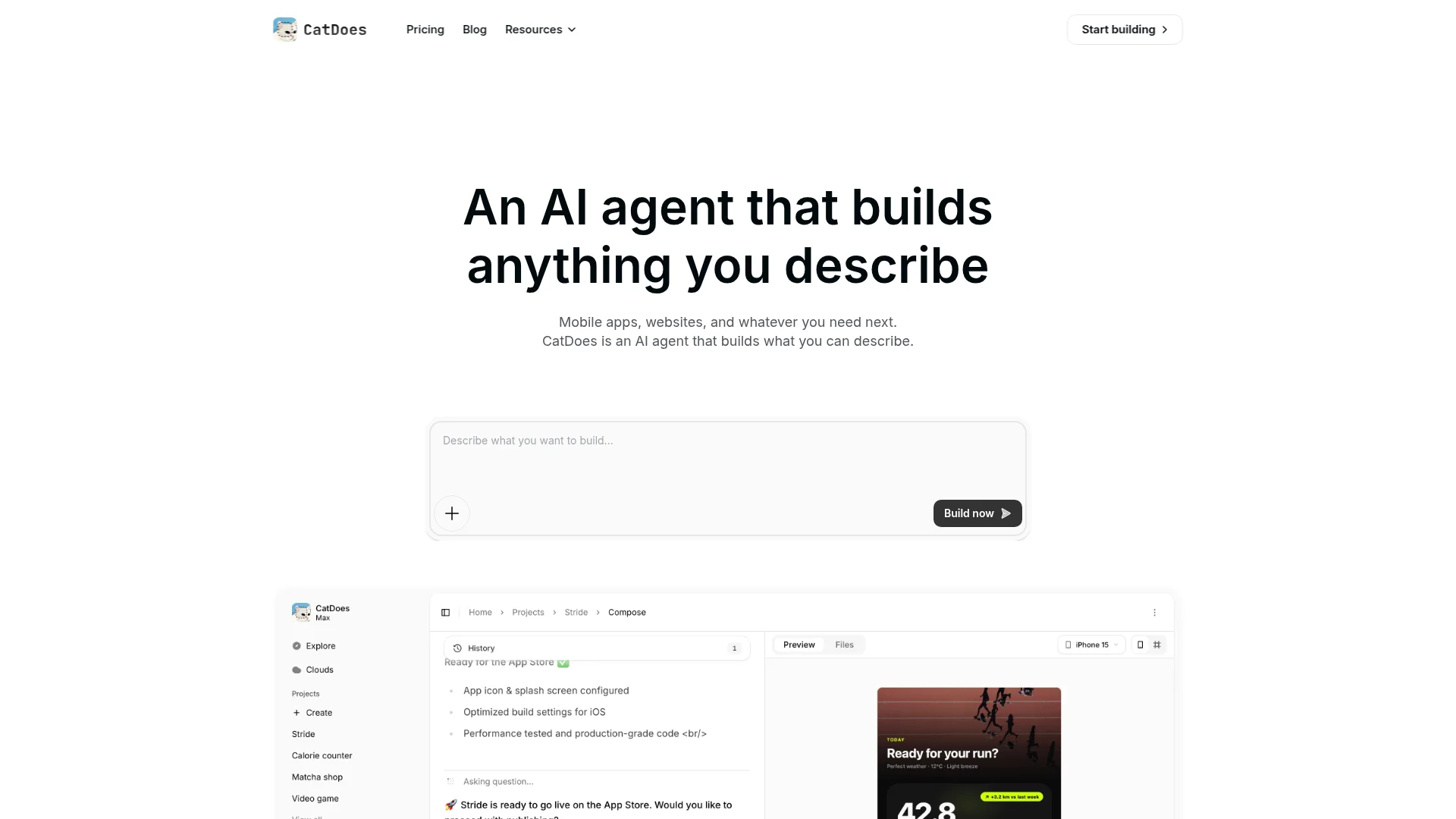
Best for: Churches and creators who want a fully custom, owned app, especially a Bible app, devotional, or a church app that does something the template platforms do not.
CatDoes is an AI agent that builds mobile apps and websites from natural language. You describe the app you want, and the agent plans it, writes the code, sets up the backend, and deploys it. It runs in the cloud, spins up subagents to build different parts in parallel, and ships to the App Store, Google Play, or the web with a custom domain. You can start from a blank prompt or bring an existing GitHub repo.
Unlike the dedicated church platforms below, CatDoes is not template based. That is the whole point. If you want a Bible reading app with your own reading plans, a scripture memory game, a sermon app with a design nobody else has, or a prayer network with features you dreamed up, you are not limited to what a church vendor decided to build. CatDoes Cloud is included on every plan and covers the backend that faith apps need: database, authentication, storage, edge functions, and realtime updates.
Key features:
Build any church or Bible app from a plain-language prompt, with the agent handling code, backend, and deployment
Ships to the App Store, Google Play, and the web from one project
CatDoes Cloud backend (database, auth, storage, edge functions, realtime) on every plan
Add giving through a Stripe or payment integration, reading plans, media, notifications, and anything else you can describe
GitHub import, custom domains, and code export on higher tiers
Pricing: Free to try with one-time starter credits and web deployment. Paid plans start at $20/month for Core, and App Store plus Google Play publishing is included from the $50/month Starter plan up.
Watch out for: CatDoes does not ship a prebuilt tithing or church-management module the way a church-specific platform does. You build giving with a payment integration, or pair CatDoes with a giving provider. In exchange, you get an app you fully own and control. If your only need is standard tithing plus a cookie-cutter church app, a dedicated platform below may be quicker.
2. Subsplash: Best All-in-One for Growing Churches
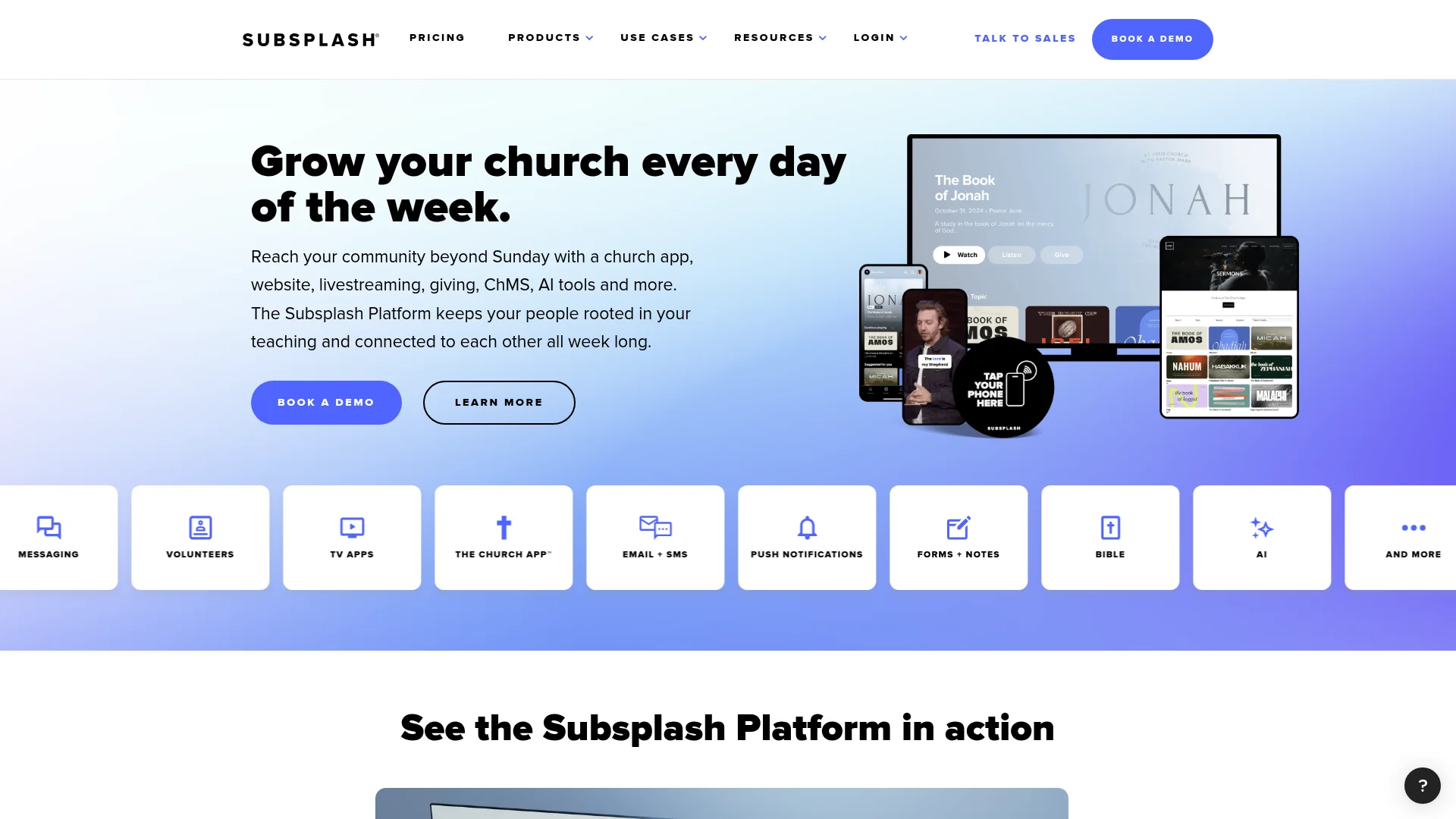
Best for: Established churches that want a polished, done-for-you app with giving, media, and church management in one place.
Subsplash is the market leader among all-in-one church platforms. It builds custom-branded mobile and TV apps and bundles giving, live streaming, a media library, events, groups, check-in, and a church management system. The design polish and media delivery are the best in the category, which is why larger churches gravitate to it.
Key features:
Custom-branded apps for iOS, Android, and TV platforms like Apple TV and Roku
Built-in giving, live streaming, media hosting, and podcasting
Church management, events, groups, and kids check-in
Pricing: Subsplash Giving is free to start at $0/month, with processing fees of 2.3% plus 30 cents per card gift and 1% for ACH. The full platform, Subsplash One, is quote based and priced by church size and usage, so you have to contact sales for a number. Reviewers generally place it at the premium end of the market.
Watch out for: Opaque pricing and a premium reputation make it overkill for small congregations. You also work inside Subsplash's template and ecosystem rather than owning a custom build.
3. Tithe.ly: Best for Online Giving on a Budget
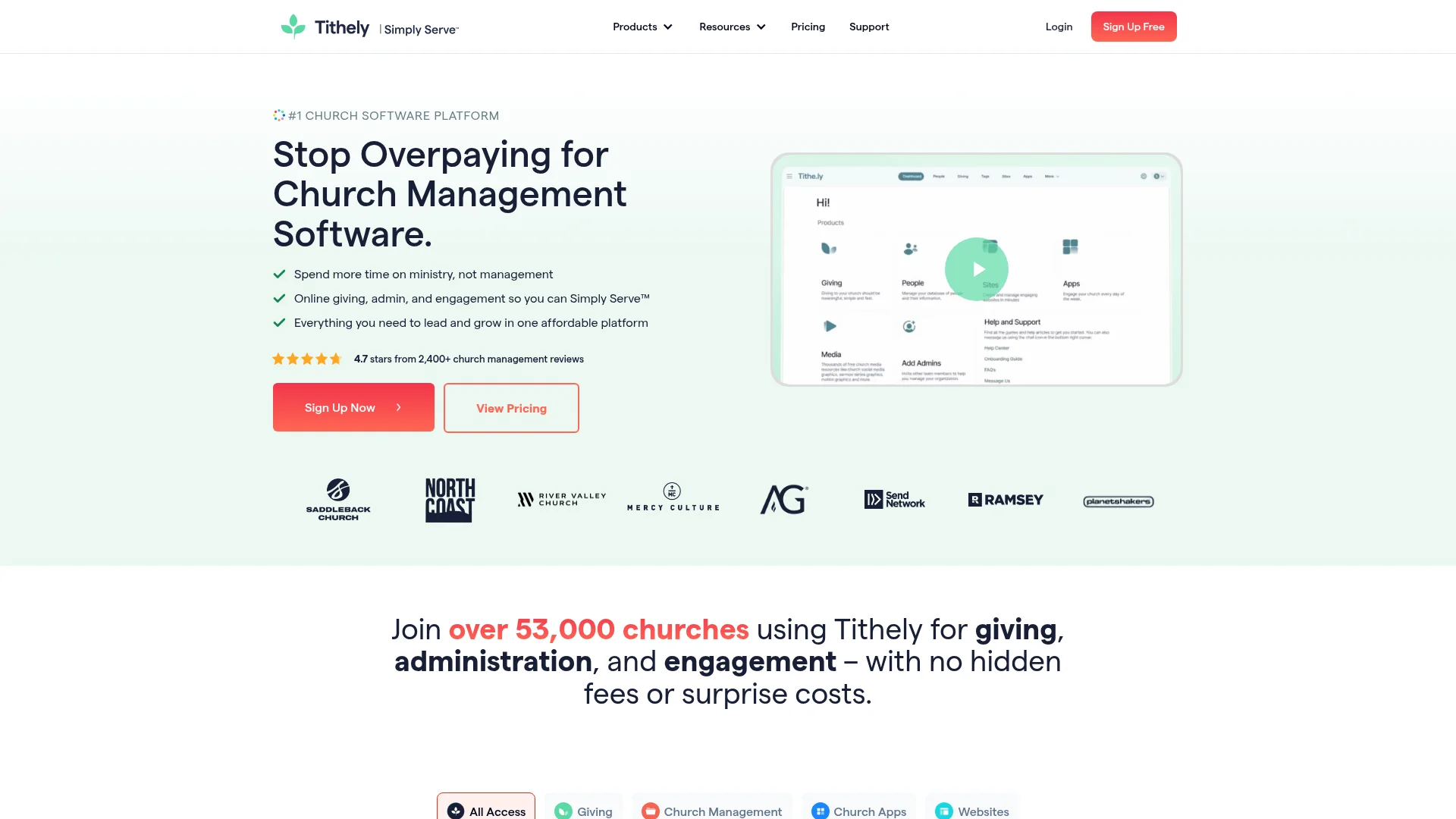
Best for: Small and mid-size churches that want free online giving first and a simple app second.
Tithe.ly (Tithely) is a giving-first platform with a church management system, a website builder, and an automatic app builder that can generate an app from your website URL in minutes. It is one of the more transparent options on price, which makes it popular with churches watching every dollar.
Key features:
Free online and text giving with recurring gifts
Automatic app builder that generates an app from your website
Church management, events, forms, and alerts
Pricing: Free Giving is $0/month. Paid plans include Church Management at $72/month and All Access at $119/month, which bundles giving, the app, a website, and worship tools. A standalone custom church app is $89/month and a website is $19/month. Card processing runs 2.9% plus 30 cents.
Watch out for: The free plan is giving only. To unlock the branded app or website you move to a paid tier, and the auto-generated app is template based rather than custom.
4. ChurchTrac: Best Budget All-in-One
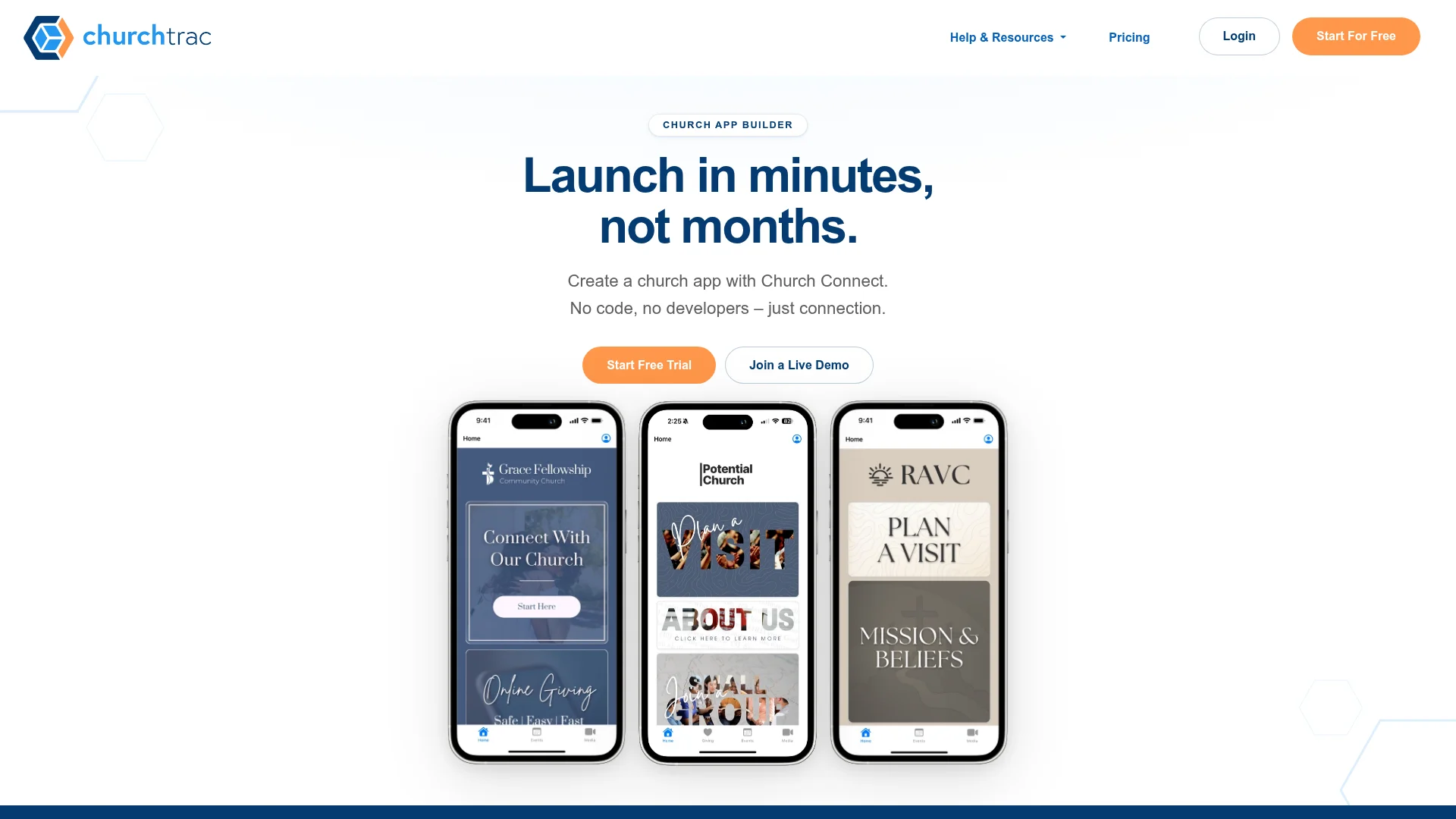
Best for: Budget-conscious churches that want management software with an app included for free.
ChurchTrac is affordable church management software whose Church Connect app and website builder come free with any subscription. For a small or mid-size church, it is the cheapest way to get a real app plus the back-office tools to run the church.
Key features:
App and website builder included free with every plan, published to iOS and Android
Segmentable push notifications and in-app giving with card, ACH, Apple Pay, and Google Pay
Prayer requests, forms, sermon and podcast media, events, and a member portal
Pricing: Plans scale with the number of names in your database, starting at $29/month for up to 75 names and rising to $119/month for unlimited. There is no free plan, but there is a 30-day trial, and the app itself costs nothing extra. An optional done-for-you app build starts around $477.
Watch out for: The app uses a shared container model with a church code rather than a fully standalone branded icon by default. It is built for small and mid-size churches more than large multisite operations.
5. Pushpay: Best for Large and Multisite Churches
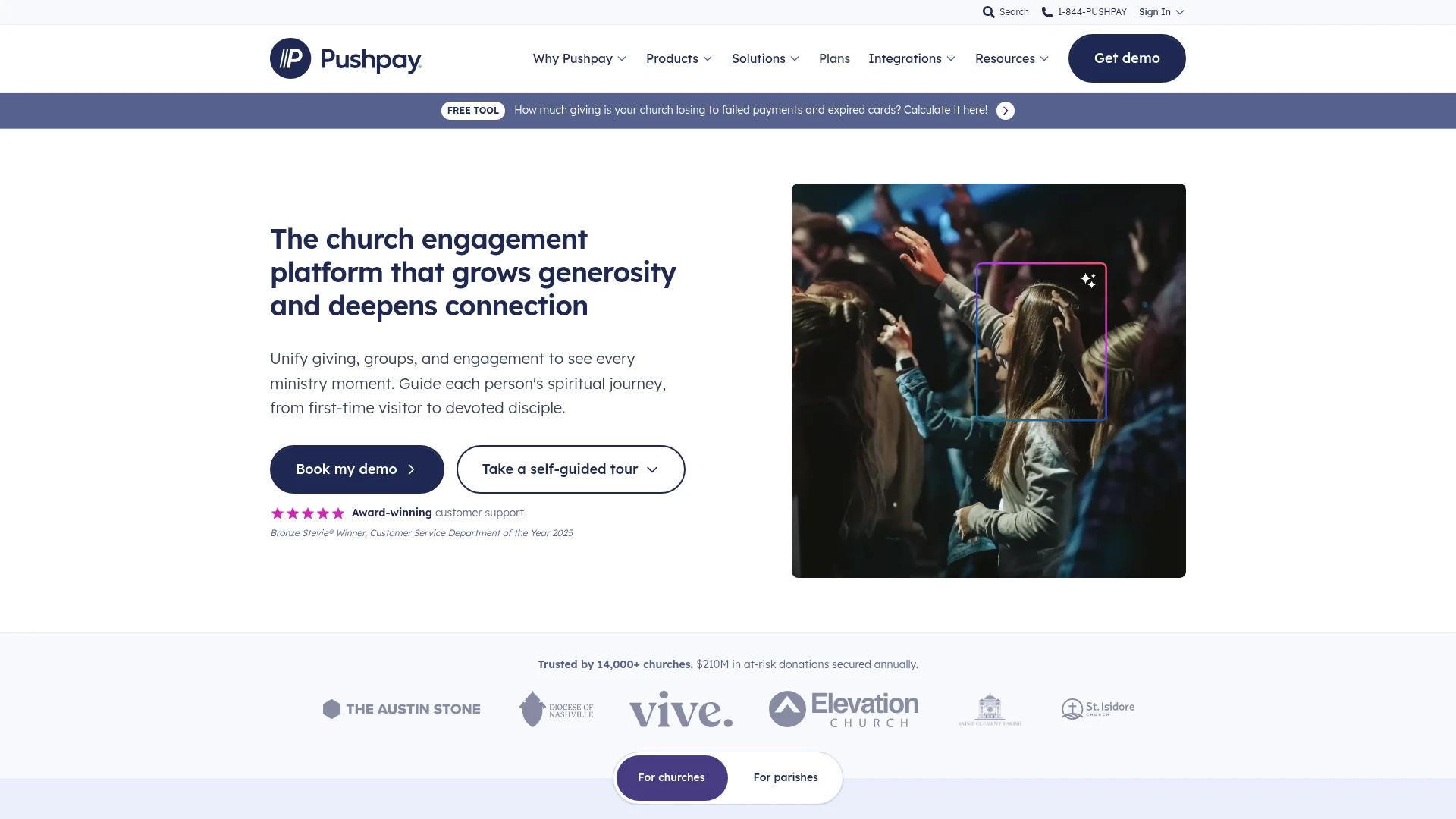
Best for: Large and multisite churches, typically 500-plus weekly attendance, that need enterprise giving and engagement.
Pushpay is an enterprise church platform focused on giving and engagement, with a branded church app and deep integrations, including its ChurchStaq and Church Community Builder tools. It is built for scale and for churches that want a single vendor to handle giving, communication, and their app across many campuses.
Key features:
Enterprise-grade giving and donor management
Branded mobile app with multi-campus support
Church management integration for large operations
Pricing: Quote based across all tiers, with no public prices and typically an annual contract. Pushpay is aimed at bigger budgets. Note its Pushpay Goes grant, announced in 2026, which gives qualifying new church plants the enterprise suite free for a year.
Watch out for: Opaque pricing, annual lock-in, and a feature set that is overkill and too expensive for small churches.
6. Sharefaith: Best Media and Graphics Library

Best for: Small, volunteer-run churches that want sermon graphics, slides, and a basic app from one library.
Sharefaith, part of Ministry Brands, pairs a huge media and graphics library with church websites, a templated app builder, giving, and kids curriculum. Its standout is the enormous catalog of worship backgrounds, motion graphics, and sermon slides, which makes it handy for teams that produce their own service visuals.
Key features:
Large library of sermon and worship media and graphics
Church website templates, a church app, and online giving
Kids Bible resources and lessons
Pricing: Sharefaith sells tiers rather than a flat rate, and the app is unlocked through the fuller suite. Public figures land roughly in the $49 to $90 per month range depending on tier and promotions, usually billed annually. Confirm the current price on their site, since plans and renewals shift.
Watch out for: The app and websites are template based and can feel dated next to modern builders, and users report annual price increases at renewal. It suits very small churches more than growing ones.
7. Ministry Brands: Best Website-Plus-App Bundle
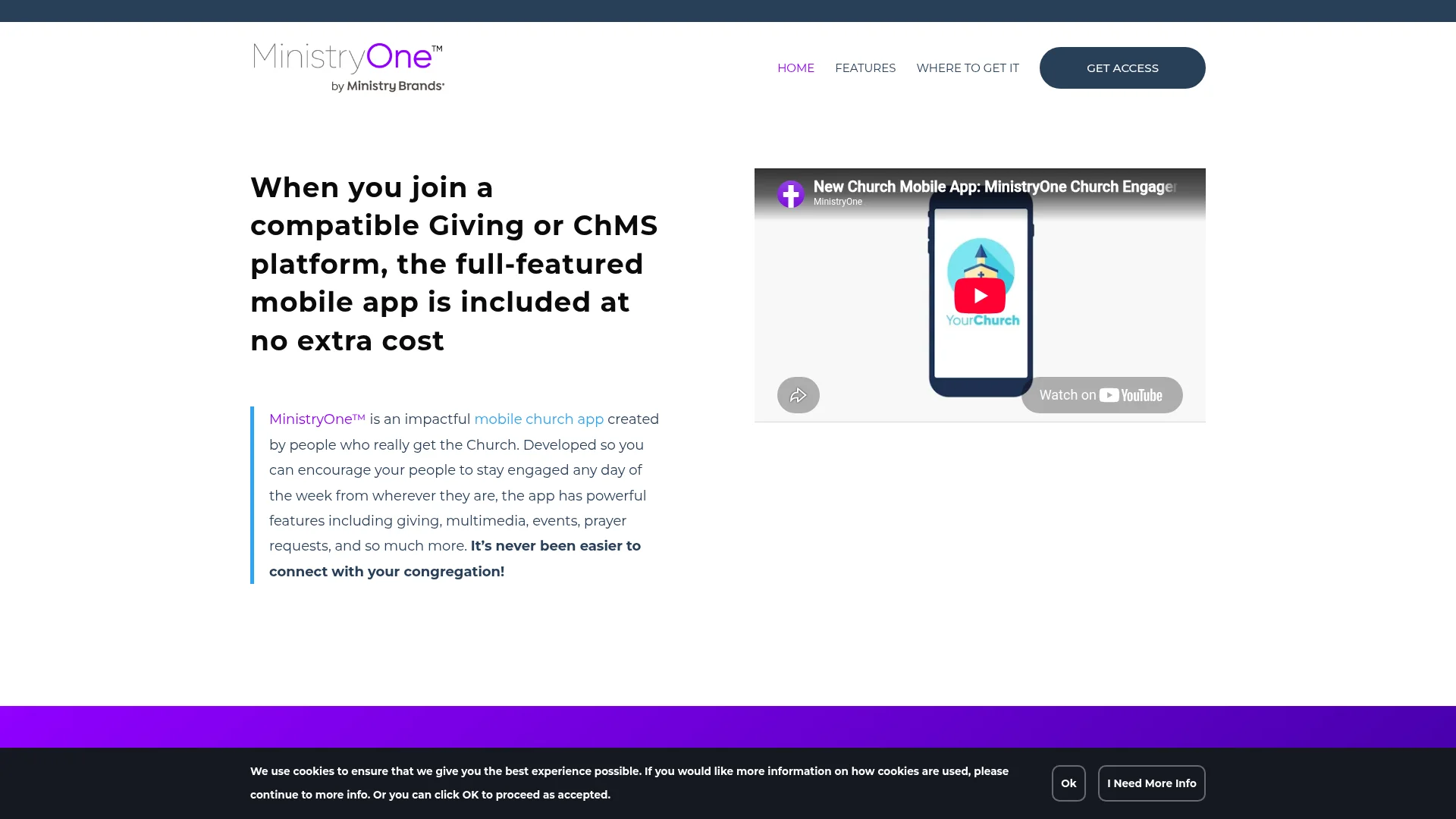
Best for: Churches that want a website and a companion app from one established vendor.
Ministry Brands owns a family of church tools, including the Ekklesia 360 website platform and the MinistryOne app. Together they give a church a managed website plus a mobile app for sermons, giving, events, and notifications, backed by a large company that also owns Sharefaith and other church products.
Key features:
Ekklesia 360 managed church websites with templates
MinistryOne app for giving, media, events, and push notifications
Ties into Ministry Brands giving and management tools
Pricing: Ekklesia 360 websites run Basic at $70/month, Plus at $95/month, and Advanced at $190/month, with a setup fee around $500. Giving and church management cost extra, and the MinistryOne app is a separate product, often bundled with a giving plan. Get a current quote before committing.
Watch out for: Costs add up once you layer giving, management, and the app onto a website plan, and everything is template based inside their ecosystem.
8. Adalo: Best DIY No-Code Alternative
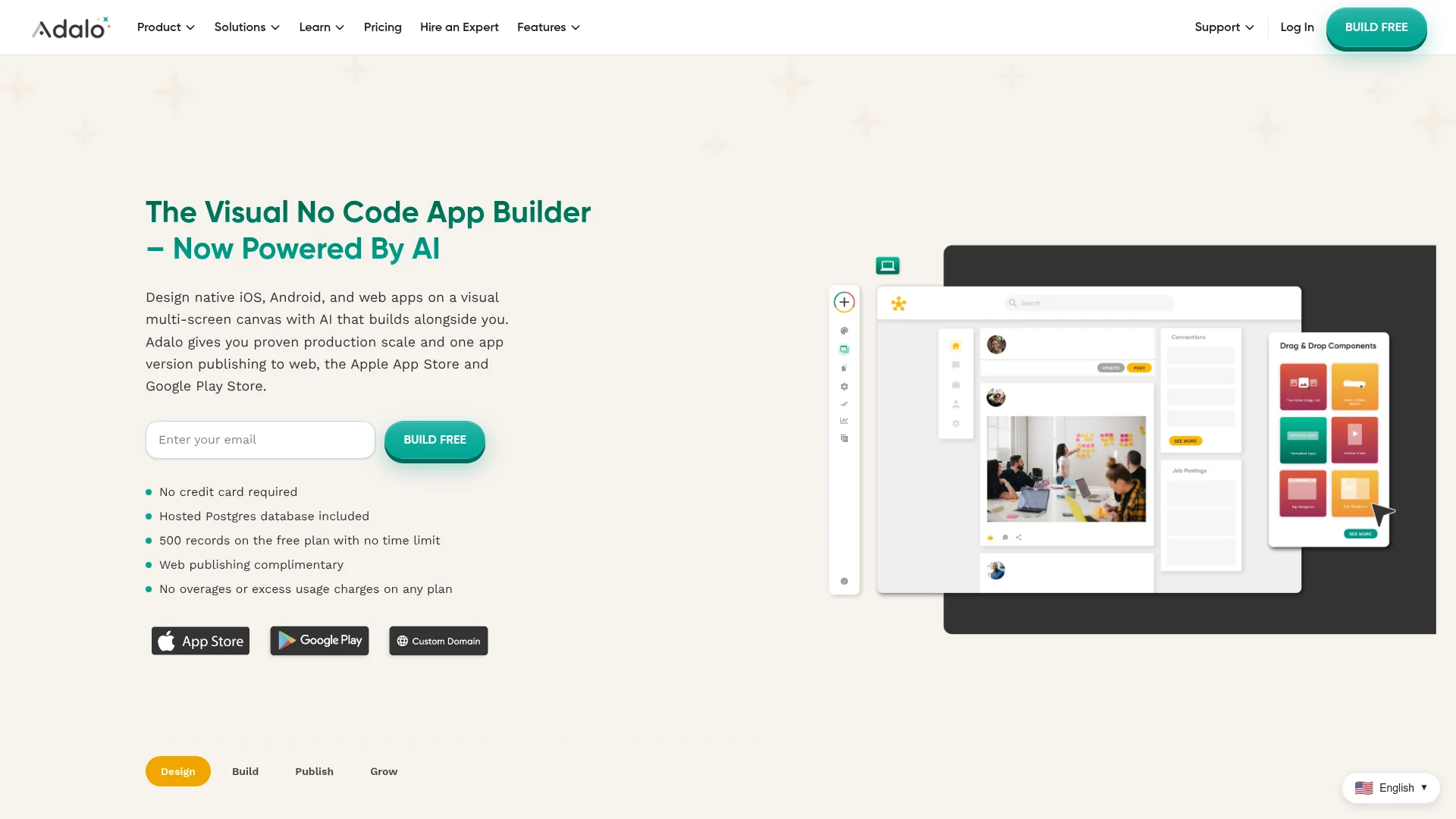
Best for: Hands-on builders who want to assemble a custom church app visually and do not need church-specific features out of the box.
Adalo is a general no-code app builder. You drag components onto screens, connect a built-in database, and publish native apps to both stores. Churches use it when they want more control than a template platform allows but prefer to build by hand rather than by prompt. It has no faith-specific features, so you build giving, media, and everything else yourself.
Key features:
Visual drag-and-drop builder with a component marketplace
Built-in database and native publishing to the App Store and Google Play
Full design control over each screen
Pricing: A free plan lets you build and test but not publish. Paid plans start at $36/month for Starter with app-store publishing, then $52/month for Professional. You also need an Apple Developer account at $99/year and a Google Play account at $25 one-time.
Watch out for: No church features means you build every giving fund, sermon feed, and calendar from scratch, and performance can lag on complex, data-heavy apps. If you want that level of custom without assembling it by hand, an AI agent like CatDoes gets you there faster.
Church App Builder Comparison Table
Here is how the eight builders stack up at a glance on the factors that decide most church app projects.
Tool | Best For | Native iOS + Android | Built-in Giving | Custom or Template | Starting Price |
|---|---|---|---|---|---|
CatDoes | Custom church & Bible apps | Yes | Build your own | Fully custom | Free / $20 mo |
Subsplash | Growing churches | Yes | Yes | Template | Quote (giving free) |
Tithe.ly | Giving on a budget | Yes | Yes | Template | Free giving / $89 mo app |
ChurchTrac | Budget all-in-one | Yes | Yes | Template | From $29 mo (app free) |
Pushpay | Large / multisite | Yes | Yes | Template | Quote (enterprise) |
Sharefaith | Media & graphics | Yes | Yes | Template | ~$49-90 mo |
Ministry Brands | Website + app bundle | Yes | Add-on | Template | Web from $70 mo |
Adalo | DIY no-code | Yes | Build your own | Custom (no church features) | Free / $36 mo |
How to Build a Bible App in 2026

Building a Bible app is a different job from building a church app, and it is where a custom builder matters most. There is no template platform for Bible apps the way there is for church apps. The most popular option, YouVersion, is a finished free app from Life.Church with more than a billion installs, not a platform you can build on. You cannot get your idea onto YouVersion, so if you want your own Bible app, you build it.
What people expect from a Bible app is consistent: reading plans with progress tracking, a verse of the day, an audio Bible, notes, highlights, and bookmarks, offline access, and sync across devices. Every one of those is custom app logic backed by a database, which is exactly what an AI builder like CatDoes handles well. You describe the reading experience you want, and it builds the screens, stores the notes and highlights, and ships the app to both stores.
One important gotcha: most modern Bible translations are copyrighted. Public domain versions like the King James Version, the World English Bible, and the American Standard Version are free to include. Modern translations such as the NIV or ESV require a license from the publisher before you can put their text in your app. Plan your translations before you build.
How to Build a Church App With CatDoes
Because CatDoes builds from a description, launching a church or Bible app follows a simple path. Here is the workflow from idea to store.
Describe your app. Write what you want in plain language, for example a church app with a sermon library, an events calendar, a giving button, and prayer requests. A clear, specific prompt gets a better first build.
Let the agent build it. CatDoes plans the app, writes the code, and sets up the CatDoes Cloud backend for accounts, data, and storage.
Refine by asking. Preview the app and request changes in conversation. Add a reading plan, change the home screen, or wire up a giving integration.
Add giving and media. Connect a payment provider for tithing and point the app at your sermon audio or video feed.
Ship it. Publish to the App Store and Google Play from the same project, then keep asking for updates as your ministry grows.
Getting the first prompt right speeds everything up. Our guide on how to prompt an AI app builder covers how to describe features so the agent nails the build, and our walkthrough on how to publish an app to the App Store and Google Play covers the store side.
How to Choose the Right Church App Builder
The right builder comes down to three questions.
Do you want a custom app or a turnkey one? If your idea is specific, a Bible app, a devotional, or a church app with unusual features, a custom builder like CatDoes or a DIY tool like Adalo fits. If you want standard church features fast, a dedicated platform is quicker.
How important is built-in giving and church management? If tithing and a church management system are your top priority, Subsplash, Tithe.ly, ChurchTrac, and Pushpay ship those out of the box. With CatDoes you add giving through an integration, which is more work but fully yours.
What is your budget and size? Small churches do well with ChurchTrac or Tithe.ly's free giving. Large multisite churches lean toward Subsplash or Pushpay. Anyone building something custom, or a Bible app in particular, is better served by an AI builder.
Frequently Asked Questions
How much does a church app cost?
It ranges widely. Budget platforms like ChurchTrac start at $29/month with the app included, and Tithe.ly's giving is free with a paid app tier at $89/month. Premium platforms like Subsplash and Pushpay are quote based and priced for larger budgets. Building a custom app with CatDoes starts free, with paid plans from $20/month and store publishing from $50/month.
What is the best free church app builder?
For free online giving, Subsplash Giving and Tithe.ly both start at $0/month, though you pay processing fees and unlock the full app on paid tiers. ChurchTrac includes its app free with any subscription. CatDoes has a free plan to build and try an app before you pay, with web deployment included.
Can I build a Bible app without coding?
Yes. With an AI builder like CatDoes you describe the Bible app you want, reading plans, a verse of the day, audio, notes, and offline access, and the agent writes the code and ships it. Just secure licensing for any copyrighted translations, and use public domain versions like the KJV or World English Bible if you want to avoid licensing.
Do I need a separate app for online giving?
Not necessarily. Dedicated church platforms build giving directly into the app. If you build a custom app with CatDoes, you connect a payment provider like Stripe for tithing, or you run giving through a free provider such as Tithe.ly or Subsplash Giving alongside your custom app.
How long does it take to build a church app?
Template platforms can generate a basic app in minutes to hours, since you are filling in a preset design. A custom app with CatDoes can produce a working first version quickly from a prompt, then you refine it over a few sessions. App Store and Google Play review typically adds a few days on top before it goes live.
The Bottom Line
There is no single best church app builder for everyone, but there is a best fit for what you are building. If you want a turnkey church app with tithing and management baked in, Subsplash, Tithe.ly, ChurchTrac, Pushpay, Sharefaith, and Ministry Brands each suit a specific size and budget. If you want a fully custom app that you own, especially a Bible app or a Christian app with your own idea behind it, CatDoes is the clearest choice in 2026 because it builds whatever you can describe and ships it to the stores.
The fastest way to know is to try it. Build your church or Bible app with CatDoes and see how far a single prompt gets you.
Nafis Amiri
Co-Founder of CatDoes


