Blog
Tutorials
The Best Way to Build an App with AI in 2026
Compare the 5 best AI app builders in 2026. See how CatDoes, Lovable, Bolt.new, Cursor, and Windsurf stack up on pricing, output type, and skill level required.

Nafis Amiri
Co-Founder of CatDoes
TL;DR: CatDoes is the best option for building a native mobile app with AI if you do not code. It handles everything from idea to App Store through conversation. For web apps, Lovable and Bolt.new work if you have some technical knowledge. For developers who want AI-assisted coding, Cursor and Windsurf speed up your existing workflow. Below is a full comparison with pricing, features, and honest trade-offs for each tool.
Table of Contents
How AI App Builders Work in 2026
CatDoes: Native Mobile Apps Through Conversation
Lovable: AI-Powered Web App Builder
Bolt.new: Browser-Based Full-Stack Development
Cursor: AI Code Editor for Developers
Windsurf: AI IDE for Complex Projects
Side-by-Side Comparison
How to Pick the Right Tool
FAQ
How AI App Builders Work in 2026
In 2026, you can describe an app idea in plain English and have AI build it for you. But the tools vary wildly in who they are built for, what they actually produce, and how much they cost. Some generate native mobile apps. Others output web apps or just help you write code faster.
The shift is massive. According to Gartner, 75% of new applications will be built using low-code or no-code tools by 2026, up from less than 25% in 2020. The low-code market alone is projected to reach $44.5 billion this year. That means the majority of new software is no longer being written line by line — it is being generated, assembled, or prompted into existence.
This guide compares the five most popular AI app building tools: CatDoes, Lovable, Bolt.new, Cursor, and Windsurf. You will see exactly what each one does, what it costs, who it is best for, and where it falls short, so you can pick the right tool for your project.

CatDoes: Native Mobile Apps Through Conversation
CatDoes is a no-code AI app builder that turns a conversation into a fully functional native mobile app. You describe your idea, and CatDoes handles the rest — from requirements gathering to App Store release. No coding. No design skills. No technical background required.
CatDoes uses a system of specialized AI agents that each handle a different stage of development:
Requirement Agent — listens to your idea and identifies the features your app needs
Design Agent — creates screens, page flows, and a color palette that matches your vision
Software Agent — writes the actual React Native code for your mobile app
Release Agent — packages everything and prepares your app for both Google Play and the App Store
The platform tracks different versions of your app with checkpoints, so you can experiment freely and roll back if something does not work. Think of it as version control for people who have never heard of Git.
CatDoes also includes CatDoes Cloud, a built-in backend service that provides database, authentication, file storage, and real-time features out of the box. You do not need to set up a separate backend or connect third-party services.
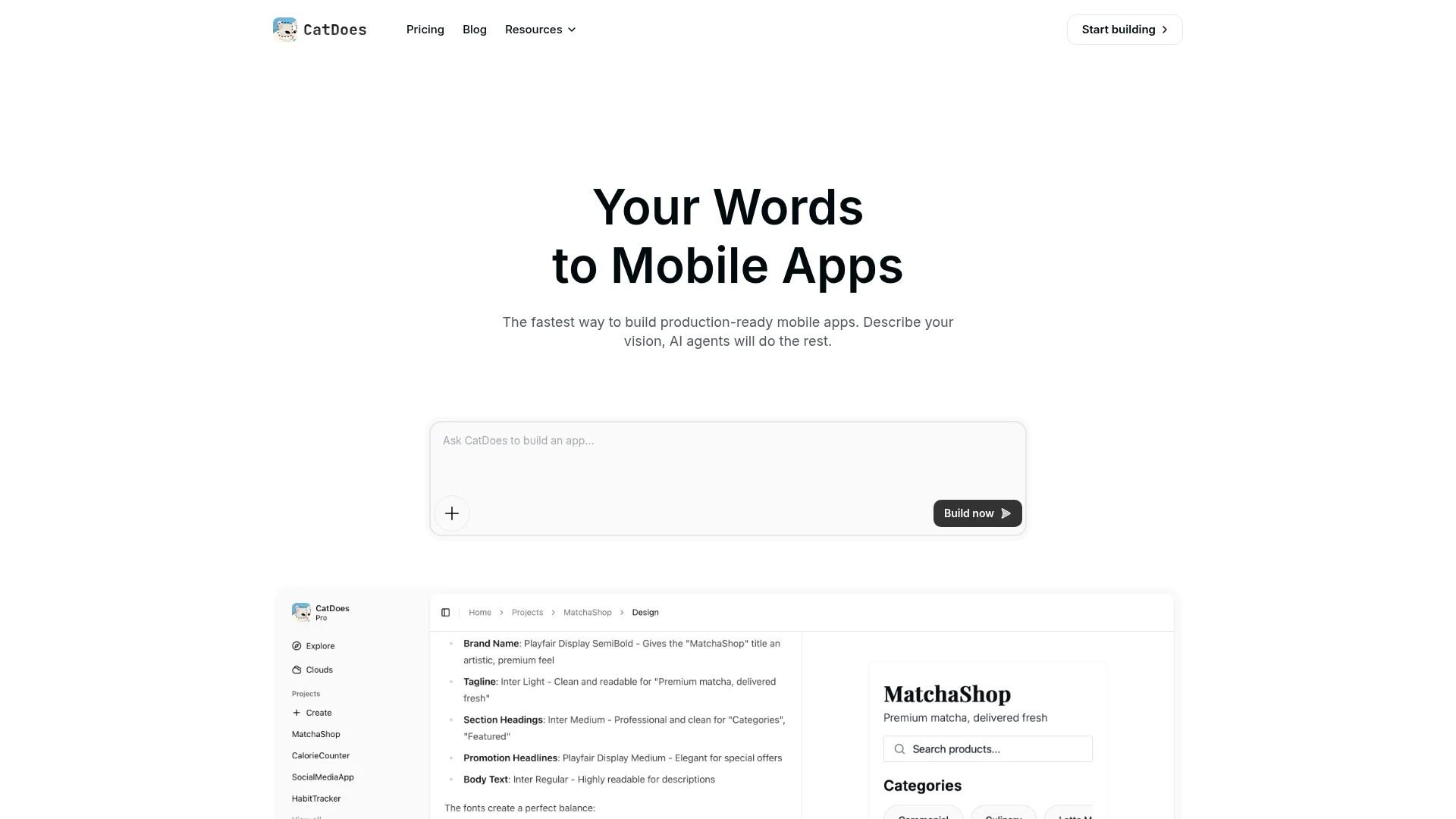
Pricing: Free tier includes 15 one-time credits, 1 public project, and web-only deployment. Core costs $20/month for 50 credits and 2 projects. Starter costs $50/month for 200 credits and adds deployment to iOS and Android. Plus costs $100/month and adds code export and GitHub sync, and plans go up to Max at $399/month.
Best for: Non-technical users, entrepreneurs, small business owners, and designers who want a native mobile app without writing code.
Lovable: AI-Powered Web App Builder
Lovable is a full-stack web app builder. You describe what you want in natural language, and Lovable generates a complete web application with frontend, backend, and database layers using React and Supabase.
Lovable is designed for users who understand basic technical concepts like databases and APIs but do not want to spend weeks writing boilerplate code. It handles the scaffolding, but you still need some technical knowledge to customize and deploy it properly. In practice, that means understanding how to configure Supabase tables, set up authentication rules, and troubleshoot deployment errors when they come up.
One important distinction: Lovable builds web apps, not mobile apps. If you need something on the App Store or Google Play, Lovable is not the right tool. You would need to wrap the output in a framework like Capacitor or Expo to get it onto a phone, and that adds significant complexity.
Pricing: Free tier with 5 credits/day (30/month cap). Pro costs $25/month with 100 monthly credits + 5 daily credits. Business costs $50/month and adds SSO, team workspaces, and design templates.
Best for: Building websites, dashboards, and internal tools. Not ideal for: Mobile apps or non-technical users.
Bolt.new: Browser-Based Full-Stack Development
Bolt.new is a browser-based development environment. You write prompts, and the AI generates full-stack applications using real code. You can edit, run, preview, and deploy everything directly in your browser without installing anything locally.
Bolt.new is fast and flexible. It is great for developers who want to skip boilerplate setup and jump straight into building. But it requires real coding knowledge. When the AI generates something that does not work — and that happens regularly — you need to understand the code well enough to debug it. Expect to spend a meaningful chunk of your tokens on back-and-forth debugging loops, especially for anything beyond a simple landing page.
Bolt.new can technically output mobile apps through frameworks like React Native or Expo, but the experience is primarily optimized for web development. The token-based pricing also means costs can spike quickly on complex projects. A single session of heavy prompting can burn through your monthly allocation in hours.
Pricing: Free tier with 300K tokens/day and 1M tokens/month. Pro costs $25/month starting at 10M tokens/month with token rollover. Teams costs $30/member/month with centralized billing and admin controls.
Best for: Developers and technical builders who want to prototype fast. Not ideal for: Anyone without coding experience.
Cursor: AI Code Editor for Developers
Cursor is a developer-focused AI code editor built on top of Visual Studio Code. It enhances your existing workflow by suggesting edits, generating code, and helping you navigate large codebases through natural language.
Cursor is not an app builder. It is a coding tool that makes experienced developers faster. You still write code, manage your own project structure, handle deployments, and debug issues yourself. Cursor just makes those tasks quicker with AI assistance. Its Agent mode can handle multi-file edits and run terminal commands, but you need to review and guide every step.
Because Cursor is built on VS Code, you get access to the entire VS Code extension ecosystem — thousands of plugins, themes, and integrations work out of the box. That is a significant advantage if you already have a VS Code workflow. Cursor does not output apps on its own. It helps you write the code that becomes an app, but you need to know what you are building and how to build it.
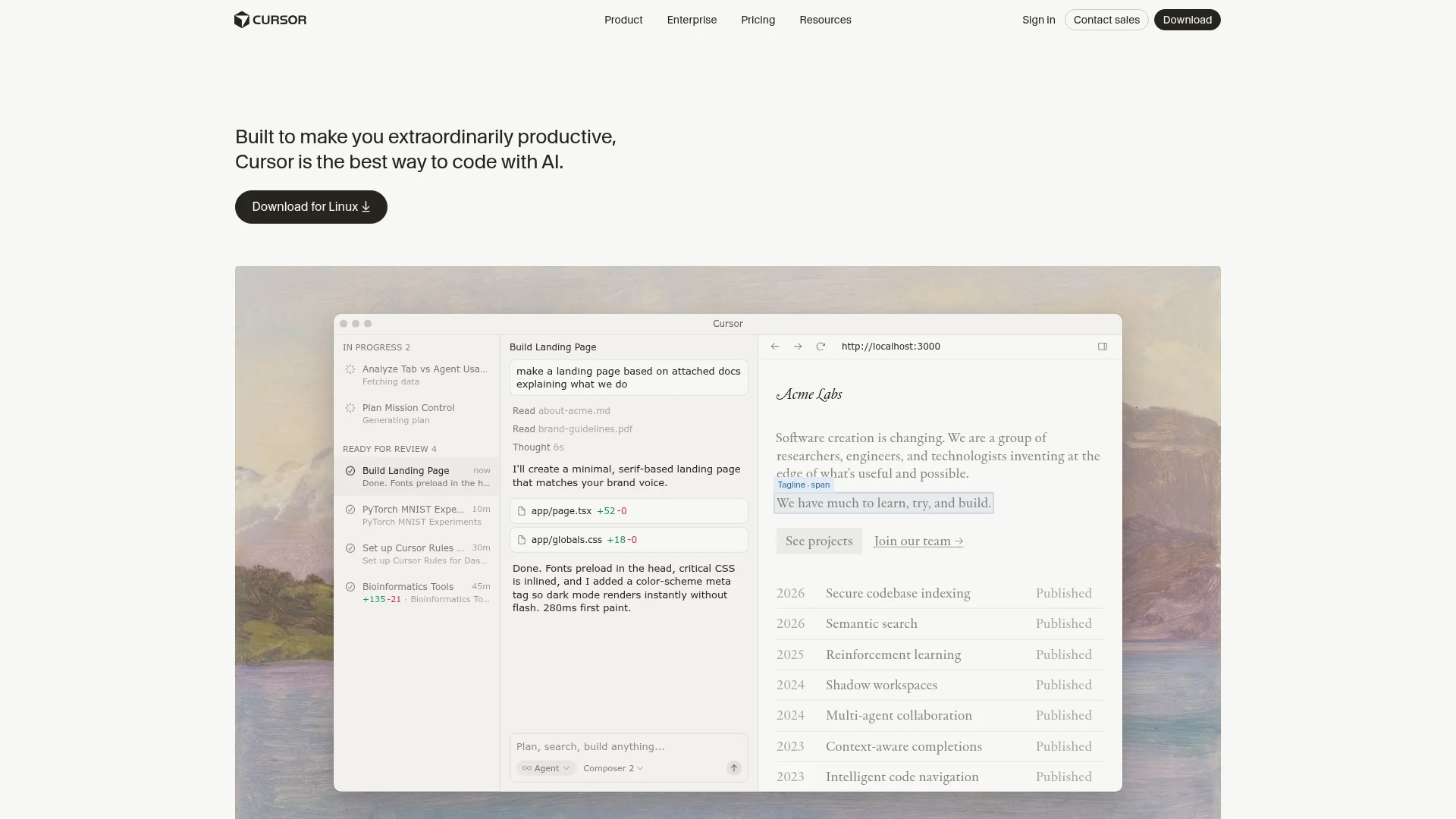
Pricing: Free Hobby tier with limited agent requests and tab completions. Individual costs $60/month with extended agent limits and frontier AI models. Teams costs $40/user/month with shared rules, analytics, and SSO.
Best for: Professional developers and engineering teams. Not ideal for: Non-technical users or anyone looking for a no-code solution.
Windsurf: AI IDE for Complex Projects
Windsurf is an AI-powered IDE designed for deeper collaboration between developers and AI on complex, long-term projects. Originally built by Codeium and acquired by Cognition AI in late 2025, Windsurf has grown to over 1 million active users and now ranks among the top AI development tools alongside Cursor and GitHub Copilot.
Its core feature is Cascade, an AI engine that understands your entire codebase context — not just the file you are editing. Cascade can suggest multi-file edits, run terminal commands, and handle multi-step coding tasks autonomously. Windsurf also offers Flows, which let you chain multiple AI actions together for more complex workflows.
Like Cursor, Windsurf is a developer tool, not an app builder. You need to be comfortable writing code, managing dependencies, and handling deployments yourself. The key difference from Cursor is price and approach: Windsurf focuses on deeper codebase-wide AI understanding at a lower price point, while Cursor leans on the VS Code ecosystem and extension compatibility.
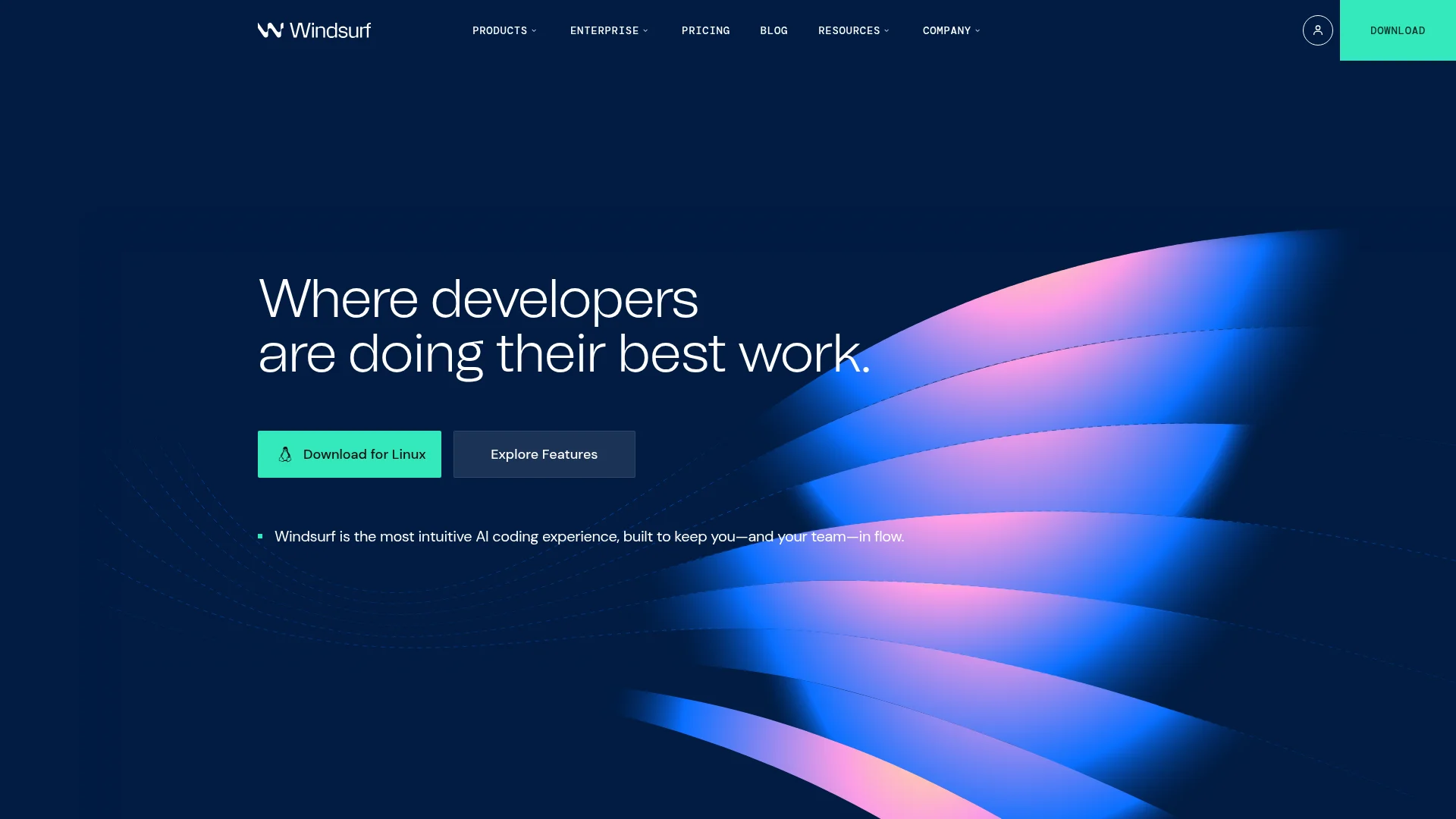
Pricing: Free tier with 25 credits/month. Pro costs $15/month with 500 credits and access to premium AI models. Teams costs $30/user/month with centralized billing. Enterprise costs $60/user/month with self-hosted deployment options.
Best for: Experienced developers building large-scale applications who want deep AI codebase understanding. Not ideal for: Non-technical users or anyone looking for a managed app building experience.
Side-by-Side Comparison
Here is how all five platforms compare across the factors that matter most:
Platform | Output Type | Skill Level | Free Tier | Paid Plans | Best For |
|---|---|---|---|---|---|
CatDoes | Native mobile apps (iOS + Android) | None required | 1 project, 15 one-time credits | $20-$399/mo | Anyone who wants a mobile app without coding |
Lovable | Web apps only | Basic technical | 5 credits/day | $25-$50/mo | Websites, dashboards, landing pages |
Bolt.new | Web apps (some mobile) | Must code | 300K tokens/day | $25-$30/mo | Fast prototyping for developers |
Cursor | No app output (code editor) | Developer | Limited requests | $40-$60/mo | Professional dev teams |
Windsurf | No app output (IDE) | Developer | 25 credits/mo | $15-$60/mo | Complex long-term projects |
How to Pick the Right Tool
The right tool depends on two questions: what are you building, and how technical are you?
Use this quick decision guide:
I want a mobile app and I do not code → CatDoes
I want a web app and I know some tech basics → Lovable or Bolt.new
I am a developer and want AI to speed up my workflow → Cursor or Windsurf
I need deep codebase understanding on a budget → Windsurf ($15/mo)
I want VS Code compatibility and extensions → Cursor
If you want a native mobile app and you do not code, CatDoes is the only option on this list that handles the entire process from idea to App Store. You describe your app, the AI builds it, and you can publish it to both Google Play and the Apple App Store without touching a single line of code.
If you want a web app and you have some technical knowledge, Lovable or Bolt.new will get you there faster than building from scratch.
If you are already a developer and want AI to speed up your existing workflow, Cursor or Windsurf are the tools to evaluate. You can also read our guide to building an app with AI for a deeper look at the process.
The bottom line: AI has not just lowered the barrier to app development. For mobile apps specifically, tools like CatDoes have removed it entirely. Traditional app development costs $50,000 to $250,000 for a production-ready mobile app. With AI app builders, you can get started for free and launch for $25 a month. You do not need to learn to code. You do not need to hire a developer. You just need an idea and the ability to describe it.
Ready to build your app? Start building with CatDoes for free.
FAQ
Can AI really build a full mobile app?
Yes. Tools like CatDoes use multiple specialized AI agents to handle requirements, design, coding, and release. The output is a real React Native mobile app that runs natively on iOS and Android.
Which AI app builder is best for beginners?
CatDoes is the most beginner-friendly option. It requires zero technical knowledge and handles everything through conversation. Lovable and Bolt.new require some coding knowledge, while Cursor and Windsurf are built for experienced developers.
Do I need to know how to code to use these tools?
It depends on the tool. CatDoes requires no coding at all. Lovable requires basic technical understanding. Bolt.new, Cursor, and Windsurf all require real coding ability.
What is the difference between an AI app builder and an AI code editor?
An AI app builder like CatDoes produces a finished app from a text description. An AI code editor like Cursor or Windsurf helps developers write code faster but does not produce a complete app on its own. The key difference is who does the building: the AI, or you.
How much does it cost to build an app with AI?
Most AI app builders offer free tiers. Paid plans range from $15 to $60 per month depending on the tool and plan. CatDoes publishing to both app stores starts on the Starter plan at $50/month. For comparison, traditional app development typically costs $50,000 to $250,000 or more for a production-ready mobile app.
Nafis Amiri
Co-Founder of CatDoes


