Blog
Insights
10 Mobile App Development Challenges Solved 2026
Facing mobile app development challenges? Here are 10 tested solutions for cross-platform bugs, slow performance, security gaps, and store rejections.

Nafis Amiri
Co-Founder of CatDoes
TL;DR: The 10 biggest mobile app development challenges are cross-platform compatibility, performance, app store submissions, security, offline support, app size, device fragmentation, API integration, technical debt, and UX design. Each one can stall your launch or drive users away. This guide covers what actually goes wrong and how to fix it.
Table of Contents
1. Cross-platform compatibility and device testing
2. Performance and app speed
3. App store submission and release management
4. User authentication and security
5. Offline functionality and data sync
6. Managing app size and download overhead
7. Device hardware fragmentation
8. API integration and backend communication
9. Technical debt and code maintenance
10. User experience and navigation design
Mobile app development challenges at a glance
Frequently asked questions
Most apps don't fail because the idea was bad. They fail because the team hit a technical wall they didn't see coming: a performance bug on one device, a rejected app store submission, a security hole that erodes user trust.
These mobile app development challenges show up at every stage, from first prototype to post-launch scaling. The good news is they're predictable. If you know what's coming, you can plan around it.
This guide breaks down the 10 most common problems and gives you concrete ways to solve each one.
1. Cross-platform compatibility and device testing
Android has over 24,000 distinct device models. iOS is more controlled, but you're still dealing with many iPhone models, iPads, and several OS versions in the wild at once. Your app needs to work on all of them, or at least on the ones your users really use.
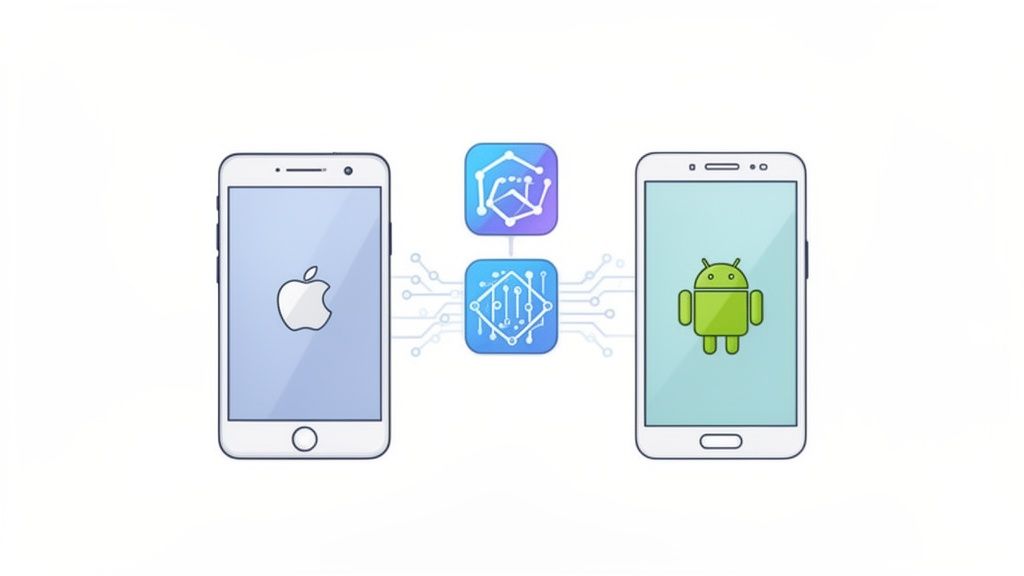
The problem isn't just screen sizes. Different devices have different GPUs, RAM limits, and OS quirks.
A layout that looks great on a Pixel 8 might break on a Samsung A14. An animation that runs at 60fps on iPhone 15 might stutter on an iPhone SE.
Spotify manages its app across more than 100 device types. That kind of coverage takes real effort, but you don't need to match it on day one. Start with the devices that matter most to your audience.
What works
Use a cross-platform framework like React Native or Flutter to keep a single codebase. This cuts development time roughly in half compared to building separate native apps. Our guide to choosing mobile app development frameworks covers the trade-offs.
Check your analytics to find which devices and OS versions your users really run. Test those first.
Use cloud testing services like BrowserStack or Sauce Labs for wider reach. They give you access to hundreds of real devices without buying them.
Set up auto UI tests early. They catch regressions before your users do.
2. Performance and app speed
How long will a user wait for your app to load? Google's data shows 53% of mobile users leave a page that takes more than 3 seconds. Apps get even less grace.
If your app freezes, stutters, or drains the battery, users uninstall it and leave a one-star review.
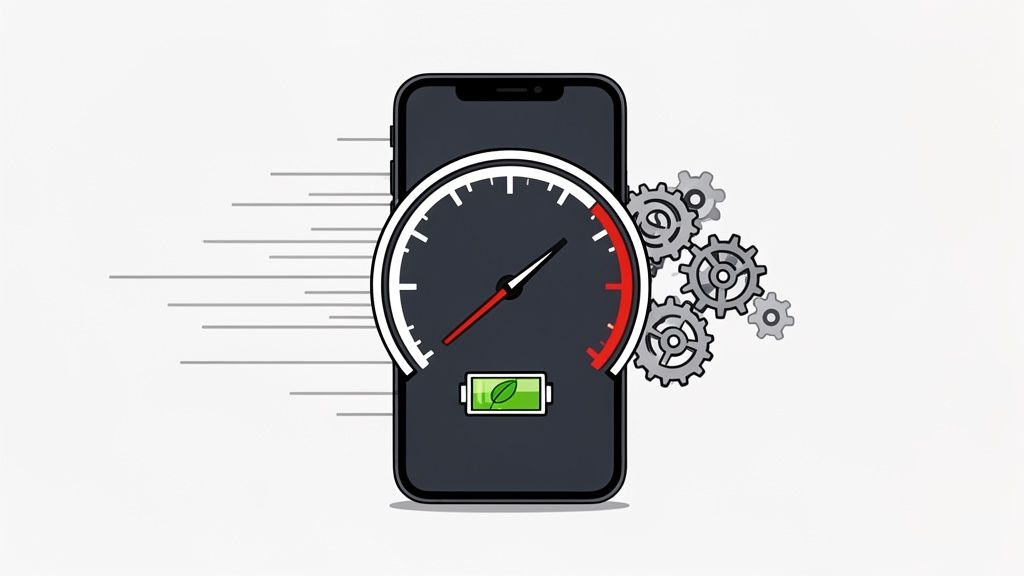
Phones have less power and memory than desktops, and your app competes with dozens of others for the same resources. Facebook built a "Lite" version for older devices. LinkedIn uses caching so the app feels fast even on slow networks.
Both share the same goal: make the app work well on the worst-case device, not just the best one.
What works
Profile your app with Xcode Instruments (iOS) or Android Studio Profiler. You can't fix what you don't measure. Look for CPU spikes, memory leaks, and slow network calls.
Load images and heavy content only when they're about to appear on screen (lazy loading). This makes a noticeable difference in startup time.
Compress images and videos before bundling them. Use WebP format where possible. Shrink API payloads with gzip or Protocol Buffers.
Check for memory leaks regularly. A small leak can make your app slower over time until it crashes.
3. App store submission and release management
You've built your app, it works, and you're ready to ship. Then Apple rejects it because your in-app purchase flow doesn't meet their guidelines, or Google flags a privacy policy issue.
This is one of the most frustrating mobile app development challenges because it hits right when you think you're done.
Both the Apple App Store and Google Play have strict, evolving rules. Getting rejected means days or weeks of delays.
Clubhouse went through several rejection rounds before its initial launch. Even Meta's apps face close review around data privacy and tracking.
How to avoid rejections
Read the Apple App Store Review Guidelines and Google Play policies before you start building. Some features are guaranteed to cause rejection, and it's better to know that upfront.
Automate your build and signing process with CI/CD tools. Manual signing errors are one of the most common reasons for failed submissions.
Use TestFlight (iOS) and internal testing tracks (Google Play) to catch problems before your official submission.
Roll out updates gradually. Both platforms support staged rollouts, letting you release to 5-10% of users first and watch for crashes before going wider.
4. User authentication and security
In 2023, T-Mobile disclosed a breach that hit 37 million accounts. The root cause was an insecure API.
Security bugs don't just hurt your reputation. They can lead to fines under GDPR, CCPA, or HIPAA depending on what data you handle.
Building a login system sounds simple. In practice, you need to handle password hashing, session tokens, OAuth flows, and multi-factor authentication. All while keeping the experience smooth enough that users don't abandon sign-up halfway through.
What works
Never store passwords in plain text. Use bcrypt or Argon2 for hashing. This is non-negotiable.
Use JWTs or OAuth 2.0 for session management. These are stateless tokens that scale well and reduce server-side overhead.
Don't build auth from scratch unless you have a strong reason to. Services like Firebase Auth or Auth0 handle the hard parts, including MFA, social login, and token rotation. The OWASP Mobile Top 10 lists the most common security mistakes to watch for.
Offer multi-factor MFA. It blocks the bulk of account takeover attacks, even when passwords are stolen.
5. Offline functionality and data sync
Your user opens the app on the subway. No signal. If the app shows a blank screen or an error, that's a bad experience.
People expect apps to work offline, or at least show something useful until the connection comes back.
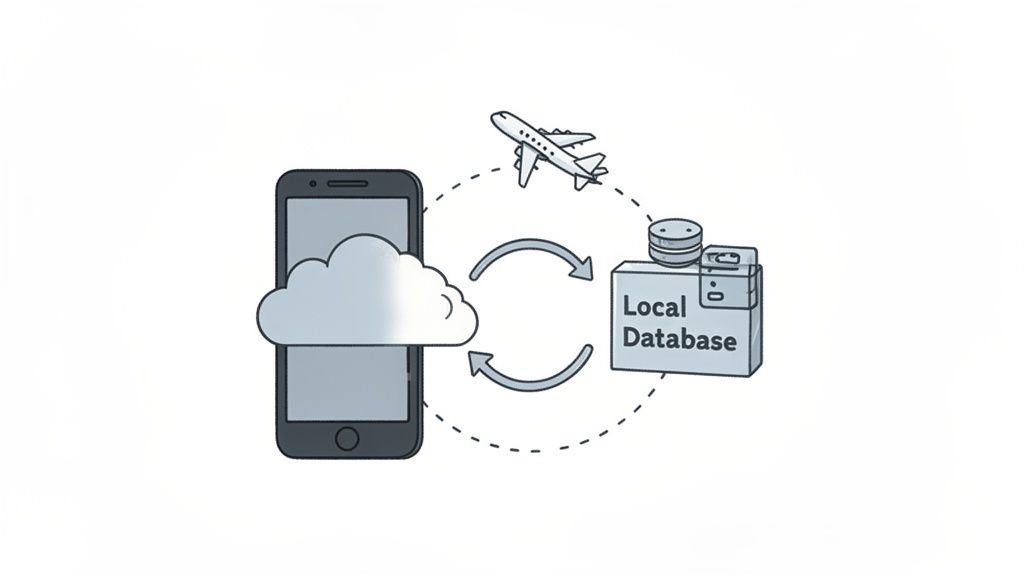
The tricky part isn't storing data locally. It's syncing it back when the connection returns. What happens when two users edit the same record offline?
Google Docs and Notion solve this with conflict rules. WhatsApp queues messages and sends them when you're back online.
What works
Design with an offline-first mindset. Libraries like WatermelonDB and PouchDB treat the local database as the source of truth and handle sync on its own.
Pick a conflict resolution strategy upfront. "Last write wins" is the simplest. For collaborative apps, you may need to prompt users to choose or merge changes on their own.
Use optimistic UI updates. Show the result of an action right away, even before the server confirms it. This makes the app feel fast no matter how bad the network is.
Batch your sync requests instead of sending every change individually. This saves battery and handles spotty connections better.
Handling all of this, from cross-platform code to offline sync, is a lot of engineering work. CatDoes generates production-ready React Native code from your idea using AI, covering UI, backend logic, and deployment in one workflow. It's built to handle the plumbing so you can focus on what makes your app different.
6. Managing app size and download overhead
Every 6MB increase in app size reduces install rates by about 1%, according to Google's data. Users on limited data plans or older phones with 32GB of storage will skip a 200MB download entirely. LinkedIn built a Lite version under 10MB for markets where this matters most.
App size creeps up fast. A few large images, an unused library, some bundled fonts, and suddenly you're over 100MB.
How to keep it lean
Use Android App Bundles and iOS On-Demand Resources. These let the store deliver only the assets each device really needs, which cuts download size a lot.
Compress images with TinyPNG or ImageOptim. Switch to WebP format where you can. Remove unused assets.
Run a bundle analyzer to see what's taking up space. You'll often find unused libraries or duplicate libraries that can be removed.
Use code splitting to load features on demand instead of packing everything into the initial download.
7. Device hardware fragmentation
This overlaps with cross-platform testing, but the problem goes deeper. Android devices come from dozens of manufacturers, each with different processors, camera sensors, GPU power, and display densities. Your app needs to handle a $1,200 flagship and a $100 budget phone without crashing on either.
Netflix adjusts streaming quality based on each device's CPU power. Snapchat disables complex AR filters on older phones rather than letting the app crash. Both take the same approach: detect what the device can do and adjust accordingly.
What works
Build graceful degradation into your app. Check device features at runtime and turn off heavy features like animations, AR, or high-res assets on lower-end hardware.
Use responsive layouts that adapt to different screen sizes and pixel densities. Test at multiple breakpoints, not just your own phone.
Focus testing on the devices your users really use. Your analytics will show you which models and OS versions matter most.
Cloud device labs give you access to real hardware without the cost of buying it yourself.
8. API integration and backend communication
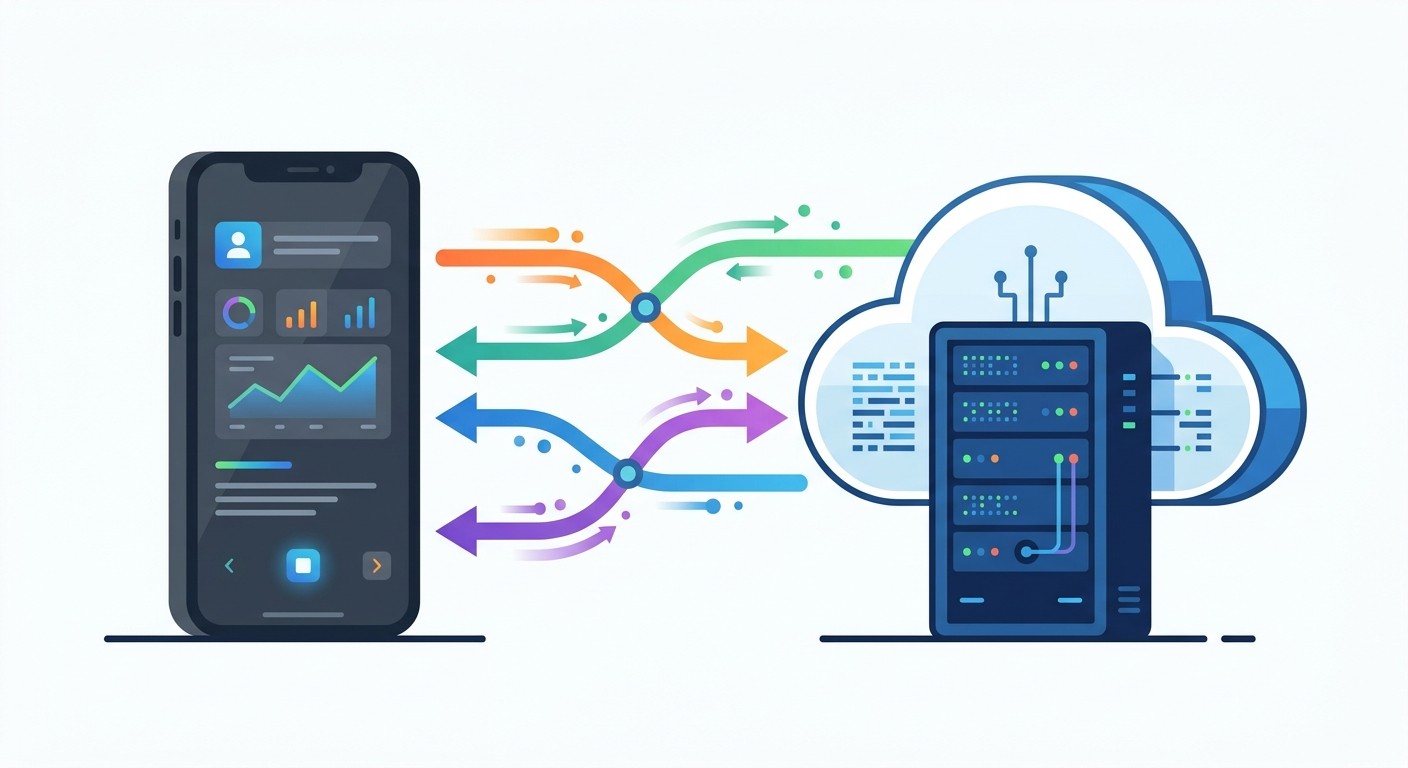
Most apps depend on a backend for data and business logic. That means network requests, and network requests fail. The server goes down, the user's connection drops, or the API changes while your app still expects the old format.
Slack keeps a lasting WebSocket connection for real-time messaging. Netflix uses caching and retry logic to keep streaming smooth on bad connections.
The pattern is the same: assume the network will fail and design around it. Our API design best practices guide goes deeper on this topic.
What works
Use exponential backoff with jitter for retries. When an API call fails, wait a little longer before each retry and add some randomness so you don't overload the server.
Cache data that doesn't change often. This cuts down on API calls, speeds up the app, and gives you basic offline support as a bonus.
Version your APIs from day one (e.g.,
api/v2/users). This lets you update the backend without breaking older app versions.Consider GraphQL for complex data needs. It lets the client request only what it needs, which reduces payload size and cuts down on over-fetching.
9. Technical debt and code maintenance
Technical debt works like financial debt: a little is fine. Too much, and every new feature takes twice as long because you're working around old shortcuts and outdated libraries.
Left unchecked, small changes start causing bugs in unrelated parts of the app.
Twitter's team went through major refactoring during its rapid growth phase. Microsoft did the same with Skype when the codebase needed an overhaul.
The lesson: pay down debt early, or it compounds. Our guide on reducing technical debt covers specific tactics for dev teams.
How to stay on top of it
Set aside 15-20% of each sprint for refactoring and dependency updates. Don't treat it as optional work that gets cut when deadlines are tight.
Use Dependabot or a similar tool to flag outdated libraries on its own. Plug security scanning into your CI/CD pipeline so weak spots get caught early.
Enforce code quality with linters and static analysis. Set thresholds that block merges when quality drops below a certain level.
Write tests before you refactor. Automated tests are your safety net. Without them, you're guessing whether your changes broke something.
10. User experience and navigation design
Users decide within seconds whether your app is worth keeping. If the navigation is confusing or the interface feels cluttered, they leave. Mobile UX is harder than web UX because you're working with smaller screens, touch targets, and the limits of one-handed use.
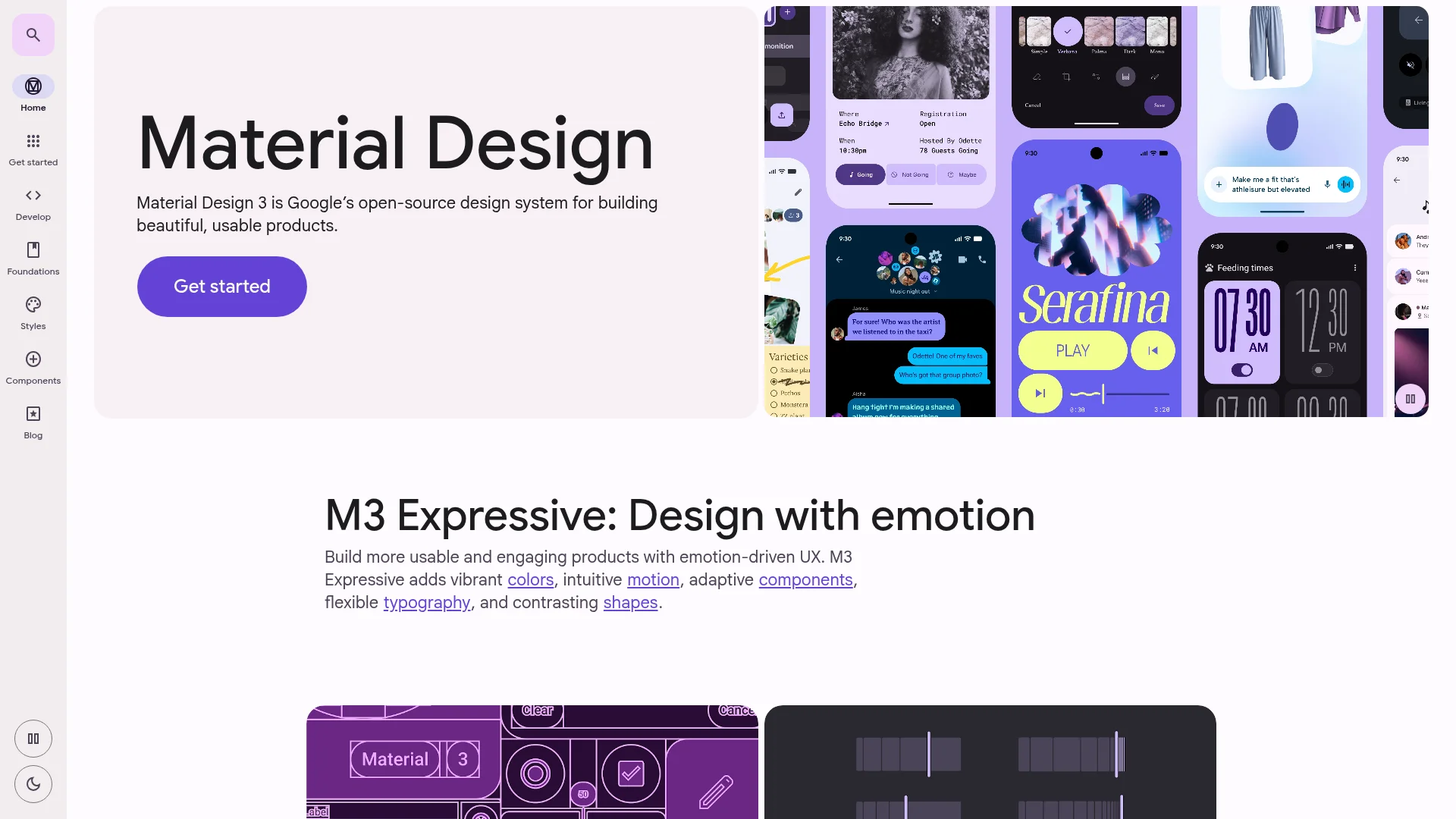
Stripe's mobile app handles complex financial tasks with a clean layout and buttons placed where your thumb naturally rests. Google's Material Design system gives you a tested set of patterns for building usable Android interfaces.
What works
Start with user research. Create personas and journey maps before you design anything. The goal is to match the app's flow to how people actually think about the task.
Design for thumbs. Key buttons and navigation should sit in the lower half of the screen, within easy reach for one-handed use.
Follow platform conventions. Use Apple's Human Interface Guidelines for iOS and Material Design for Android. Users already know how these patterns work, so don't reinvent them.
Test with real users, not just your team. The confusion points are almost never where you expect them to be.
Mobile app development challenges at a glance
Challenge | Complexity | Resources needed | Impact if ignored |
|---|---|---|---|
Cross-platform compatibility | High | Device farms, CI, QA time | Broken UX on popular devices |
Performance and speed | Medium-high | Profiling tools, optimization time | Uninstalls and bad reviews |
App store submissions | Medium | CI/CD, guideline review | Launch delays of days to weeks |
Auth and security | High | Auth services, security audits | Data breaches, regulatory fines |
Offline and sync | High | Local DB, sync logic, testing | Unusable app on subways, flights, rural areas |
App size | Medium | Build tooling, asset optimization | Lost installs, above all in emerging markets |
Hardware fragmentation | High | Broad device test coverage | Crashes on budget devices |
API integration | Medium | Backend services, monitoring | Unreliable app, data loss |
Technical debt | Medium (ongoing) | Dev time for refactoring | Slower feature releases, more bugs |
UX design | Medium | Designers, user testing | Low retention, poor app store ratings |
Frequently asked questions
What is the hardest part of mobile app development?
It depends on the app, but cross-platform support and performance tend to cause the most friction. The Android ecosystem alone has thousands of device setups, and getting your app to run well on all of them takes real testing effort.
How do I test my app across many devices without buying them all?
Cloud device labs like BrowserStack and Sauce Labs let you run your app on hundreds of real devices remotely. Pair this with auto UI tests to catch regressions on every build without manual effort.
Can I build a mobile app without facing these challenges?
No-code and AI-powered tools handle many of these problems behind the scenes, including cross-platform code generation, backend setup, and deployment. You still need to think about UX and business logic, but the technical plumbing is taken care of.
How do I prevent app store rejections?
Read the platform guidelines before you start building. The most common rejection reasons are privacy policy issues, broken in-app purchases, and misleading metadata. Use beta testing programs like TestFlight and Google Play internal tracks to catch problems early.
How often should I update my app after launch?
Plan for at least monthly updates to fix bugs and keep up with OS changes. Set aside 15-20% of development time for technical debt and dependency updates to keep the codebase healthy over the long term.
Start building your app today
These mobile app development challenges are real, but they're all solvable. The pattern is consistent across all ten: plan ahead, pick the right tools, test on real devices, and don't cut corners on security.
The biggest mistake isn't hitting one of these problems. It's not knowing they exist until they've already cost you weeks of work and a chunk of your user base.
Ready to skip the heaviest lifting? CatDoes turns your app idea into production-ready React Native code using AI. It handles UI, backend logic, database setup, and deployment in a single workflow, so you spend your time on the parts that make your app yours.
Nafis Amiri
Co-Founder of CatDoes