Blog
Tutorials
Can I Build a Mobile App Using AI?
AI can now turn a plain-language idea into a real, ready-to-publish mobile app. This post explains how and shows the exact steps CatDoes follows.

Nafis Amiri
Co-Founder of CatDoes
You have an app idea and no engineering team, and you have probably seen a dozen demos promising that AI handles the rest. The real question is whether you can build a mobile app using AI that holds up when actual people install it, or whether you end up with a prototype that breaks the first time someone signs up.
This guide gives you the honest version. It covers what AI handles well today, where it still needs you, what publishing to the App Store and Google Play actually costs, and how to decide whether this route fits what you are trying to make.
TL;DR: Yes, AI can build a working mobile app from a plain-English description, and you can publish it to the App Store and Google Play under your own developer account. AI reliably handles standard screens, data storage, and user accounts. It struggles with unusual hardware features, custom game engines, and anything where you cannot clearly describe what you want. Budget $99 per year for Apple and a one-time $25 for Google Play on top of your builder subscription.
Table of Contents
What AI Can and Cannot Build Today
How to Build a Mobile App Using AI, Step by Step
What It Costs to Build and Publish
How Long Does It Take?
Where AI App Builders Still Fall Short
Who Should Build an App With AI
Frequently Asked Questions
The Bottom Line
What AI Can and Cannot Build Today
AI handles the parts of app development that follow well-established patterns: login flows, list and detail screens, forms, search, settings, and the database behind them. It gets less reliable as your app moves away from things that already exist in thousands of other apps.
Here is a realistic breakdown of where the line sits right now.
What you want to build | How well AI handles it |
|---|---|
Login, signup, and user profiles | Reliable |
Lists, detail views, forms, and search | Reliable |
Database, file storage, and user accounts | Reliable |
Payments and subscriptions | Usually works, review it carefully |
Push notifications | Usually works, review it carefully |
Chat and live updates | Workable, needs real testing |
Bluetooth, AR, background location | Patchy |
Games with custom physics or 3D | Poor fit |
Medical, legal, or financial compliance | Needs expert review |
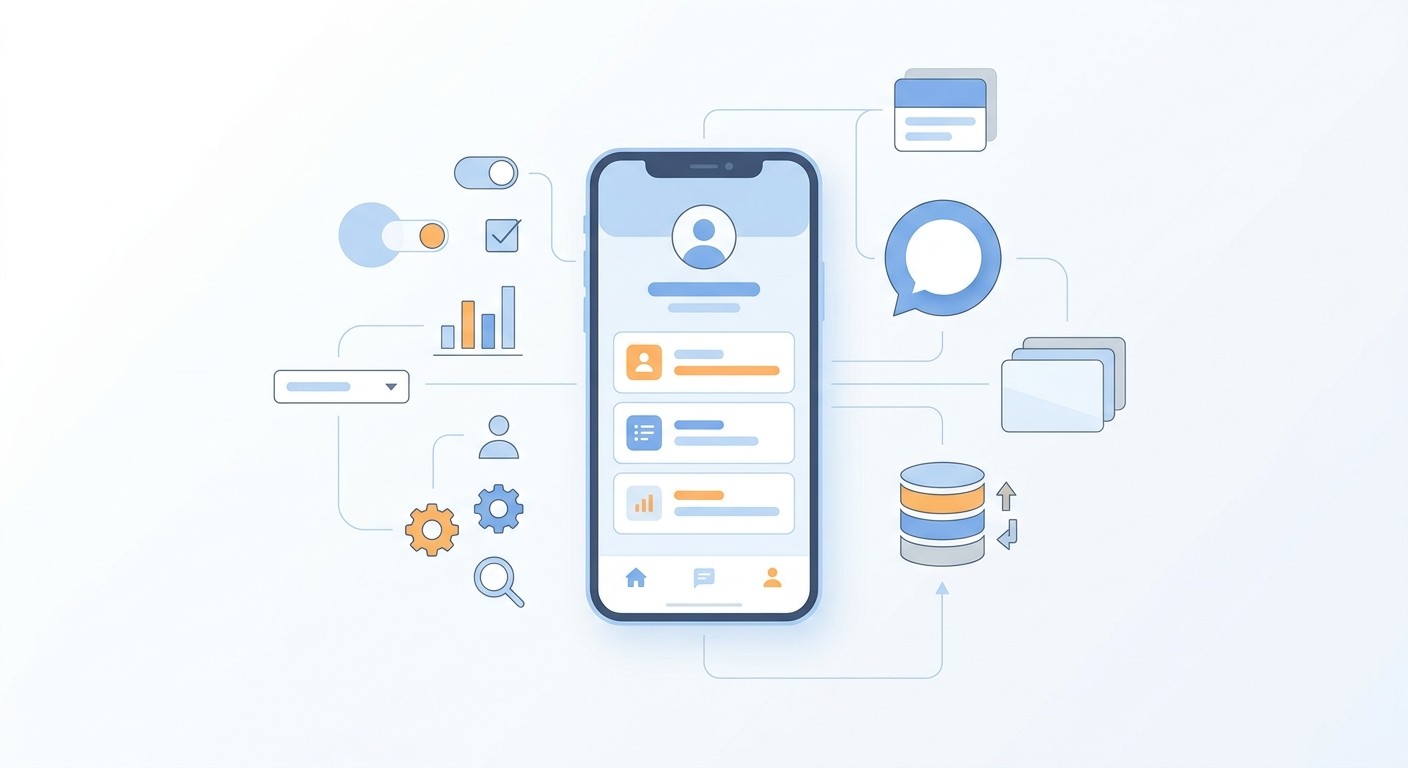
The pattern is simple enough to remember: the closer your app is to something that already exists, the better AI does. A booking app, a marketplace, a habit tracker, an internal tool for your team, these all sit comfortably inside what AI builds well. A rhythm game with custom audio timing does not.
How to Build a Mobile App Using AI, Step by Step
The workflow is the same across most AI builders. You describe the app, review what comes back, and refine it through conversation until it does what you want. Here is how that runs from start to published.
Describe what you are building. Write a few sentences covering who uses the app, what they do in it, and what data it stores. Specifics matter far more than length here, and how you write that first prompt shapes most of what you get back.
Review the first version. The agent produces working screens you can open and click through. Treat this as a draft, not a finished product.
Refine through follow-up messages. Change one thing at a time. "Move the filter to the top of the list" works better than a paragraph listing eight changes at once.
Connect data and accounts. Your app needs somewhere to store users and content. On CatDoes this is CatDoes Cloud, a built-in backend covering database, auth, file storage, and realtime, included on every plan.
Test on a real device. Simulators hide problems. Install the app on your own phone and try the flows a confused first-time user would try.
Publish. The agent packages the build and submits it to the App Store or Google Play under your developer account. You still own the listing, the pricing, and the review correspondence.
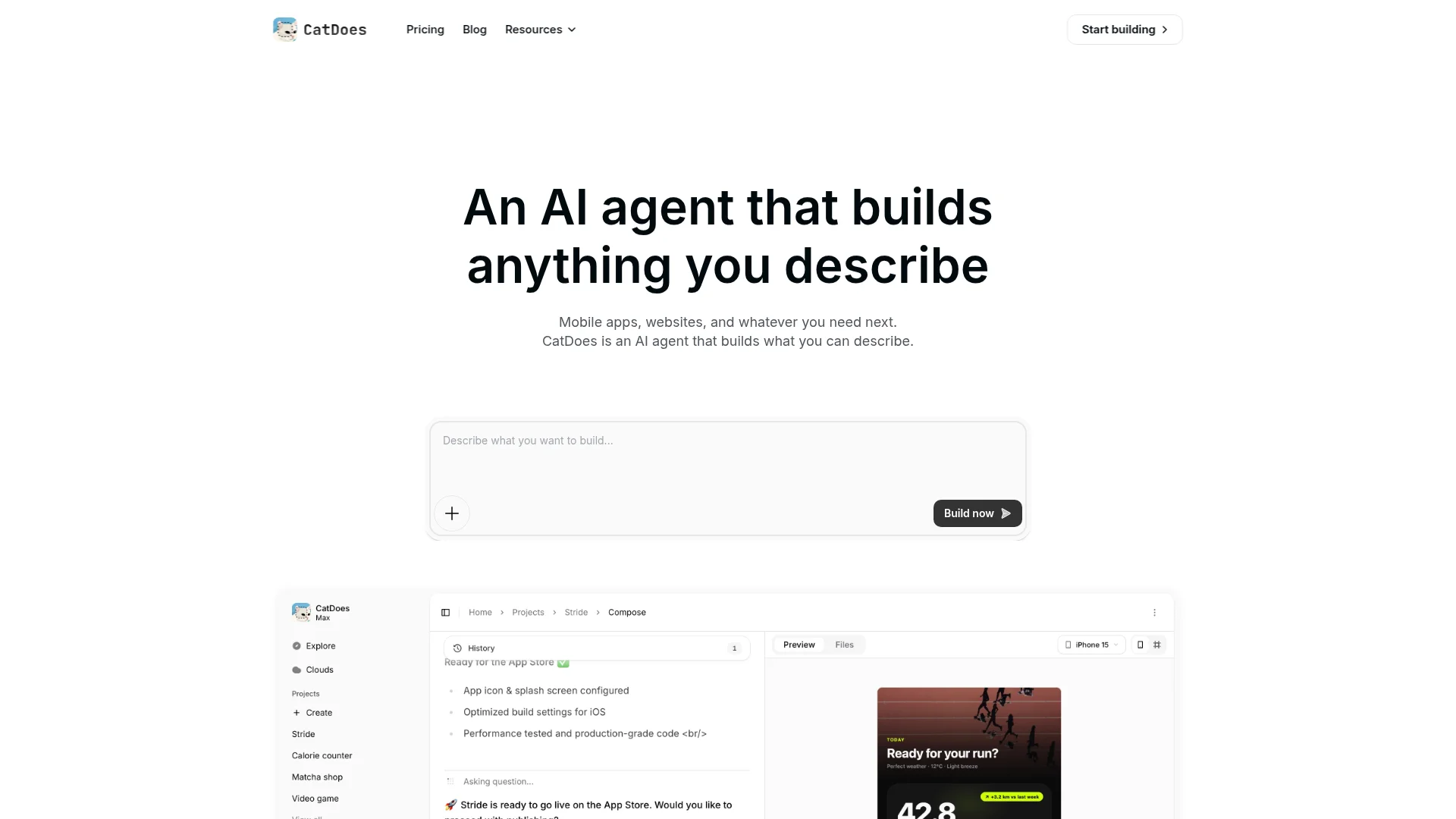
If you are weighing several tools before committing, it is worth comparing AI mobile app builders side by side, because they differ a lot in whether they produce real native apps or web wrappers.
What It Costs to Build and Publish
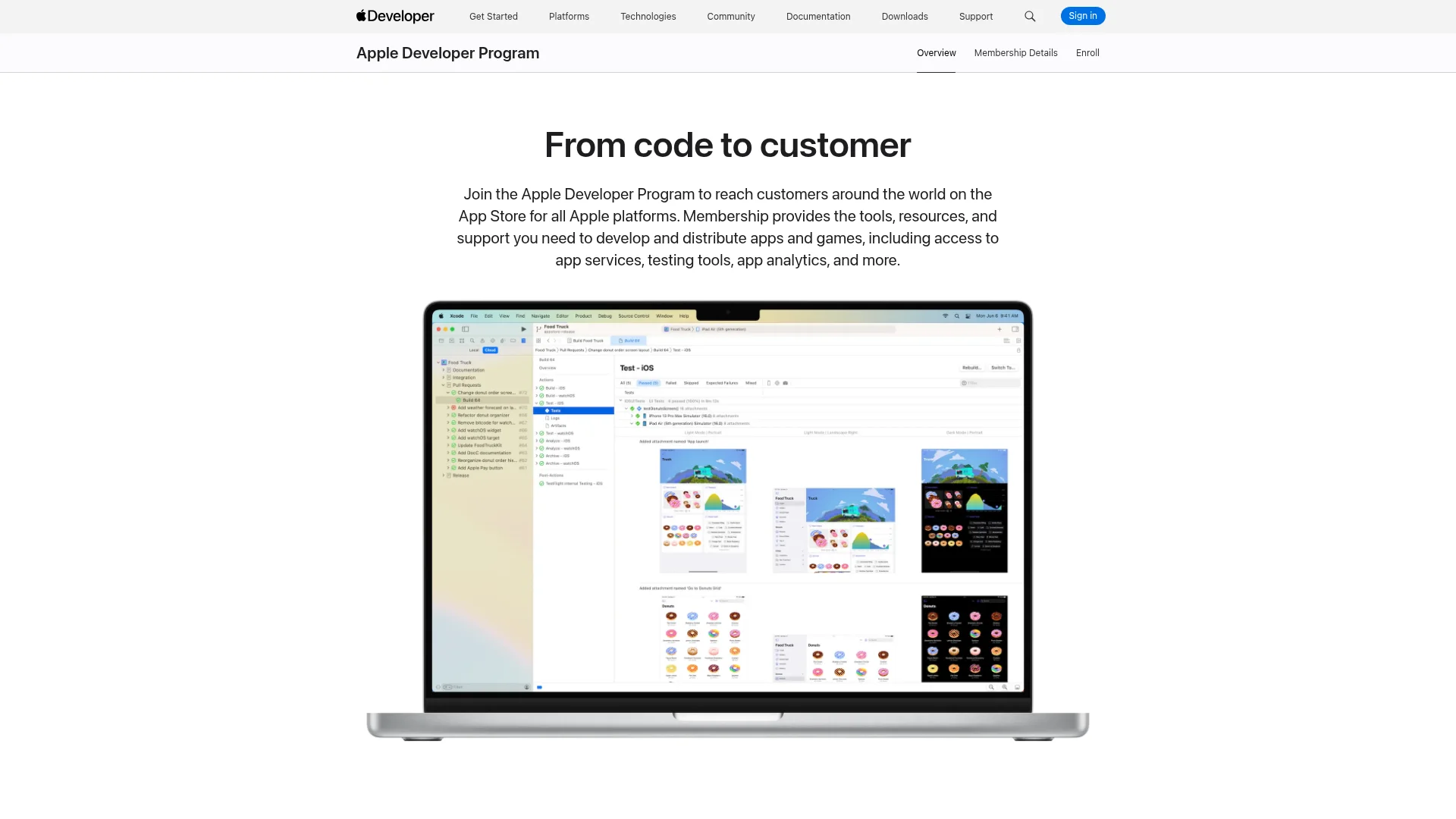
Two costs are unavoidable regardless of which builder you pick: the store developer accounts. Everything else depends on your tool and how much you build.
Cost | Amount | Notes |
|---|---|---|
Apple Developer Program | $99 per year | Required to publish on the App Store |
Google Play developer account | $25 one time | Required to publish on Google Play |
CatDoes Free | $0 | 15 credits, 1 project, web deployment only |
CatDoes Core | $20 per month | 2 projects, web deployment only |
CatDoes Starter | $50 per month | 5 projects, App Store and Google Play deployment |
One detail catches people out, so it is worth stating plainly: on CatDoes, the Free and Core plans deploy to the web only. Publishing to the App Store and Google Play starts on the Starter plan at $50 per month. You can build and test the full app on the free tier, but shipping to the stores is a paid step.
The Apple fee renews annually and lapses if you stop paying, which pulls your apps from the store. The Apple Developer Program covers both iOS and the other Apple platforms under one membership. Google charges its $25 registration fee once and never again.
How Long Does It Take?
A straightforward app reaches a working, testable state in a few hours. Getting it polished enough to publish usually takes a few days of refinement, and store review adds time on top of that.
The slow part is rarely the building. It is deciding what the app should actually do, gathering your content, setting up developer accounts, and responding if a reviewer asks questions. For comparison, the traditional mobile app development timeline for a similar app runs in months rather than days, which is the actual shift here.
Where AI App Builders Still Fall Short
Knowing the failure modes in advance saves you from discovering them at the worst moment. These are the ones that come up most.
Vague prompts produce generic apps. If you cannot describe the feature clearly, the agent guesses, and the guess is usually the most common version of that feature.
Unusual bugs take longer to fix. Common problems get solved fast. A bug specific to one device model or one edge case can take several rounds.
Design taste is still yours. AI produces clean, conventional interfaces. It does not know that your audience expects something different from the default.
Store review is a real gate. Apple rejects apps for thin functionality, broken links, missing privacy disclosures, and login walls with no way to try the app. Read the App Store Review Guidelines before you submit, not after you get rejected.
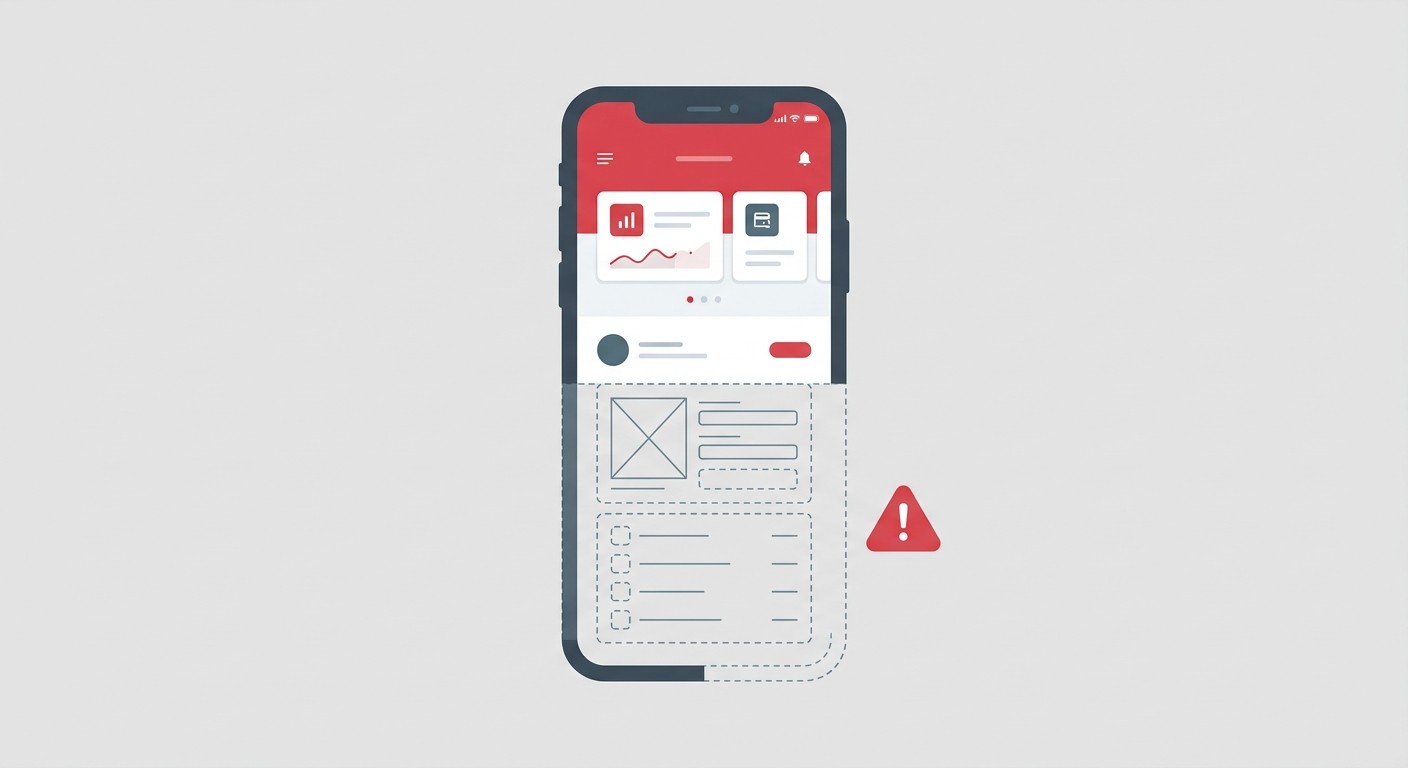
Scale decisions need judgment. An AI will happily build something that works for 100 users and needs rethinking at 100,000.
Who Should Build an App With AI
This approach fits some situations much better than others. The deciding factor is usually how well-defined your app is, not how technical you are.
Good fit:
Founders validating an idea before spending money on engineers
Small businesses that need a booking, loyalty, or ordering app
Teams building internal tools that will never hit an app store
Developers who want a working first version to build on instead of a blank project
Poor fit:
Games needing custom rendering or precise physics
Apps built around uncommon hardware, like specialised Bluetooth devices
Regulated products where a compliance review is mandatory before launch
Anyone who cannot yet describe what the app should do in plain language

If your app exists to serve customers of an existing company, the considerations shift somewhat, and it is worth reading about building a mobile app for your business with AI before you start.
Frequently Asked Questions
Can I build a mobile app using AI with no coding experience?
Yes. You describe the app in plain English and refine it through conversation. No coding experience is required to get a working app onto your phone. Knowing some development helps when you hit an unusual bug, but it is not a prerequisite.
Will Apple reject an app just because AI built it?
No. Apple reviews what the app does, not how it was written. Rejections happen for thin functionality, broken features, missing privacy information, or placeholder content, and those apply equally to hand-written apps.
Do I own the code and the app?
On CatDoes, yes. The app is published under your own Apple and Google developer accounts, so the listing and the users belong to you. Code export and GitHub access are available on the Plus plan and above if you want the source itself.
Can AI build for both iOS and Android at once?
Yes. CatDoes produces React Native apps, so one description generates both iOS and Android versions from a shared codebase rather than requiring you to build each platform separately.
What happens if I outgrow the AI builder?
You export the code and continue in a normal development environment. Because the output is standard React Native, a developer can pick it up without learning anything proprietary.
How much does it cost to build a mobile app using AI?
Building and testing can cost nothing on a free tier. Publishing requires $99 per year for Apple, a one-time $25 for Google Play, and a plan that supports store deployment, which on CatDoes starts at $50 per month.
The Bottom Line
You can build a mobile app using AI and put it in front of real users, provided your app resembles the kind of software that already exists. Standard screens, user accounts, and data storage are handled well. Unusual hardware, custom game engines, and regulated workflows still need people.
The part AI has not taken over is deciding what to build and judging whether the result is any good. That was always the harder half.
Describe your idea and see what comes back: start building with CatDoes.
Nafis Amiri
Co-Founder of CatDoes


